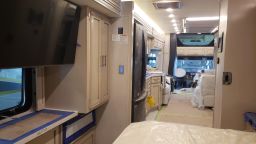
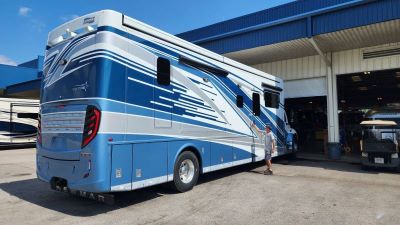
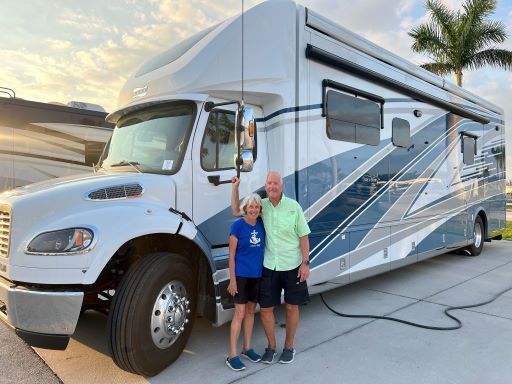
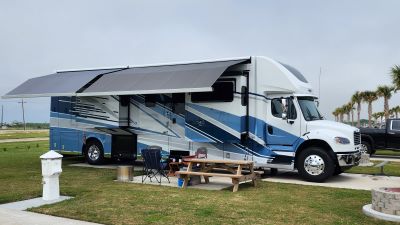
Driving A Newmar Super C – Super C RV Handling Issues

Driving A Newmar Super C – Super C RV Handling Issues
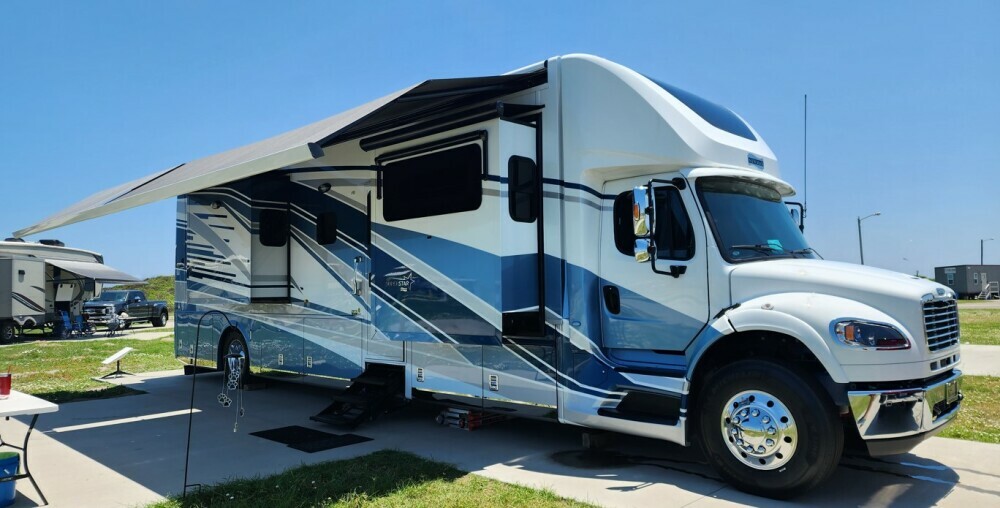
driving a super c rv

Imagine taking the wheel of a vehicle that combines the comfort of a luxurious home with the freedom of the open road. That’s the experience a Newmar Super C RV offers. But before you set off on your adventure, it’s crucial to understand the handling characteristics of your motorhome.

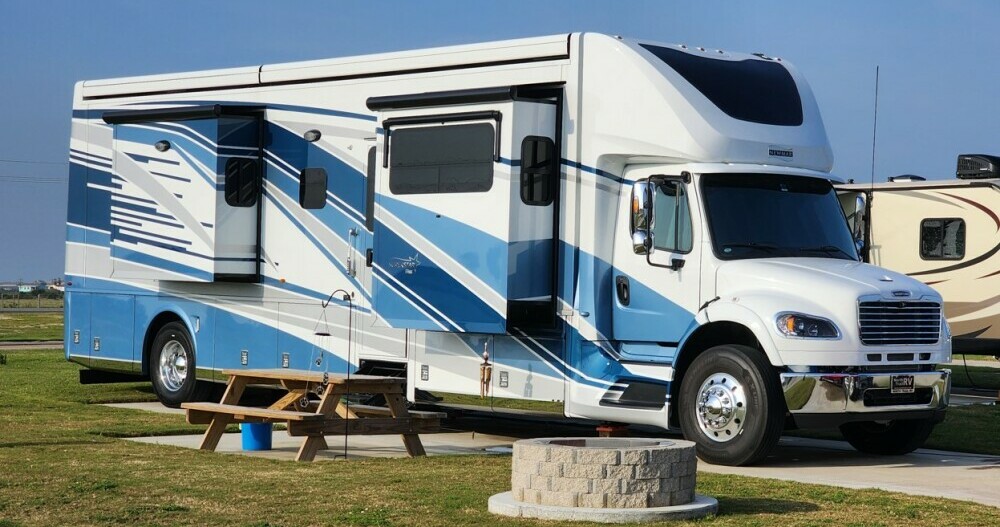
A Newmar Super C RV isn’t your average RV. It’s a considerable machine, towering over many vehicles on the road and equipped with amenities to make every mile enjoyable. However, its size and sophistication also mean it drives differently than a typical car or even a standard RV.

This article is tailored specifically for people like you who are seeking insight into driving a Super C RV. Whether you’re contemplating a purchase, have recently acquired one, or are looking to fine-tune your driving skills; I’m here to guide you through the essential aspects of Super C RV handling in a clear and actionable way.

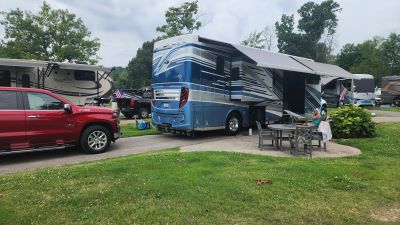
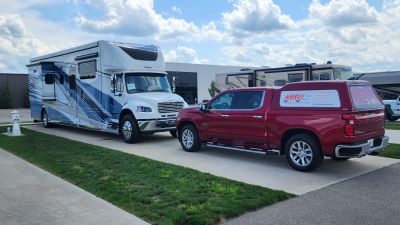
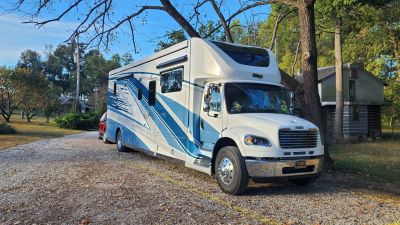
I can share this information because I have driven large RVs for over two hundred thousand miles and have owned a 2023 Newmar Super Star 4059 since February 2023.

Understanding the Basics of Super C RV Handling

You’re commanding a sizeable machine when you’re behind the wheel of a Newmar Super C RV. Think about it this way: you’re not just driving but piloting. The size and weight of your vehicle greatly influence how you handle it on the road. It’s a departure from the typical family sedan or even a light truck. But don’t fret; size doesn’t equate to complexity once you’re familiar with the basics.

Air brakes and suspension systems are common features in Super C RVs like the Newmar, designed to handle the increased mass. They work to give you a smooth ride and better control. Still, there’s a learning curve, especially if it’s your first encounter with this kind of system. Remember, smooth and timely braking becomes your best friend for safe travels.

Handling your RV will also mean getting used to a wider turning radius. Why is this important? Because it affects everything from changing lanes to navigating campground roads. A good rule of thumb is to take turns wider than you normally would and to always look ahead and plan your moves in advance. This is due to the much longer wheelbase than most class A RVs with a much more aggressive front axle wheel cut angle.

Mirrors are your best friends when driving a Super C RV. Regularly check your side mirrors and rearview camera to stay aware of your surroundings. RVs have larger blind spots, so always double-check before changing lanes.

Due to its width, keeping the RV centered in your lane is important. Practice this by observing the lane markings and adjusting your position as needed.

Driving a Newmar Super C at high speeds can be challenging and less fuel-efficient. Stick to the speed limit and consider driving slightly below it for better control and safety.

Height and clearance are other factors you can’t ignore. The last thing you want is an unexpected encounter with a low bridge or tree branch. Your Newmar Super C stands tall, which is great for interior space but adds another layer of consideration while driving. Always be aware of the clearance levels on your route and at your destinations.

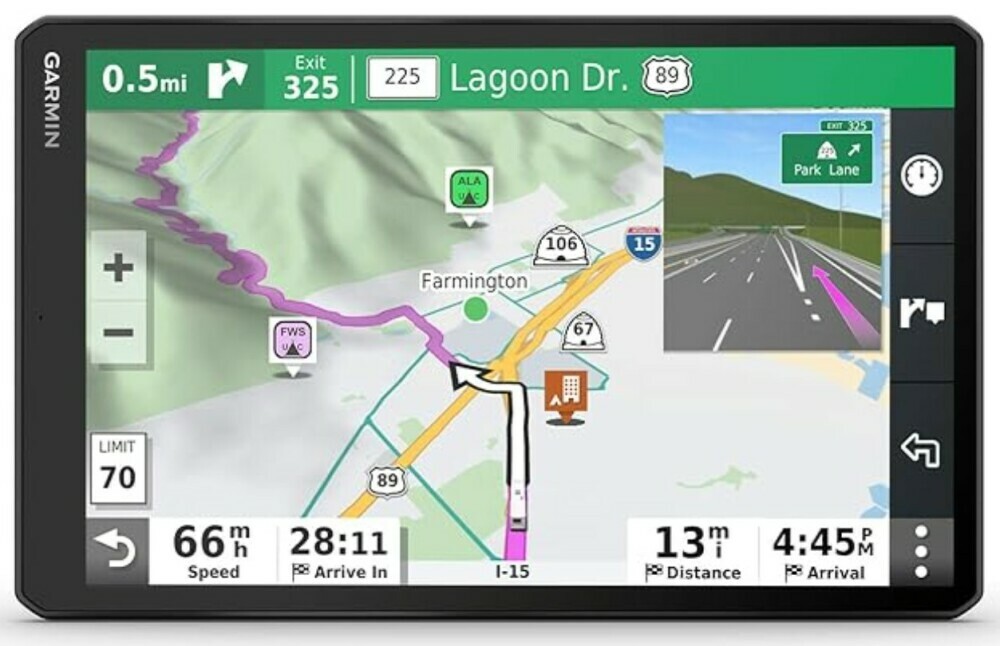
The Newmar Super Star has an onboard GPS system, but we like the Garmin 1090 better. It has a larger 10″ screen and allows the unit to be placed more in line with the driver’s view of the road. It can be programmed with the height, weight, and length of the RV and what is being towed.
driving a super c rv

Handling Different Road Conditions

Your Newmar Super C is built to handle various road conditions, but each presents unique challenges.

Highways and Freeways

1. Merging: Use the acceleration lane to build up speed before merging. Watch for other vehicles and merge smoothly.

2. Passing: Be patient when passing. Due to the size and weight of the RV, passing other vehicles takes longer.

3. Exits: Plan your exits early. Signal well in advance and start slowing down gradually.

City Driving

1. Narrow Streets: Avoid narrow streets when possible. If you must navigate them, drive slowly and watch for obstacles.

2. Parking: Find RV-friendly parking areas. Parking an RV in a regular parking lot can be challenging and often not allowed.

3. Traffic Lights: Be prepared for longer stopping distances at traffic lights. Keep a safe distance from the vehicle ahead.

Rural Roads

1. Sharp Turns and Hills: Approach sharp turns and hills with caution. Downshift when necessary to maintain control and reduce speed.

2. Gravel Roads: Drive slowly on gravel roads to avoid skidding and maintain control.
driving a super c rv

Parking and Setup

Parking and setting up your Newmar Super C can be straightforward with a few tips.

1. Choosing a Spot

Look for level spots to park. A level RV ensures the stability of appliances and comfort for sleeping. Many campgrounds offer designated RV spots with water, electricity, and sewage hookups.

2. Backing Up

Use a spotter when backing up. A spotter can guide you and ensure you don’t hit any obstacles. Utilize the rearview camera if your RV has one.

3. Leveling the RV

Use leveling blocks or built-in leveling systems to ensure your RV is stable. This is especially important for the functioning of the refrigerator and comfort during sleep.

4. Hooking Up Utilities

Connect your RV to the campground’s utilities:

  • Water: Attach the water hose to the RV’s water inlet.
  • Electricity: Plug the power cord into the electrical pedestal, matching the amperage requirements (usually 30 or 50 amps).
  • Sewage: Connect the sewer hose to the RV’s outlet and the campground’s sewer connection. Ensure all connections are secure to avoid leaks.

Common Handling Challenges and How to Overcome Them

Driving a Newmar Super C RV offers a unique set of challenges on the road, and becoming acquainted with them is crucial. The size and heft of these vehicles mean that handling them differs greatly from a family sedan or a light truck. Recognizing these challenges is the first step to mastering your Super C RV driving.

A major factor to consider is wind resistance. Due to their large surfaces, some Super C RVs are particularly susceptible to strong winds. This can result in an unnerving sway that might be intimidating at first. To mitigate this, ensure you’re using a sway control system which is critical for maintaining stability. It’s also wise to reduce your speed in high winds and keep a firm but relaxed grip on the wheel.

Fortunately, the Newmar Super C’s at over forty thousand pounds GVWR are not affected as much by strong crosswinds and passing semis.

When it comes to negotiating tight spaces, planning and patience are paramount. Maneuvering in close quarters, such as campsites or crowded parking lots, calls for a slow and steady approach. Use every mirror and camera at your disposal, ask a passenger to assist by guiding you outside, and never rush. It’s better to take your time than to cause damage in a hasty decision.

Another test of your RV handling skills comes with tackling steep inclines and drops. The key is to use the engine braking and transmission to your advantage, allowing them to aid in maintaining a consistent and controlled speed. Remember, going downhill, it’s often best to downshift and let the engine do some of the braking work, conserving your brake pads from premature wear.

We find the engine braking system in the Newmar Super Star to be very helpful when traversing long downhill grades. Its two-level settings are adequate to keep the vehicle at the desired speeds.
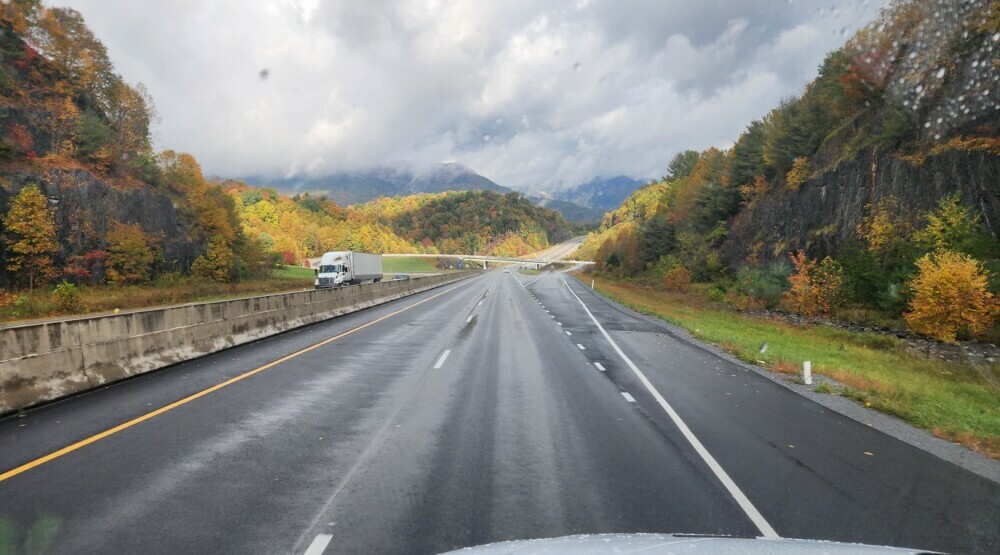
driving a super c rv

Finally, the weather significantly influences driving an RV like the Newmar Super C. Rain, snow, and ice can affect traction and control. I can’t stress enough how important it is to adjust speed accordingly and to avoid sudden inputs to the steering, brakes, or throttle. When in doubt, err on the side of caution and consider stopping until conditions improve. The electronic locking differential on the Newmar Super Star can help in these situations.

Overcoming these common handling obstacles is less about strength and more about smarts. By learning, practicing, and being PREPARED, you can handle your Super C RV with confidence, making each journey safer and more enjoyable.

Key Safety Tips for Driving Your Newmar Super C

When it comes to taking the helm of a vehicle like the Newmar Super C, safety isn’t a suggestion; it’s a REQUIRE ID. These RVs demand respect for their size and power, so here I’ll break down the essential safety tips that need to become second nature to you.

First up is maintenance. It’s simple: a well-maintained Super C is a safer one. This means regular brake checks, tire inspections, and keeping an eye on all fluid levels. Neglect is not an option when your home on wheels also happens to be one of the biggest vehicles on the road.

Ensure that your RV’s weight is evenly distributed. Overloading one side can make handling difficult and unsafe. Secure all loose items inside the RV to prevent shifting during travel.
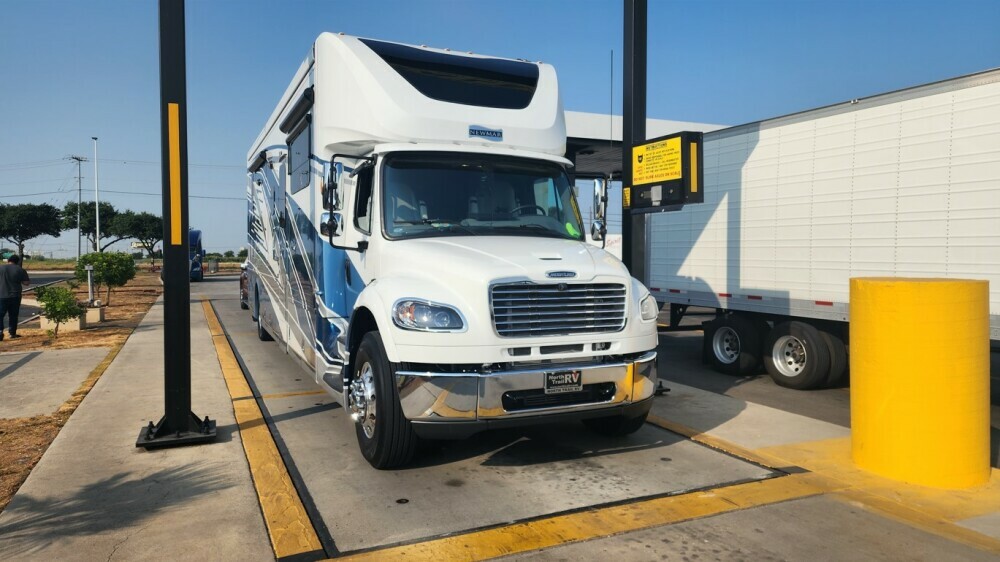
driving a super c rv

It’s a Good Idea to Weigh Your RV to Avoid Being Overweight!

Next, let’s talk about the driver’s seat. Adjusting your seat for maximum visibility and comfort isn’t just about luxury; it’s about command and control. Ensure your mirrors are aligned to reduce blind spots, which are significantly larger in an RV than in a car.

The air seats in the front cab make quick adjustments while driving an easy thing!

Speaking of which, familiarize yourself with your RV’s camera systems. Many Super C models come with these high-tech aides that offer a real-time look at what’s happening around you. Use them. They’re your eyes where you don’t have them, especially when reversing or changing lanes.

When navigating around campgrounds and other tighter driving situations, the Newmar Super C has an N360 camera system that allows the driver to have a top-down view of the RV. This has been so useful as we make tight turns or back into RV sites!
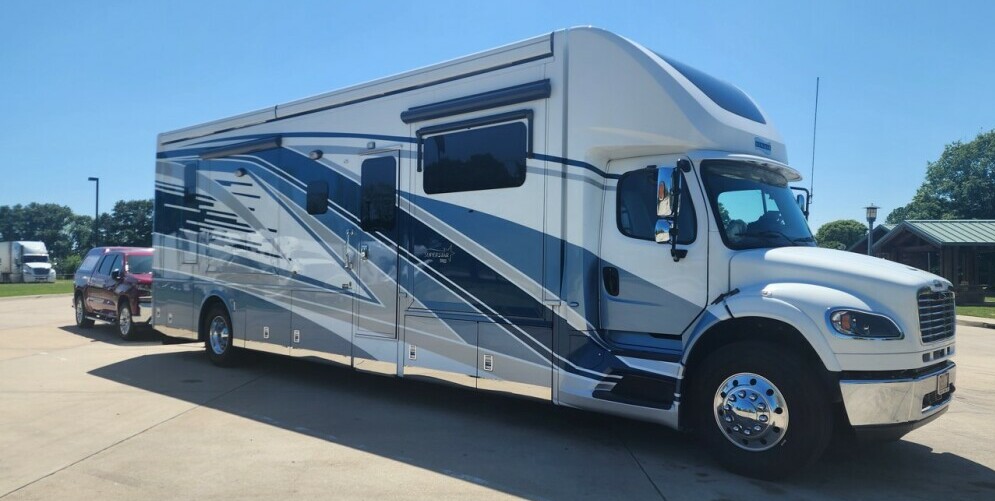
driving a super c rv

Safe towing is another critical aspect. If you’re pulling a vehicle or trailer behind your Super C, make sure it’s properly connected with safety chains and lights. Verify that the towed load doesn’t exceed your RV’s towing capacity – overloading can lead to brake failure or loss of control.

Again, Newmar’s camera system allows so many views around the RV during travel, including lane change views and complete visibility of the towed vehicle and further behind.

Wrapping up this section, remember that these tips are YOUR roadmap to safety. Pay attention, plan ahead, and respect the size and power of your Newmar Super C, and you’ll protect yourself and your fellow travelers on the road.

Maximizing Your Newmar Super C Driving Experience

You’ve now got the ins and outs of safely piloting a Newmar Super C RV under your belt. Mastery, however, is more than just understanding – it’s about enjoyment too. Your Super C is your ticket to freedom and adventure; with the right approach, every trip can be secure and memorable.

Start by stretching your driving muscles on a variety of road types. This hands-on experience will boost your confidence and skill level. Once you’re comfortable, don’t hesitate to escape the highways and explore the backroads.

Remember, planning is paramount. Use tools like RV-friendly GPS apps to chart a Super C-friendly path. Keep an eye out for low-clearance bridges, weight-restricted roads, and suitable rest stops to avoid any surprises and unnecessary stress.
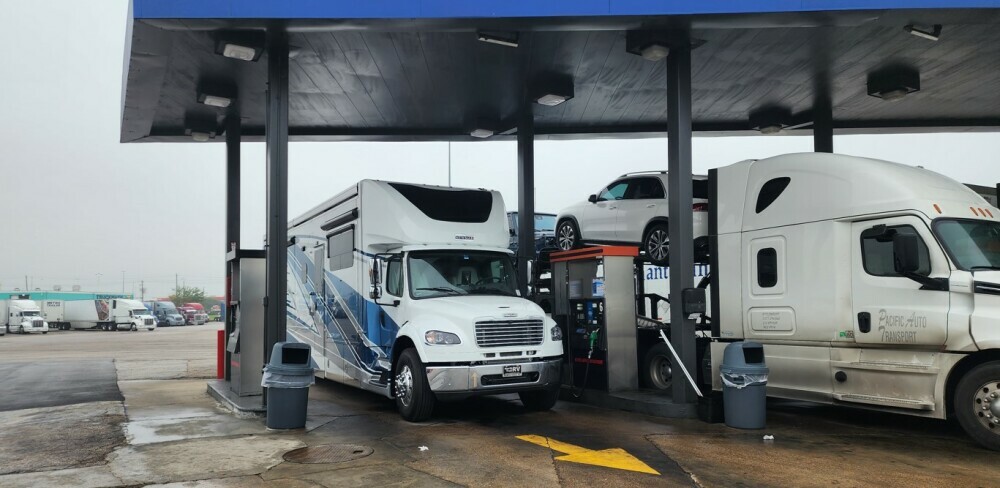
driving a super c rv

Time to Fuel Up!

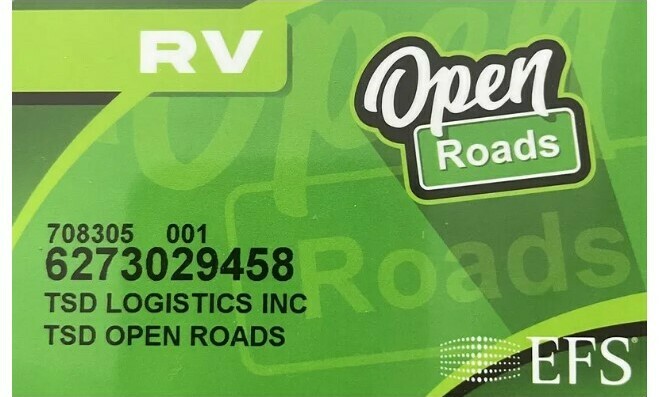
Fueling your Super C RV will be a regular event if you drive it regularly. We visit truck stops like Travel America, Loves, and Petro. We use a TSD travel card with a thirty to ninety-cent discount per gallon of number two diesel fuel.

driving a super c rvdriving a super c rv

If you want to take advantage of this great fuel discount program, click here! We would appreciate the referral in the referred-by area of the application! Please enter “Howard Jaros” as the referred by name. Thank you!!

Technology can be a powerful ally. From advanced navigation systems to stability-enhancing add-ons, investing in upgrades can pay dividends in the long haul. For example, a tire pressure monitoring system can add an extra layer of safety to your journeys.

We use the TST 770 tire pressure monitoring system on all six tires of the Super C and also on our Silverado truck. We have a constant readout of temperature and pressure during travel. Should things change, we can immediately pull over before a dangerous situation ensues.

Another upgrade that Super C owners can make is to add some upgrades to the chassis. Remember that the larger Super C’s are built on a truck chassis. It is either the Freightliner M2-106 or M2-112. Newmar does a good job creating an air ride cab to help alleviate the truck feel.

However, the front steer axle is still sitting below the engine and is not on an air-ride platform. Therefore, several additions can be made to take the Supr C to the next level in comfort and control. Pam and I upgraded our Super Star with three new systems that we are really excited about. Click here to see what we did!

Finally!

Remember that you’re part of a community. Newmar Super C owners are known for camaraderie and willingness to share advice.

Participate in forums, connect through social media, and maybe join a Super C club. Trading experiences and tips with fellow RVers enrich your knowledge and pave the way for lasting friendships.

Driving your Newmar Super C should be a source of pride and pleasure. With a keen focus on safety, a dash of tech, and embracing the collective wisdom of your fellow adventurers, you’re set for a fulfilling ride.

Here’s to smooth travels in your Super C RV – where every mile counts and every journey is an opportunity to make lasting memories.

Please feel free to leave a comment or question before you go!

Want to make money while traveling in your Super C RV full-time?
make money from the home

how to create a website and make money

Sir Winston – 2023 Full-Year Update

Hi everyone! Last year, I mentioned that a change in RV home might be coming my way. So, I will share what happened in 2023 with you.

full time rv living

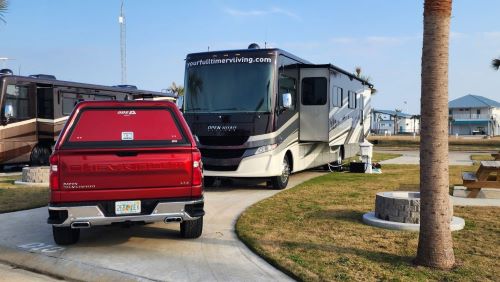
I started our year out with Mom and Dad at a park east of Galveston, TX. Mom likes the beach so we seem to be along coastal areas a lot.

full time rv living

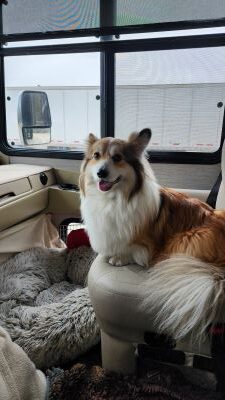
When we are traveling, I take over the passenger seat so I can help Dad navigate to places they want to go. When Mom leaves for potty, I rush in and grab my seat. Sometimes, we share the passenger seat.

full time rv living

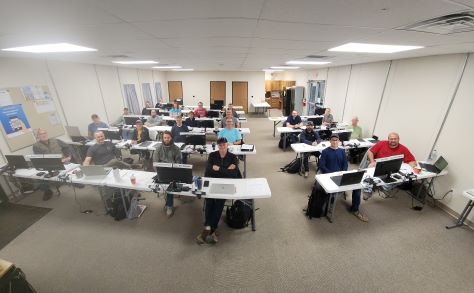
Dad is a really good RV consultant, given all his experience. He helps other people learn how to start doing the same. Here was one of the first classes of 2023. These people all have the ability to make a six-figure income if they put in the time.

full time rv living

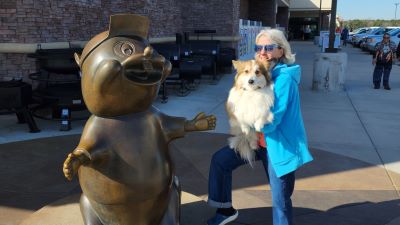
When not running their company, Mom and Dad travel with me to cool places. Here I am at a Bucee’s, getting to meet the Beave. I was a little scared by that big bronze thing! Passers-by thought I was really cute. We were headed to South Florida on this particular trip to pick up our new RV home!

full time rv living

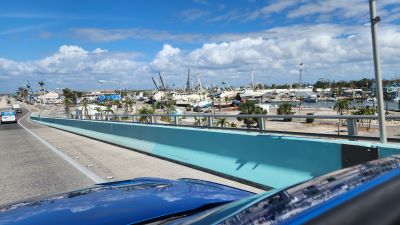
While there, we were able to see the remnants of the Hurricane damage from Ian. Fort Myers was still cleaning up from the damage, and things were starting to get back to normal, but there were still many visible areas that had much work to be completed before returning to normal.

full time rv living

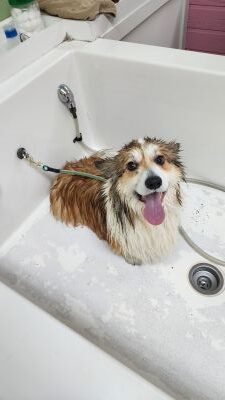
While we were in Fort Myers, Mom and Dad found a place where they could bathe me. It was sure nicer than our RV shower! After being dried off, I sure looked like such a handsome man!

full time rv living

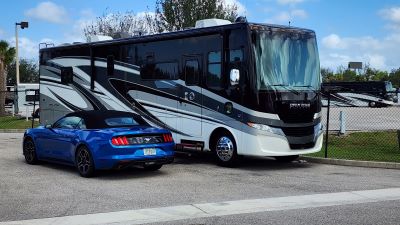
Once at the RV dealership where they were going to trade Miss Thiffy, we got a chance to hang out and wait for the new RV home to arrive. Mom and Dad custom-ordered this one. They had never done that before, but I heard Dad say that this new RV home was a twenty-five-year dream that was being achieved.

full time rv living

We got some pictures of it just before it was getting ready to leave the factory to ship to Florida. They chose a Florida dealership because Florida is their domicile state, and it’s much easier to purchase an RV in the state you call home when full time RV living.

full time rv living

It was exciting to see the pictures from the factory!

full time rv living

We were expecting the RV to arrive in early February. It was two weeks late due to some parts issues and a poor transport driver who took much longer to get the RV to Florida than he was supposed to. It arrived at the dealership on February 24th. The bad thing was we needed to be 1,200 miles away two days later!

full time rv living

Here are Mom and Dad taking possession of the new RV home five hours later. Everyone at the RV dealership did their best to get it ready for us to hit the road for a long drive back to Texas. It took seven hours to get everything out of Miss Thiffy and into our new RV home, JC. It looked like a bomb hit, but at least everything was inside! We left the dealership at 1:30 AM on the 25th.

Dad drove through the night into the next day and another night. By the afternoon of the 26th, we were in Texas for a new group of clients for Dad to teach how to be RV consultants.

full time rv living

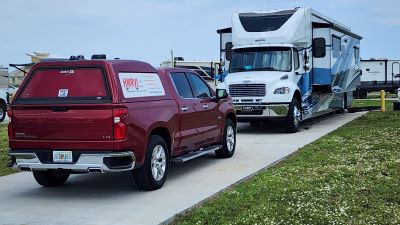
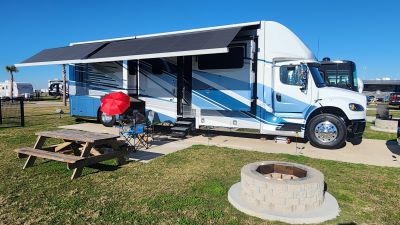
Our next stop was to go back to the beach with JC. It was the first pleasure trip and such fun to take on the road. Dad loves the Super C motor home because of the Freightliner chassis’s safety, stability, and serviceability.

The Newmar Super Star has an air ride cab and air ride seats. That, plus rear airbags, adds to a more stable ride than the Class A gasser that we had.

full time rv living

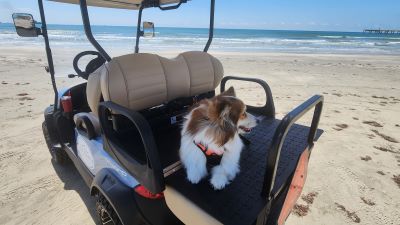
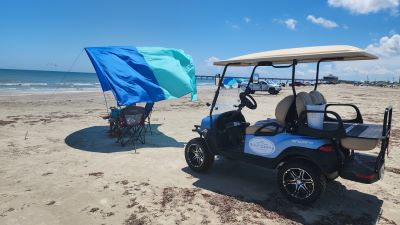
In May, we ventured further south to the beaches of Port Aransas. We had three weeks before more business commitments, so Mom chose that location. I loved it because they rented a golf cart for me to be able to visit the beach and get some wind in my ears while riding with them.

full time rv living

Here I am, hanging out on the back of the golf cart, watching the seagulls fly by.

full time rv living
full time rv living

Mom and Dad wanted to be sure I would not get sunburned, so they had this thing called a Shibumi. You face into the wind, and it is like a horizontal sail that provides great sun protection while being lightweight and easily transportable. It fits in a small bag that goes anywhere. It is so much better than a canopy that can blow away and is hard to put up and take down.

full time rv living

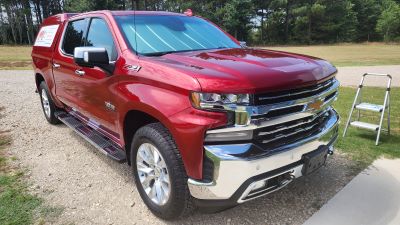
Dad loves to keep the RV and truck looking new, so he likes the ceramic coating products on the market. At the time of this picture the truck was already a year and a half old, and has never been garaged.

full time rv living

In July we were headed to the Newmar factory to have warranty work done on JC. It is very normal for RVs of this level to need tweaking before the warranty period runs out after a year. On the way to Indiana, we stopped in Nashville over the July 4th holiday. It was a nice KOA in that area. It was tight to get into, but the RV sites were nice, close to each other, but nice.

full time rv living

Once in Indiana, we overnighted at a Harvest Host location, north of Napanee, Indiana. THe next day we checked into the Newmar Service Center.

full time rv living

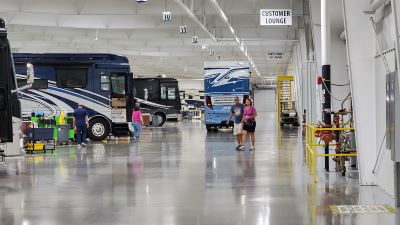
Here’s their large service facility with full-service hookups and coordinated service appointments.

full time rv living

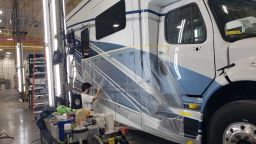
We chose a spot and were to be greeted the next morning by our service advisor, who would be sure Mom and Dad’s list of issues would be addressed. They picked up the RV at 6 AM and returned it at 2 PM. This continued each day during the work week until all issues were corrected.

full time rv living

Mom and Dad caught JC driving through the service center on its way to the spot where it was worked on.

full time rv living

While in the Elkhart, IN, area, I got to meet a fellow Corgi pup. His Mom is friends with my Mom, so we got together and had a meeting of the Corgis.

full time rv living

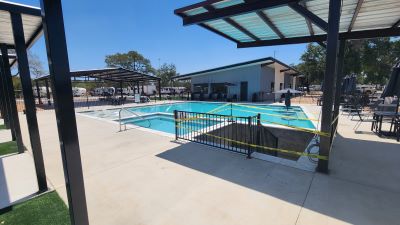
As we approached the really hot summer months, Mom and Dad took me to an RV Resort with a really nice pool for them to hang out at. It is a relatively new pool, and no one was using it.

full time rv living

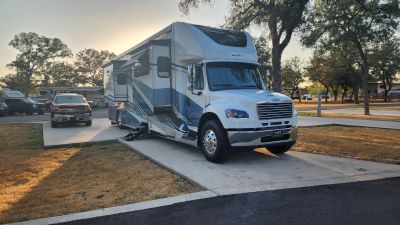
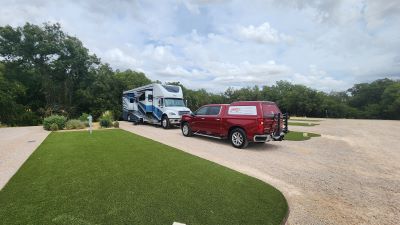
The RV sites we nice as well! They enjoyed hanging out in the New Braunfels, TX area for a week.

full time rv living

After that, they headed to Fredricksburg, TX, to hang out in the Texas Hill Country. There are many wineries and distilleries in the area. It was super hot, with temps in the hundreds, so I stayed inside a lot until it cooled off in the evening.

full time rv living

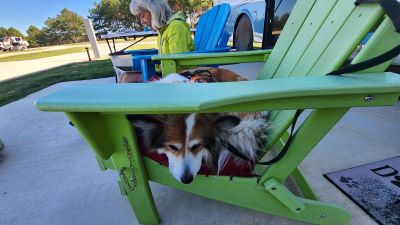
One of my favorite activities is hanging out with Mom and Dad on the patio. I can get in a great nap. I either use the RV park Adirondack chairs or my foldup camp chair.

full time rv living

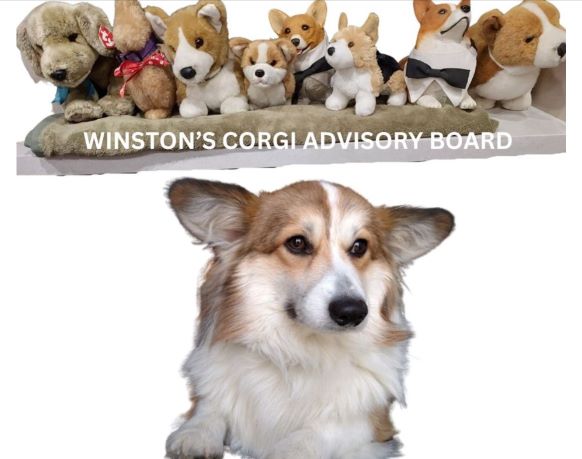
Because I am into healthy living, which Mom and Dad taught me, I established my Corgi Advisory Board to assist with my efforts. They are always willing to chime in . . . LOL! Mom and Dad use essential oils on me to calm me down when I get afraid. I’m a naturopathic dog.

full time rv living

During the Fall of 2023, we headed to the East Coast. Dad visited with a vendor that he works with to assist in his RV consulting business. We stayed one night in a Harvest Host location before heading to Ashville, NC.

full time rv living

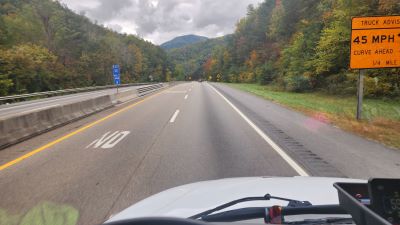
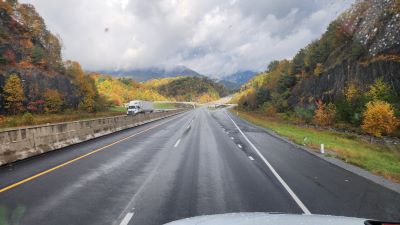
The trees were starting to change color, so the drive on US-40 toward Ashville was very scenic and colorful. The steep grades were exciting, too!

full time rv living

Her’s Dad and me at the Homegauge home office in downtown Ashville, NC. What a cool city. I walked around town with new friends and visited everyone at Homegauge. We even played ball in the big office. Much better than in the RV!

full time rv living

Driving back towards Sevierville, TN was very scenic too.

full time rv living

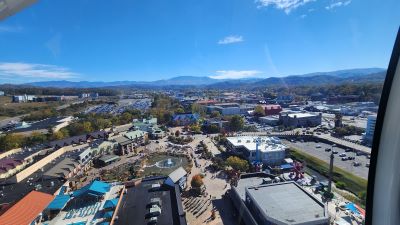
We hung around Sevierville for a week and checked out the sites. The view from atop the big gondola Ferris wheel was cool.

full time rv living

We finished the year by returning to the beach and spending a few months along the Boliver Peninsula. The weather was cool and windy most of the time, but there were days that reached the low seventies. I hung out on the patio in my chair, enjoying the sunshine.

2023 seemed to go by really fast. Maybe because we were traveling a lot, and the new RV home added to that. I heard Mom and Dad may consult a little less with RV clients in 2024, so we may end up traveling more than in 2023.

Happy Trails and Wagging Tails, everyone!

Managing Time Zones While Working Remotely In An RV

Managing Time Zones While Working Remotely On The Road

Working remotely while out on the road brings up some next-level cool opportunities, but it also introduces a bunch of time zone issues.

If you’ve scrambled to arrange meetings across several cities or keep deadlines on track with teammates all over the world, you know just how easy it is to lose track of time, sometimes in a way that throws your day off. Switching between time zones is a major part of the remote work adventure, especially for folks who travel frequently or relocate often.

Staying on top of your work game while roaming in your RV, country-hopping, or even just switching states calls for a few new habits and the right tools. Plenty of digital nomads find a groove with a mix of smart tech and some creative routines.

Let’s jump in and break down the best ways to keep your calendar straight, your team in the loop, and your projects on track even when you’re switching time zones as often as you switch socks.

Colorful digital world map showing time zones

Understanding Time Zones in Remote Work

Time zones can scramble your sense of time when clients and teammates span the globe. Most of us rely on our local clocks, but the first time you step into full-time remote work, especially when you are on the move, city names and fancy abbreviations on your digital calendar start to matter a lot more.

Remote work exploded over the past few years. People contribute from beaches, campers, and bustling coworking nooks in other countries and even continents. This mix means meetings, check-ins, and deadlines now live in not just one time zone, but often two or more. Getting used to that is key if you want to avoid midnight video calls and confusing reschedules.

With dozens of time offsets, some by half hours, and various countries flipping clocks for daylight saving at different times (if they do it at all), the world’s schedule is anything but simple. If this is new territory, jump into the basics of UTC (Coordinated Universal Time), which serves as the standard.

You’ll see UTC pop up on travel itineraries, company info sheets, and international schedules, as it keeps everyone synced no matter where they log in from.

Building Your Time Zone Survival Kit

Before you switch locations or start juggling meetings on the road, building your toolkit makes life easier. Here’s what seasoned travelers rely on to stay organized:

  • World Clock Apps: These apps show times in several cities right at your fingertips. It’s handy when coordinating with a faraway team or clients living halfway across the planet.
  • Calendar Tools: Apps like Google Calendar let you set your current time zone, add others, and create events that translate for each person. This smooths the way for creating invites that don’t confuse, wherever people are based.
  • Time Zone Converters: Tools like timeanddate.com and everytimezone.com make it quick to double-check your math before setting up a global meeting or due date.
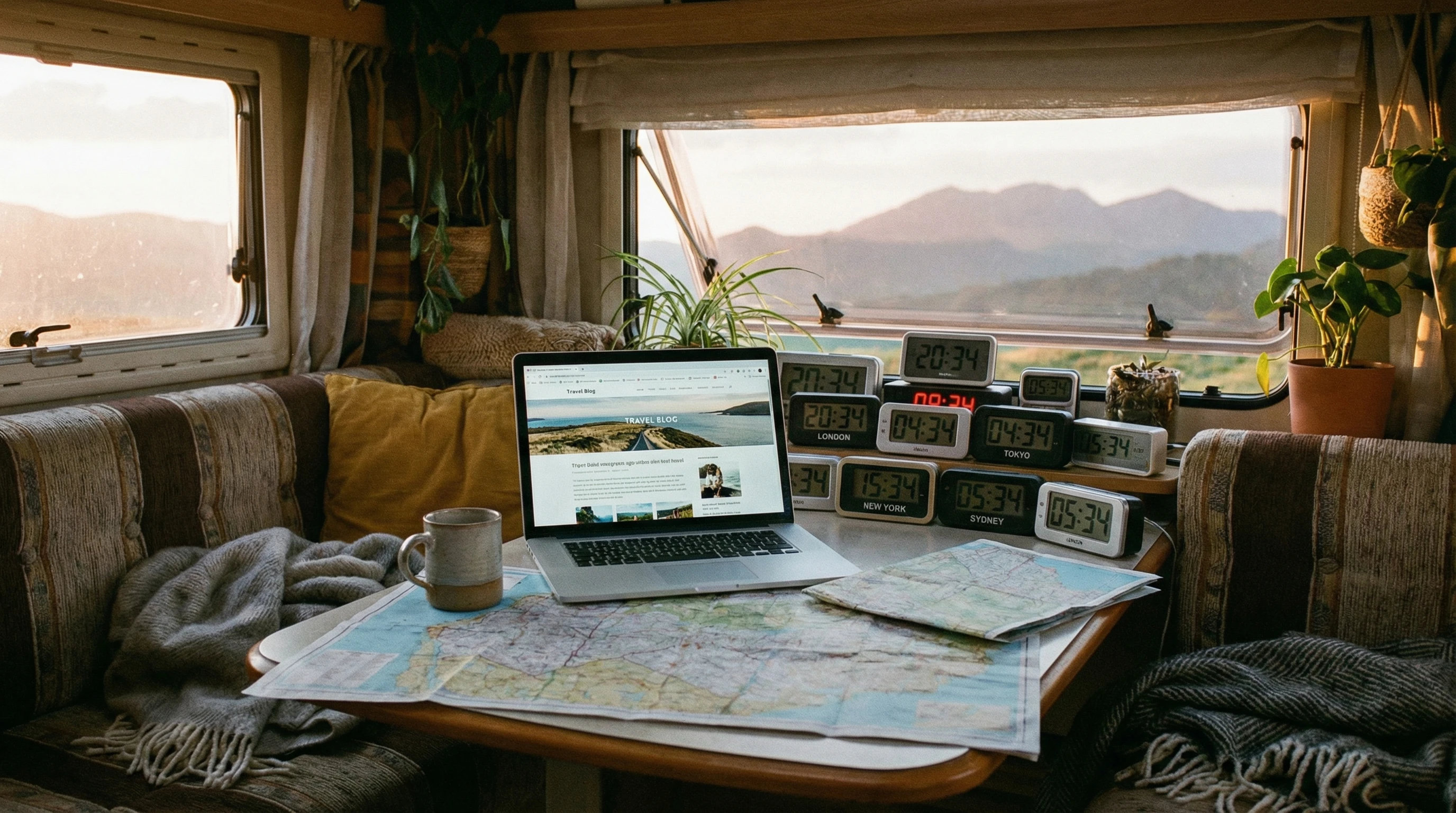
  • Custom Time Zone Clocks: Small travel clocks, either digital or analog, can keep different time zones visible on your desk or in your vehicle, offering a quick, off-screen reference.

Chatting with fellow workers about their preferences also helps a ton. Some like local time, others use UTC, and a few stick with their company HQ hours. Learn what keeps everyone grounded to avoid mix-ups.

Practical Tips for Keeping Meetings and Projects on Track

Maintaining your schedule requires a bit more than letting your devices auto-sync. It pays to create routines like these:

  1. Always Confirm the Time Zone: Never assume; double-check every invite before adding it to your calendar.
  2. Use 24-Hour Format: Ditch the AM/PM confusion for crisp clarity, especially if you work with teams overseas.
  3. Keep a ‘Home Base’ Time: If your team or company works from a set time zone (like London), reference it in planning docs. It gives everyone a consistent anchor, even if nobody’s in that city.
  4. Batch Communication: Send group messages and updates while most teammates are awake. Platforms that display local times help you avoid pinging someone at the wrong hour.
  5. Plan Asynchronous Work: Every meeting doesn’t need to be live. Leverage shared docs, recorded messages, and status updates so tasks move along even when people aren’t online at the same time.

Repeatable routines are your best friend for avoiding time-related slip-ups, making remote work less stressful for everyone involved.

Laptop on a travel table, global clocks on digital display

Challenges When Switching Time Zones Frequently

If you’ve ever raced between cities in a single week, you know just how much time zones can throw you off. Signs of trouble include your phone, laptop, and even your own body clock getting out of sync. Here’s what you might run into:

  • Meeting Mix-ups: Arriving late or early to calls because you forgot to adjust device clocks can spell trouble, especially with strict clients or tight-knit teams.
  • Project Delays: Adapting to new rhythms sometimes slows workflow, causing hiccups soon after you move to a fresh location.
  • Disrupted Sleep: Frequent switches mess with sleep patterns, making it harder to be your sharpest at work.
  • Calendar Confusion: Apps and gadgets might miss an update unless you set the new time zone yourself. Remember to look over digital calendars for oddities after each arrival.

Building the habit of checking everything before logging on in a new city will spare you a lot of stress. Setting an alert or leaving reminders helps, especially during your first few days in a new spot.

Work-Life Balance and Time Differences

Being available for work around the clock can seriously invade downtime. If you’re not careful, you might find yourself answering emails in the middle of the night, or sacrificing a sunset walk for one last “quick” meeting. Keeping a solid morning and evening routine gives your day some structure, even when local time feels off.

It’s also smart to spell out your availability to your team or clients. Make it known if you’re only checking messages during certain windows based on your current location. This helps everyone set expectations, cutting down on avoidable apologies or stress later.

Handy Tools for Remote Workers on the Move

Your tech setup can make or break your time zone management. Here are reliable apps worth putting to work:

  • Google Calendar: A universally popular choice, it updates event times automatically and supports multiple time zones.
  • World Time Buddy: Lets you match up several cities, instantly spotting where schedules overlap for smooth meeting planning.
  • Slack and Microsoft Teams: These platforms display your local time and support customizable away statuses. They can even remind you to avoid messaging someone at odd hours.
  • Timezone.io: A visual dashboard shows where everyone on your team is located, so you don’t have to do mental math when reaching out.
  • Sleep and Travel Apps (such as Timeshifter): These help you reprogram your sleep cycle after a jump across zones, ensuring you stay sharp and refreshed.

Using a blend of these lets you feel confident about timing and reduces worry when you’re in a new place, whether every month or every week.

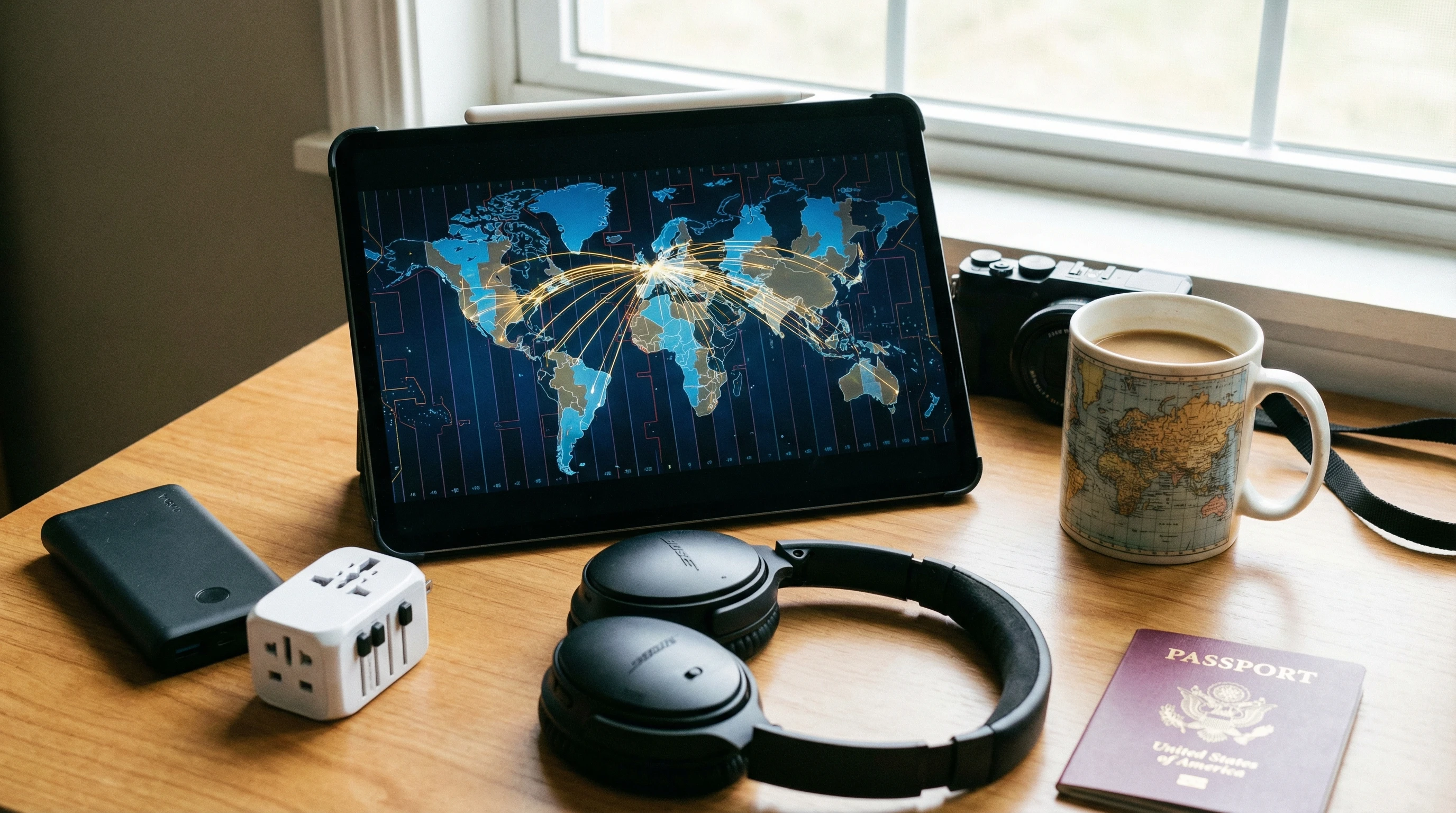
Tablet displaying time zone map, travel gear nearby

Real-World Tips from Digital Nomads

Some tricks are best passed down from folks living the digital nomad lifestyle. Here are gems from real-world travelers and their remote teams:

  • Color-code your calendars by project or region. Being able to pick out exactly which time zone an appointment belongs to at a glance saves headaches.
  • As soon as you get to a new spot, log into your meeting scheduler and reconfirm times for the coming week. Send a quick note to clear up potential overlaps.
  • If you do lots of video calls, set up a reliable mobile workspace at every new stop. Extra style points if you can set up one clock on home time and one on local time for quick reference.
  • Don’t trust automatic time zone switching for your gadgets in far-off or low-signal places; double-check by hand to avoid getting tripped up.
  • Add in buffer time to your schedule immediately before and after a move. This helps you adapt to new zones and handle unexpected changes with less stress.

Drawing from other travelers and remote teams, plus a little trial and error, can turn time zone management into something you actually enjoy or at least no longer dread.

Frequently Asked Questions

Answers for common remote work time zone problems:

How can I stop missing meetings after changing time zones?
Set all your devices to the local time of your new location as soon as you arrive. Double-check your calendar app settings and schedule reminders in your latest time zone to stay in sync.


What’s the best way to list meeting times for a global team?
Use 24-hour format and clearly spell out the city or zone (i.e., “13:00 New York / 18:00 London”). This avoids confusion for all participants.


Are there any tools to see where my team is and what time it is for them?
Totally! World Time Buddy and Timezone.io give a visual overview of where your teammates are and what time it is at a glance.


Can time zone updates on devices be fully automated?
Most modern gadgets use GPS and Wi-Fi to auto-adjust, but it’s always smart to double-check your settings when entering a new area, just to be sure.


Extra Resources for Digital Nomads and Remote Workers

If you’re doing remote work from the road and want to step up your routine, check out Nomad List for a worldwide community and resource vault, as well as Remote OK for up-to-date job boards and tech solutions for nomads.

Every trip brings its own twists and surprises, but being prepared and flexible (with a bit of tech-savvy) keeps you productive wherever you set up your workspace.

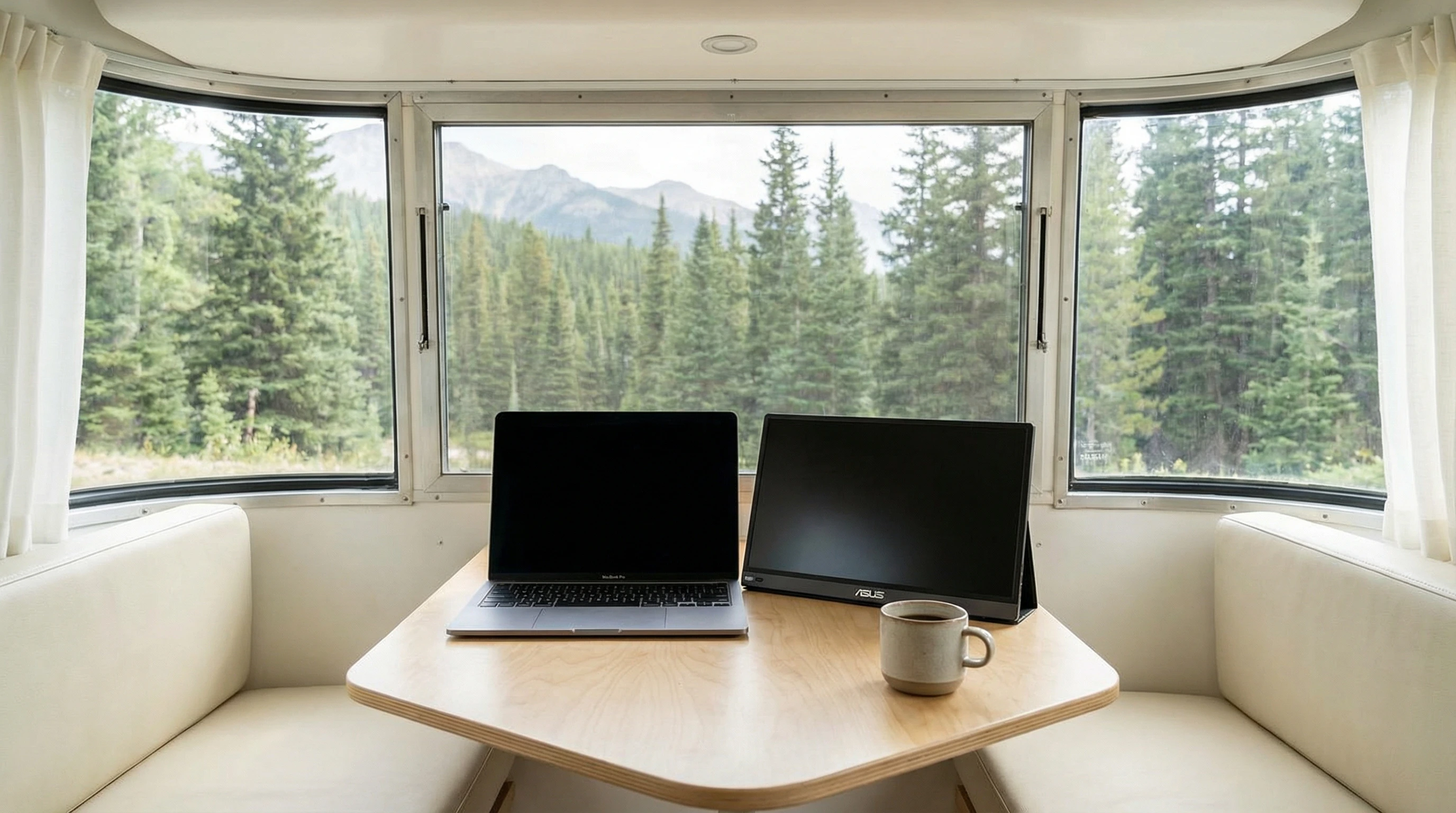
Open laptop with digital clocks, scenic landscape outside window

What If Your RV Could Help Pay for the Journey? Could you make money while traveling wherever you like?
Many full-time RVers quietly earn money online: writing, recommending products, and building simple digital assets that generate income while they travel.

You don’t need tech skills.
You don’t need experience.
You need the right roadmap.

👉 Discover the beginner-friendly approach! Take a look at this post on this website.

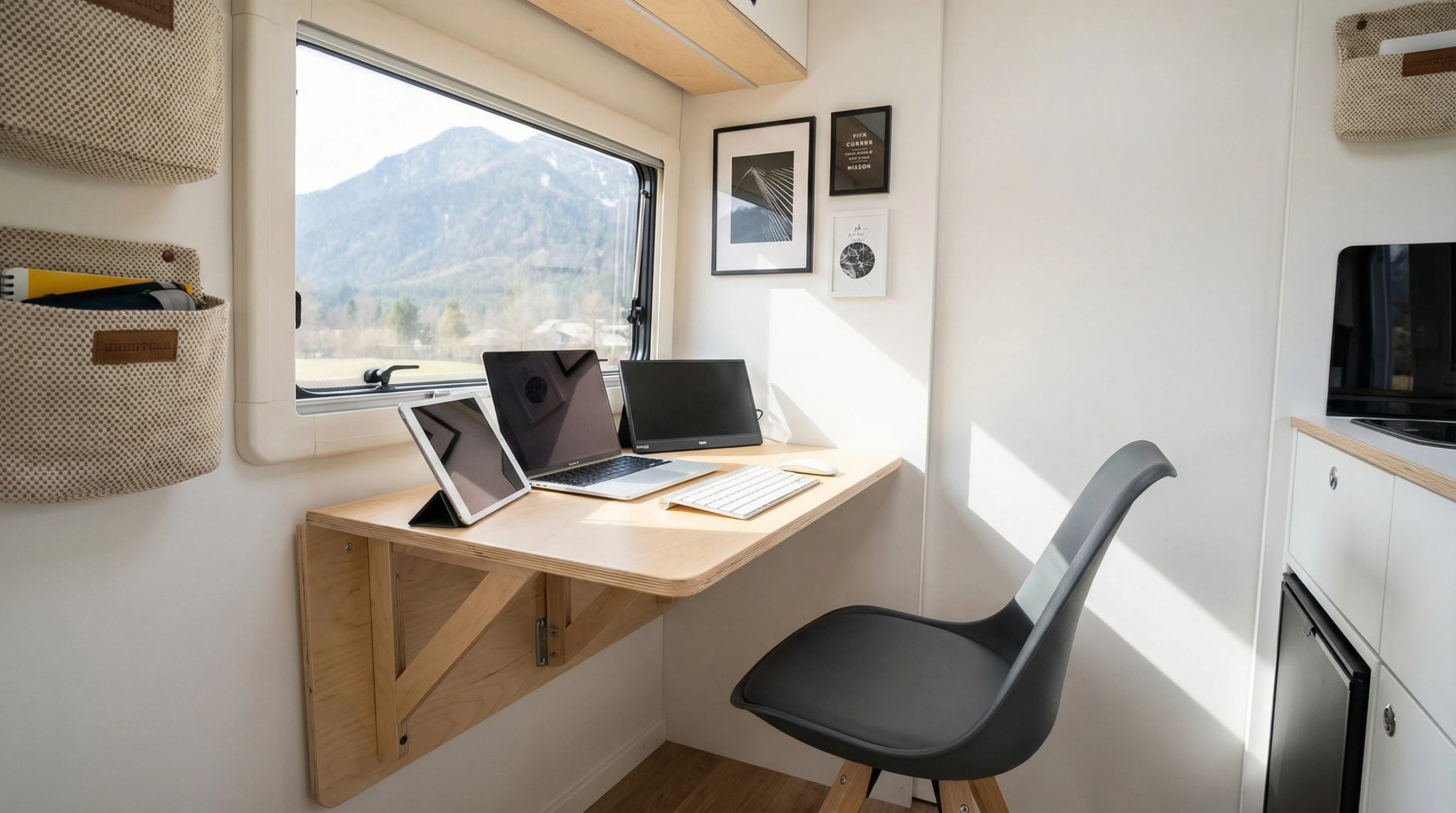
Full-time RV laptop workspace with a scenic mountain view, showing how RVers run a small online business while traveling and living on the road

Budgeting Tips For RV Digital Nomads Working Remotely

How Do RV Digital Nomads Budget While Working Remotely?
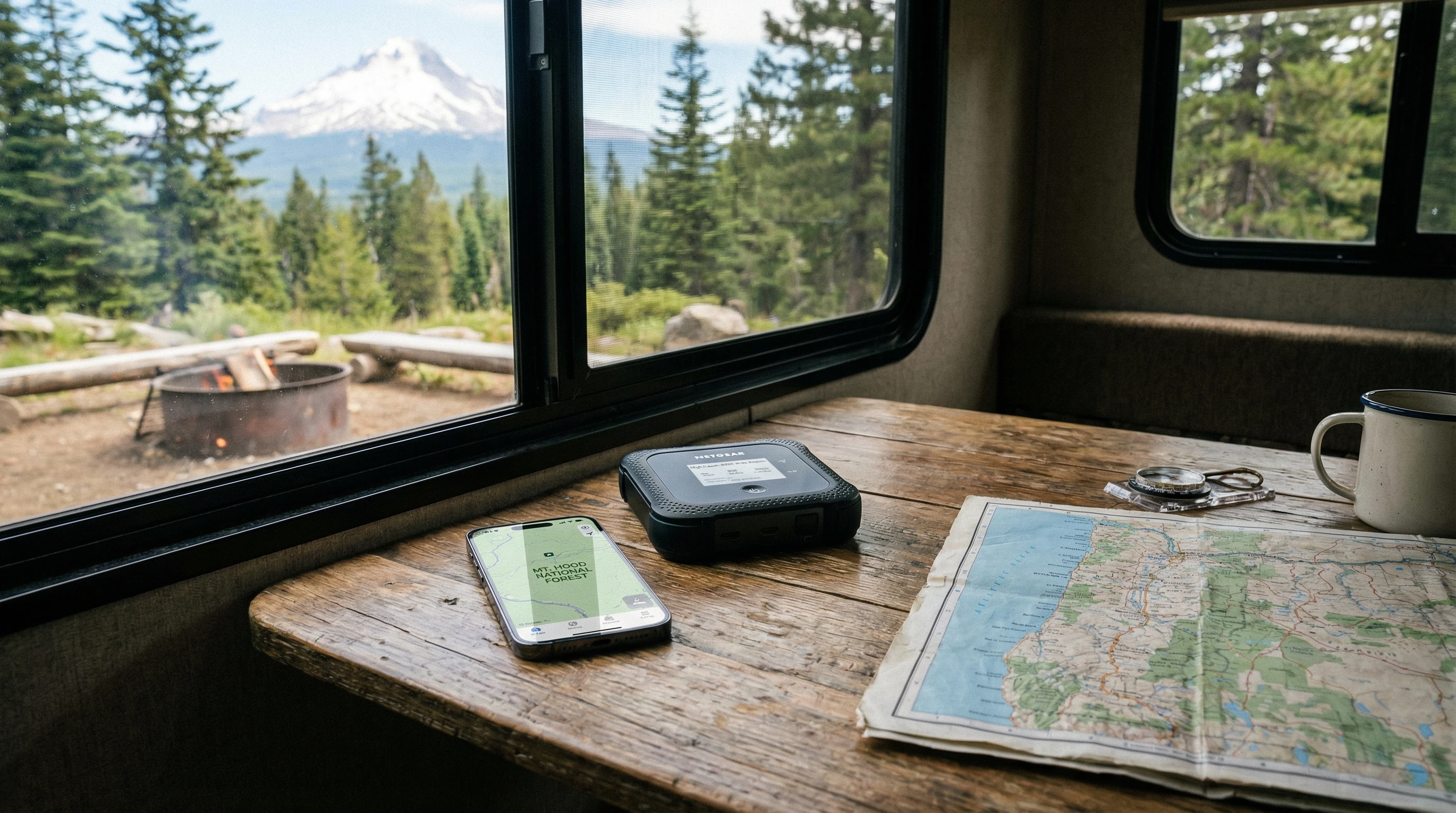
Living as an RV digital nomad brings a sense of freedom and adventure, but managing your budget is super important if you want to enjoy life on the road without stressing over money.

Since 2008, we have been balancing remote work with road life. I’ve picked up some really practical tricks to help keep your finances in check while still having a blast.

RV living switches up how you think about money. Everything from fuel to the internet matters. In this article, I’ll break down my favorite budgeting tips, outline smart ways to cut expenses, and share reliable apps that keep me on track.

RV parked at a beautiful lakeside spot with mountains in the background and a laptop set up for remote work

Smart Budgeting Basics for RV Digital Nomads

Budgeting as an RV digital nomad looks pretty different from budgeting in a regular house or apartment. When you’re always on the move, some costs are predictable, but others just pop up. Making your budget work for this lifestyle means staying flexible and prepared for surprises.

You can start by listing top expenses: fuel, campground fees, internet, groceries, RV maintenance, insurance, and subscriptions for work tools. Internet access should always be on your mind, especially with video calls for remote work.

If you’re new to budgeting on the road, consider using a simple spreadsheet or a free budgeting app. Record what you spend for a month and see where the money goes. This habit will help you spot patterns and spot areas to trim back if needed.

How to Set Up an Effective RV Budget

I suggest setting up your budget in a few steps so nothing gets left out. First, figure out your monthly take-home income after taxes. List fixed costs, like RV payments or insurance, and estimate your variable costs, like gas or entertainment. Remember to save a little for unexpected repairs. Every RV nomad eventually faces a flat tire, a leaky faucet, or a surprising campground fee, so being ready is key.

  • Fuel: How much you travel with your RV determines this cost, and fuel can be a big expense.
  • Campgrounds: Some places are pricey, while others have deals for longer stays or discount programs worth checking out.
  • Maintenance: RVs need regular tuneups. Setting aside a maintenance fund is super helpful.
  • Internet/Data: I pick unlimited plans or use multiple carriers to stay connected anywhere.

Give your budget some wiggle room for occasional treats, like a night out or a unique local activity. Tracking expenses keeps surprises from turning into stress.

Tried and True Ways to Save on the Road

Saving money doesn’t mean missing out on fun. I’ve learned a few tricks to help keep more cash in your pocket while still exploring. Boondocking is a top choice for free camping on public land. Lots of national forests, BLM areas, or even some Cracker Barrels and Wal-Mart parking lots let RVers stay overnight. These spots are usually free or low-cost, and you can meet other travelers who know about the best hidden gems.

Cooking in your RV saves a considerable amount, too. Rather than eating out, meal prep and plan simple dishes. Shopping at discount stores or local farmers’ markets keeps food costs down and lets you enjoy fresh local produce.

  • Discount Clubs: Programs like Passport America or Thousand Trails help cut camping costs.
  • Shared Subscriptions: Split streaming or internet plans with trusted nomad friends.
  • Travel with the Weather: Mild climates reduce your expenses for heating or cooling your RV.
  • Limit Luxuries: If funds are tight, cutting back on entertainment costs, like skipping movie rentals or premium apps, really does add up.
  • Compact RV parked in a forest clearing under string lights with a small cooking setup outside,

Useful Budgeting Tools and Apps for Digital Nomads

Staying organized is easier with handy tools. Use a mix of apps and spreadsheets to keep finances in order. Mobile budgeting apps like Mint, YNAB (You Need A Budget), and EveryDollar track your spending and automatically categorize expenses. Check out apps that set alerts for categories, so you know when you are nearing the limit on fuel or eating out.

Fuel tracking is crucial. Apps like GasBuddy help you spot the best deals at gas stations, while RV Trip Wizard and Campendium let you map routes and compare campground costs. Many banks provide spending tracker apps, too, so check if that’s an option with your account.

Important Budgeting App Features

  • Automatic bank account syncing that updates your balances fast.
  • Customizable budgeting so you can track unique expenses like RV repairs or campsite fees.
  • Simple, easy-to-use interfaces are handy on a phone or tablet while you’re on the go.

Tech solutions paired with regular check-ins work best. Reviewing your spending each week uncovers leaks or habits you want to change.

Planning for RV Maintenance and Repairs

One lesson all RV digital nomads learn fast is that vehicles and home systems will need repairs. RVs can break down more than regular cars, especially if you travel a lot. That’s why you need to make sure to set aside funds for maintenance right in my budget.

Estimate the cost for standard maintenance: oil changes, tire rotations, and brake checks. Then, put away a little extra every month for repairs you don’t see coming. Tackling a busted water pump or engine trouble is much easier when you’re financially prepared.

Sticking to a routine maintenance schedule gives you a better chance of spotting small issues before they get expensive. For big repairs, keep a shortlist of trusted repair shops, recommended by other RVers or online forums.

Housing Costs: Campgrounds, Memberships, and Free Stays

RV site costs can range from $35 to over $60 a night, depending on where you stay. Balance a mix between paid campgrounds, discounted memberships, and free stays to stretch your budget.

Campground Memberships: These can pay off quickly. Passport America, Thousand Trails, and KOA reward memberships are especially helpful if you use their campgrounds often. They hook you up with discounts and perks.

Free Camping: Boondocking is totally legal on many public lands and is a favorite for saving money. Apps like RVParky, iOverlander, or FreeRoam help you track down free spots and share reviews from fellow nomads.

Monthly Rates: Some RV parks give discounts if you stay a month or longer. If you find a site with good WiFi and amenities, you can extend your stay to save.

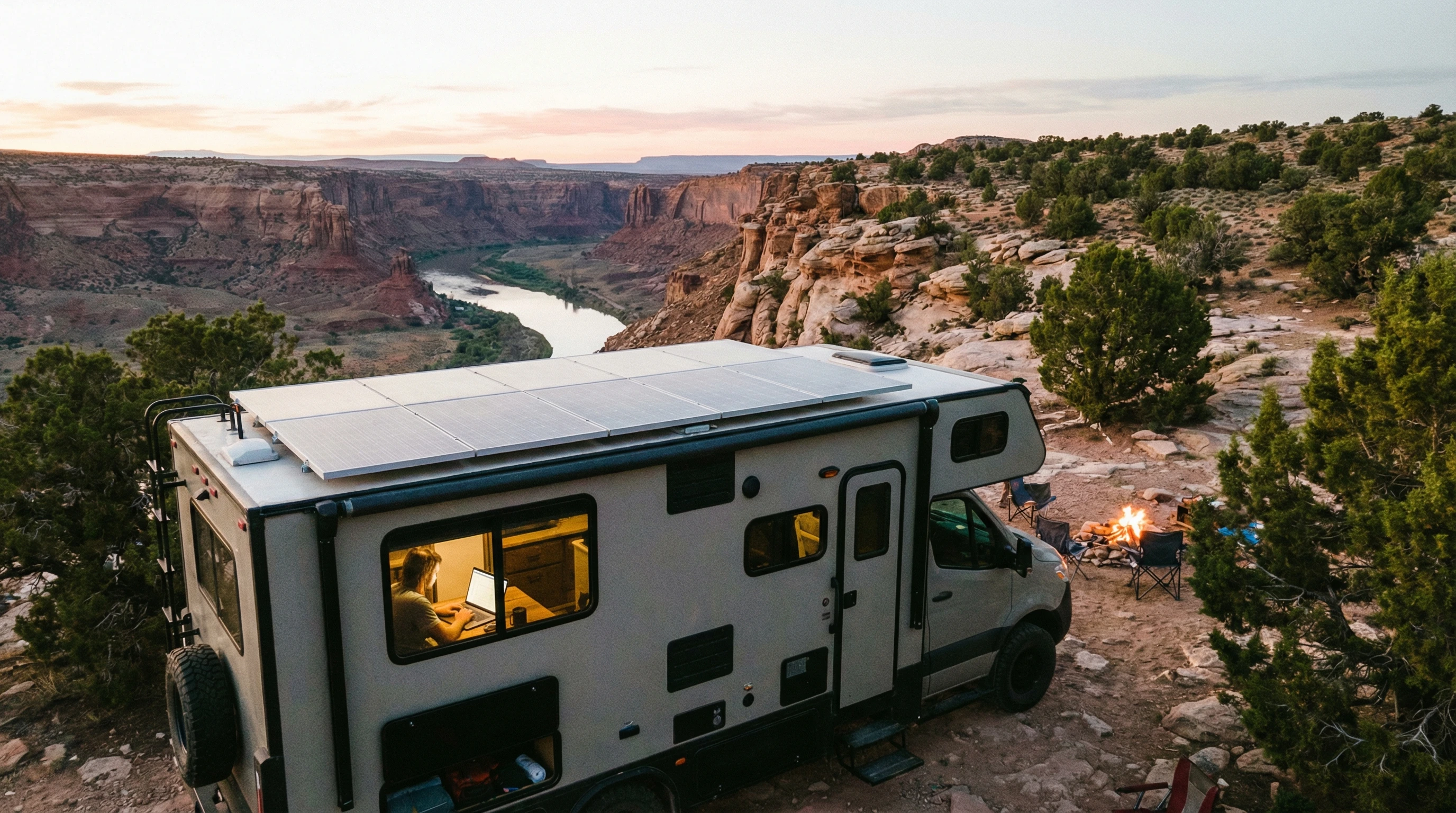
Aerial view of an RV camp setup in a peaceful desert area with solar panels on the roof

How to Manage Work and Connectivity Costs

The internet is basically your lifeline as a digital nomad. Reliable service means the paychecks keep coming. I use a mix of data plans from different carriers and mobile hotspots so I can stay connected just about wherever I’m camped.

Dedicate part of your budget solely for the internet since heavy use can make costs spike. You can find public WiFi at libraries, coffee shops, or coworking spaces. This gives some variety, helps with networking, and helps stretch out my data plan. Starlink is my savior for reliable connectivity!

Power is another sneaky cost: running off-grid can drain batteries and force you to pay for hookups. My solar panels help save on those days, so over time, my setup has more than paid for itself.

Dealing With Healthcare, Insurance, and Emergency Planning

Healthcare and RV insurance are areas you definitely want to plan for. For health care, look for plans that offer coverage nationwide or include telemedicine. Telehealth visits are a lifesaver for small issues on the road. Some RV groups also offer group health insurance with better rates for travelers.

RV insurance varies, so always double-check that your policy covers full-time living. Take time to read the details so there are no unpleasant surprises if you need to file a claim.

It’s best to keep an emergency fund in an easily accessible savings account. Even small monthly contributions make a huge difference when big surprises pop up. Whether it’s a medical issue or a mechanical breakdown, it’s good knowing there’s backup cash available.

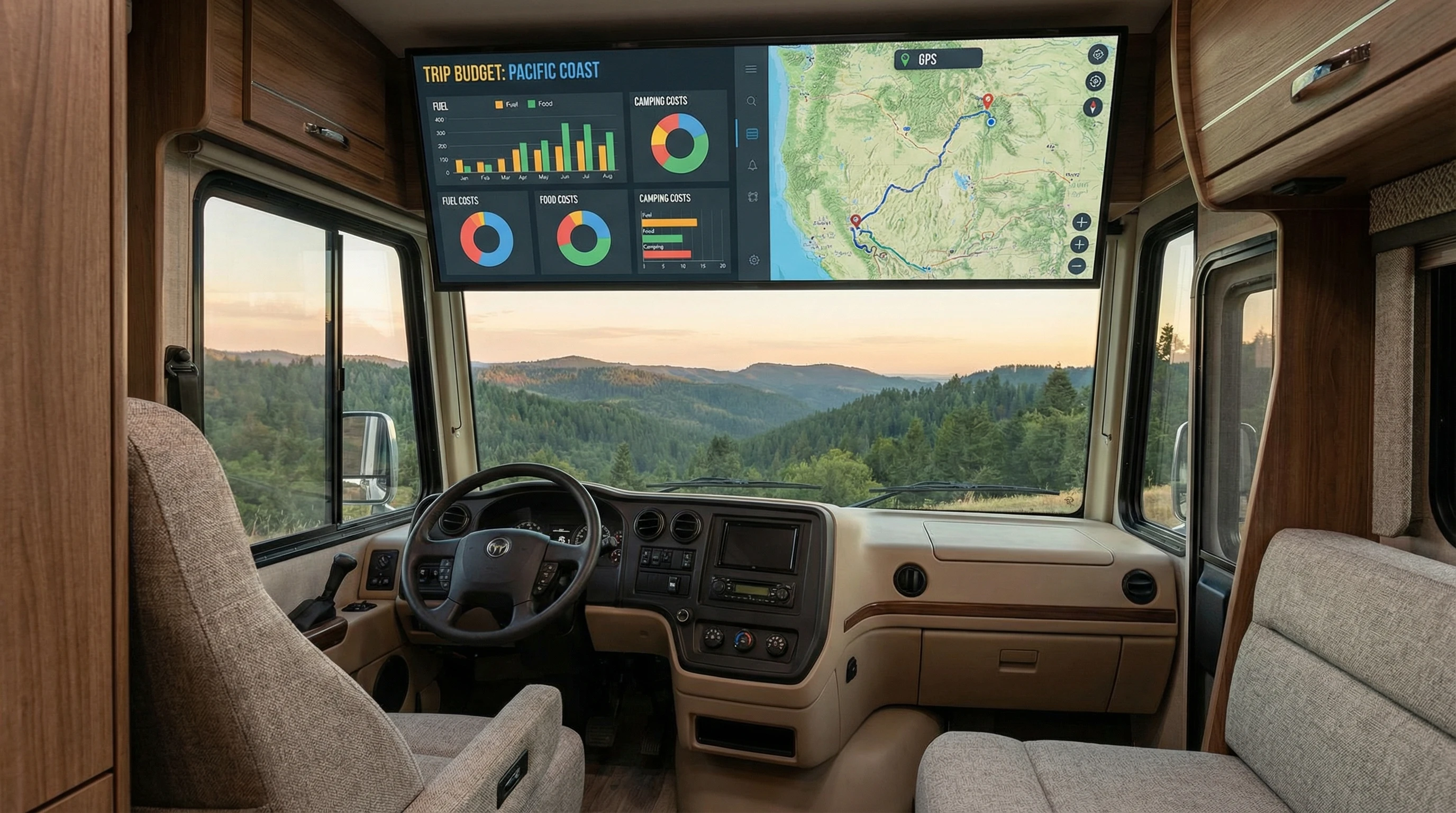
Open laptop with a budgeting spreadsheet on a fold-out RV table, scenic mountain background visible through window

Frequently Asked Questions

How much should I budget each month as an RV digital nomad?
Monthly budgets range widely; some RVers get by on $1,500 while others go up to $4,000, depending on their style. Fuel, camping, food, insurance, and upkeep are major costs. Keeping track of where your money goes is the first step to saving more.


Are there any hidden costs to RV life I should watch out for?
Unexpected repairs, medical bills, and changing fuel prices can add up. Saving a little extra each month for these “just in case” shocks can keep things smooth when those bills hit.


Is it really cheaper to boondock than to use campgrounds?
Boondocking is usually free or super low-cost compared to RV parks. If you enjoy off-grid stays, you’ll save a lot on lodging. Just be ready to manage your own power, water, and waste.


What’s the best way to manage remote work expenses?
Track all your work-related costs, like internet, subscriptions, equipment upgrades, and software. Many can be written off during tax season. Keeping all your receipts and notes makes taxes easier and helps keep you organized.

More RV Nomad Resources and Next Steps

Budgeting on the go gets easier with time. Every RV digital nomad creates their own style, but tracking spending, cutting out waste, and planning ahead always helps. If you want more RV living and digital nomad tips, check out active forums, YouTube channels, and remote work communities. These places are gold mines for advice and meeting like-minded folks.

If you have unique budgeting hacks or questions, feel free to drop a comment or connect online. The RV community is full of travelers happy to swap stories and tips.

Need help building your online business or looking for more advice on digital nomad life? Visit this site for ideas or ask for guidance before you jump into exploring more articles. Safe travels and happy trails!

_________________________________________________________

What If Your RV Could Help Pay for the Journey? Could you make money while traveling wherever you like?

Many full-time RVers quietly earn money online: writing, recommending products, and building simple digital assets that generate income while they travel.

You don’t need tech skills.
You don’t need experience.
You need the right roadmap.

👉 Discover the beginner-friendly approach! Take a look at this post on this website.

Full-time RV laptop workspace with a scenic mountain view, showing how RVers run a small online business while traveling and living on the road

Overcoming Connectivity Challenges As A Remote RV Worker

How Do Remote RV Workers Stay Connected on the Road?

Staying connected is a big deal when working remotely from an RV. I know from experience that spotty WiFi or losing cell signal can make even the coolest workday feel pretty frustrating. For those of us who love life on the road, reliable internet is not just about checking emails.

It’s about keeping your job, joining video calls, uploading files, and taking care of all the usual work stuff, just in a way that fits an adventure-first lifestyle.

I put this guide together to share what works, what to watch out for, and the smart moves you can make to really stay connected while working from your RV. Whether you’re new to the road or a seasoned traveler, these tips can save you some headaches down the line.

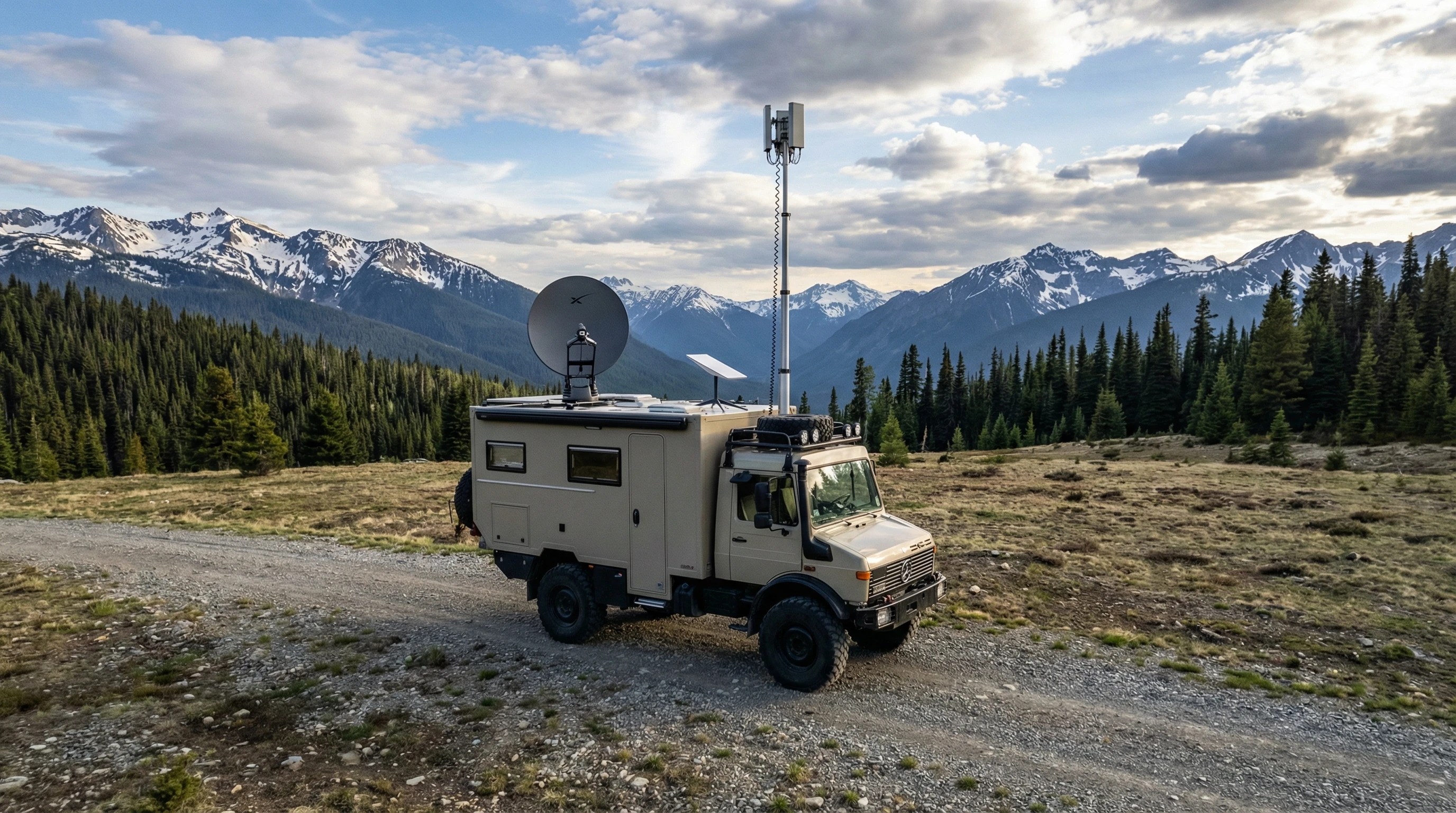
RV parked in a remote scenic setting with visible satellite and cellular equipment, surrounded by open sky, mountains, and forest.

Understanding RV Internet and Common Connectivity Hurdles

Connectivity on the road isn’t the same as what you get in an office or at home. Coverage can vary a lot depending on your location, from strong 5G signals near big cities to almost no coverage in quiet parks or remote campgrounds. Sometimes, speeds are fine when you’re parked next to a major highway, but slow to a crawl as soon as you hit the forest or wide open desert.

Typical challenges include:

  • Unstable Signals: Cell towers aren’t everywhere. You might struggle to get even one bar in some spots.
  • Bandwidth Overload: Crowded campgrounds mean more people on the network, which can slow everyone down.
  • Network Limits: Most mobile hotspots or satellite plans set data caps or can throttle speeds after a certain limit.
  • Physical Barriers: Thick trees, hills, and even RV walls can block or weaken incoming signals.

There are times I’ve spent hours trying to upload one file from a boondocking spot. Knowing these roadblocks ahead of time helps you plan and avoid unwelcome surprises. If you have fellow RV friends, check in with them about their experiences at certain locations; you can save yourself a couple of gray hairs with some friendly advice.

RV Internet Options: What You Can Use and How They Work

There’s no single “perfect” option, but you’ve got several choices that help you stay online while traveling. Here’s a quick look at what you might use as a remote RV worker:

  • Cellular Data (Mobile Hotspots): Using your phone or a dedicated mobile hotspot to pull internet from nearby cell towers. These are portable and usually pretty reliable near towns.
  • Satellite Internet: Services like Starlink bring internet from satellites directly to your RV. Speeds can be good even in the wild, but weather sometimes affects connections.
  • Campground WiFi: Many parks offer WiFi, but signal strength and speed can vary a ton, especially if lots of people are online.
  • Public WiFi: Libraries, coffee shops, and fast food places often have open networks you can use if you’re in range and need a backup.

Mixing and matching these options, with backup plans in place, helps you avoid hitting a complete dead zone. Some RVers also mix in a prepaid SIM card for a third provider, prepping for spotty coverage on unexpected routes. Always check coverage maps before you roll into a new spot.

Step-by-Step: Building a Reliable RV Work Connection

I’ve put together a practical checklist for how I set up dependable internet while living and working from the road:

  1. Pick the Right Carriers: Not all cell carriers cover the same regions. I use plans on more than one network (like Verizon and T-Mobile) to cover more ground.
  2. Get a Dedicated Hotspot or Router: These devices are built for heavy usage and support several devices better than just hotspotting from your phone.
  3. Add a Cell Signal Booster: A booster, such as a WeBoost or Winegard, can pull in faint signals and make a big difference, especially in fringe areas.
  4. Grab an External Antenna: Mountable rooftop antennas reach the clearest signal nearby, cutting through trees or metal walls that block reception.
  5. Consider Satellite as Backup: If you spend weeks away from cities or find yourself in true remote areas, a satellite setup like Starlink is worth thinking about. I personally use this when nothing else is working.
  6. Look for Power Saving Features: Reliable power is important for your gear. Look for devices that work efficiently and can power down when you’re off-grid.

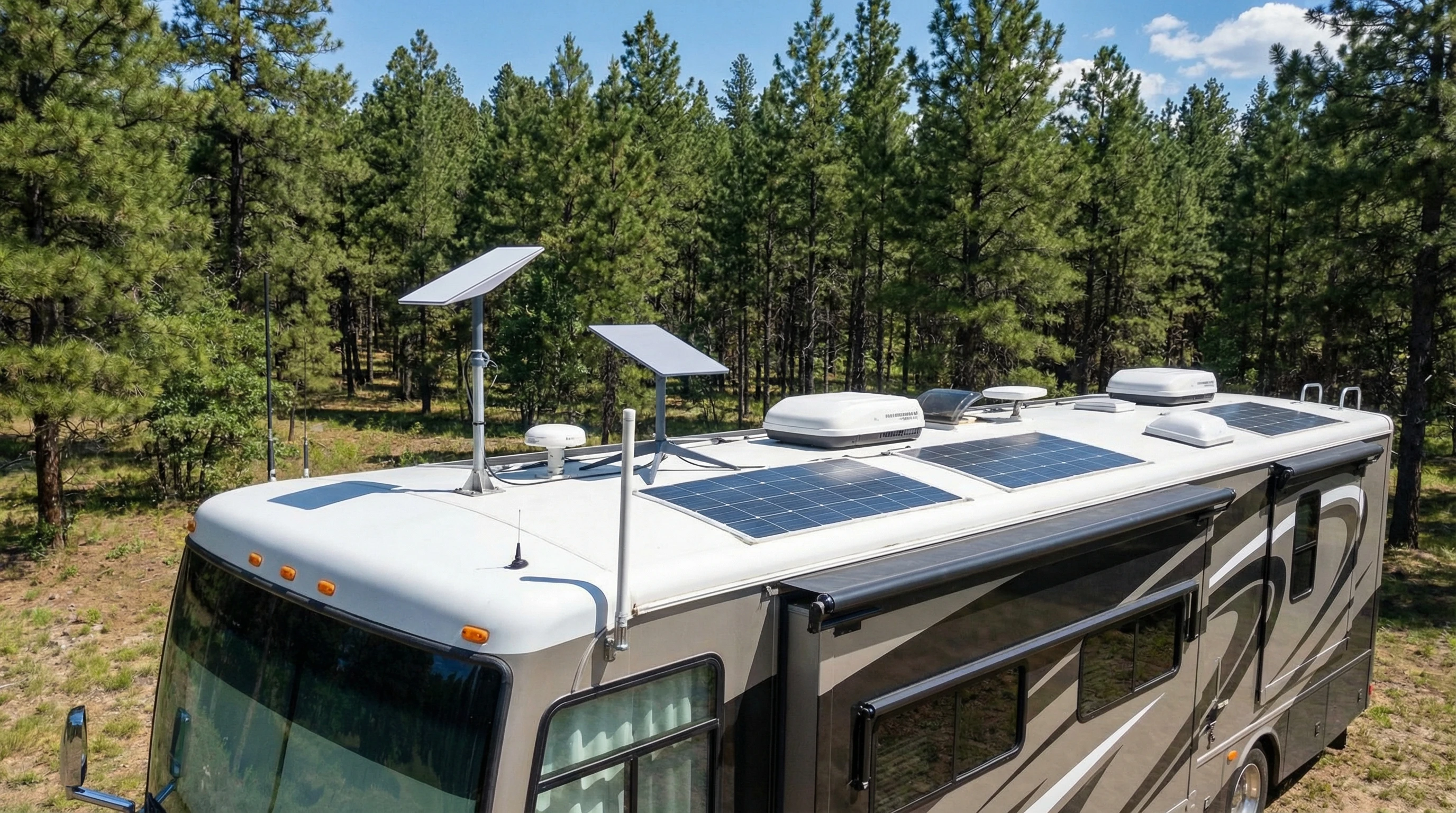
Modern RV rooftop with visible antennas, solar panels, and a mounted Starlink satellite dish, beneath a blue sky and forest.

Don’t forget, setting yourself up with the right equipment at the start makes troubleshooting easier. If you’re handy, you can even set up your router to automatically connect to the best network signal it finds, letting you relax rather than constantly fiddling with your devices.

What Affects Your Connection: RV Life Factors and Planning Ahead

Setting up the tech is only half the story. Some real-world choices influence how good or bad your connection will be. Here’s what to keep in mind:

  • Location Matters: Mountain valleys, dense forests, or canyons block signals. Parking out in open areas or by a window often improves your reception.
  • Weather Counts: Heavy rain, snow, and thick fog sometimes drop your bars or cause satellite delays.
  • Device Placement: All your gadgets matter; keep your hotspot or router high up, away from metal clutter, and not stuffed in a storage cabinet.
  • Campground Crowds: Avoid peak hours when everyone is streaming. Early mornings and late nights are usually better for getting data through.

I keep different SIM cards and always know where the nearest library or coffee shop is in case everything else fails. Being ready to adapt makes a big difference, and sometimes moving your RV just a few yards helps pick up that extra bar of signal you need.

Top Tools and Tech Extras for Reliable RV Internet

After years on the road, I’ve tested a bunch of gadgets and setups. Here’s what I find really useful in keeping my connection steady:

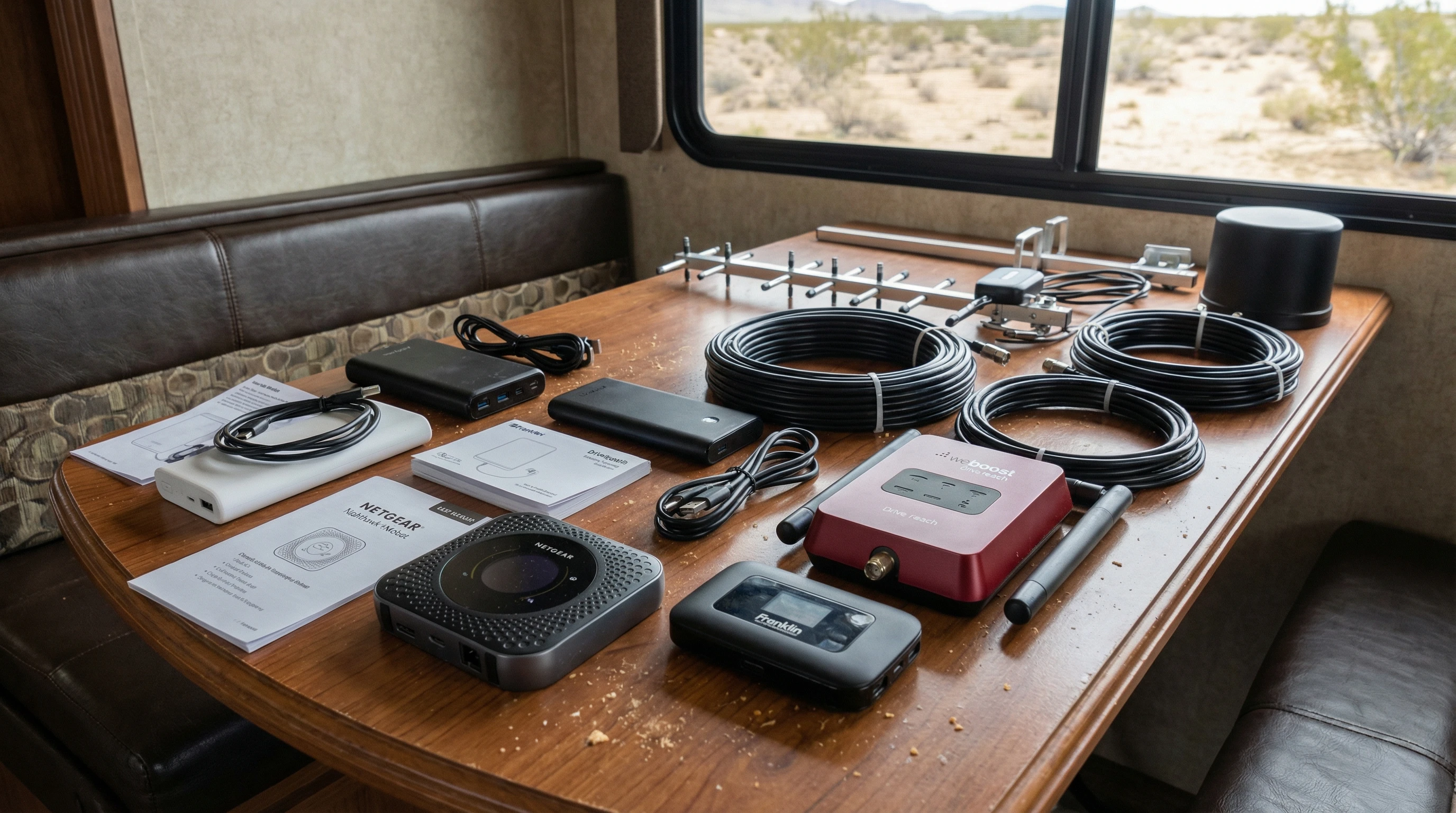
  • Mobile Hotspot Devices: Netgear Nighthawk and the newer Inseego hotspots are favorites among RVers for solid performance and good support.
  • Cell Signal Boosters: The WeBoost Drive Reach and Winegard Connect work well, especially when signals are weak.
  • Starlink Satellite Kit: Starlink’s new RV plan and dish setup work almost anywhere with a clear view of the sky. Requires setup but solves lots of coverage gaps.
  • External Antennas: The right antenna, like a MIMO panel, improves speeds across most networks.
  • Power Solutions: Portable batteries, solar chargers, or good old fashioned generator backups keep your tech running.
  • Network Monitoring Apps: Apps such as OpenSignal, Speedtest, or even your phone’s built-in signal meters help track what’s working best at each location.

Tinkering and trying tools that fit your needs pays off. Reading real reviews and talking to other remote workers along the way gives you a head start on what is worth buying. If you’re new to this world, don’t be afraid to ask questions at the dealership or from full-time RV neighbors. People love to share what works and what hasn’t worked for them.

Practical Tips: Making the Most of Your Connection

Even with the best gear, sometimes the internet is just plain slow. These simple practices help me stretch my bandwidth and avoid wasted workdays:

  • Schedule Big Uploads for Off-Peak Hours: Early mornings or late evenings have lighter network traffic.
  • Download Files When Signal is Good: Stock up on what you need (work resources, entertainment, maps) while you’re in town.
  • Limit Streaming or Large Downloads: Set automatic updates and cloud backups to run only on strong WiFi.
  • Monitor Your Data: Use apps like NetLimiter or your carrier tools to track usage and avoid throttling surprises.
  • Prioritize Work Apps: Use “traffic shaping” settings on your router to give video calls or uploads higher priority.
  • Set Data Alerts: Set usage alerts on your devices so you’re aware before you hit limits.
  • Turn Off Background Apps: Extra apps and cloud services quietly use data; shut them down until you find a strong signal.

These routines keep things moving even when the signal’s not perfect. When it comes to uploads, patience is your friend. Don’t be shy about pausing non-work devices from connecting to the network if you’re up against bandwidth limits.

Real Life Situations and Solutions

Sometimes I’ve landed in a national park only to discover zero bars, no matter what I tried. In these moments, having a backup plan matters a lot. I’ll look for signal maps ahead of time or check with friends about spots that are notorious dead zones.

On the flip side, there have been weeks parked just outside small towns where I was able to run video calls, upload big projects, and even stream movies, all off a single good hotspot signal. Getting to know your equipment and your favorite camping regions goes a long way toward making work from the road more fun than stressful.

One trick that’s saved me is carrying a small WiFi range extender. If the only connection is way at the other end of a campground, this can bring the signal inside your RV. And if everything fails, it might be time to break up your work tasks, have a quick digital detox, and plan your next work session when coverage improves.

Frequently Asked Questions

Here are some questions other remote RV workers ask me all the time:

How can I boost my cell signal while camping?
Use a cell booster or set up a roof antenna. Moving your RV to more open space or higher ground also helps get a better signal.


Is satellite internet good enough for video calls?
Yes, services like Starlink usually work for video calls, emails, and most work apps. You might see slight delays, but most people manage fine unless the weather turns stormy.


What happens if I fully lose connectivity?
Keep key work files downloaded locally. Have a list of nearby public WiFi spots as a backup, and communicate with your team when you’re moving out of range.


Can I rely on campground WiFi?
Sometimes, but it’s smart to treat campground WiFi as a bonus, not your main option. Have a cellular plan or hotspot for daily work needs.


What has been our experience getting the best Internet connectivity?
Since 2008, when we started full time RV living, we have battled getting reliable WiFi. But, as the years have rolled by, it has gotten much easier. For the past few years, we have had the best success with a mobile hotspot while the RV is in motion. When parked at campgrounds, we use Starlink for remote work and to stream our TV programs.

Smart Moves for Long-Term RV Work Success

Overcoming connectivity challenges as a remote RV worker comes down to choosing the right mix of tech, planning ahead, and having backup options ready. With patience and the right routine, staying online from all sorts of wild places isn’t just possible, it’s really fun and totally doable.

For long hauls or if you find yourself in a spot for a few weeks, consider checking campground or region-specific Facebook groups to get the scoop about connectivity in the area; sometimes you’ll even stumble upon tips on antenna placement or booster brands that haven’t hit mainstream yet.

An RV in a mountain clearing at sunset, visible antennas and solar panels on top, soft glow from the windows, surrounded by nature.

If you want more tips about RV work life, gear reviews, or want to share your own setup ideas, feel free to reach out or check out my other posts. Happy travels and smooth connections! If you’ve got stories or hiccups to share, leave a comment and let’s get a conversation going about making remote work on the road less stressful for everyone.


Want to learn more about working from your RV? This page is pretty handy if you’re looking to get into deeper details or check out alternative gear.

_________________________________________________________

What If Your RV Could Help Pay for the Journey? Could you make money while traveling wherever you like?

Many full-time RVers quietly earn money online: writing, recommending products, and building simple digital assets that generate income while they travel.

You don’t need tech skills.
You don’t need experience.
You need the right roadmap.

👉 Discover the beginner-friendly approach! Take a look at this post on this website.

Full-time RV laptop workspace with a scenic mountain view, showing how RVers run a small online business while traveling and living on the road

Health And Wellness Strategies For RV Digital Nomads

How Do RV Digital Nomads Stay Healthy on the Road?

Living on the road as an RV digital nomad definitely has its perks. Every day brings new scenery, fresh air, and a sense of freedom. But balancing a healthy lifestyle becomes trickier when your home and office roll down the highway.

I’ve picked up a ton of tips and strategies along the way that make a real difference in feeling good and staying productive while traveling.

I have discovered that as I get older, proper nutrition is vital in order to feel good! I see so many RVers, especially snowbirds, hobbling around. They must be in pain! However, when I go to the grocery store, I see why. They buy nothing but processed foods that have no way to keep the body healthy!

Health and wellness aren’t just buzzwords for this lifestyle; they’re what keep me happy and able to enjoy each stop. From eating right to moving my body regularly, it’s all possible with some planning and a little creativity. Here’s what works for other nomads and me, I’ve met out there.

Healthy RV Life in Nature

Planning Healthy Meals In a Small Space

Making healthy food choices in an RV kitchen can be tough, especially with limited space and gear. I stick with simple recipes, lots of fresh produce, and ingredients that don’t need a ton of prepping. I always try to stock up at local farmers’ markets or bigger grocery stores when I hit town.

Fresh fruits, greens, and healthy proteins make meal planning way easier. For extended trips where local markets aren’t available, I rely on shelf-stable items like nut butters, grain-free wraps, and fresh or canned seafood to keep meals simple without skimping on nutrition.

Using a slow cooker or instant pot is pretty handy. These little tools barely take up space but let me throw together stews, soups, and proteins with almost no effort. Batch cooking is another trick that saves time, adds a nutritional boost, and keeps me from reaching for low-nutrition food. When prepping meals, I like to chop veggies and keep them ready for salads, stir-fries, or quick omelets on the go.

When space is extra tight, I mix in easy, no-cook meals like coconut yogurt with walnuts, wraps with avocado and aged cheese, or hearty salads topped with olives and artichoke hearts. Keeping dry goods organized in stackable containers saves space and keeps my kitchen hassle-free.

My favorite healthy snack is shelled pistachios. They are tasty and fun to eat! Also, you eat less of them because you have to work for your food. 😁

Minding hydration is really important too. I keep a refillable water bottle within reach and use fresh lemon or cucumber slices for flavor. Having a pitcher with a filter means I don’t have to rely on bottled water, which cuts down on waste and clutter in the RV.

On hot days or after workouts, I sometimes whip up quick electrolyte drinks with a pinch of salt and a splash of citrus to keep hydration levels balanced.

Staying Active Anywhere, RV Workouts and Outdoor Fitness

Regular exercise looks different out here, but it’s more fun and flexible than you might expect. I don’t have a big home gym, but simple gear like resistance bands, a yogamat, and a jump rope travel well and pack up small.

Bodyweight exercises, like pushups, squats, planks, and lunges, are my go-to when space is tight, and they can all be modified to suit your personal level. Even with only a few square feet of floor, I can get in a good sweat and in a gorgeous location!

Getting outside is one of the best parts of RV living, so I use my surroundings for movement. Hiking nearby trails or hopping on a bike keeps me active and adds a bit of excitement to my routine. I try to stumble upon new trails whenever we set up camp, which helps me explore places I’d never see otherwise. Some days I take short walks between work sessions to break up screen time, which does wonders for my energy and focus.

Fitness apps and YouTube channels come in super useful, too. There’s something for every level, and it’s easy to squeeze in a bit of movement before breakfast or after dinner. Short 20-minute routines are easy to stick with, and seeing progress over time feels really rewarding. If you like, you can join online remote classes when the weather keeps you inside. It’s a great way to connect with others and stay motivated.

RV Nomad Exercising in Nature

Finding A Routine That Keeps You Balanced

One of the biggest wellness challenges I’ve faced on the road is building a routine that actually works. Travel days, changing time zones, and spontaneous adventures can mix things up. I learned to focus on small habits that add up, like a morning stretch, regular meal times, and winding down in the evening.

Setting alarms on my phone reminds me to take breaks, walk around, or get another glass of water. I use a calendar to block out work sessions, exercise, and relaxation. These routines aren’t about sticking to a rigid schedule, but they help keep me from losing track of healthy habits when every day looks different.

Mental Health on the Road

Mental wellness goes hand in hand with physical health, maybe even more so for digital nomads who move often. I keep in touch with family and friends using video calls, and I set aside time for reading, journaling, or quiet reflection.

Sometimes, I join nomad meetups or online communities so I don’t feel isolated. When I want a mood lifter, I listen to music that reminds me of home or start a creative project just for fun. Keeping a gratitude journal has helped me appreciate this wild adventure, even when things don’t go as planned.

Mindfulness and meditation are helpful when the road gets overwhelming. Even five minutes a day makes a difference. There are lots of free guided meditations online that I use, and they work anywhere: in a campsite, at a rest stop, or even while stopped for lunch with the windows open.

Sleep Hygiene For RVers

Getting restful sleep is super important when days are full of driving, working, or exploring. Noisy campgrounds, changing temperatures, and unpredictable schedules can mess with sleep patterns. I keep the bedroom space tidy and free from clutter, use blackout curtains, and pack an eye mask and earplugs for louder nights.

Making a habit of shutting off screens at least an hour before bed helps a lot. I like to read, make herbal tea, or listen to calming music to relax. If the weather allows, leaving a window open for fresh air can make sleep feel even better.

I also use the AC unit in the bedroom to help with comfort, airflow, and white noise, which can make a huge difference when campgrounds are full or the weather is humid. Sticking to a regular bedtime as much as possible helps my mind and body settle in, even if we’re parked in a brand new spot every other night.

Staying Productive and Reducing Stress

Managing work on the road takes some real focus and patience. Good WiFi is a game-changer, but making a cozy work spot in the rig or under the awning keeps me comfortable and motivated. Proper lighting, a simple ergonomic chair, and blue light glasses help cut down on eye strain during long screen sessions.

Taking regular breaks isn’t just good for my body; it actually helps me get more done. I set reminders to stretch and step outside every hour. Sometimes I use the Pomodoro Technique, where I work in short bursts with proper breaks. Balancing work and exploration gives plenty of satisfaction, so I don’t feel burned out by either one.

Keeping a stash of healthy snacks in my workspace also keeps blood sugar stable so I can stay focused. It’s all about removing the small roadblocks that slow me down or pile on the stress, so work feels rewarding and not overwhelming.

Organized RV Workspace with Healthy Snacks

The Little Things That Make a Big Difference

  • Air Quality: Using portable air purifiers or opening windows for ventilation improves air quality, especially in dusty or humid places. I keep a small potted plant by my window for a natural boost.
  • Sun Protection: A hat, sunglasses, and sunscreen are always nearby. UV rays can sneak up during long drives or outdoor work sessions, and I apply sunscreen even on overcast days to stay protected.
  • Keeping Clean: Quick-dry towels, biodegradable soaps, and portable showers help keep things fresh even at sites with limited amenities. Wipes and hand sanitizer are must-haves for quick cleanups on the go.
  • First Aid Kit: I always keep a well-stocked kit handy, with some basics like bandages, pain relievers, allergy medicine, and bug spray. A travel thermometer and tweezers have come in handy more than once.

Sticking with these small habits adds up and helps avoid health hiccups that could slow down adventures. I make a weekly checklist to double-check supplies, so I’m not caught off guard in remote areas.

Tech Tools and Apps For Health On The Road

Modern technology offers a surprising amount of support for staying healthy. I use fitness trackers and step counters to monitor my activity and keep goals in check. Recipe apps make meal ideas easy, and grocery list tools help with shopping.

Sleep trackers are helpful when changing locations messes with my usual routine. Calorie trackers and hydration reminder apps have kept my diet balanced even on the busiest days, and some even connect data with my smartwatch for simplicity.

Telehealth apps and online medical services allow easy access to care wherever I might be parked. Some RVers also use mobile clinics that visit popular nomad spots during the travel season. I also use weather and air quality apps to plan outdoor activities safely. Many RVers make use of digital wellness communities to stay motivated and get ideas for moving, eating, and relaxing better.

Smartphone Tracking Health Data in RV Setting

Frequently Asked Questions

What are some easy exercises for RV living?
Simple routines like walking, hiking, yoga, and bodyweight exercises can all be done in and around an RV. Bands and light hand weights add some variety without taking up space. When I want to switch things up, I find local group classes or RV parks with fitness equipment, which are fun and let me meet people.


How can I eat healthy on a budget while traveling?
Cooking most meals in the RV and buying in bulk helps save money. Canned beans, frozen veggies, and oats are affordable staples that are versatile and pack a nutritional punch. Swapping processed snacks for fresh fruit or nuts when possible keeps costs down and energy up.


How do I stay connected without feeling lonely?
Regular video calls, joining online nomad groups, and meeting fellow travelers in campgrounds or nearby parks help build community and combat isolation. Sharing a meal at a communal fire pit or checking forums for meetups can be great ways to make new friends on the road.


What tips help with sleep in unfamiliar places?
Making the sleeping area cozy, using white noise, and sticking to a wind-down routine help set the mood. Earplugs and an eye mask block out unwanted noise and light. Don’t forget to check if your vents or windows are secure, as unexpected noises can sometimes be solved with a quick fix.


Start Your Own Healthy RV Nomad Adventure

Making a healthy and balanced RV lifestyle work isn’t as tricky as it might seem. Simple meal planning, fun activities, and a few tech tools smooth the way. Every small habit helps add up to more energy, clearer focus, and better sleep. Most importantly, it all lets me enjoy this unique adventure on the open road.

If you want to know what eating plan I follow, check out gundrymd.com. If you want a PDF of acceptable foods that will help you feel better, leave me a comment, and I will email you an approved foods list.

If you like this kind of advice or want to know about working remotely from your rig, I have lots more tips and stories to share. You can read more here. If you have any questions or want to swap tips, just reach out or check the latest posts for more help with RV life and health on the move!

_________________________________________________________

What If Your RV Could Help Pay for the Journey? Could you make money while traveling wherever you like?

Many full-time RVers quietly earn money online: writing, recommending products, and building simple digital assets that generate income while they travel.

You don’t need tech skills.
You don’t need experience.
You need the right roadmap.

👉 Discover the beginner-friendly approach! Take a look at this post on this website.

Full-time RV laptop workspace with a scenic mountain view, showing how RVers run a small online business while traveling and living on the road

Top Remote Jobs For The RV Lifestyle That Actually Pay

What Remote Jobs Work Best for the RV Lifestyle?

Living the RV lifestyle makes every day feel like a new adventure. One of my favorite things about hitting the open road is the freedom to work wherever I want. Remote jobs have opened up a whole new world for RV travelers like me, letting us make a living without giving up our love of adventure. With fast-growing work-from-anywhere opportunities, RV living is more accessible than ever.

Finding the right remote job goes a long way in keeping life on the road stress-free. Whether you’re a digital nomad at heart or just want a reliable paycheck while camping under the stars, some job types are a better fit for RV life than others. I’ll walk you through the top remote jobs that work great for RVers, plus tips to get started, even if you don’t have much experience yet.

An RV parked in a remote scenic location with a laptop setup outside, mountain view in the background.

Popular Remote Jobs That Suit the RV Lifestyle

Not every remote gig feels natural for life on the move. Some jobs need high bandwidth or specific schedules that just aren’t practical from the road. But plenty of options blend flexibility and the power to earn, making them ideal for full-time or part-time RVers.

Some remote jobs are project-based with deadlines you can manage your own way. Others are ongoing but include the freedom to pick your hours. Here are my top choices for RV-friendly work:

  • Freelance Writing & Content Creation: Write blog posts, articles, or website copy for clients or your own platforms.
  • Customer Support Representative: Handle customer questions or troubleshoot technical issues via phone, email, or chat.
  • Online Tutoring & Teaching: Teach English, music, art, or other topics to learners across the globe.
  • Web Development & Tech Support: Build websites, manage online stores, or provide backend tech assistance.
  • Virtual Assistant: Help businesses stay organized with scheduling, travel planning, and other online tasks.
  • Social Media Manager: Create and curate content, respond to followers, and analyze social reach.
  • Travel Blogging & Influencer Content: Share your travels via YouTube, Instagram, or a blog and partner with brands.
  • Remote Data Entry: Organize and input information for companies that need help with admin work.
  • Sales & Lead Generation: Reach out to potential customers, follow up, and build client relationships from anywhere.

Each of these opportunities can be pursued solo, scaled up as your skills grow, or used as a side gig for extra cash while exploring new places. Plus, as your confidence builds, you might even stumble upon new opportunities related to your interests or hobbies while traveling.

Main Skills Needed For Remote Work On the Road

Landing a remote job that fits RV living doesn’t mean you have to be a tech wizard or social media superstar. I’ve learned that some basic traits help a lot: reliability, clear communication, and the ability to learn on the fly. Here’s what helps most RVers succeed:

  • Time Management: RV travel throws your routine off, so sticking to a loose schedule helps you meet deadlines and enjoy downtime.
  • Internet Savvy: Handling cloud-based apps, emails, and online meetings is pretty much part of the remote work toolkit now.
  • Adaptability: WiFi drops out, weather changes, or campground noise happens. Staying flexible lets you keep moving forward without stress.
  • Communication Skills: Most clients or employers never meet you in person, so showing up on time for Zoom calls and keeping responses clear makes a big difference.

Even if you’re switching careers or starting out with remote work, practicing these skills pays off fast. There are plenty of free resources online to help you build both technical and soft skills from your RV desk. Developing these abilities not only boosts your chances of landing a job but also improves your day-to-day quality of life on the road.

Quick Guide to Landing a Remote Job While Traveling

Pursuing remote work can feel overwhelming at first. Having a simple step-by-step path really helped me stay focused and get hired. Here’s a quick guide tailored for RV travelers:

  1. Identify Your Skills: Think about what you already know: writing, customer service, or organization goes a long way.
  2. Set Up Reliable Connectivity: Invest in a cellular hotspot or signal booster, and plan your travels around known service areas when you need to work.
  3. Create an Updated Resume: Highlight remote work skills and relevant experience, even if it comes from volunteer work or hobbies.
  4. Search On Remote Focused Job Boards: Sites such as We Work Remotely, FlexJobs, and Remote.co specialize in flexible work you can do from anywhere.
  5. Apply Consistently: Send out tailored applications, and don’t get discouraged. It’s normal to apply to several jobs before landing interviews.
  6. Prepare For Video Interviews: Set up a tidy background in your RV and make sure your connection is solid for interviews over Zoom or Skype.
  7. Set Work Boundaries: Schedule work hours so friends and family know when you’re unavailable. This keeps distractions to a minimum.

Staying organized and positive during the search process helps a lot. Many RVers find that once they land their first remote gig, things only get easier from there. Remember to keep an eye out for scams and stick to reputable job boards and companies to protect yourself.

Factors to Consider Before Working Remotely While RVing

Remote work offers a lot of freedom, but a few practical details can make or break your daily routine on the road. Here are some considerations to keep in mind before jumping in:

  • Internet Access: Not every park or boondocking site has strong WiFi. Cellular data plans, boosters, or even satellite internet can be a game-changer.
  • Work Hours vs. Time Zones: When you’re always crossing state lines, double-check meeting times so you’re not caught off guard by time zone changes.
  • Power Needs: RVs have limited power, especially off-grid. Solar panels or extra batteries can keep laptops and hotspots running without worry.
  • Privacy and Space: If you share your RV, plan out how to minimize noise and interruptions during important calls or work sprints.
  • Legal Requirements: Taxes for remote workers can get tricky when living nomadically. Checking with a tax professional about state residency and business registration can help you avoid surprises.

Planning for these bumps ahead of time makes the whole work and travel lifestyle a lot smoother. Even simple things, like packing snacks or a backup battery, can keep workdays stress-free.

Connectivity Solutions for RV Workers

A solid internet setup keeps work moving. I recommend:

  • Cellular Hotspot: Use a dedicated device for connecting laptops and tablets. Unlimited plans work well if you’re online a lot.
  • WiFi Ranger or Booster: Amplify weak campground signals to reach hard-to-access networks.
  • Multiple Networks: Carry SIM cards for more than one carrier so you can switch based on the best local coverage.

Some RVers even add a portable satellite system if they plan to camp in remote spots often. In addition, always have a map or list of possible public WiFi spots, just in case you find yourself unexpectedly out of range.

Handling Power When Working in Your RV

Work devices need steady power, even miles from an outlet. My setup includes a portable power station, solar panels, and an inverter to run AC-powered gear. Charging up before you head out and carrying backups helps avoid work interruptions. Also, using energy-efficient devices can stretch your battery life when you don’t have regular hookups.

Advanced Tips For a Thriving RV Work Routine

Once you’ve settled into a rhythm, a few extra strategies can help make daily work smoother and more enjoyable:

Optimize Your Workspace: Even a small RV desk can support healthy posture. Raise your laptop, add an external keyboard, and use a comfy chair. Your back will thank you, and you’ll be able to focus longer on your projects. Small changes, like good lighting or a portable fan, can make a big difference for comfort.

Mix Up the Scenery: One of the best perks of RV life is a change of view. Working by the water or under the trees can energize your day and spark creativity.

Batch Your Tasks: Tackle deep focus work during quiet hours, then use travel time for calls or lighter tasks. This makes the most of both your time and mobile lifestyle.

Stay Connected With Others: Coworking groups, online forums, or digital nomad meetups can help you find support and share new ideas, even if you’re parked far from friends. Building community keeps loneliness at bay and can even bring new job leads.

Backup Everything: Keep work files in the cloud and routinely back up key documents. That way, if technology fails, you’re still covered and ready to get back to work. Always double-check file uploads when the internet is spotty so nothing vital gets lost in transit.

The Basics: Best Entry-Level Remote Jobs For RVers

Getting into remote work doesn’t mean you have to have years of expert skills. Many RVers earn a good living with entry-level jobs that put flexibility first.

  • Data Entry: Requires patience and accuracy, perfect if you want simple, repeatable tasks.
  • Transcription: Listen to audio files and convert them to text. Companies like Rev or TranscribeMe offer continual small projects.
  • Content Moderation: Help keep online forums and social networks safe by reviewing posts and flagging harmful content.
  • Microtasking: Complete short online assignments, from surveys to web research, through sites like Amazon Mechanical Turk or Clickworker.
  • Customer Service: Plenty of companies hire virtual call center agents with no experience, just a friendly attitude and dependable connection.

These roles usually provide brief training and support. They’re a smart way to build remote skills and make money while learning. Over time, you’ll pick up new talents and might even get a feel for higher-paying remote roles that appeal to you.

Frequently Asked Questions

Here are answers to some of the questions I hear most from RVers who want to work remotely:

Question: Are there jobs you can do with limited internet access?
Answer: Yes, writing, graphic design, or photo editing can sometimes be done offline. Just schedule uploads or meetings when you have a stronger connection.


Question: What equipment do I need to work remotely from my RV?
Answer: A reliable laptop, mobile hotspot or satellite service, charger, and a way to back up files are a good starting point. Noise-cancelling headphones help with focus in busy campgrounds.


Question: How do I get mail or packages while traveling?
Answer: Many RVers use mail forwarding services or have packages sent to campgrounds that accept deliveries. Some even set up deliveries at local post offices using General Delivery.


Question: Do companies hire RVers, or do I need to freelance?
Answer: Both options are common. Plenty of companies hire for remote roles as employees, while freelancing lets you work with multiple clients and set your own schedule.


Ready to Work Remotely From the Road?

Switching to remote work lets you enjoy every part of the RV lifestyle without giving up financial freedom. By picking the right jobs, learning key skills, and planning for solid connectivity, you can build a flexible career and explore new destinations on your own terms.

If you want to learn more about staying connected on the road, visit this guide on RV internet. And if you’re curious about creating a location-independent income, check out my recommendations on online businesses for travelers.

If you have questions about remote work and RV living, drop a comment or ask below. I love helping fellow nomads create the life they want, no matter where they park for the night!

_________________________________________________________

What If Your RV Could Help Pay for the Journey? Could you make money while traveling wherever you like?

Many full-time RVers quietly earn money online: writing, recommending products, and building simple digital assets that generate income while they travel.

You don’t need tech skills.
You don’t need experience.
You need the right roadmap.

👉 Discover the beginner-friendly approach! Take a look at this post on this website.

Full-time RV laptop workspace with a scenic mountain view, showing how RVers run a small online business while traveling and living on the road

Wi-Fi Extenders And Mesh Networks For Better RV Internet

Wi-Fi Extenders and Mesh Networks: Enhancing RV Internet Coverage

Reliable internet matters a lot nowadays, especially if you’re living out of an RV for the long haul or setting off on extended getaways. Dead zones and weak signals can make working, streaming, or even checking your email a real challenge.

That’s where Wi-Fi extenders and mesh networks step in. These handy gadgets can give your RV’s internet a serious boost, helping you stay connected wherever you’re parked. This article shares my personal experience trying different setups, along with all you need to know to get started with improving RV Wi-Fi using extenders and mesh network systems.

RV parked in a forest with a Wi-Fi signal extending to the area around it

Why Internet Coverage is a Big Deal for RV Life

Internet access isn’t just about convenience when you’re spending lots of time in an RV. For remote workers, virtual students, and digital nomads, having a strong connection is super important. Even for those streaming shows, managing routes, or keeping connected with family, a poor signal can cause plenty of headaches.

Most RV parks and campgrounds advertise free Wi-Fi, but in my experience, the speeds and reliability are hit or miss. If you’re parked at the far edge or if too many folks log on, speeds drop quickly. Even your RV can block the signal, especially if you aren’t close to the main hotspot. Trees, weather, and physical obstacles also weaken the signal, making indoor coverage a struggle.

Wi-Fi extenders and mesh networks are tech solutions I’ve put to the test to fill in those coverage dead zones. These tools pump up weak signals and stretch coverage across a bigger area. So, instead of balancing your laptop on the steps for one measly bar, you can relax inside and get solid speeds for work or play. For travelers relying on campground Wi-Fi or sharing a paid connection, using the right gear makes RV internet life way less stressful.

Understanding Wi-Fi Extenders and How They Work

Wi-Fi extenders, also called boosters or repeaters, grab an existing wireless signal and rebroadcast it to make the network usable where it’d normally be too weak. These gadgets are favorites among RVers thanks to their easy setup and minimal tech fuss.

The concept is straightforward. Suppose the campground router is at the main office, and your RV is parked at the rear. A Wi-Fi extender set up halfway between grabs the weak signal and relays it inside your RV. Suddenly, you’re connected reliably and can actually work indoors instead of clustering at a picnic table closer to the router.

You’ll find extenders that plug into a power outlet, as well as models using USB or Ethernet. I’ve tried lower-priced and more expensive options, honestly, even a simple extender can noticeably help. Many have antennas that focus the signal directionally. Some are weatherproof for outdoor use, which is a bonus if you camp in remote sites or open, dusty parks.

Some Wi-Fi extenders offer dual-band support, meaning they boost 2.4GHz (more range, but slower) as well as 5GHz (speedier, but sometimes doesn’t reach as far) signals. This works great when multiple people or devices need to log on. Just remember: extenders increase range, but might cut your speeds a tad since they relay the signal. If your source is already weak or overloaded, things can still slow down in busy hours.

What Makes Mesh Networks Different (and Sometimes Better)

Mesh Wi-Fi is a newer tech showing up in plenty of RV setups, especially for folks who crave the best online experience. Mesh systems include a main router and one or more satellites (nodes) that build a seamless Wi-Fi bubble across your living space. Unlike a single extender setting up a separate hotspot, mesh networks let you wander around and stay on the same network with no hiccups.

The main router connects to your internet source—this could be the park’s wired connection, a cellular hotspot, or even satellite service. The satellites then spread the signal throughout your RV (and, sometimes, around it). I’ve seen mesh networks do a better job covering corners and those frustrating dead zones where Wi-Fi usually vanishes, like bedrooms tucked in the back or the picnic bench outside your camper.

Mesh networks are built for lots of device connections at once, which is especially helpful for families with tablets, smart TVs, game consoles, and gadgets to spare. Setup is usually quick: sync with an app, plug in the satellites, and you’re ready. Major RV mesh brands like Google Nest, Netgear Orbi, and TPLink Deco make it even easier by auto-updating software, saving you headaches down the line.

One definite perk: with a mesh system, your speeds are more balanced no matter where you are inside. It isn’t foolproof, but for most, it means streaming movies in bed or holding video chats by the campfire without disconnects. Mesh setups also bring easy guest networks and tougher security compared to basic Wi-Fi extenders.

A Quick Guide: Boosting Your RV’s Internet Coverage

Sharpening up your RV’s network doesn’t have to be difficult. Here are the basic steps I follow whenever I set up for a trip or a new campground:

  1. Check Your Signal: Use your phone or laptop to size up how strong the Wi-Fi is, both outside and inside. You’ll know right off if you need an extender or a full mesh network for full coverage.
  2. Find the Best Spot: Put your extender or mesh router as close as possible to the signal source—by a window or a side of the RV that faces the park’s access point works well.
  3. Get Plugged In: For extenders, follow the setup instructions (most walk you through with an easy app wizard). Mesh networks require connecting the primary unit to your internet source, then spreading the nodes throughout the RV.
  4. Walk Test and Adjust: After setup, walk the RV with your device. If spots still struggle, move your extender or add another node. Repeat until coverage is solid everywhere inside.
  5. Secure Everything: Change those default usernames and passwords. For mesh, set up guest networks and run any available updates.

With these steps, you can work, play, or download from just about anywhere you’re parked. Even video calls out in the sticks become possible, provided your main internet source keeps up.

Mesh Wi-Fi devices inside a cozy RV living area

Things to Think About Before Buying RV Wi-Fi Gear

Shopping for Wi-Fi extenders and mesh gear isn’t quite like picking out equipment for a house. RV life means cramped spaces, bumps in the road, and needing coverage in all sorts of places. Here’s my checklist when considering new gear:

  • Compact Size: Stick with small, light devices that fit easily wherever you’ve got room. Big models just get in the way.
  • Power Options: Some extenders need normal outlets, others use USB or a 12V RV supply. Make sure you buy one that matches your rig.
  • Simple Setup: Go for gear with apps or clear guides. If complicated menus drive you nuts, avoid those models.
  • Weatherproofing: If you want an outside extender, look for weather-rated gadgets. I protect mine from rain, but a rugged one has saved me stress.
  • Automatic Updates: Brands that update firmware on their own keep you safer, without extra hassle.

Looking over online reviews really helps. Other RVers’ feedback lets you know if a device works great in small spaces, stands up to rough travel, or if extending kills your speed. Ask around in RV forums or social groups for real talk on various setups.

Common Problems (and Simple Fixes)

Even with solid gear, RV Wi-Fi can give you trouble. Thick walls, foil insulation, or interference from microwave ovens slow things down. If things get spotty:

  • Move the extender or mesh node close to a window.
  • Turn off other electronic gadgets that can interfere.
  • Run firmware updates often for smoother performance.
  • If on public Wi-Fi, cut down device count during busy times for better speed.

These steps usually sort most issues out in no time. For a bigger, more lasting improvement, you might want to add an external Wi-Fi antenna or even a cellular booster for more dependability when you’re way off the grid.

RV Wi-Fi extender setup with lights and cozy decor

Advanced Tips for Eye-Catching RV Internet

If you’ve mastered the basics and want an even smoother online adventure, try these upgrades:

Add External Antennas: External or roof-mounted Wi-Fi antennas get weak signals far better than inside-only models, and work great for large or far-flung campgrounds.

Combine with Data Hotspots: For areas with sketchy public Wi-Fi, pick up a portable cellular hotspot (the Tech Connect+ works great) and connect your mesh network to it. A few RVers even keep dual SIM cards for better coverage.

Manage Device Speeds: Many mesh systems let you choose which device gets first dibs on bandwidth—helpful for those all-important video calls or streaming marathons.

Protect Privacy Using VPNs: Using public or campground Wi-Fi? A VPN app encrypts your data and keeps you safer while traveling.

Remote Control Apps: Monitor, tweak, and restart your network from your phone, without crawling under tables or climbing over storage bins.

Adding these upgrades makes for a super steady and safe setup. It keeps your network humming in tough spots and ensures you can work— or just kick back—without dropouts.

Mesh Wi-Fi node mounted inside an RV kitchen

FAQs: Wi-Fi Extenders and Mesh Networks for RVs

Some common questions from friends and fellow travelers looking for better internet on their RV trips:

Do Wi-Fi extenders really make RV internet better?
Answer: Yes, if the campground Wi-Fi is weak, extenders help deliver more of the signal into your RV. Just remember, your speed depends on how good the original connection is.


Is a mesh network worth buying for a small RV?
Answer: In most small rigs, a single-node mesh unit works wonders. Bigger RVs with slideouts get more out of multi-node setups. Mesh is especially useful if you connect lots of gadgets or need clear video calls on the road.


Can I combine Wi-Fi extenders and mesh networks?
Answer: Usually, you’ll want one or the other. Mixing the two can cause interference. For most RVers who want full coverage, a mesh system covers everything smoothly.


Do I need an outdoor Wi-Fi extender?
Answer: Only if you camp far from Wi-Fi sources or want a great signal while relaxing outdoors. Go for weatherproof types if you’ll camp through rain or snow.


What’s the best way to keep the network secure while traveling?
Answer: First, pick new passwords quickly and set up guest networks if possible. Stay up to date with firmware and think about using a VPN for more privacy.

RV covered area with a mesh router on the table

If you want more ways to make RV life smoother, check out other posts on this site. We have been enjoying full-time RV living since 2008!

I’ve gathered plenty of tricks over the years and enjoy sharing what actually works. Internet on the road doesn’t have to be a pain with a little planning and the right tools; you can stay connected wherever the road leads.

_________________________________________________________

What If Your RV Could Help Pay for the Journey? Could you make money while boondocking?

Many full-time RVers quietly earn money online: writing, recommending products, and building simple digital assets that generate income while they travel.

You don’t need tech skills.
You don’t need experience.
You just need the right roadmap.

👉 Discover the beginner-friendly approach! Take a look at this post on this website.

Full-time RV laptop workspace with a scenic mountain view, showing how RVers run a small online business while traveling and living on the road

How To Boost Your RV’s Wi-Fi Signal On The Road

Reliable WiFi on the road makes RV living so much better. From streaming shows to handling remote work or just scrolling through social media, a solid internet connection is at the heart of many road adventures.

Since I spend all the time traveling in my RV, I’ve picked up some pretty handy tricks for boosting WiFi signals, even when I’m deep in the woods or parked at a busy campground. Here’s how I keep my RV’s WiFi running smoothly, along with some practical gear that’s worth checking out.

RV parked in a scenic area with WiFi signal waves radiating from the roof

Why WiFi Troubles Happen in Your RV

RV WiFi issues show up at the worst times. Most campgrounds have public WiFi, but speeds can drag. Distance from the router, lots of users, and even trees or hills can mess with your signal. Regular RV walls and metal skins block the signal, almost like being inside a mini Faraday cage.

The further you park from the clubhouse or office, the worse things usually get. Even in fancy resorts, you might still struggle when everyone jumps on at once. That’s why it’s smart to have a game plan to boost your WiFi and save yourself frustration, so your gadgets stay online all day long.

Understanding the Basics: How WiFi Works in an RV

Getting good WiFi in an RV is pretty different from what you get at home, mainly because RV parks use big, shared networks. These networks are set up with access points that work as hubs spread around the campground.

The signal is strongest near those hubs and fades as you move away. Inside your RV, appliances and thick insulation can block signals, and weather conditions can make things trickier. Many travelers rely on their phones as hotspots, but even mobile data gets slowed down in remote spots. The kind of antenna on your device affects speed and stability, too. Using the right setup makes a huge difference here.

Must-Have Gear to Improve Your RV’s WiFi Signal

Upgrading your setup with the right tools can give your signal a big boost. Some gear is portable, and some solutions are mounted, but all work to give you more bars and better speeds.

  • WiFi Extender (Repeater): This gadget picks up the campground’s WiFi and rebroadcasts it inside your RV. It’s a simple fix for weak signals if you park far from the main office. I use one that plugs into an outlet and connects in just a few steps.
  • External WiFi Antenna: An outdoor antenna mounts on your roof or window and pulls in a stronger signal before passing it to your router or device. Omnidirectional antennas grab signal from every direction, while directional ones focus on a single hotspot for even more range.
  • Cellular Hotspot Device: For serious flexibility, a standalone hotspot or MiFi device makes a new WiFi network wherever cell service is available. It’s worth keeping as a backup if campground internet fails. Modern hotspots connect with several networks for better coverage in rural spots.
  • Boosters and Amplifiers: Cellular boosters grab a weak outdoor cell signal, boost it, then rebroadcast it inside your RV. Super helpful for streaming, video calls, or uploading big files. I’ve found the WeBoost devices work well, but there are plenty of brands to try.

Adding even just one of these tools has a noticeable impact on your connection. Mixing a few together gives you options for nearly any campground or remote boondocking location.

Close-up of a roof-mounted WiFi antenna and equipment on an RV

Practical Steps to Get Better WiFi in Your RV

Having the right gear helps, but a few extra tricks take your WiFi even further when you travel. Here’s my easy playbook:

  1. Choose the Best Parking Spot: Before settling in, take a quick walk with your phone to check signal strength around the campground. The closer you are to the WiFi access point, the stronger your signal will be.
  2. Point Directional Antennas the Right Way: Using a directional antenna? Aim it directly at the campground’s router building. Many apps (like WiFi Analyzer) let you check the signal as you move, making it simple to find the best angle.
  3. Reduce Interference: Move routers and extenders away from microwaves, TVs, or metal appliances. Even a small move can make a difference.
  4. Secure Your Network: When you’re using your own hotspot, choose a strong password to make sure only you and your crew are signed in.
  5. Regularly Restart Devices: Restart your WiFi extender, router, or hotspot to clear memory and refresh your connection so you get the fastest speeds possible.

These steps, paired with the right hardware, have saved me tons of headaches on the road.

Common Problems and Simple Solutions for RV WiFi

Even good equipment can’t solve every issue, but these fixes cover frequent WiFi challenges:

  • Slow Speeds: Most parks have limits, especially at busy times. Try downloading big files or updates early in the morning or late at night. Turning off unused devices helps, too.
  • No Connection at All: If you can’t get online, first check if the campground WiFi is actually up. The staff might need to reboot their system. If all else fails, switch to a cellular hotspot for backup.
  • Weak Signal Indoors: Move your devices closer to windows or use an outdoor antenna. Even opening a window near the hotspot can bring in more bars.
  • WiFi Drops Frequently: Frequent disconnects usually mean interference. Move wireless gadgets away from big metal objects or try a different channel on your extender if you can.

Using a blend of WiFi and cellular solutions means you’re almost never offline for long.

A campsite with multiple RVs using antennas and routers outdoors

Advanced Tips for Streaming, Working, or Boondocking

For heavy online tasks like video meetings or streaming in HD, a few next-level tricks make all the difference:

  • Multicarrier Hotspots: Using an unlocked hotspot means you can swap SIM cards between networks. If one provider stinks, switch it up. Apps like OpenSignal let you find the strongest provider around.
  • Data Management: Track your data usage with built-in hotspot tools or third-party apps. Switch off background updates if you’re running close to your data plan’s limit.
  • Bonding Multiple Connections: Some routers can mix WiFi and cellular data for a steadier connection. Routers from Peplink or Cradlepoint are popular with digital nomads for this reason.
  • Solar Powered Routers: When camping off the grid, try a router that runs on your RV’s solar panel or its own backup battery. This comes in handy if you boondock for a few days or more.
  • Using Public WiFi Securely: A Virtual Private Network (VPN) keeps your browsing private and adds a layer of security on shared networks. Paid VPNs usually run faster, but free options work in a pinch.

Interior RV workspace set up for streaming and remote work, with router and indicator lights

RV WiFi Boosting FAQ

Here are some questions I often get about boosting RV WiFi:

Question: What’s the easiest way to boost WiFi without spending a lot?
Answer: Park close to the campground’s access point and use your device near a window or door. Simple extenders are pretty affordable and can make a difference.


Question: Can I use my home router in my RV?
Answer: Sometimes, but travel-friendly routers are typically smaller, use less power, and are easier to set up for on-the-go use.


Question: Are cellular boosters worth it?
Answer: If you hang out in remote spots often, absolutely. Boosters can turn even a weak signal into something you can actually use for calls and the internet.


Question: How do I keep my data use in check?
Answer: Stream in standard definition, switch off autoplay, limit background app updates, and download big files only on unlimited WiFi.


Question: What if campground WiFi is always slow?
Answer: Use your own data, ask staff about less crowded networks, or depend on a cellular hotspot for steady service.


Question: Is public campground WiFi safe?
Answer: With strong passwords and a VPN, you can shrink the risks, but avoid logging in to sensitive accounts if you can help it.

Close-up of travel gadgets and hotspots on an RV table, with outdoor backdrop

Getting the Most Out of the Internet on the Road

Staying connected on the go doesn’t need to be stressful. Using the right tools, smart parking, and a few simple tricks usually keeps my WiFi humming. If something isn’t working, backup plans like a cellular hotspot or mobile booster keep things moving. With a bit of planning, you can stream, work, and play online from nearly anywhere your RV adventure takes you.

For more RV internet tips and deeper gear reviews, check out this guide. It covers tons of real-world tricks and step-by-step fixes from people who live and work on the road.

An RV campsite at sunset, with solar panels and antennas visible, hinting at strong connectivity

If you’re curious about creating a remote income as you travel in your RV, I’m always happy to share more. I use several resources, different platforms, and a reliable setup to stay online no matter where I am. Traveling with good WiFi helps you get the most out of RV life, whether you’re working, streaming, or just sharing photos of amazing places you find.

_________________________________________________________

What If Your RV Could Help Pay for the Journey? Could you make money while boondocking?

Many full-time RVers quietly earn money online: writing, recommending products, and building simple digital assets that generate income while they travel.

You don’t need tech skills.
You don’t need experience.
You just need the right roadmap.

👉 Discover the beginner-friendly approach! Take a look at this post on this website.

Full-time RV laptop workspace with a scenic mountain view, showing how RVers run a small online business while traveling and living on the road

Best Apps Every RVer Needs For Navigation And Internet

The Best Apps For Navigating And Staying Connected In Your RV

Hitting the road in an RV can feel like freedom on wheels, but staying connected and finding your way is a whole different game. Whether I’m parked lakeside in the middle of nowhere or weaving through a busy city, the right apps turn every stretch of the ride into something smoother and way less stressful.

I’ve put a good chunk of miles behind me, over two hundred thousand in RVs, so here’s my personal guide to the best apps for navigation and connectivity in your RV.

Scenic RV parked on a mountain overlook with a smartphone displaying apps in the foreground

Why RV Living Needs Special Apps

RV travel is way more than regular road tripping. The size of the rig, low bridges, small gas stations, and patchy internet all get in the mix. A regular GPS or the usual phone map often leads you right into headaches. Small alleys, impossible turns, or low clearances are real concerns. Connectivity also gets tricky, especially in remote or forested areas.

I use my phone for everything on the road, but using the right apps saves me from dead zones, keeps me off rough roads, and lets me plan overnight stops at the last minute. Some RV-specific navigation tools help you dodge low bridges and tight roads.

There are also apps that find free WiFi, public dump stations, and friendly campgrounds with good mobile coverage. These apps actually make it easy to stay on track even in less populated areas, and when you’re out there for weeks or months, having good tools is a huge bonus.

Top Navigation Apps for RVers

Getting to your destination without stress means using apps that work for RVs, not just cars. These are my go-to choices:

  • RV LIFE (RV Trip Wizard): Plots your route while factoring in your RV’s size, weight, and propane restrictions. Easily avoid low bridges and sharp turns. It also highlights campgrounds and points of interest along the way.
  • CoPilot GPS: Offers offline routing and specific RV profiles for safer route choices. This one shines if you’re crossing areas with bad mobile service.
  • Google Maps (with tweaks): For everyday errands, I often pin campsites ahead of time and use Google Maps for up-to-date traffic info. But I always double-check trickier stretches with an RV-focused app.
  • Campsite Apps (Allstays, Campendium): Not strictly navigation, but these show accurate access roads, overnight policies, dump stations, and even user photos of site entries.

A lot of these apps can be paired with Apple CarPlay or Android Auto, which keeps everything easy to check on the dashboard. And if you want a big-screen experience, most tablets will run these apps just fine, giving you a clear look at your whole trip map as you go.

Map on a tablet inside an RV cab, showing a planned RV-friendly route

Apps for Reliable RV Connectivity

Internet on the road can be spotty. I run an online business from my rig, so I really rely on these apps to stay online and find areas with service:

  • Speedtest by Ookla: Checks actual mobile speeds at current or planned stops. No big file downloads, just a few taps, and I know if I can send emails or join a video call.
  • Coverage?: Shows cell coverage maps for all major networks in the US and Canada. Really helpful when deciding on your next overnight or when you need to upload big files.
  • WiFi Map: Maps out free and paid WiFi nearby, plus shows user ratings for speed and reliability.
  • OpenSignal: Uses crowd-sourced data to guide you toward stronger data signals; super handy in parks or big rural stretches.

These come in handy if you split work and fun, or just want to binge your shows without constant buffering. You’ll often stumble upon better spots for uploading photos or working if you dig into the detailed coverage reports other users have left in these apps.

Planning and Campsite-Finding Apps

Finding a safe, scenic, and comfortable spot for the night is super important in RV life. I use a mix of these apps so I’m never stuck without a spot or a plan. Sometimes, after a long day on the road, you just need a trustworthy place to crash, and these tools keep those late-night headaches rare.

  • Allstays: Shows campgrounds, rest areas, dump stations, Walmarts, and other services. Filters by rig length, pet-friendly, hookups, or even propane fills.
  • Campendium: Great for user reviews, cell coverage reports, and photos of sites. It covers both private and public spots, plus lots of boondocking locations.
  • iOverlander: Focused on free camping, unique stops, and services. Users add updates about road conditions or what’s available at a spot.
  • Harvest Hosts: Adds a twist by listing wineries, breweries, farms, or museums that welcome RVers for overnight stays.

I also like RVParky on my smartphone! This is my go-to choice for safe boondocking spots as I travel the United States.

The best part about these apps is the real-time tips from fellow travelers. You can get details like “watch out for potholes near the entrance” or “water spigot in loop B.”

Additionally, crowd-sourced updates on campground conditions or closures keep things more accurate than old paper guides. Sometimes, these same apps will even point you toward events, nature trails, or nearby festivals, making it easy to extend your adventure on the fly.

Staying Safe: Weather and Emergency Apps for RV Travelers

Unpredictable weather and emergencies can turn an enjoyable ride into a problem fast. Here are a few apps that keep me safer out there:

  • WeatherBug: Complete weather updates, road conditions, and lightning alerts.
  • MyRadar: Live radar images, wind patterns, and forecasts that help you outrun storms or decide whether it’s safe to drive through the night.
  • First Aid by American Red Cross: Step-by-step guides for common injuries, plus offline content in case you’re off grid.

With these installed, I’m a lot more relaxed about popping the awning out or deciding if I should stay put for the day. If you’re ever caught in a place where alerts don’t come through quickly, checking local radio stations or talking with other RVers can add some peace of mind.

Storm approaching distant RV park with a weather forecast displayed on a digital device

Helpful Extras: Utility and Lifestyle Apps

RV life is a mix of travel and daily routines. There are extra apps I keep on my phone that save time and make things easier:

  • GasBuddy: Finds the cheapest gas or diesel along your route; super helpful for big tanks.
  • TruckMap: Gives info on truck stops, parking availability, and low-clearance warnings; helpful for taller rigs.
  • Flush: Finds the nearest public toilets, which is perfect for quick stops when the RV bathroom is out of order.
  • Roadtrippers: Helps plan out scenic detours and fun things to do within driving distance. It’s also a blast to find odd roadside attractions or lesser-known parks to mix things up.
  • Google Translate: If you end up in Quebec or anywhere with language differences, this speeds up communication at campgrounds or supply stores.

These little helpers add a level of comfort and keep the experience feeling lighthearted even after a long drive. Some folks I meet use food delivery apps, digital book readers, and even stargazing apps to round out long evenings. The possibilities keep spreading as more RV-specific tech pops up every year.

RV parked by a lake with various digital utilities apps displayed on a tablet beside coffee mug

Real-World Tips for Choosing and Using RV Apps

I’ve had a few years of messing up, retracing my route, or spending hours hunting for a signal. Here are a few tips that are worth keeping in mind:

  • Test essential apps offline before a trip. Some only show maps or listings with a connection unless you download the data in advance.
  • Save key stops and emergency contacts to your phone so you can reach out even if you lose service for a bit.
  • Update apps regularly for the latest route closures, campsite changes, or added features.
  • Read recent reviews, especially for campgrounds or overnight stops. Conditions can change fast.
  • Consider a mix of free and paid versions. Sometimes the paid versions drop the ads and add key features like offline maps or larger databases. You might also stumble upon unique features in paid versions that really take your trip up a notch.

For trip planning, I keep printed copies of essential details just in case my phone battery runs out or I lose my devices. Packing a portable charger or two never hurts either. Staying flexible on the road means rolling with a few tech hiccups, but having some backup is always smart.

FAQ: RV Navigation and Connectivity Apps

Got questions about using these apps on the road? Here are some common ones I get asked a lot:

What’s the best free RV navigation app?
RV LIFE and Google Maps (as long as you stick to State and Federal highways) are solid free picks, though you lose offline access and RV-specific routing without a paid plan.


How do I get internet while camping in remote areas?
I use a combination of cell boosters, hotspot data, and WiFi finder apps. Sometimes, I plan my route around campgrounds with strong cell coverage or nearby libraries or cafes for work uploads.


Can these apps work without a signal?
Many offer offline maps or allow you to download campground lists in advance. I always update and sync my data while I have a strong connection before heading out. Some apps like CoPilot GPS work almost entirely offline, which is invaluable when the signal drops.


Do any apps help find RV-friendly fuel stations?
GasBuddy and TruckMap both let you search for fuel stations that are easy for big rigs to access, including diesel lanes and parking. I also use the Open Roads program to save money on diesel fuel. It shows stations in real time as I travel.


Are these apps safe for sharing locations?
I use privacy settings and don’t overshare on public forums. Most apps have good privacy controls, but it’s always worth double-checking if you’re worried about sharing your exact overnight spot.

RV apps displayed on a phone, with mountains and forest in the background

Getting the Most Out of RV Life With Smart Apps

Traveling by RV has never been more fun or flexible thanks to the huge range of apps out there. By mixing navigation, internet-finding tools, and a few practical extras, I’ve taken most of the guesswork out of the road.

Whether you’re working remotely, traveling with friends, or chasing sunsets solo, there are options to make your ride a lot smoother. Tweak your app stack, check in on updates, and you’ll find that digital help can turn bumpy roads into something a whole lot nicer.

RV enjoying sunset with smartphone apps in use inside RV

If you found these recommendations super useful, you might like checking out my other guides on traveling smarter and working remotely from your RV. Stay safe, stay connected, and enjoy the freedom of the open road! Visit my home page at yourfulltimervliving.com.

_________________________________________________________

What If Your RV Could Help Pay for the Journey? Could you make money while boondocking?

Many full-time RVers quietly earn money online: writing, recommending products, and building simple digital assets that generate income while they travel.

You don’t need tech skills.
You don’t need experience.
You just need the right roadmap.

👉 Discover the beginner-friendly approach! Take a look at this post on this website.

Full-time RV laptop workspace with a scenic mountain view, showing how RVers run a small online business while traveling and living on the road

Integrating Voice Assistants In Your RV For Hands-Free Control

Integrating Voice Assistants In Your RV For Hands-Free Control

Traveling in an RV brings a whole new level of freedom, but fumbling with switches and gadgets on the move can take away from that sense of ease. Voice assistants are changing how RVers control and enjoy their space, making lots of things hands-free and much simpler.

I’m keen to share what I’ve learned about getting voice assistants set up in an RV and why they’re pretty handy for anyone looking to make life on the road more comfortable.

AI generated image of an RV interior with voice assistant smart devices on the table

Why Use Voice Assistants in Your RV?

It’s no surprise that smart technology is finding its way into RVs more than ever. From turning off the lights before bed to asking for weather updates while brewing coffee, voice assistants offer a hands-free way to take care of these small but important tasks. When I use my voice assistant to set up a route or get a traffic update, it takes just a second, and I can keep both hands on the wheel.

RVs are pretty compact, so it might seem like just reaching out to tap a button is easy enough. But I’ve found that voice control isn’t just about convenience; it ends up being about safety and comfort too. Picture driving at night and needing to adjust the thermostat or switch off the cabin lights. No more hunting around in the dark or pulling over.

Popular voice assistants like Amazon Alexa, Google Assistant, and Apple’s Siri work with many devices designed for homes and vehicles. These smart helpers tie your RV tech into one connected system and can even help with reminders, entertainment, and emergency help while you’re traveling. If you’re wondering whether it’s worth setting up, the answer is yes, especially if you want to make your RV experience less stressful and more enjoyable.

Getting Started: Core Components for Voice Assistant Integration

Before jumping in headfirst, it’s good to know what’s needed to get voice assistants up and running in an RV. Here are the basics I recommend focusing on first:

  • Smart Speaker or Display: This is the anchor for your voice assistant. It could be an Amazon Echo Dot, Google Nest Mini, or an Apple HomePod Mini if you’re using Siri.
  • Reliable WiFi Connection: Voice assistants need the internet to work. Setting up a strong mobile hotspot, cellular router, or connecting to campground WiFi is key.
  • Compatible Smart Devices: Lighting, plugs, thermostats, and even entertainment systems can often be upgraded to models that respond to voice commands.
  • Power Solutions: Portable power banks or solar setups keep your smart gear running, especially when you’re off-grid.

Once these are sorted, you can connect and control almost anything in your RV with your voice. There’s no need to go all in from the start. Even adding just a few devices can seriously upgrade your day-to-day routine.

Step-by-Step Guide to Setting Up Voice Assistants in an RV

Setting things up might sound technical, but with a few tips, it’s an easy process. Here’s how I did it in my own rig, and what you can expect:

  1. Choose a Voice Platform: Decide between Alexa, Google Assistant, or Siri based on what’s compatible with your existing devices or your mobile phone.
  2. Install the Main Device: Place your smart speaker in a spot where it can clearly hear voice commands from most areas of your RV. This could be the central living space or somewhere near your kitchen area.
  3. Connect to WiFi: Use your RV’s WiFi network or a mobile hotspot. A consistent internet connection keeps your voice assistant responsive.
  4. Add Smart Home Devices: Plug in compatible bulbs, outlets, thermostats, or even security cameras. Most of these connect over WiFi or Bluetooth and can be added through the voice assistant’s app.
  5. Create Groups and Routines: You can group devices together (like all the lights) or set up daily routines (like “Goodnight” to turn off lights and lock the door). This makes everything work smoothly with one command.
  6. Test and Tweak: Give your commands a go and adjust placement or settings as needed. Sometimes it takes a few tries to get voice recognition perfect, especially in an RV where acoustics can be a little weird.

The best part about this setup is being able to add or remove devices as you go. For example, you can start simple with just lights and speakers. Later, add a smart thermostat and a TV stick for hands-free streaming. The whole process doesn’t take more than an afternoon.

AI generated image of a connected RV featuring smart speakers and IoT gadgets

Top Uses for Voice Assistants in an RV

There are so many fun and useful ways to put voice control to work, so here are a few that I find the most useful:

  • Smart Lighting Control: Dim the lights, turn on reading lamps, or set up colored lights for movie night, without needing to get up or fumble for switches in the dark.
  • Thermostat Adjustments: Many RV thermostats now connect to smart systems. Just tell your assistant to adjust the temperature after a long hike or before going to bed.
  • Entertainment on the Go: Play music, launch your favorite streaming show, check the news, or listen to podcasts—all with a quick voice command.
  • Navigation and Weather Updates: Ask your assistant for the latest traffic, directions, or local weather before hitting the road. It’s a lot safer than looking at a phone while driving.
  • Appliance Control: Smart plugs let you turn on the coffeemaker from your bed, switch off fans, or set the slow cooker for dinner with your voice.
  • Security Checks: Some smart assistants can tap into cameras, sensors, or door locks for peace of mind, especially when leaving your RV for an adventure.

You can also connect routines for travel days, like turning off all electronics before moving. It really does make the RV lifestyle feel more modern and a lot easier to manage.

Common Challenges and How to Solve Them

While voice assistants bring a bunch of benefits, a few snags can pop up. Here are some of the most common challenges I’ve bumped into, along with practical ways to fix them:

Unreliable Internet Connection

This is the big one. Mobile networks constantly change as you move from place to place. Dropped connections can make your assistant ignore commands. Investing in a signal booster or antenna, and always having a backup mobile hotspot handy, keeps you connected almost everywhere.

Power Management

Smart devices need power, even in sleep mode. If you camp off-grid a lot, consider portable batteries or solar panels to keep your smart gadgets charged. Some devices can run on USB power, which is often easier to handle than full AC power needs.

Voice Recognition Issues

Road noise, cooking sounds, or conversations can sometimes confuse your voice assistant. Moving your speaker away from makeshift kitchens or using models with farfield microphones makes a big difference. If your device supports it, training it to your individual voice is worth doing.

Device Compatibility

Not every gadget works with every assistant. Before buying new devices for your RV, check their compatibility lists online. I always recommend sticking to one voice platform to keep things as simple as possible.

AI generated image of RV drivers seat with digital assistant icons overlayed

Advanced Tips for Streamlining Your RV Smart System

Once you’ve mastered the basics, there are some cool ways to step up your RV’s voice integration. Here are a few tips I find really useful:

  • Create Custom Routines: Set routines like “Arriving Home,” which turns on lights, adjusts the temperature, and plays your favorite playlist as soon as you open the door.
  • Integrate Location-Based Triggers: Some assistants let you automate things by GPS location, so the RV’s lights or heater activate when you get close to your campsite.
  • Link With Vehicle Monitoring: Some new RVs let you track battery levels, tank capacities, and maintenance alerts, all voice-controlled, through third-party integrations.
  • Smart Security Features: Equip your RV with smart cameras or motion sensors. Ask your assistant to show you the camera feed or alert you about unusual activity.
  • Remote Monitoring: If you leave your RV parked for an excursion, check on it or control devices remotely from your phone using cloud-connected apps.

Mix and match these features to make your setup fit the way you travel and live. The great thing is you can keep adjusting as your needs change or as new smart gadgets hit the market. You might stumble upon neat ways to automate tasks as you experiment more with routines and integration.

Best Smart Devices for RV Voice Integration

Picking the right devices goes a long way toward making your voice-controlled RV setup actually useful. These are the ones worth checking out, based on my own travels and feedback from other RVers:

  • Amazon Echo Flex or Dot: Compact and plugs right into a wall, perfect for smaller spaces.
  • Google Nest Mini: Great if you’re tied into the Google ecosystem and want a budget-friendly controller.
  • TPLink Kasa Smart Plugs: A simple way to make almost any small appliance voice-controlled.
  • Philips Hue or Wyze Bulbs: Offer adjustable lighting and mood setups that just need a voice command.
  • Ecobee or Nest Thermostats: Good upgrade for comfort control if you travel through different climates often.
  • Ring or Arlo Smart Cameras: Give peace of mind and remote monitoring even when you’re not at the RV.

AI generated image of smart lights, plugs, and thermostat devices arranged on a table in RV

Frequently Asked Questions

If you’re thinking about upgrading your RV with voice assistants, you might run into these questions:

Question: Can I use my voice assistant when my RV is off-grid?
Answer: Yes, though you need a stable mobile hotspot or a cellular connection for most voice commands to work. Some basic controls (like offline routines) may still function, but internet power really helps.


Question: Do smart devices drain my RV battery?
Answer: Smart speakers and gadgets use a small amount of power, so they typically won’t drain your battery much, but it pays to keep an eye on your setup, especially if you’ve got a lot running at once while boondocking.


Question: What if I already use a smart home setup in my house?
Answer: Many smart devices are easy to transfer between home and RV, especially plugs and bulbs. Just reconnect them to your RV WiFi, and you’re good to go.


Question: Are there privacy or security risks?
Answer: Like all smart devices, keeping your apps and devices updated, using strong passwords, and setting privacy preferences helps prevent unwanted access. Stick with popular brands for added peace of mind.


Question: What’s the easiest upgrade to start with?
Answer: Smart bulbs or a single smart plug are both great first steps. You can add more devices and routines once you get the hang of your system.

Enjoying More Freedom and Comfort With RV Voice Assistants

Integrating a voice assistant into your RV brings flexibility, comfort, and a bit of fun to road life. Setting up just a handful of devices can take care of chores, streamline your routine, and keep you focused on the adventure at hand. Whether you’re after safety, entertainment, or only want to turn off the lights without getting out of your sleeping bag, there’s a solution that can work for you.

If you’re curious about exploring more connected gadgets for RV living, check out related guides and tips on the rest of this site! You might even stumble upon smart appliances designed just for RVers that can make your travels even more enjoyable.

AI generated image of an RV parked with satellite dish and smart device icons in the sky

RV smart tech keeps getting better, and with a few upgrades, your RV can feel just as connected as a modern smart home, maybe even more so when you’re in the middle of nowhere. As technology improves, you’ll stumble upon more ways to put it to use on your own road adventure. Safe travels and enjoy the ride!

_________________________________________________________

What If Your RV Could Help Pay for the Journey? Could you make money while boondocking?

Many full-time RVers quietly earn money online: writing, recommending products, and building simple digital assets that generate income while they travel.

You don’t need tech skills.
You don’t need experience.
You just need the right roadmap.

👉 Discover the beginner-friendly approach! Take a look at this post on this website.

Full-time RV laptop workspace with a scenic mountain view, showing how RVers run a small online business while traveling and living on the road

Top 10 Essential RV Tech Gadgets For A Connected Journey

Top 10 Essential RV Tech Gadgets For A Connected Journey

Staying connected and making the most of technology can really transform an RV adventure. From navigation to streaming your favorite shows, a reliable setup brings a cozy, modern feel to life on the road.

I rely on a few solid tech gadgets to sort out daily hassles and keep things running smoothly on my own travels. Here’s my guide to the top 10 essential RV tech gadgets for a connected and enjoyable ride.

This image is a little over the top, but I would not put it past today’s Millennials to try it! 😂

A modern RV with antennas, solar panels, and tech gadgets on a scenic highway with mountains and trees

Why Invest in RV Tech Gadgets?

RV gadgets aren’t just eye-catching add-ons; they make road life easier and more fun. Many older RVs lack built-in modern features, so a few smart upgrades can really make a difference. Tech gadgets can improve safety, simplify navigation, help with RV maintenance, and of course, keep everyone entertained and connected wherever I park.

The market for RV tech is growing fast. More travelers are working remotely, streaming movies at campgrounds, and sharing adventures on social media. With so many options out there, knowing what works best helps reduce headaches and saves time. Picking the right gadgets means less downtime and more relaxing under the stars.

Top 10 Essential RV Tech Gadgets for a Connected Ride

Every RVer’s needs are a little different, but these 10 tech gadgets bring a lot of value to almost any setup. These devices cover everything from internet access to safety and convenience; some come in handy for solo travelers, while others shine on family road trips.

  1. Mobile WiFi Hotspot
    Staying connected on the go is really important for work and navigation. A compact mobile hotspot provides 4G or 5G internet coverage using a SIM card from a wireless carrier. I plug mine in near the dashboard or a window for better reception, and most units work with multiple devices at once. For those who venture far off the grid, certain hotspots accept external antennas for an even stronger signal in remote areas.
  2. Cell Signal Booster
    Many RV parks or backcountry spots have weak cell coverage. Signal boosters grab a weak signal and crank it up throughout the RV. This helps boost both data speeds and voice calls, so no more missed calls while camped among the pines. Investing in a solid booster is especially valuable for anyone relying on their phone or mobile internet for work or family communication.
  3. GPS Navigation System
    While apps on your phone work, a dedicated GPS for RVs is better for tricky routes. These systems provide oversized views, alert me to low clearances, and help avoid weight-restricted roads. Models like Garmin RV 1095 (we have used this for our large RVs for years) or Rand McNally specialize in large vehicle navigation, giving you peace of mind when heading down unfamiliar highways or city streets.
  4. Smart RV Thermostat
    Keeping the temperature comfortable can get tricky when traveling through different climates. A smart thermostat lets me adjust heating and cooling remotely from my phone. Some models even learn my preferences and help save energy, which is a real bonus while boondocking or chasing summer breezes up north.
  5. Bluetooth Tire Pressure Monitoring System (TPMS)
    Low tire pressure or overheating can turn into a big safety problem. A TPMS keeps an eye on tire status and sends real-time alerts to my phone, so I can catch leaks and faulty tires before there’s a blowout. Many systems now also give temperature readings, which helps cut maintenance costs over time. I have used the TST systems for years.
  6. RV Backup Camera
    Backing up a big rig can be nerve-racking. A wireless backup camera gives me a clear view behind, making it easier to avoid obstacles in tight campsites. Some systems offer split screens to monitor multiple angles at once—super handy for those tight spots in older campgrounds. This one is pretty cool!
  7. Solar Generator or Portable Power Station
    Off-grid camping is easier with a solar generator or portable station. These battery packs recharge with solar panels or shore power and run small appliances, laptops, and smartphones. They’re silent and clean compared to fuel-based generators, and they’re a great eco-friendly step for longer boondocking trips.
  8. StreamFriendly Smart TV or Streaming Device
    Entertaining myself or a crew on rainy nights doesn’t get much easier than plugging in a smart TV or a streaming stick. These work great with WiFi hotspots and pull up Netflix, YouTube, or Hulu, turning an RV into a little movie lounge. Look for models that offer screen mirroring and handy remote apps for even more flexible viewing options.
  9. Smart Door Lock
    Security matters, especially in busy campgrounds. A smart lock lets me unlock the RV with a code or an app, so losing physical keys is less of a worry. Some also autolock for added peace of mind, even if I’m away hiking or exploring nearby.
  10. Leveling System with App Control
    Getting the RV level can be a hassle, especially on rocky or sloped sites. An electronic leveling system or smart leveling device links to my phone and guides adjustments step by step, shaving time off my camp setup routine. Some advanced kits even feature voice prompts to guide solo travelers who are backing into a spot.

These gadgets don’t just give RV life next-level cool factor; they handle real-world challenges I face out there. A good setup also helps avoid common travel headaches. I get to spend more time hiking, relaxing, or just hanging out with friends and family instead of wrestling with avoidable problems.

Flat lay of popular RV tech gadgets including portable hotspot, GPS, smart thermostat, and backup camera, laid out on a picnic table

Choosing the Right RV Tech Gear: Tips and Considerations

The tech world changes fast, and not every gadget suits every RV or traveler. Some devices are more helpful for fulltimers, while others make short weekend getaways easier. As you shop for your RV upgrades, here’s what I keep in mind:

  • Compatibility: Make sure new gadgets work with your RV’s wiring, electrical capacity, or climate system. Some upgrades might need an adapter or extra space to install, especially in smaller rigs or vintage campers.
  • Coverage Areas: Internet tools like hotspots and boosters depend on mobile network coverage. Double-check if your favorite destinations have decent service for your provider before investing in a pricey data plan or booster.
  • Ease of Use: Fancy features are cool, but simple setup and controls matter. I love gadgets that work with a single app, fewer buttons, or easy-to-read screens while I’m on the move.
  • Power Needs: Extra tech can drain RV power quickly, so check the impact on batteries or generator use. Some devices, like portable power stations and TVs, come in lower wattage versions for boondocking or solar setups.

Doing some research ahead of time pays off and prevents buying gear that ends up in a storage bin. Reviews from other RVers and online forums like iRV2 or Reddit/vandwellers are worth checking out for real-world tips and troubleshooting advice. Some groups even post photos or short videos, offering insight into installation quirks or must-have travel hacks.

Maximizing Connectivity: Internet and Streaming on the Road

Fast and reliable internet is a game-changer for working, streaming, or catching up with family when you’re parked in the middle of nowhere. Here are a few ways I keep all my devices linked up, no matter where I’m camped out:

  • Check for Carrier Coverage: Before heading out, I look up which wireless carrier provides the strongest signal in my destination area. Sometimes, a backup SIM card with a different provider comes in super handy, especially as you travel across state lines with varying service.
  • Signal Placement: I always position my hotspot or booster close to a window and far from big appliances for the best reception. Investing in an external antenna gives me a stronger connection, and it’s worth it if you often camp in remote places or thick woods.
  • Prioritize Bandwidth: Heavy streaming can eat up data caps in no time. Lower streaming quality on Netflix or YouTube, or download episodes and playlists before leaving stronger WiFi signals behind. I also turn off automatic updates on devices to conserve data.

Public Wi-Fi at campgrounds is often slow or limited. For important calls or uploads, I rely on my personal setup. These upgrades keep my weekends stress-free and allow for flexible remote work whenever I need it, making RV living more dependable and less stressful.

An RV with mounted solar panels and Wi-Fi antenna parked with a view of mountains and blue skies

Upgrading Safety and RV Maintenance with Technology

Tech tools go beyond just entertainment and the internet. Safety and maintenance have seen big improvements with smart monitoring and alert systems, too:

  • Tire Monitoring: A Bluetooth TPMS gives early warnings for leaks, low pressure, or overheating. These simple alerts can prevent blowouts, keep fuel costs down, and even extend tire life by staying on top of maintenance. Our TPMS system has saved our bacon several times over the years!
  • Backup Cameras: Even older RVs can get a camera upgrade since many kits are now wireless. These help prevent dents, fender benders, or running over small obstacles when backing into camp spots or leaving tight parking lots. Some models let you record trips too—handy for capturing wildlife sightings or tricky maneuvers.
  • Level Indicators: No more wood planks or guesswork. Electronic systems let me make targeted adjustments from inside the RV, saving time (and keeping floors and beds from feeling crooked).
  • Remote Monitoring: Some newer models have sensors for propane levels, battery discharge, or water tank status, all easily checked through a smartphone. These remove surprise outages and make trip planning a breeze, especially for longer hauls across varying terrain.

The right gadgets help keep everyone safe, comfortable, and aware of RV health between travel days, shedding light on common problems before they slow things down.

A wireless backup camera attached to an RV with green trees in background and blue sky above

Extra Tips: Getting the Most Out of RV Gadgets

I found a few practical habits to keep gadgets humming and rides stress-free:

  • Keep charging cables and adapters organized in labeled pouches to avoid clutter and tangled cords.
  • Double-check firmware or app updates before leaving WiFi behind, since some devices need internet to upgrade. This prevents annoying connection issues down the line.
  • Secure all mounts and brackets to keep tech in place on rough roads or bumpy drives.
  • Test every new gadget at home before hitting the road, so there are no big surprises at the campsite. If possible, keep user manuals handy on your phone or in a travel folder for quick reference.

Getting familiar with each gadget’s controls and basic troubleshooting helps save time and keeps things enjoyable wherever I end up. Planning ahead and learning the quirks of your new tech can turn problems into quick fixes instead of RV trip mishaps.

Frequently Asked Questions

Here are some common questions people have about RV tech gadgets:

Which internet option works best for RVers?
A dedicated mobile hotspot paired with a signal booster is often the top choice. Satellite internet services work almost anywhere, but more than cellular setups. If streaming or working remotely is a priority, always check provider coverage maps ahead of time.


Do I need a special GPS for my RV, or will my phone work?
Your phone does the trick in most cases, but RV-specific GPS units offer height and weight restrictions, custom routes, and bigger screens. These help avoid low bridges, winding roads, and make navigation much less stressful for large vehicles.


How hard is it to install a backup camera or tire monitoring system?
Wireless kits make installation pretty simple, even if you’re not super handy. Some plug into lighter outlets or have magnetic bases. Just make sure to check compatibility and power sources before buying a new kit.


Can a solar generator really run everything in my RV?
Portable solar power stations can handle small appliances, fans, and lights, but they’re not meant for big air conditioners or ovens. For more energy needs, combine solar generators with roof-mounted panels and battery banks for a stronger, more flexible power setup.


Are RV smart thermostats worth it?
Smart thermostats save energy, maintain comfortable temps when you’re away, and let you check or adjust settings from your phone. They’re especially useful for folks covering regions with big temperature swings or anyone trying to keep pets comfortable during quick errands.


Get the Most from Your RV Adventure with the Right Tech

The right gadgets can turn any RV into a cozy, connected, and safe rolling home. I’ve found that a little investment in tech means more freedom and flexibility, whether I’m working on the road, helping the kids stream their favorite shows, or just making setup and travel more relaxing.

Each of these RV tech essentials is worth considering if you want to enjoy a smoother, more fun ride—no matter where the next road takes you.

If you’re interested in more RV tips and gear guides, check out extra resources on our website, at RV Travel or head over to RV LIFE for advice from RVers across the country.

Feel free to leave a comment or ask your own questions. I’m always happy to share more personal experiences and tips for making the most of your RV lifestyle!

A cozy RV interior set up with a mounted smart TV, Wi-Fi hotspot, and tech gadgets, with a forest outside the window

Ready to upgrade your own road trips? With the help of a few smart gadgets, life on the road gets easier, more comfortable, and a whole lot more fun.

_________________________________________________________

What If Your RV Could Help Pay for the Journey? Could you make money while boondocking?

Many full-time RVers quietly earn money online: writing, recommending products, and building simple digital assets that generate income while they travel.

You don’t need tech skills.
You don’t need experience.
You just need the right roadmap.

👉 Discover the beginner-friendly approach! Take a look at this post on this website.

Full-time RV laptop workspace with a scenic mountain view, showing how RVers run a small online business while traveling and living on the road

error: Content is protected !!