Top 10 Essential RV Tech Gadgets For A Connected Journey

Top 10 Essential RV Tech Gadgets For A Connected Journey

Staying connected and making the most of technology can really transform an RV adventure. From navigation to streaming your favorite shows, a reliable setup brings a cozy, modern feel to life on the road.

I rely on a few solid tech gadgets to sort out daily hassles and keep things running smoothly on my own travels. Here’s my guide to the top 10 essential RV tech gadgets for a connected and enjoyable ride.

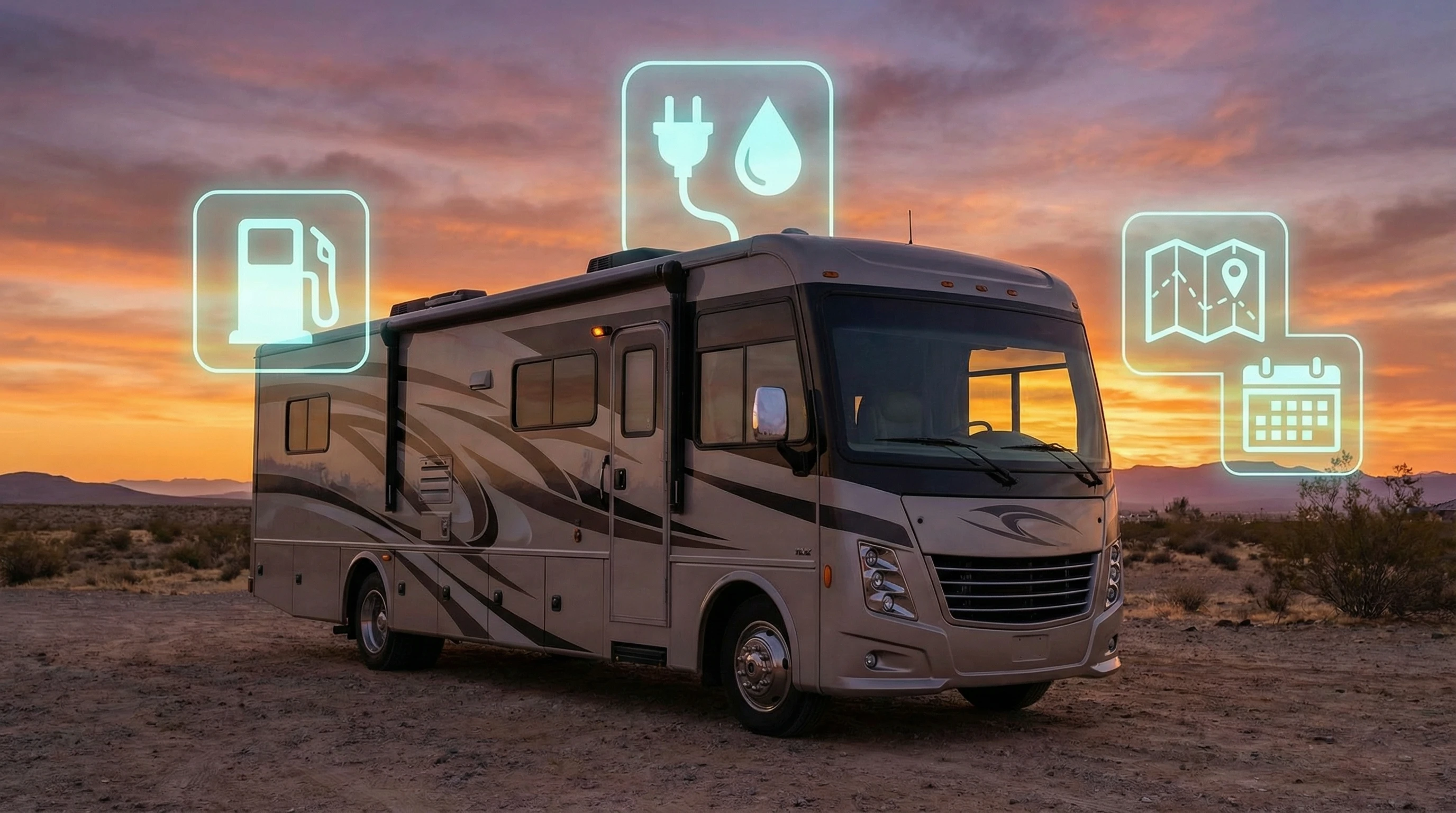
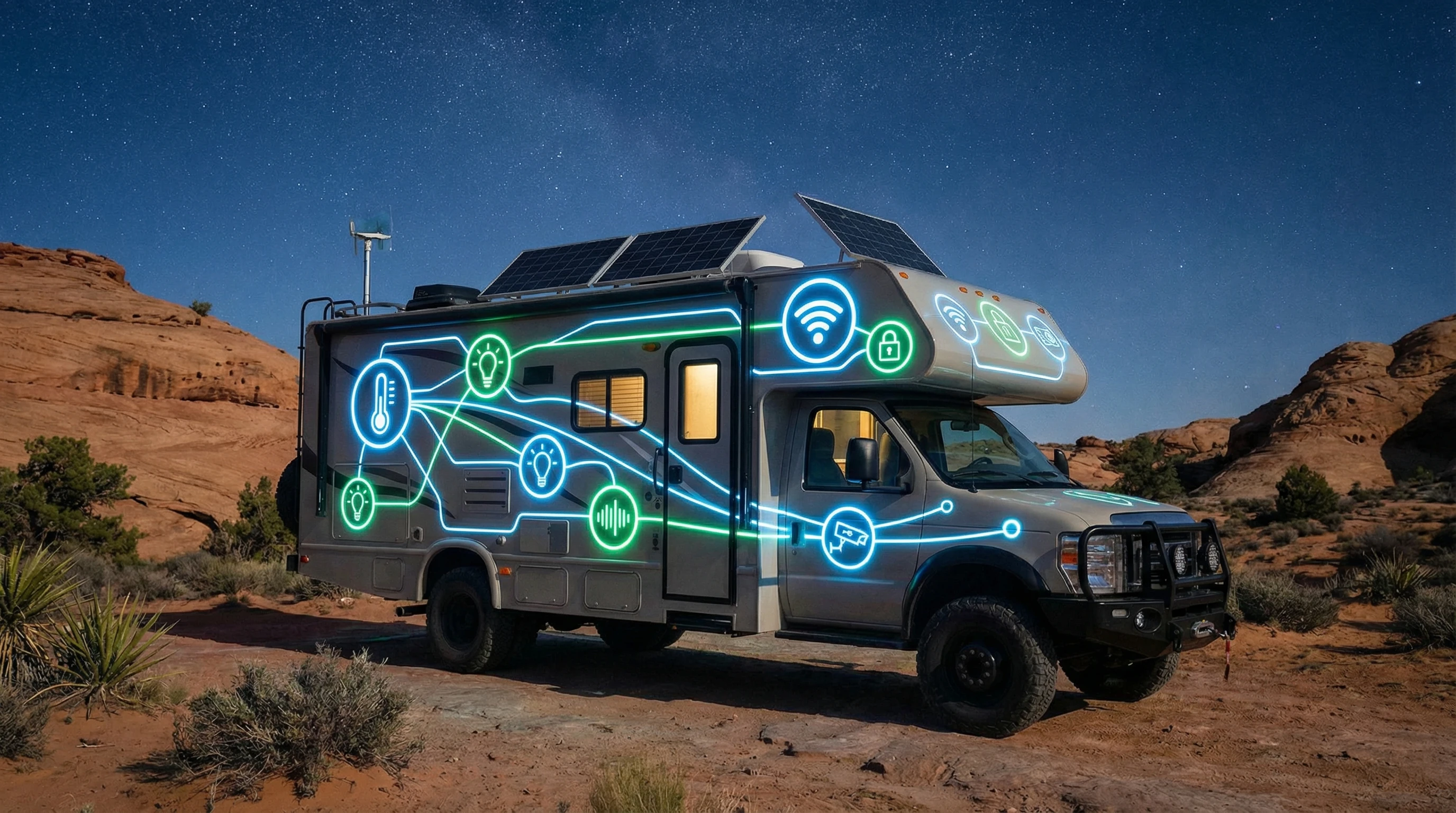
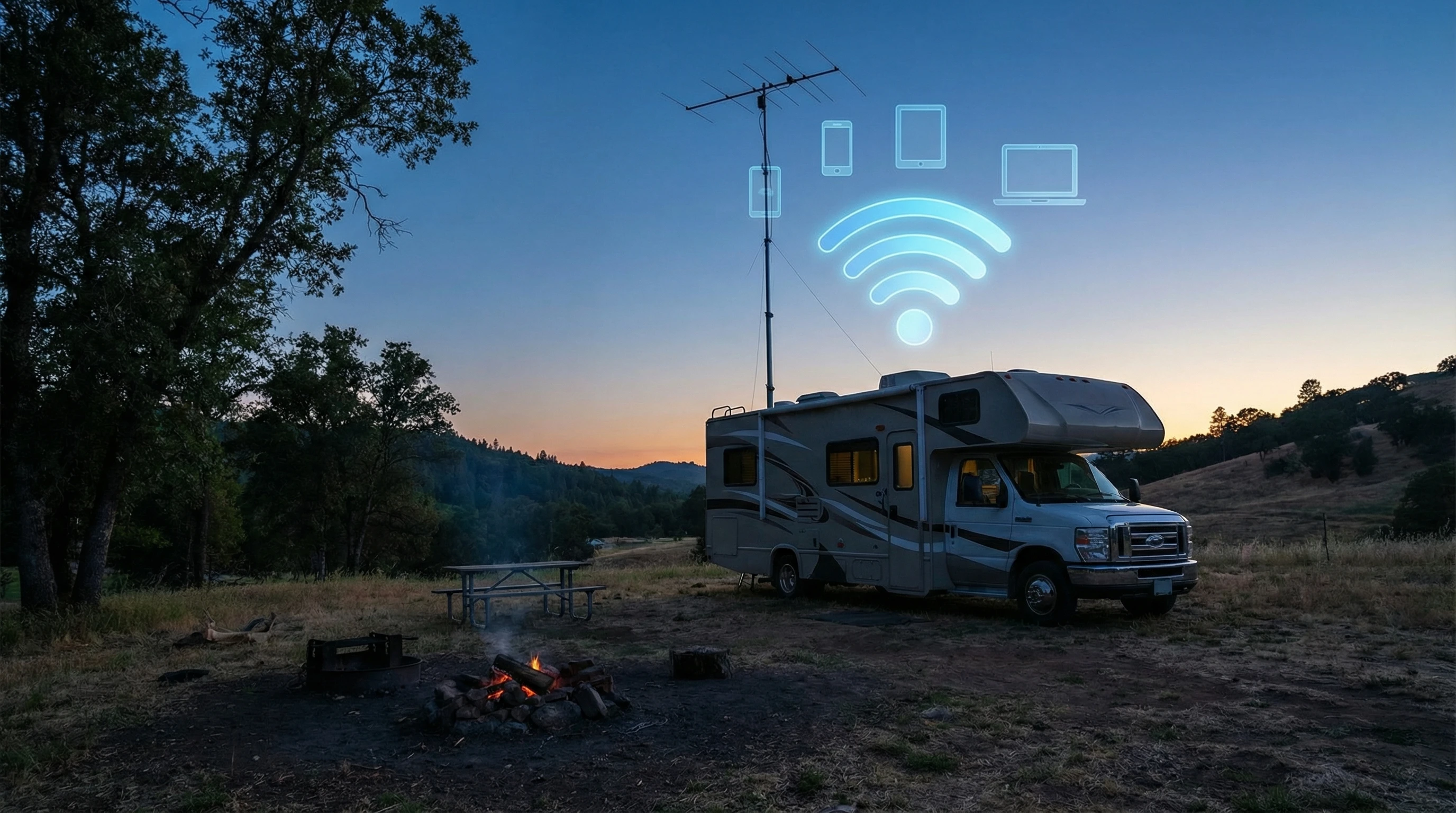
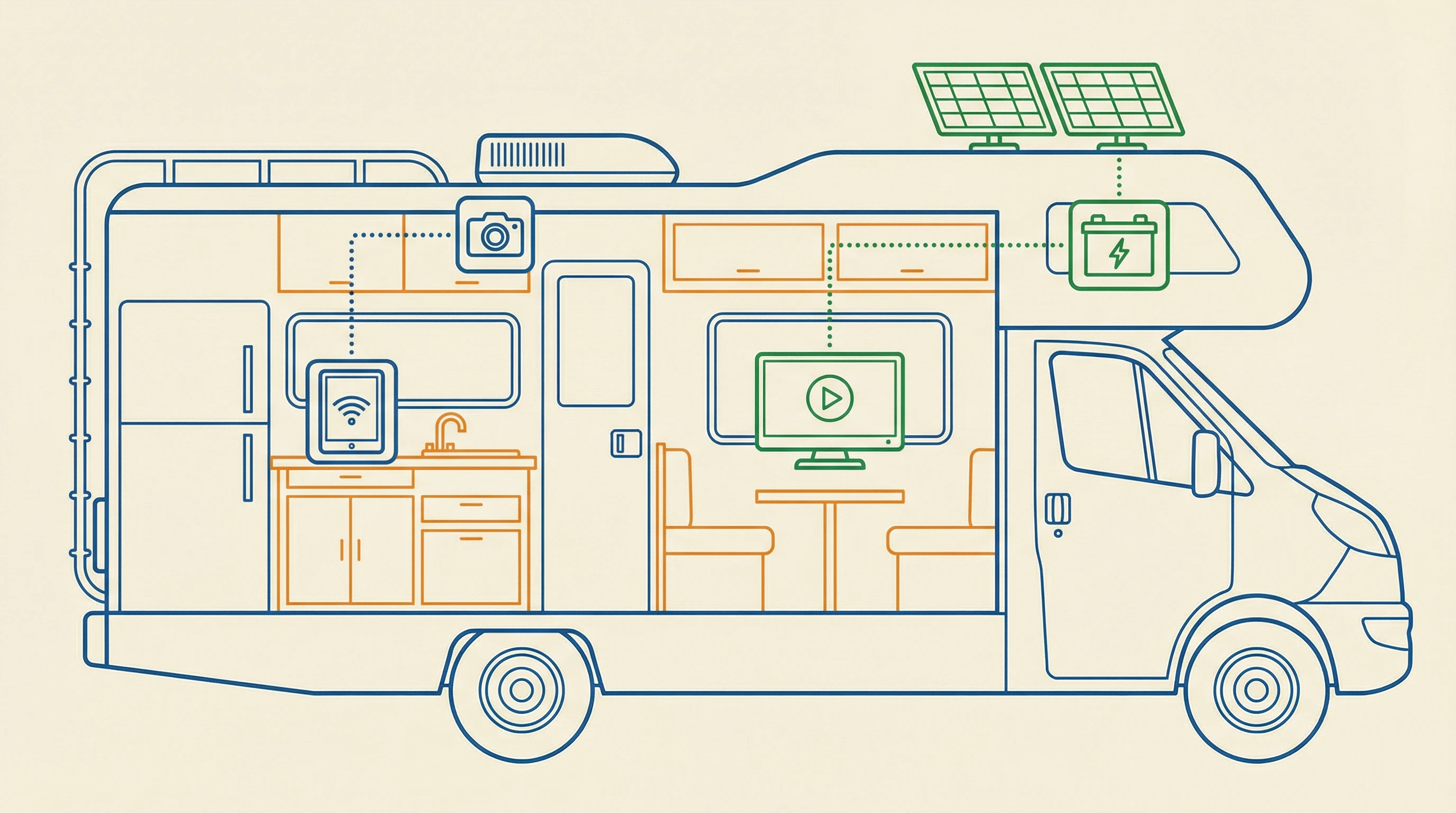
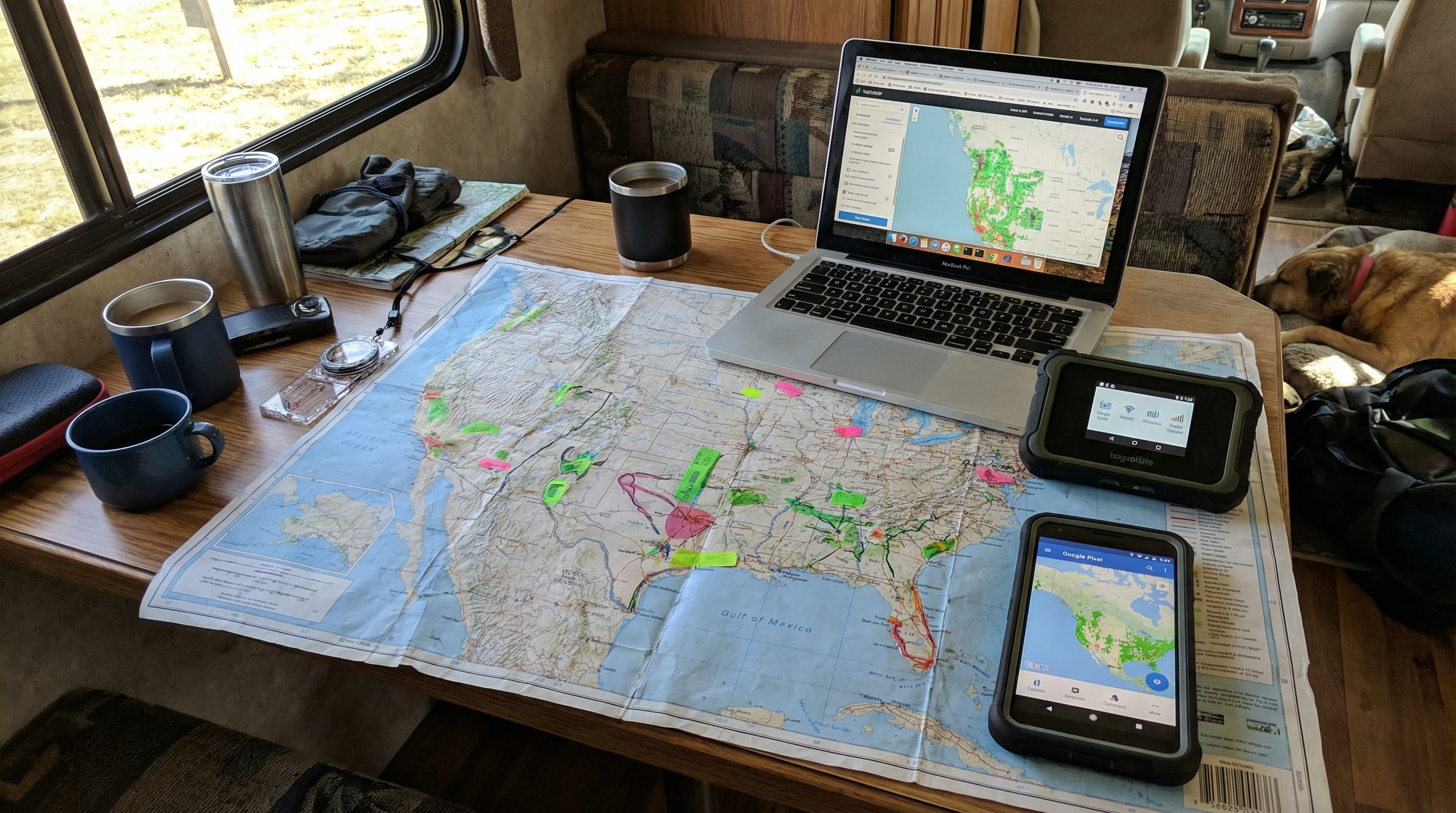
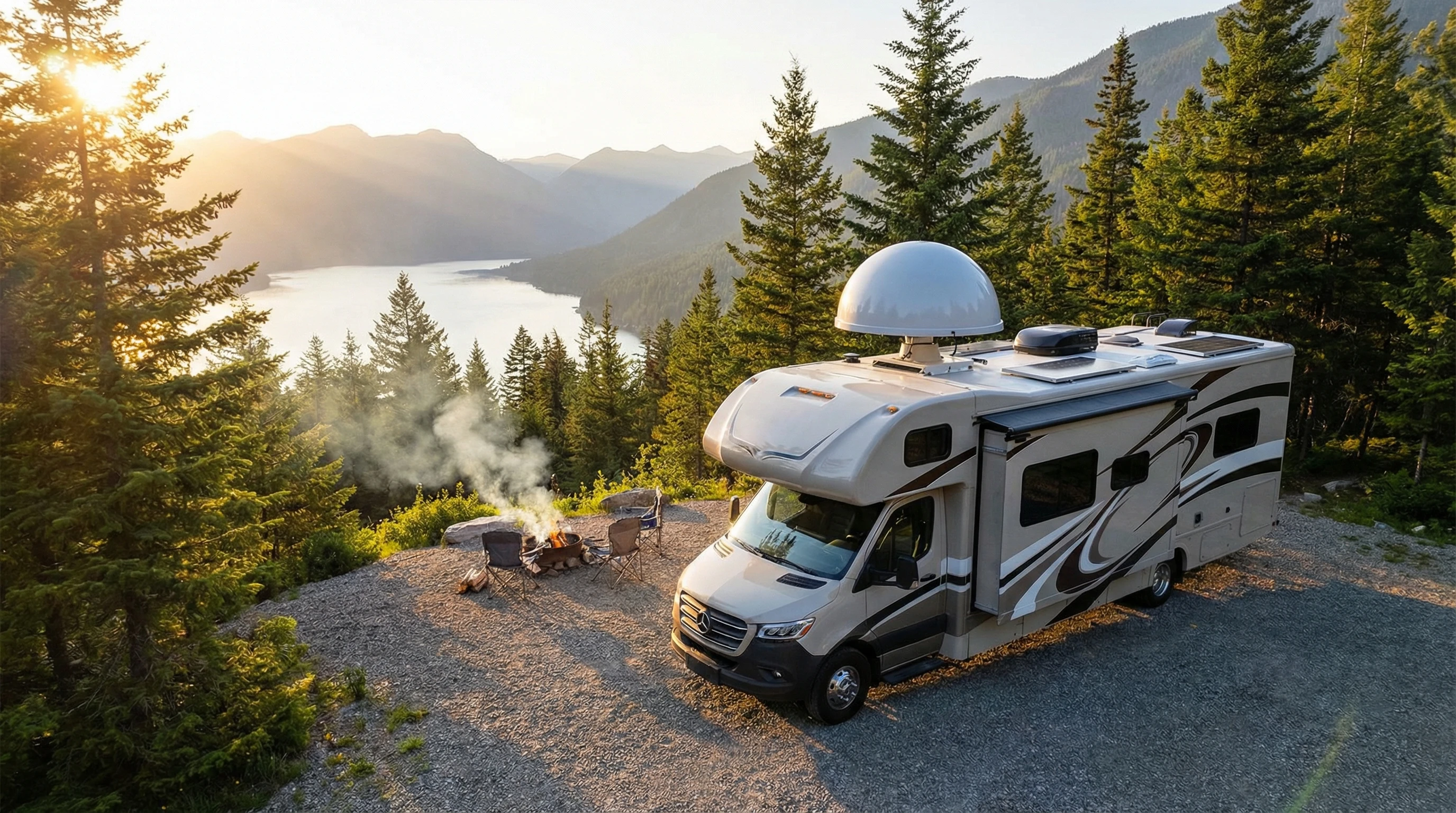
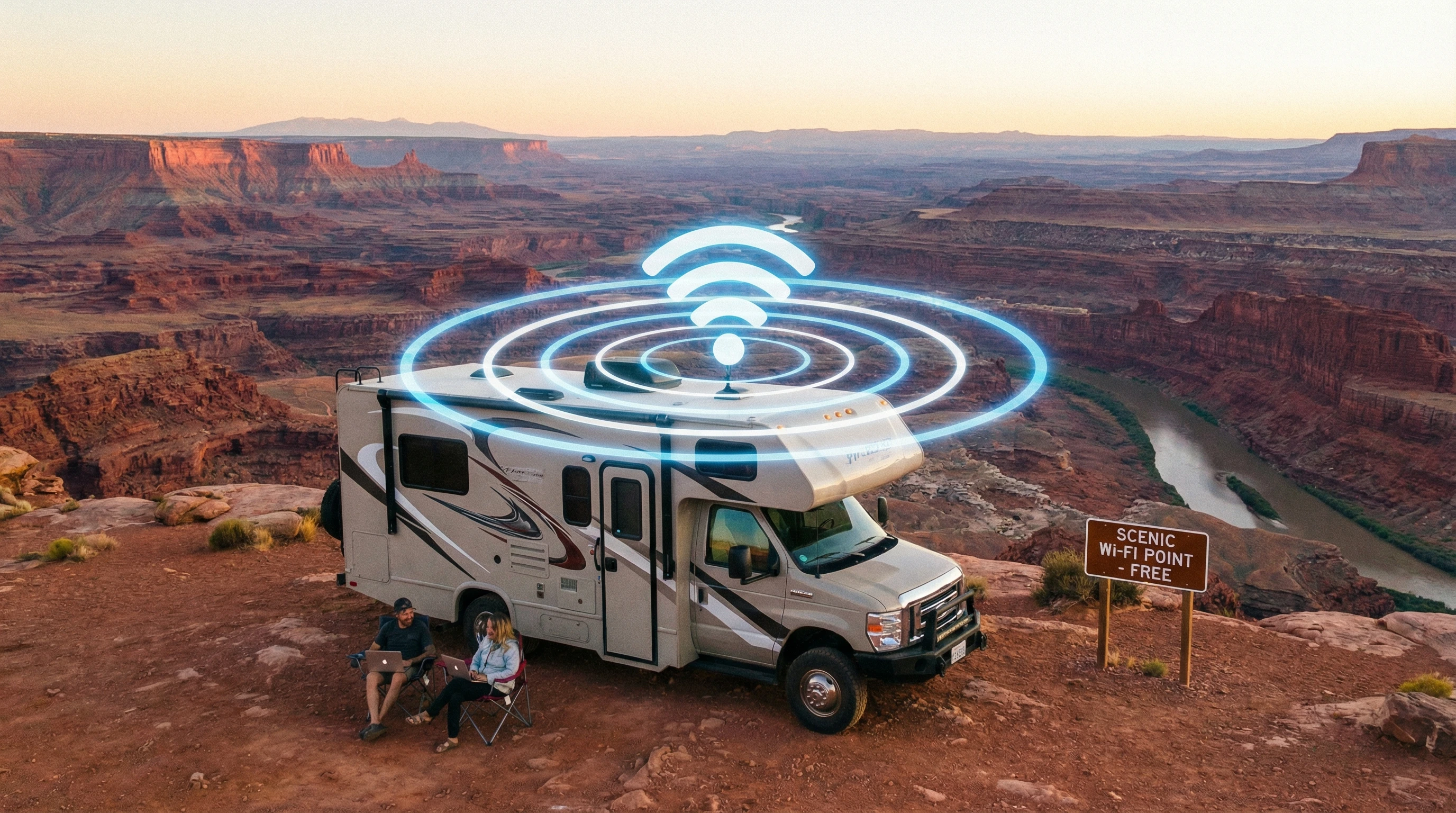
This image is a little over the top, but I would not put it past today’s Millennials to try it! 😂

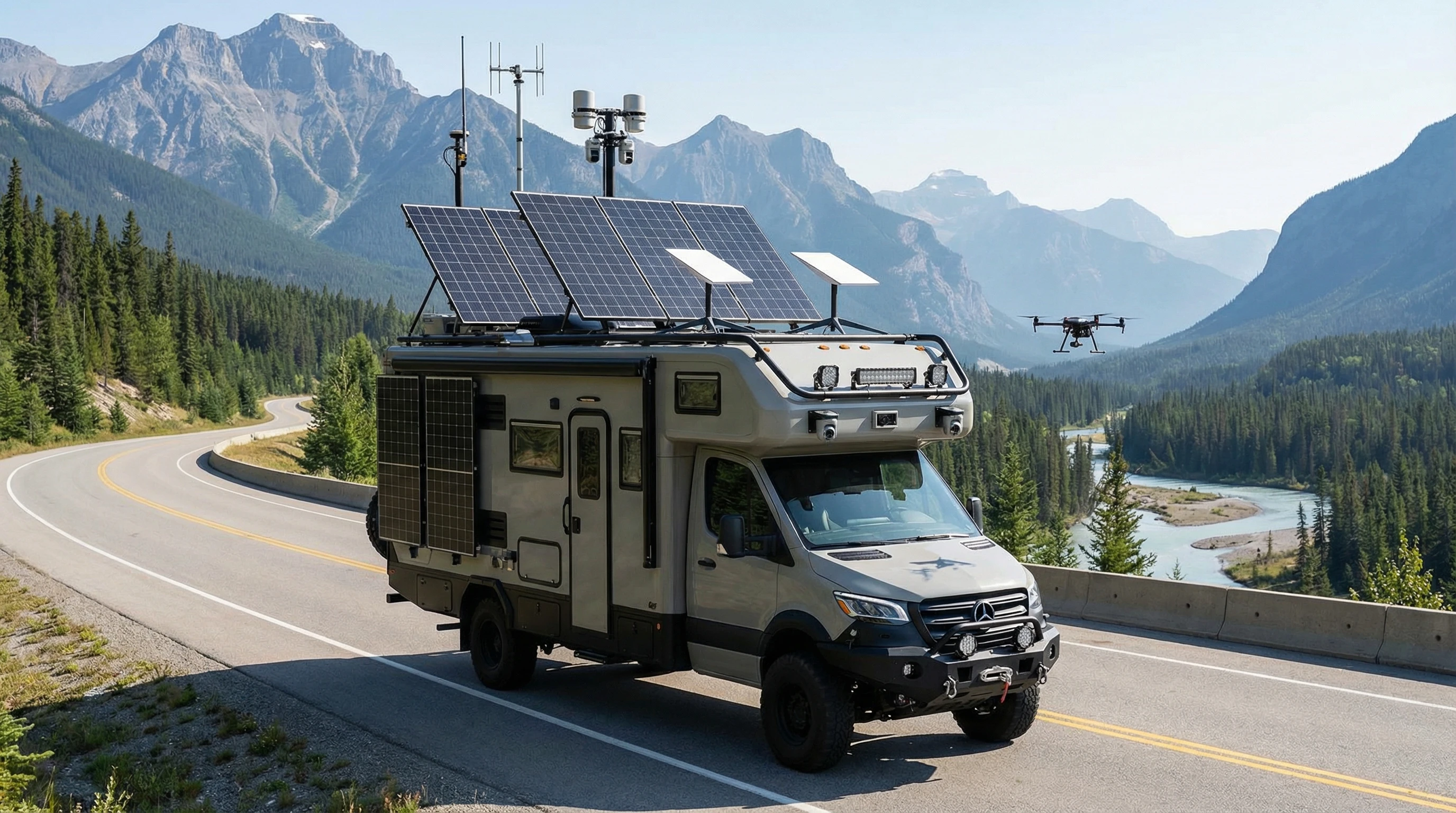
A modern RV with antennas, solar panels, and tech gadgets on a scenic highway with mountains and trees

Why Invest in RV Tech Gadgets?

RV gadgets aren’t just eye-catching add-ons; they make road life easier and more fun. Many older RVs lack built-in modern features, so a few smart upgrades can really make a difference. Tech gadgets can improve safety, simplify navigation, help with RV maintenance, and of course, keep everyone entertained and connected wherever I park.

The market for RV tech is growing fast. More travelers are working remotely, streaming movies at campgrounds, and sharing adventures on social media. With so many options out there, knowing what works best helps reduce headaches and saves time. Picking the right gadgets means less downtime and more relaxing under the stars.

Top 10 Essential RV Tech Gadgets for a Connected Ride

Every RVer’s needs are a little different, but these 10 tech gadgets bring a lot of value to almost any setup. These devices cover everything from internet access to safety and convenience; some come in handy for solo travelers, while others shine on family road trips.

  1. Mobile WiFi Hotspot
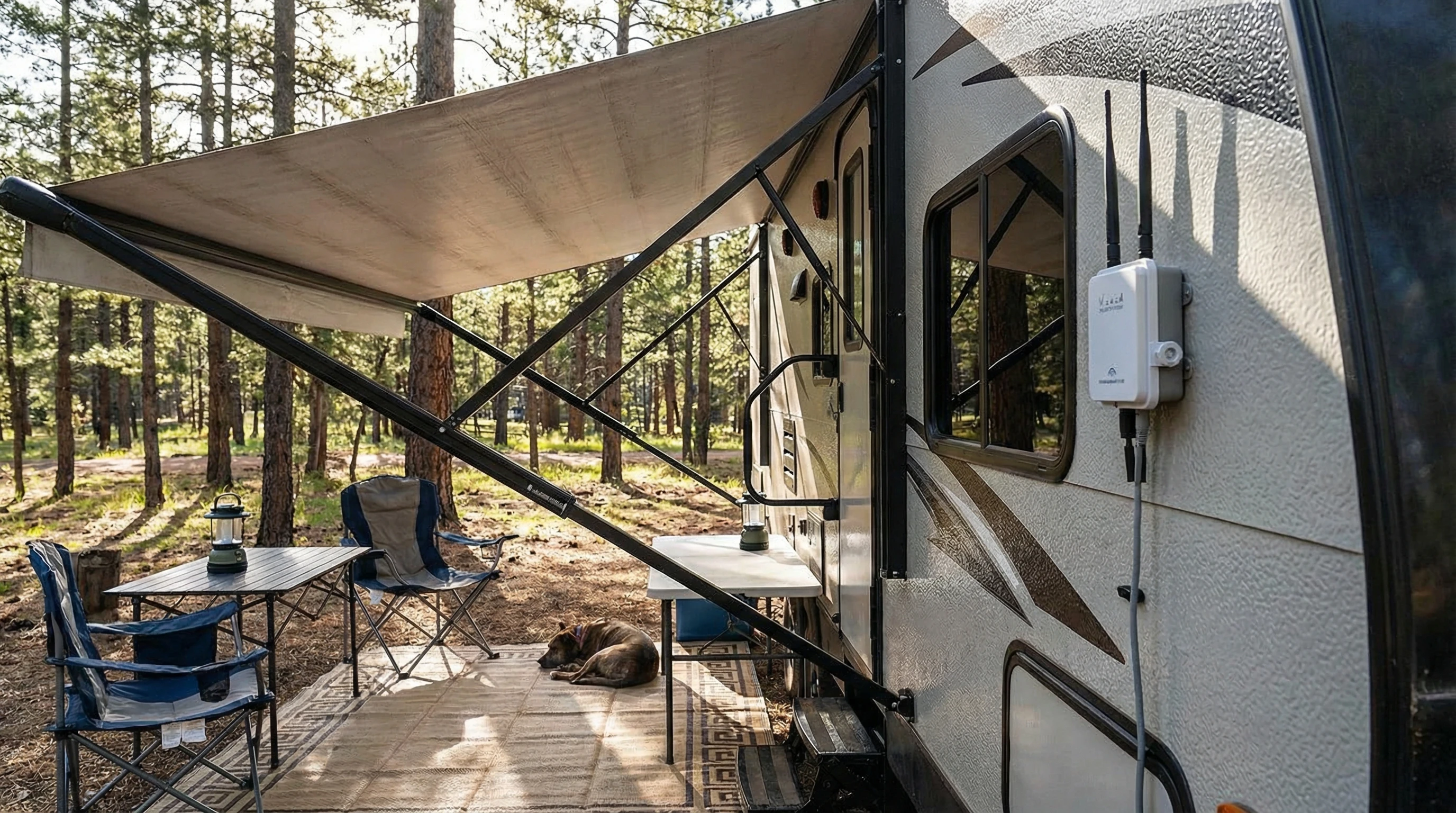
    Staying connected on the go is really important for work and navigation. A compact mobile hotspot provides 4G or 5G internet coverage using a SIM card from a wireless carrier. I plug mine in near the dashboard or a window for better reception, and most units work with multiple devices at once. For those who venture far off the grid, certain hotspots accept external antennas for an even stronger signal in remote areas.
  2. Cell Signal Booster
    Many RV parks or backcountry spots have weak cell coverage. Signal boosters grab a weak signal and crank it up throughout the RV. This helps boost both data speeds and voice calls, so no more missed calls while camped among the pines. Investing in a solid booster is especially valuable for anyone relying on their phone or mobile internet for work or family communication.
  3. GPS Navigation System
    While apps on your phone work, a dedicated GPS for RVs is better for tricky routes. These systems provide oversized views, alert me to low clearances, and help avoid weight-restricted roads. Models like Garmin RV 1095 (we have used this for our large RVs for years) or Rand McNally specialize in large vehicle navigation, giving you peace of mind when heading down unfamiliar highways or city streets.
  4. Smart RV Thermostat
    Keeping the temperature comfortable can get tricky when traveling through different climates. A smart thermostat lets me adjust heating and cooling remotely from my phone. Some models even learn my preferences and help save energy, which is a real bonus while boondocking or chasing summer breezes up north.
  5. Bluetooth Tire Pressure Monitoring System (TPMS)
    Low tire pressure or overheating can turn into a big safety problem. A TPMS keeps an eye on tire status and sends real-time alerts to my phone, so I can catch leaks and faulty tires before there’s a blowout. Many systems now also give temperature readings, which helps cut maintenance costs over time. I have used the TST systems for years.
  6. RV Backup Camera
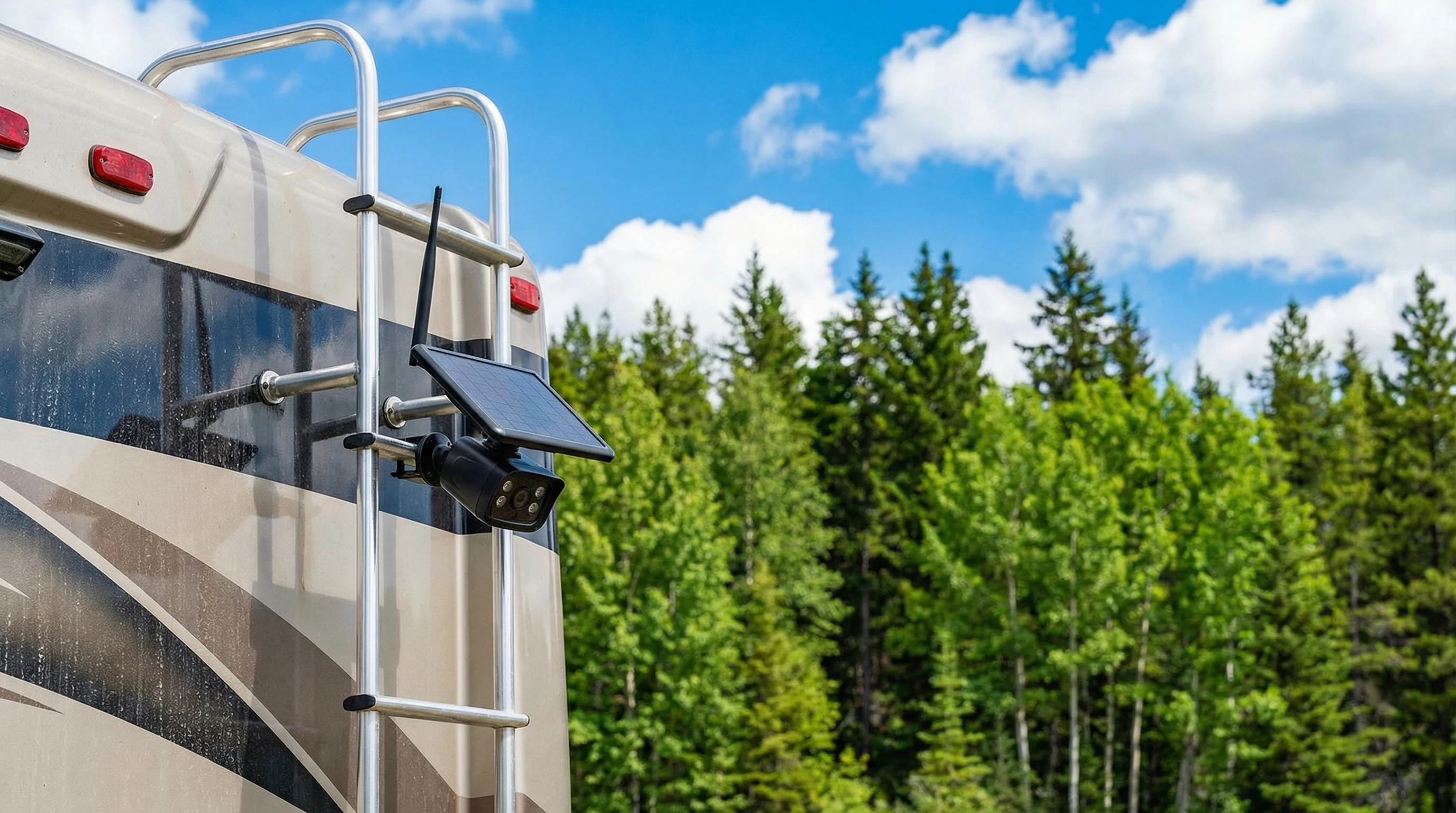
    Backing up a big rig can be nerve-racking. A wireless backup camera gives me a clear view behind, making it easier to avoid obstacles in tight campsites. Some systems offer split screens to monitor multiple angles at once—super handy for those tight spots in older campgrounds. This one is pretty cool!
  7. Solar Generator or Portable Power Station
    Off-grid camping is easier with a solar generator or portable station. These battery packs recharge with solar panels or shore power and run small appliances, laptops, and smartphones. They’re silent and clean compared to fuel-based generators, and they’re a great eco-friendly step for longer boondocking trips.
  8. StreamFriendly Smart TV or Streaming Device
    Entertaining myself or a crew on rainy nights doesn’t get much easier than plugging in a smart TV or a streaming stick. These work great with WiFi hotspots and pull up Netflix, YouTube, or Hulu, turning an RV into a little movie lounge. Look for models that offer screen mirroring and handy remote apps for even more flexible viewing options.
  9. Smart Door Lock
    Security matters, especially in busy campgrounds. A smart lock lets me unlock the RV with a code or an app, so losing physical keys is less of a worry. Some also autolock for added peace of mind, even if I’m away hiking or exploring nearby.
  10. Leveling System with App Control
    Getting the RV level can be a hassle, especially on rocky or sloped sites. An electronic leveling system or smart leveling device links to my phone and guides adjustments step by step, shaving time off my camp setup routine. Some advanced kits even feature voice prompts to guide solo travelers who are backing into a spot.

These gadgets don’t just give RV life next-level cool factor; they handle real-world challenges I face out there. A good setup also helps avoid common travel headaches. I get to spend more time hiking, relaxing, or just hanging out with friends and family instead of wrestling with avoidable problems.

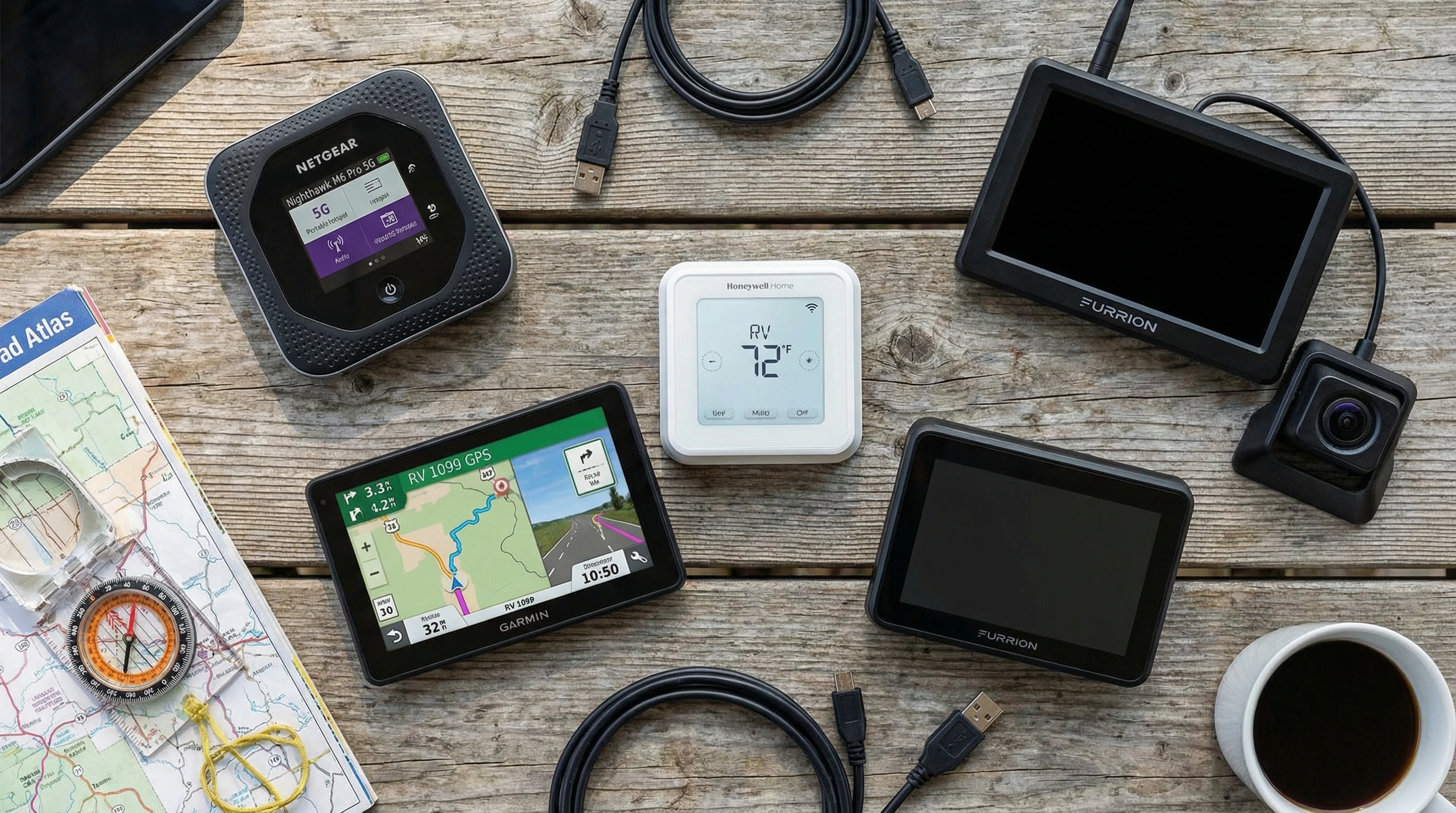
Flat lay of popular RV tech gadgets including portable hotspot, GPS, smart thermostat, and backup camera, laid out on a picnic table

Choosing the Right RV Tech Gear: Tips and Considerations

The tech world changes fast, and not every gadget suits every RV or traveler. Some devices are more helpful for fulltimers, while others make short weekend getaways easier. As you shop for your RV upgrades, here’s what I keep in mind:

  • Compatibility: Make sure new gadgets work with your RV’s wiring, electrical capacity, or climate system. Some upgrades might need an adapter or extra space to install, especially in smaller rigs or vintage campers.
  • Coverage Areas: Internet tools like hotspots and boosters depend on mobile network coverage. Double-check if your favorite destinations have decent service for your provider before investing in a pricey data plan or booster.
  • Ease of Use: Fancy features are cool, but simple setup and controls matter. I love gadgets that work with a single app, fewer buttons, or easy-to-read screens while I’m on the move.
  • Power Needs: Extra tech can drain RV power quickly, so check the impact on batteries or generator use. Some devices, like portable power stations and TVs, come in lower wattage versions for boondocking or solar setups.

Doing some research ahead of time pays off and prevents buying gear that ends up in a storage bin. Reviews from other RVers and online forums like iRV2 or Reddit/vandwellers are worth checking out for real-world tips and troubleshooting advice. Some groups even post photos or short videos, offering insight into installation quirks or must-have travel hacks.

Maximizing Connectivity: Internet and Streaming on the Road

Fast and reliable internet is a game-changer for working, streaming, or catching up with family when you’re parked in the middle of nowhere. Here are a few ways I keep all my devices linked up, no matter where I’m camped out:

  • Check for Carrier Coverage: Before heading out, I look up which wireless carrier provides the strongest signal in my destination area. Sometimes, a backup SIM card with a different provider comes in super handy, especially as you travel across state lines with varying service.
  • Signal Placement: I always position my hotspot or booster close to a window and far from big appliances for the best reception. Investing in an external antenna gives me a stronger connection, and it’s worth it if you often camp in remote places or thick woods.
  • Prioritize Bandwidth: Heavy streaming can eat up data caps in no time. Lower streaming quality on Netflix or YouTube, or download episodes and playlists before leaving stronger WiFi signals behind. I also turn off automatic updates on devices to conserve data.

Public Wi-Fi at campgrounds is often slow or limited. For important calls or uploads, I rely on my personal setup. These upgrades keep my weekends stress-free and allow for flexible remote work whenever I need it, making RV living more dependable and less stressful.

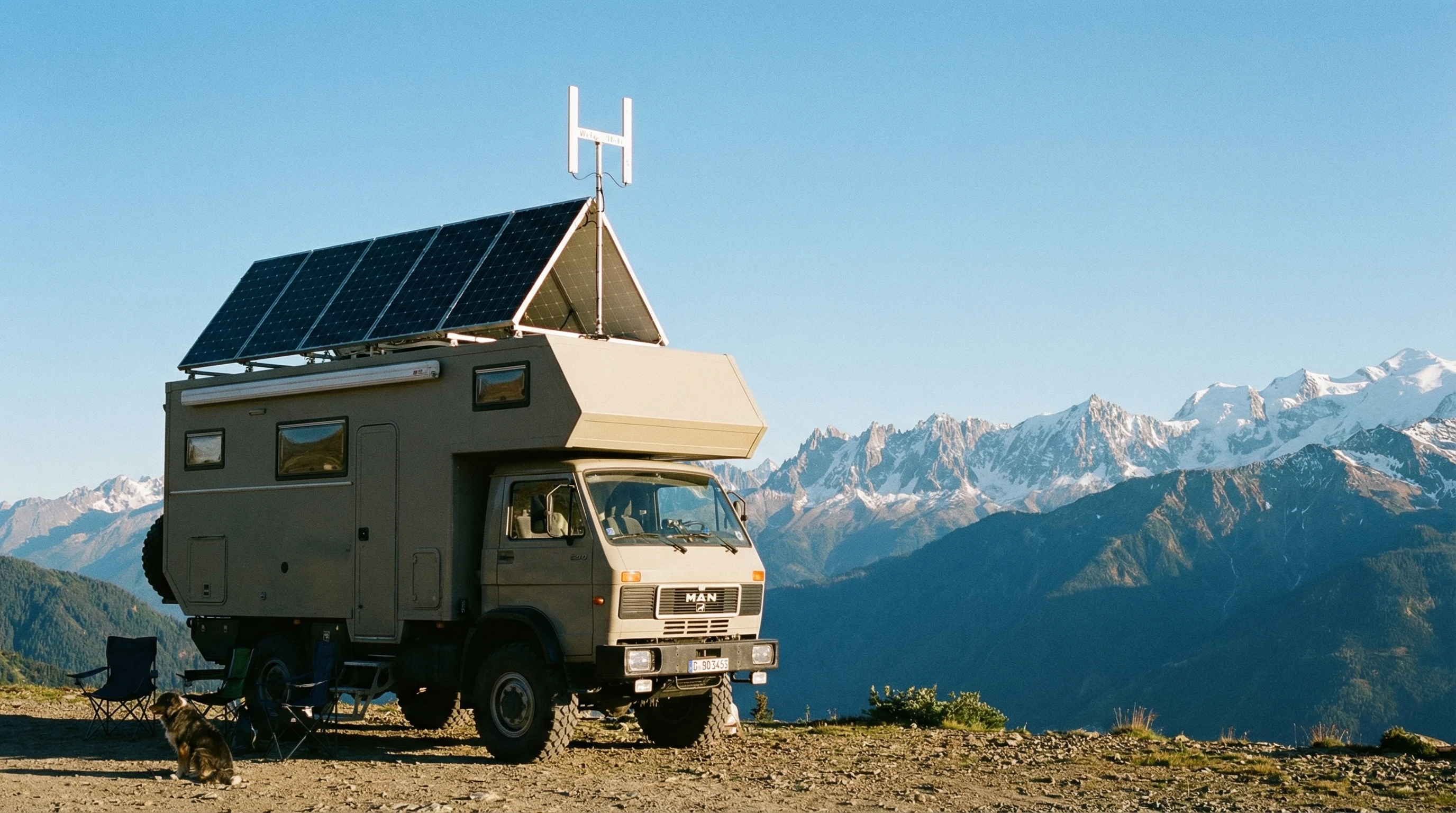
An RV with mounted solar panels and Wi-Fi antenna parked with a view of mountains and blue skies

Upgrading Safety and RV Maintenance with Technology

Tech tools go beyond just entertainment and the internet. Safety and maintenance have seen big improvements with smart monitoring and alert systems, too:

  • Tire Monitoring: A Bluetooth TPMS gives early warnings for leaks, low pressure, or overheating. These simple alerts can prevent blowouts, keep fuel costs down, and even extend tire life by staying on top of maintenance. Our TPMS system has saved our bacon several times over the years!
  • Backup Cameras: Even older RVs can get a camera upgrade since many kits are now wireless. These help prevent dents, fender benders, or running over small obstacles when backing into camp spots or leaving tight parking lots. Some models let you record trips too—handy for capturing wildlife sightings or tricky maneuvers.
  • Level Indicators: No more wood planks or guesswork. Electronic systems let me make targeted adjustments from inside the RV, saving time (and keeping floors and beds from feeling crooked).
  • Remote Monitoring: Some newer models have sensors for propane levels, battery discharge, or water tank status, all easily checked through a smartphone. These remove surprise outages and make trip planning a breeze, especially for longer hauls across varying terrain.

The right gadgets help keep everyone safe, comfortable, and aware of RV health between travel days, shedding light on common problems before they slow things down.

A wireless backup camera attached to an RV with green trees in background and blue sky above

Extra Tips: Getting the Most Out of RV Gadgets

I found a few practical habits to keep gadgets humming and rides stress-free:

  • Keep charging cables and adapters organized in labeled pouches to avoid clutter and tangled cords.
  • Double-check firmware or app updates before leaving WiFi behind, since some devices need internet to upgrade. This prevents annoying connection issues down the line.
  • Secure all mounts and brackets to keep tech in place on rough roads or bumpy drives.
  • Test every new gadget at home before hitting the road, so there are no big surprises at the campsite. If possible, keep user manuals handy on your phone or in a travel folder for quick reference.

Getting familiar with each gadget’s controls and basic troubleshooting helps save time and keeps things enjoyable wherever I end up. Planning ahead and learning the quirks of your new tech can turn problems into quick fixes instead of RV trip mishaps.

Frequently Asked Questions

Here are some common questions people have about RV tech gadgets:

Which internet option works best for RVers?
A dedicated mobile hotspot paired with a signal booster is often the top choice. Satellite internet services work almost anywhere, but more than cellular setups. If streaming or working remotely is a priority, always check provider coverage maps ahead of time.


Do I need a special GPS for my RV, or will my phone work?
Your phone does the trick in most cases, but RV-specific GPS units offer height and weight restrictions, custom routes, and bigger screens. These help avoid low bridges, winding roads, and make navigation much less stressful for large vehicles.


How hard is it to install a backup camera or tire monitoring system?
Wireless kits make installation pretty simple, even if you’re not super handy. Some plug into lighter outlets or have magnetic bases. Just make sure to check compatibility and power sources before buying a new kit.


Can a solar generator really run everything in my RV?
Portable solar power stations can handle small appliances, fans, and lights, but they’re not meant for big air conditioners or ovens. For more energy needs, combine solar generators with roof-mounted panels and battery banks for a stronger, more flexible power setup.


Are RV smart thermostats worth it?
Smart thermostats save energy, maintain comfortable temps when you’re away, and let you check or adjust settings from your phone. They’re especially useful for folks covering regions with big temperature swings or anyone trying to keep pets comfortable during quick errands.


Get the Most from Your RV Adventure with the Right Tech

The right gadgets can turn any RV into a cozy, connected, and safe rolling home. I’ve found that a little investment in tech means more freedom and flexibility, whether I’m working on the road, helping the kids stream their favorite shows, or just making setup and travel more relaxing.

Each of these RV tech essentials is worth considering if you want to enjoy a smoother, more fun ride—no matter where the next road takes you.

If you’re interested in more RV tips and gear guides, check out extra resources on our website, at RV Travel or head over to RV LIFE for advice from RVers across the country.

Feel free to leave a comment or ask your own questions. I’m always happy to share more personal experiences and tips for making the most of your RV lifestyle!

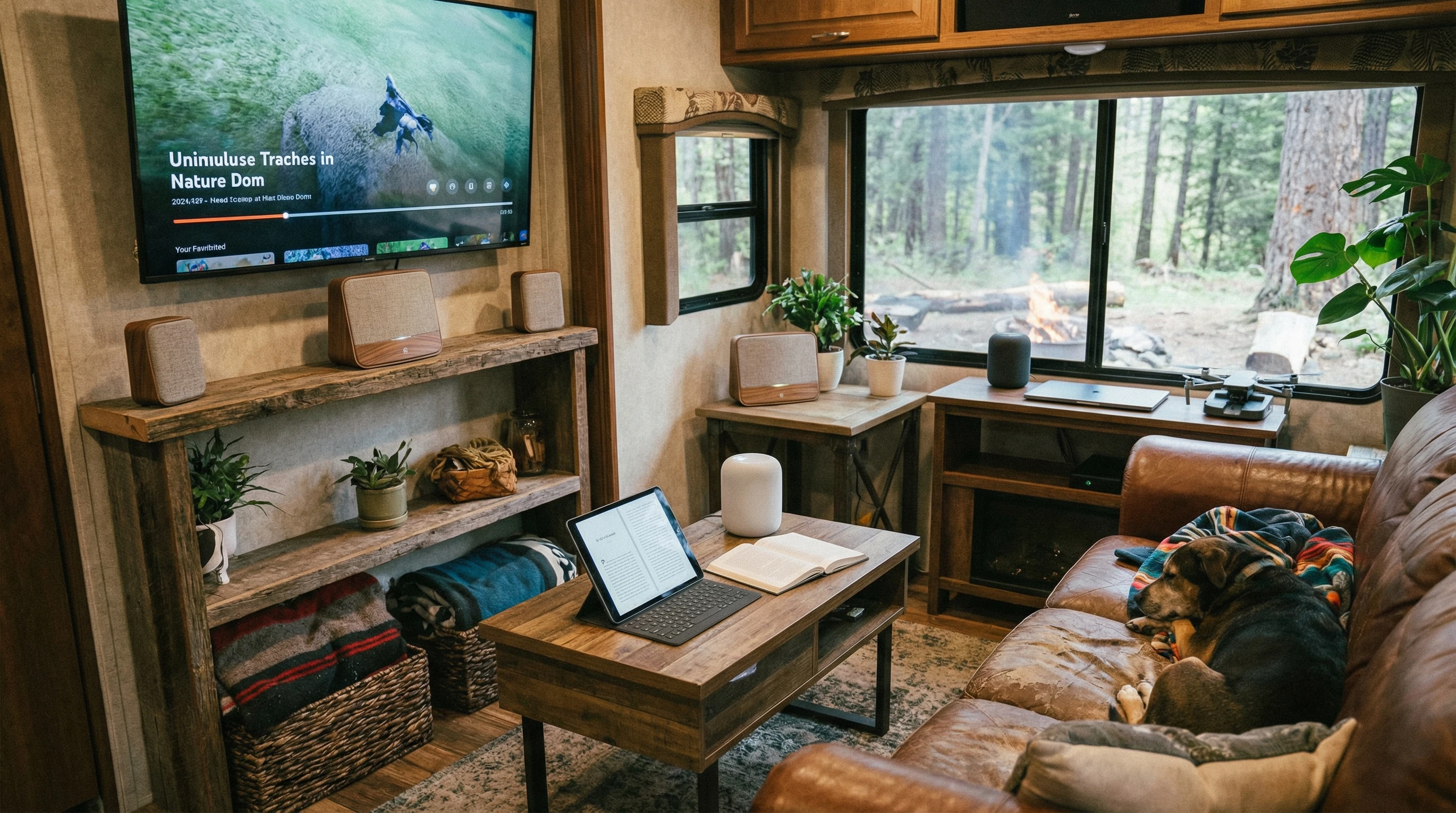
A cozy RV interior set up with a mounted smart TV, Wi-Fi hotspot, and tech gadgets, with a forest outside the window

Ready to upgrade your own road trips? With the help of a few smart gadgets, life on the road gets easier, more comfortable, and a whole lot more fun.

_________________________________________________________

What If Your RV Could Help Pay for the Journey? Could you make money while boondocking?

Many full-time RVers quietly earn money online: writing, recommending products, and building simple digital assets that generate income while they travel.

You don’t need tech skills.
You don’t need experience.
You just need the right roadmap.

👉 Discover the beginner-friendly approach! Take a look at this post on this website.
Full-time RV laptop workspace with a scenic mountain view, showing how RVers run a small online business while traveling and living on the road

How To Choose The Right Cellular Data Plan For RVers

Using Cellular Networks: Choosing the Right Data Plan for RVers

Staying connected while living or traveling in an RV is a huge part of modern RV life. Whether it’s for work, streaming shows, navigation, or keeping up with friends, having the right cellular data plan can make life on the road much smoother.

I want to help you understand what options are available and how to pick a plan that actually fits your travel style and needs.

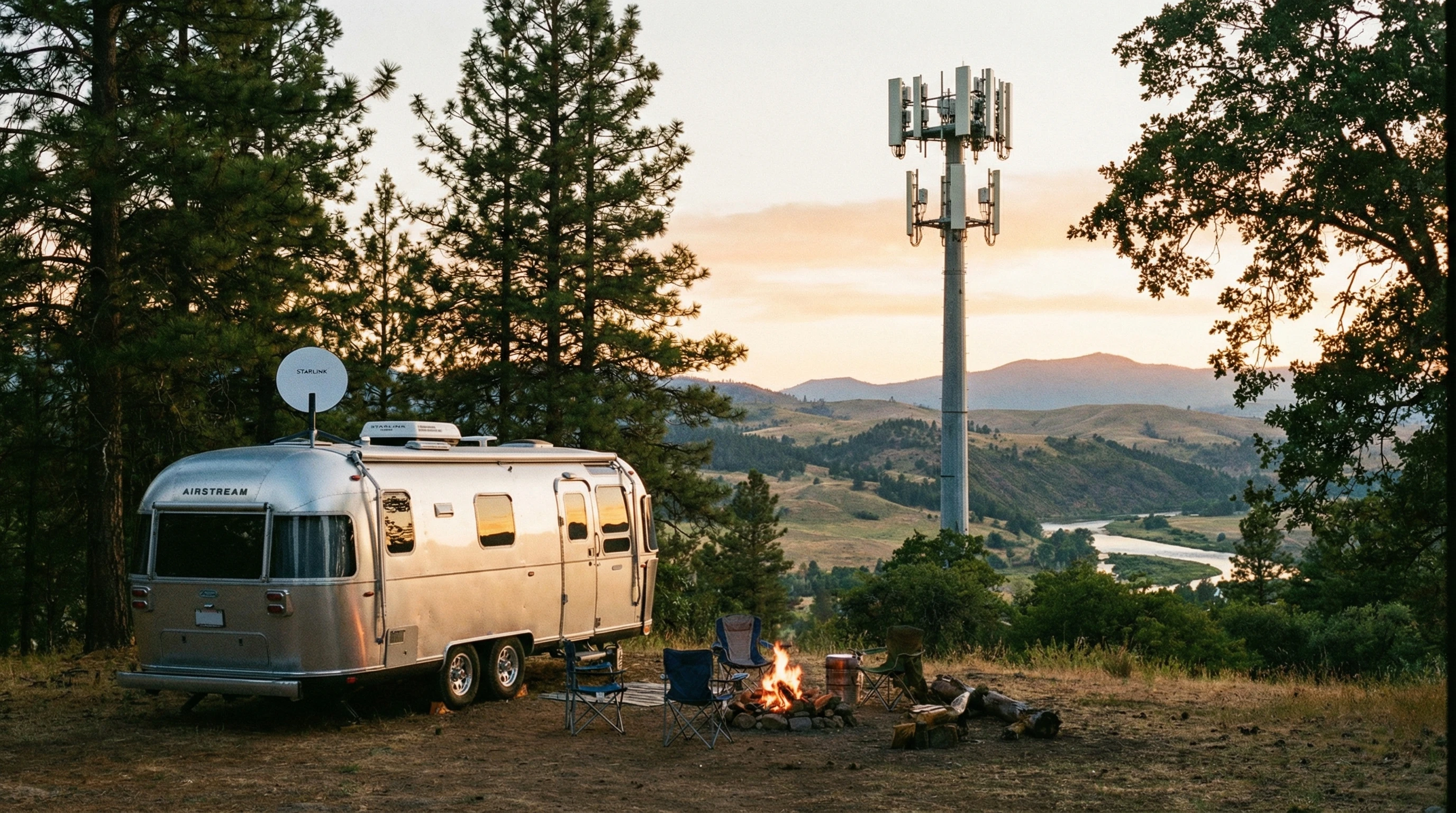
A scenic RV parked near trees with a visible 5G cellular tower in the background.

Why RVers Need Tailored Data Plans

Standard cell phone plans aren’t always the best fit for RV life. When moving from state to state, data needs vary, coverage can change a lot, and some plans might slow down your speeds or stop working altogether in certain areas. I’ve found that getting the wrong plan can mean frustrating dropped signals, surprise overage fees, or struggling with slow speeds right when you need Internet the most.

Most people use way more data in an RV compared to being at home. Streaming, video calls, and work projects use up gigabytes fast. Choosing a data plan built for mobility or adding RV-friendly features makes a big difference when you’re traveling all over.

Types of Cellular Data Plans for RVers

The good news is that there are several choices for RVers now, and each has pros and cons depending on how you travel. Here are the main types:

  • Phone Hotspot Plans: Most cell phones let you share your data with other devices. This works if you travel light and don’t need heavy data usage. However, most carriers limit how much full-speed hotspot data you get.
  • Standalone Hotspot Devices: These are separate routers that use a SIM card to deliver WiFi to your RV. Some plans come with unlimited data, but actual speed and usage caps still apply depending on the provider.
  • Prepaid SIMs: Great for short trips or when you need flexibility. Buy data by the month with no contracts, but these often have less customer support and coverage perks.
  • Specialty RV or Nomad Plans: Some companies offer plans designed just for people constantly on the move. These plans sometimes cost more, but they handle roaming, network switching, and higher usage much better.

Mixing and matching these can be smart, especially if you need to guarantee a strong signal in remote parks or while boondocking off-grid. Some seasoned RVers even carry SIM cards for more than one carrier, letting them switch easily based on where they’re parked. This flexibility means you can avoid getting stuck without a signal when you really need to send an important email or check on route changes.

Key Factors to Consider When Picking Your Data Plan

There’s no perfect plan for everyone, but I like to focus on a few details that make the most difference day to day.

  • Coverage: Not all networks reach everywhere. Verizon, ATT, and T-Mobile each have dead zones, especially in rural areas or national parks. Checking coverage maps for your usual routes can help you avoid surprises.
  • Data Allowance: Unlimited plans usually sound better than they really are. Most have soft caps where your speeds are slowed after a certain point. Know these limits and how you use data for work, streaming, or gaming before committing.
  • Roaming and Domestic Use: Some plans exclude Alaska or exclude service in Canada or Mexico, which matters if you plan to cross borders.
  • Price and Contracts: Flexibility matters for RVers. Month-to-month plans, no annual contracts, or seasonal pause options help you avoid paying for what you don’t use.
  • Device Compatibility: Some plans only work with specific hotspot routers or require certain phones, so double-check your gear before buying. In some cases, an unlocked device will give you much more freedom.
  • Customer Support: When something goes wrong, access to quick help can keep you running. Specialty RV data providers that focus on nomads usually do a better job here than big box retailers.

Quick Guide: Steps to Choosing the Right RV Data Plan

Narrowing it down can take a bit of effort, but here’s a basic checklist I use myself:

  1. Figure Out Your Needs: Add up your normal monthly data usage. If you stream TV and use Zoom a lot, shoot for plans with true unlimited data or very high caps. If you only check emails and browse casually, you might do just fine with 30 to 50GB per month.
  2. Map Your Typical Travel Area: Use tools like OpenSignal and each carrier’s official map to see who covers your favorite camping regions best. Sometimes it helps to ask in local RV groups about real-world coverage in places you visit.
  3. Decide on Device Setup: Will your phone hotspot cut it, or do you want a dedicated mobile router that improves coverage and lets several devices connect?
  4. Compare Plan Options: Look at each provider’s website and specialty RV connectivity companies. Pay close attention to setup fees, speed throttling, and what happens if you go over your data cap.
  5. Read Real User Reviews: Websites like r/RVLiving or RV-specific Facebook groups are super helpful for honest reviews. They also share hacks and current promos. Sometimes, RVers share which carriers were best in certain states or parks, which is info you won’t find in marketing brochures.
  6. Start Small, Scale Up: If you’re unsure, try the lowest commitment plan until you know what works for your travel style. Most companies make it easy to switch up or addon as you go.

Following these steps has saved me both time and money, and I can switch my setup anytime my travel patterns change. Remember, having a backup plan often means the difference between smooth streaming and total dead zones.

Common Cellular Data Challenges for RVers (And How to Handle Them)

Mobile Internet isn’t always smooth sailing. These are a few bumps I’ve hit along the way, and they’re pretty common for anyone using cellular data as their main connection:

  • Slow Speeds in Crowded Areas: Campgrounds often fill up with users during peak hours, which can slow data. Having plans from two carriers, or a cell booster, can help get around this issue. You might find one carrier is overloaded, while the other is still usable. Rotating between them keeps you online even when a campground is packed.
  • Data Throttling: After you hit your monthly cap, your speed can drop to a crawl, sometimes making streaming impossible. Tracking your usage and setting alerts or using offline downloads for shows keeps frustrations down. You can also schedule big downloads during off-peak times when speeds are less likely to be limited.
  • Signal Dead Zones: National Parks and remote camping spots sometimes have zero signal. A quality cell booster or outside antenna can give your hotspot or phone a much better chance of grabbing even a weak connection. Bring along updated offline content to keep boredom at bay during these stretches.
  • Firmware or SIM Locks: Buying a new hotspot device that’s locked to one carrier can put you in a bind if their network isn’t available where you travel next. Unlocked devices let you swap SIMs as needed, so always check before you buy new tech.

Handling Dead Zones

Even with the best plan, there are times when coverage tanks. I recommend installing offline maps or downloading podcasts and shows before heading out. For work, scheduling your heaviest uploads, downloads, or video meetings before you drive into spotty territory can keep stress levels in check. Updating your travel apps and info before you hit the road also ensures you have what you need, signal or not.

Managing Multiple Lines and Devices

Consider getting both a personal and backup line, especially if you need the Internet for remote work. Swapping SIMs or rotating devices has helped me keep my connection going even when one plan hits a limit or stops working along the route. Keeping a basic prepaid SIM as a last resort has saved me more than once!

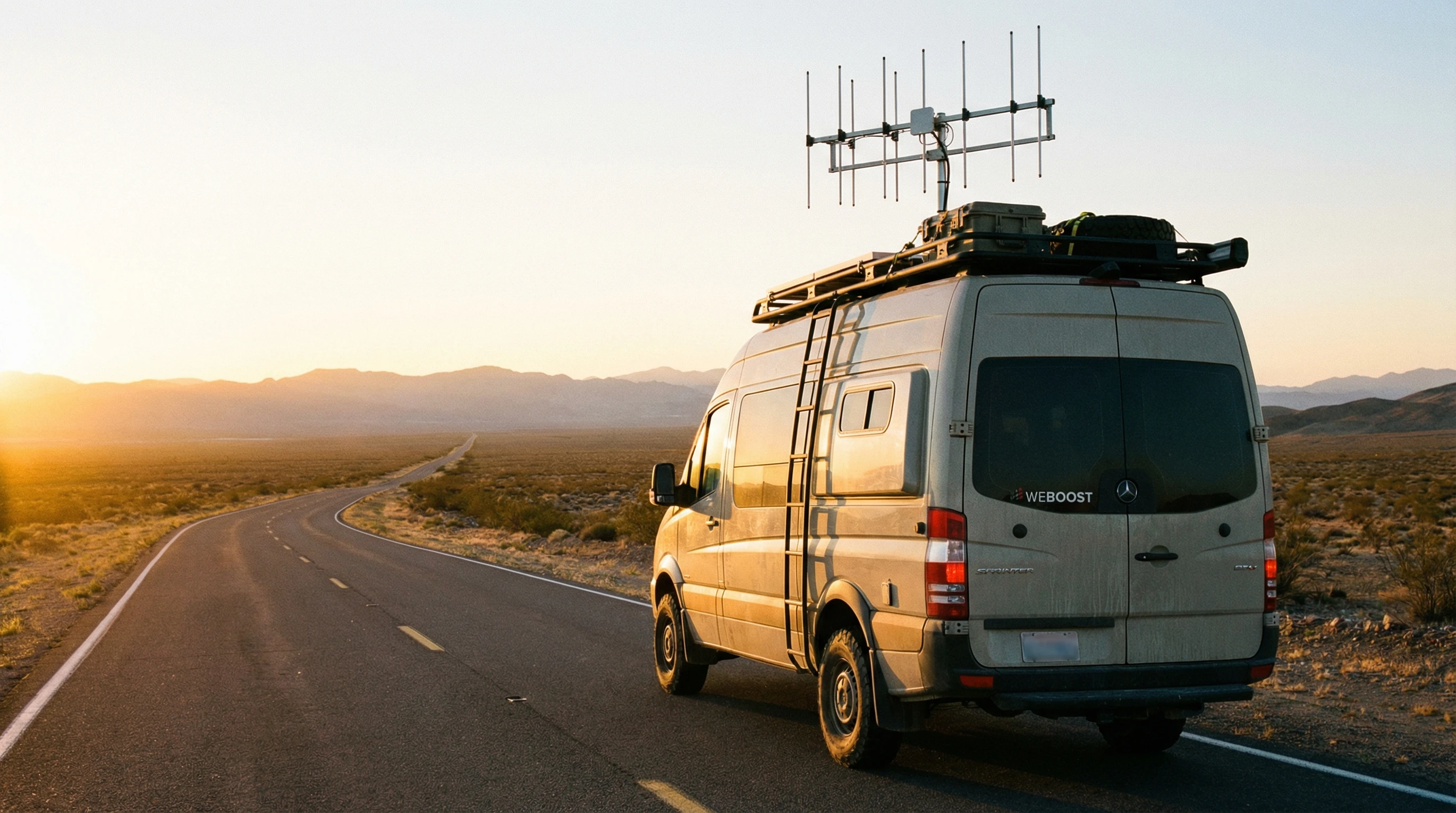
An RV with a rooftop cellular antenna and a wide-open highway in the background during golden hour.

Advanced Tips for Optimizing Your RV Cellular Setup

Once you’ve picked a plan and have a device or two, there are ways to stretch your data and improve reliability. Here’s what I’ve picked up that really helps:

Boost Your Signal: External antennas and cell boosters make a big difference if you’re often in weak signal areas. These gadgets pull in faint signals and send a stronger feed to your hotspot or phone. Investing in a quality booster pays off, especially in mountain, forest, or desert settings.

Prioritize Data Use: Disable automatic cloud backups and software updates on all devices until you get back to areas with strong, fast connections. This prevents blowing through your cap by accident overnight or when you least expect it. It also means your essential apps won’t be slow when data counts.

Offline Everything: Download maps, podcasts, Netflix shows, and YouTube videos before travel days. Offline content uses no extra data and means you’re never bored or lost, even off-grid. It’s a lifesaver for families as well, giving everyone entertainment during those long drives.

Consider Load Balancing: Some routers can combine multiple connections, helping you balance data between carriers or WiFi and mobile data. It’s a little advanced, but great for digital nomads who work on the road. If load balancing sounds intimidating, don’t worry, many internet-savvy RVers are happy to walk newcomers through their setup in online groups.

With these tweaks, I’ve managed cross-country trips with stable work calls and plenty of streaming, even in some pretty rural stretches. Staying connected opens up new possibilities, like sharing your travel experiences in real time or booking campsites on the go. Keep a checklist of these optimization tricks to revisit as your needs change with each trip.

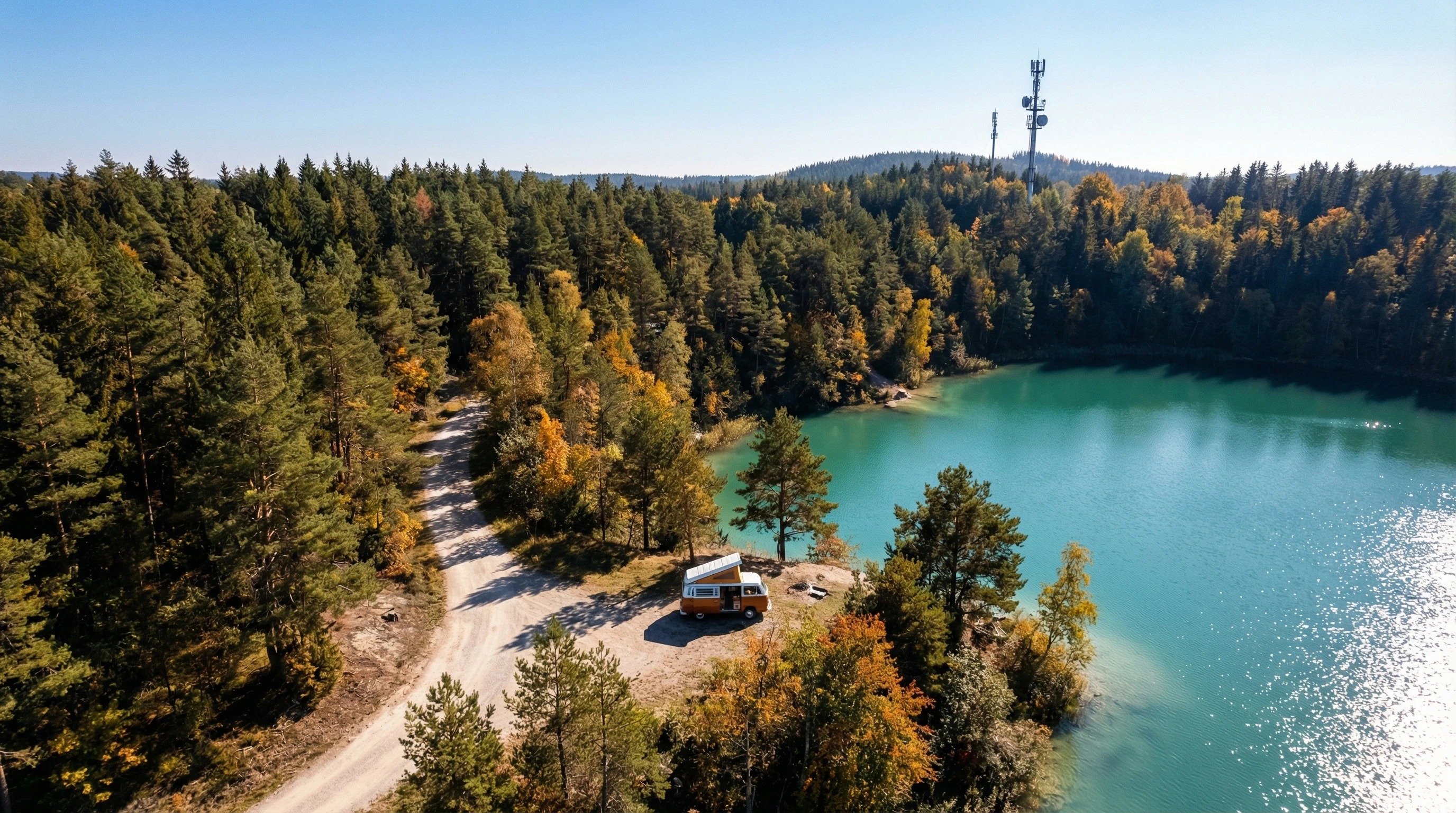
An aerial view of a camper van parked by a lake, surrounded by trees, with clear blue sky and a visible cell tower in the distance.

Frequently Asked Questions

These are some of the common questions I get about finding and using cell data plans on the road:

Question: What’s the best carrier for RVers?
Answer: There’s no single best carrier. Verizon generally covers the widest area for rural travel, ATT is second, and T-Mobile does better in cities. I recommend carrying a plan from two carriers if you cross a lot of states. This makes it easier to stay connected in different regions, especially out West.


Question: How much data do I really need?
Answer: Most part-time RVers do fine with 30 to 100GB monthly, but fulltimers who stream, work online, or game often will need a plan with at least 200GB or true unlimited data. Always check for speed restrictions after the cap, since “unlimited” isn’t always truly limitless.


Question: Can I use my phone’s hotspot for everything?
Answer: For light use, yes, but most phone plans limit hotspot speeds after a set amount. If you’re working or streaming a lot, a standalone mobile hotspot device will handle larger data loads. Also, dedicated hotspots tend to have stronger antennas and sometimes longer battery life, making them more RV-friendly.


Question: What should I do if I hit my data cap?
Answer: Look for plans that let you buy extra high-speed data, set alerts to warn you ahead of time, or switch to a backup plan from a different carrier. Planning ahead allows you to avoid losing critical connectivity when you need it most, particularly for remote workers or families traveling with kids needing entertainment.


Question: Is it worth investing in a cell signal booster?
Answer: If you camp often in remote places, definitely. A booster can turn a barelythere signal into a workable one for video calls, uploads, and navigation. For casual campers sticking to well-served campgrounds, it might be less essential, but for offgridders, it’s a total game-changer.

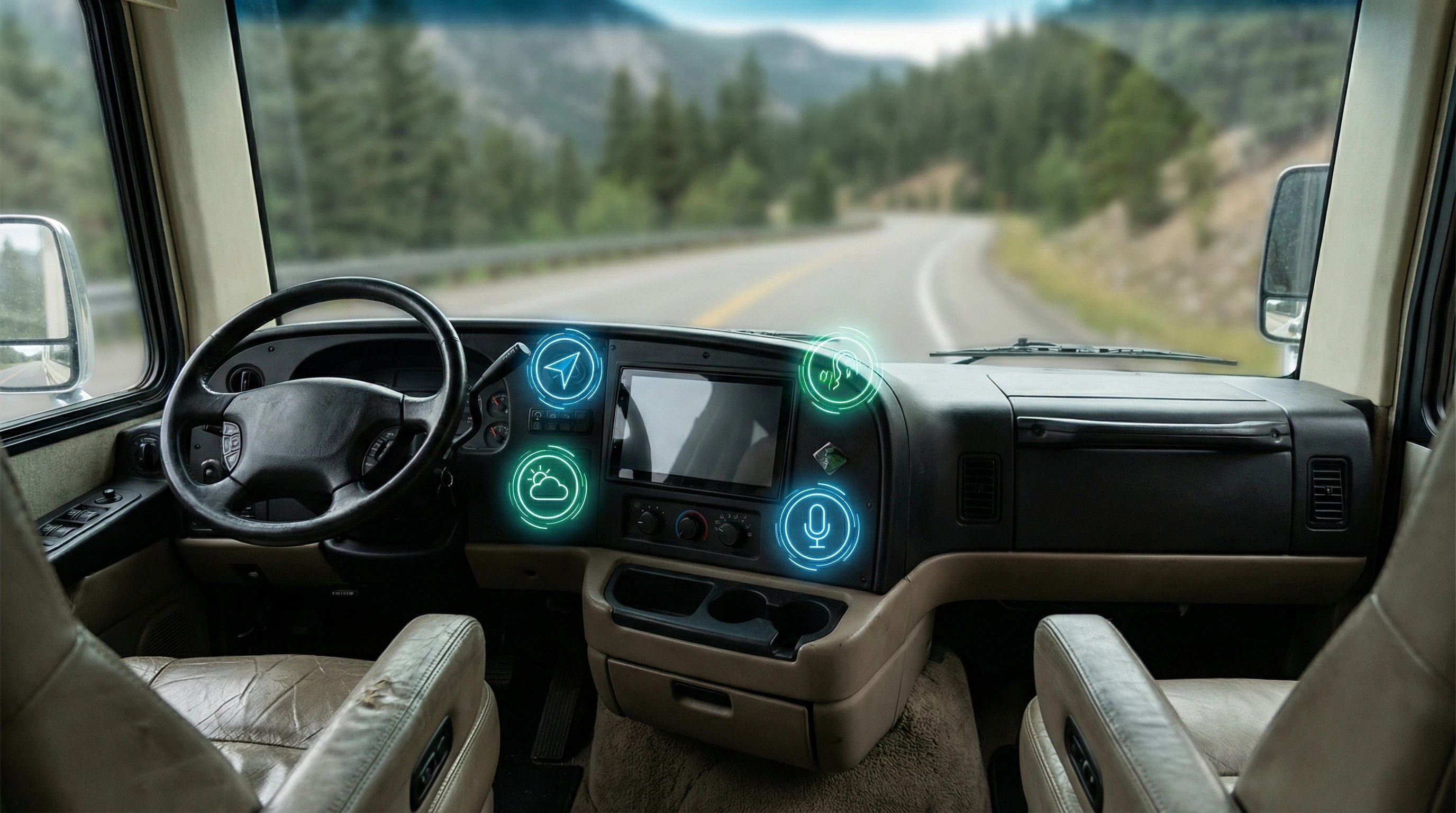
A high-tech cellular signal booster on an RV dashboard, with modern RV interior visible and green woods outside the windshield.

Choosing a mobile data plan for RV living really comes down to flexibility, real-world coverage, and understanding your own usage patterns. I always recommend starting with basic gear, keeping an eye on how much data you really use, and being ready to adapt. With a strong connection, you can work, stream, and explore with way less stress—no matter where the road takes you. The right plan brings peace of mind and lets you focus on the adventure, not your signal bars.

We use the FRVA Tech+ data plan. For $20 per month, per line, for 50G of cellular service. That’s the best deal out there at the current time! For longer-term stays, we like Starlink for signal speed and connectivity!

____________________________________________

To check out more practical RV guides and gear reviews, visit my site here.

Any specific questions about RV data plans? Feel free to drop a comment or browse the rest of my articles for more road-tested advice.

Travel happy and stay connected!

_________________________________________________________

What If Your RV Could Help Pay for the Journey? Could you make money while boondocking?

Many full-time RVers quietly earn money online: writing, recommending products, and building simple digital assets that generate income while they travel.

You don’t need tech skills.
You don’t need experience.
You just need the right roadmap.

👉 Discover the beginner-friendly approach! Take a look at this post on this website.
Full-time RV laptop workspace with a scenic mountain view, showing how RVers run a small online business while traveling and living on the road

How To Troubleshoot Common RV Connectivity Issues

Why Does RV Internet Keep Dropping and How Do You Fix It?

Staying connected in an RV can really change the whole experience, especially if you travel often or work remotely on the road (see more about that at the end of this article). Dropped signals, slow speeds, and confusing setups can quickly turn an adventure into a headache.

Over the years, I’ve dealt with my fair share of WiFi dead zones, tricky routers, and cellular dropouts. So, I put together this practical guide for troubleshooting the most common RV connectivity issues. This should help you avoid frustration and get back online quickly.

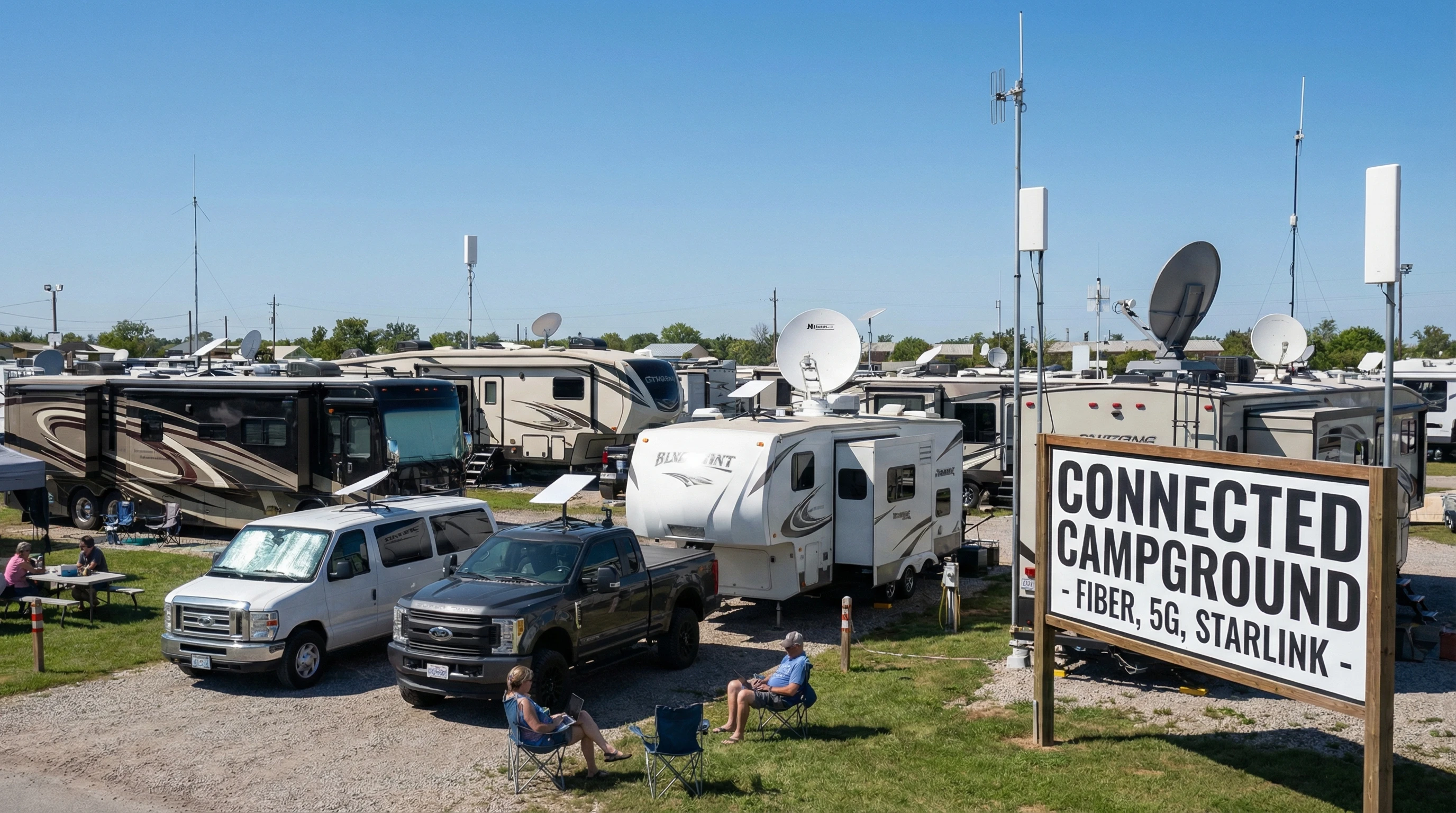
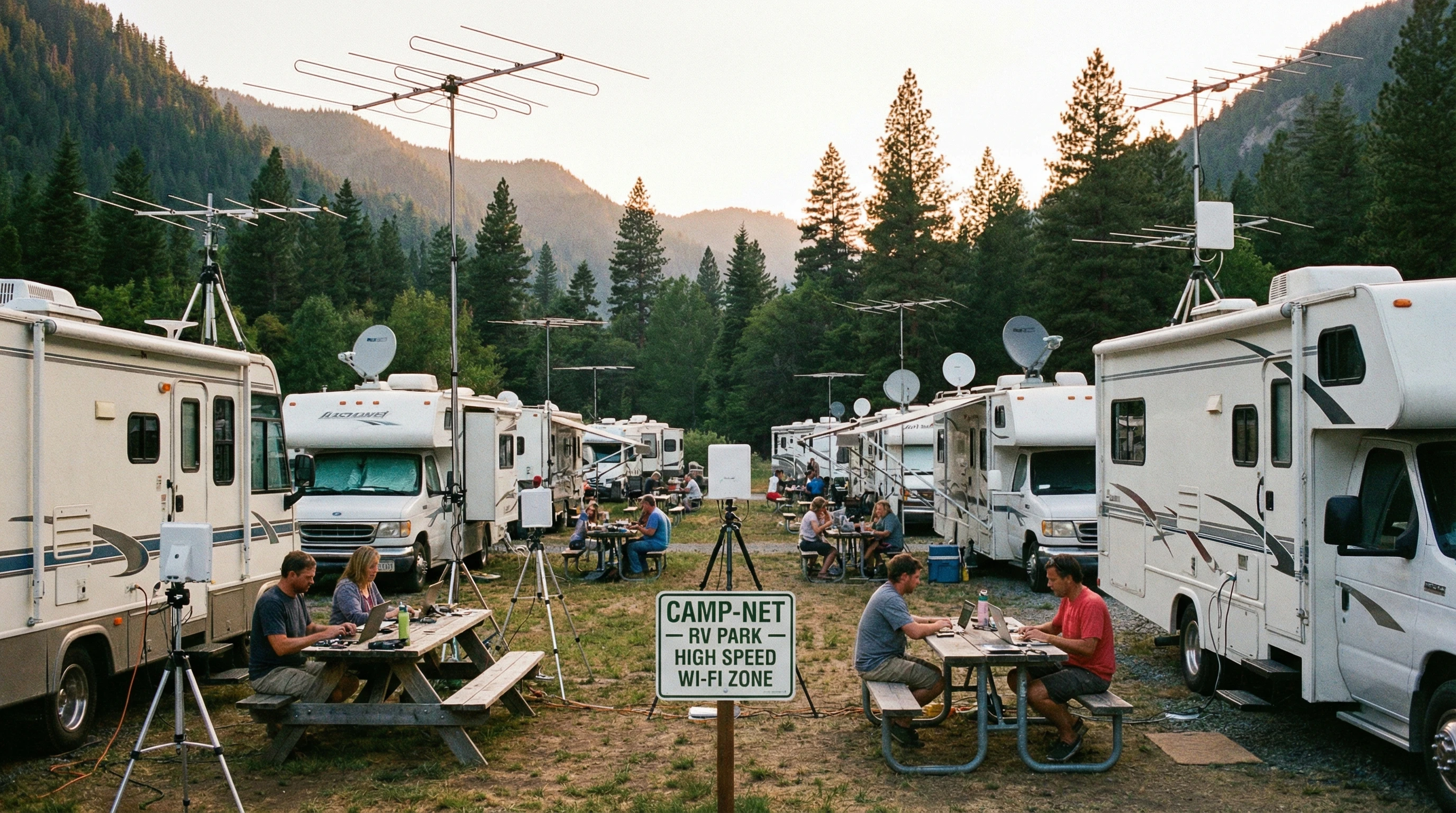
Modern RV park with visible WiFi antennas and satellite dishes among RVs under a bright sky

Why Connectivity Troubles Matter for RVers

Reliable internet in an RV isn’t just a perk; it helps folks keep in touch, work on the go, or stream favorite shows after a long hike. Many campgrounds now offer WiFi. Still, signal strength can be patchy, and connecting safely isn’t always simple.

Cellular data is another go-to choice, but hitting coverage gaps in remote areas happens more than most folks expect. Satellite internet is out there, too, yet weather delays and higher costs used to make it a “last resort” for many travelers.

Understanding these issues makes problem-solving a lot less stressful. When you know what could be causing slow speeds or dropping connections, you’ll have an easier time fixing the problem, sometimes with just a few quick tweaks or pieces of gear you already own.

Main Types of RV Internet Connections Explained

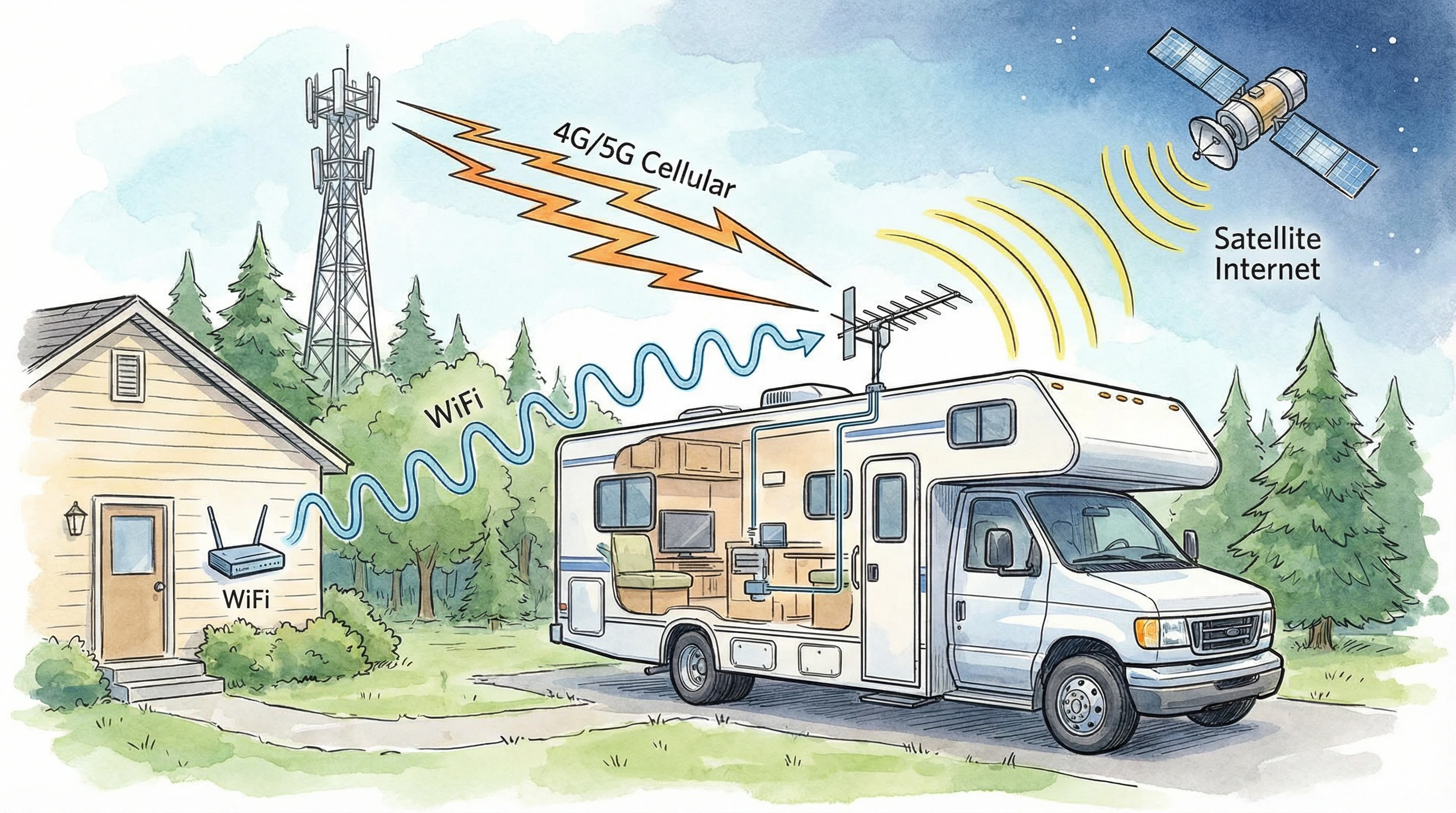
Before troubleshooting, it helps to know the main ways folks get online in their RV. WiFi works at most RV parks and public spots, but speed depends on how crowded the network is. Cellular internet relies on a mobile hotspot or phone and depends heavily on the carrier’s coverage. Satellite uses a dish to connect when no other options are available, though speeds vary, and weather often gets in the way.

Many people mix and match these options. For instance, I keep a cellular hotspot for backup and switch to Starlink when stationary for a bit. Understanding what your setup uses makes troubleshooting way easier.

  • WiFi: Common at campgrounds, but often limited by distance and crowding.
  • Cellular: Flexible across locations, but coverage can be spotty outside metro areas.
  • Satellite: Useful in dead zones, but can lag and costs more to set up. Starlink solved the issues, but it is costly for some. My monthly roam package is $165 per month for unlimited usage. We use 300 to 500 Gig a month. It’s the best way to watch TV!

Common RV Connectivity Problems (and How to Fix Them)

Some connectivity problems come up constantly for RVers, no matter how fancy the rig or how new the gear. I’ve seen shaky WiFi, throttled cell data, unbearable lag, and the classic “no internet” message. These headaches usually boil down to a few main issues:

  • Weak WiFi Signal: RV parks rarely cover every campsite with a strong signal. Metal RV walls block signals, trees create interference, and distance from the router can drop speeds.
  • Cellular Dead Zones: Even top carriers have patches with no service or slow speeds, especially in valleys, mountains, or deep forest locations.
  • Device Issues: Laptops, tablets, and routers can glitch or need a reset. Outdated firmware matters more than most people realize.
  • Network Overload: Lots of devices on the same campground WiFi mean bandwidth gets spread thin, making everyone’s speed crawl.

Fixing these usually involves a bit of trial and error, but a few smart steps often get things moving again.

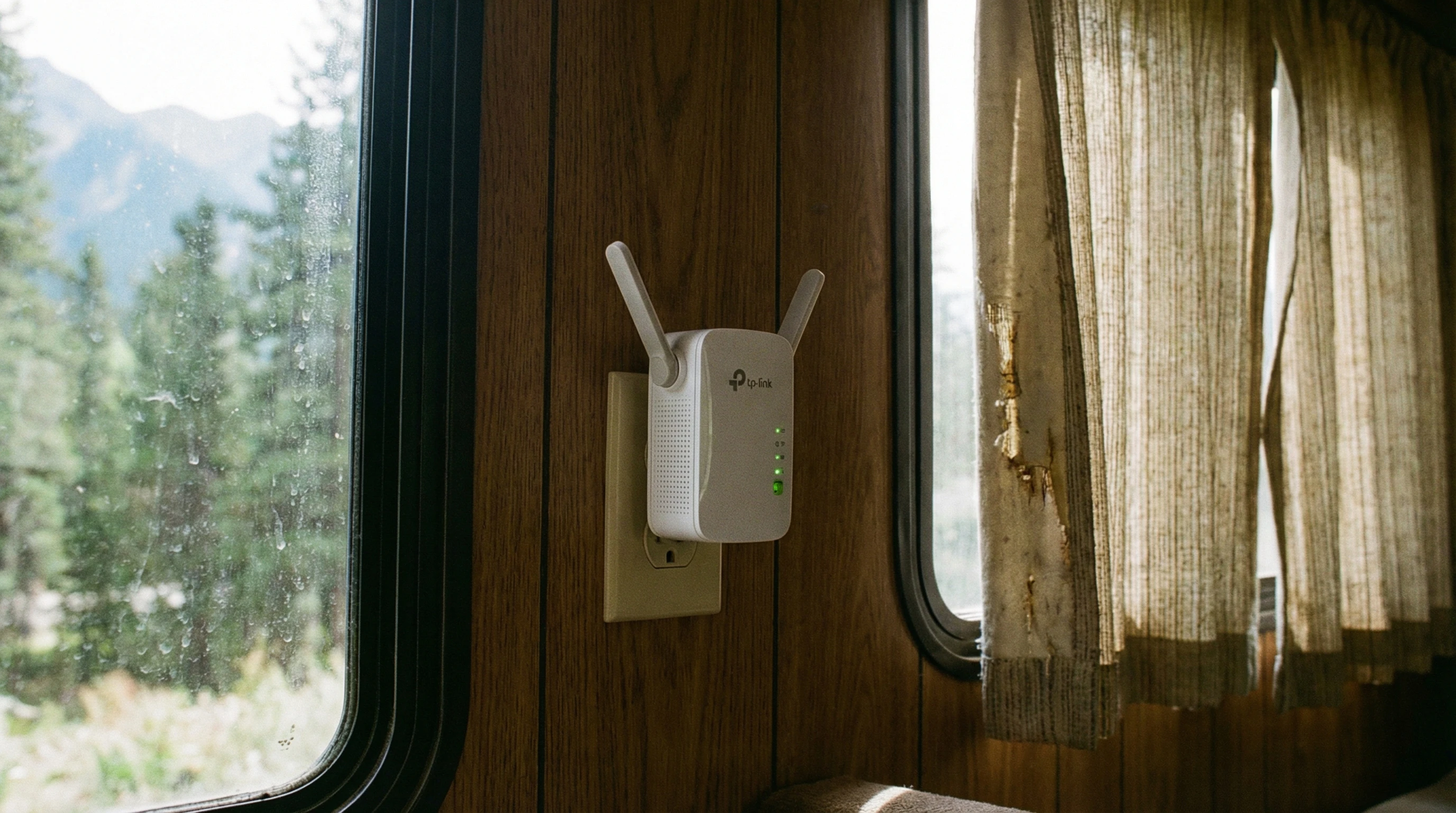
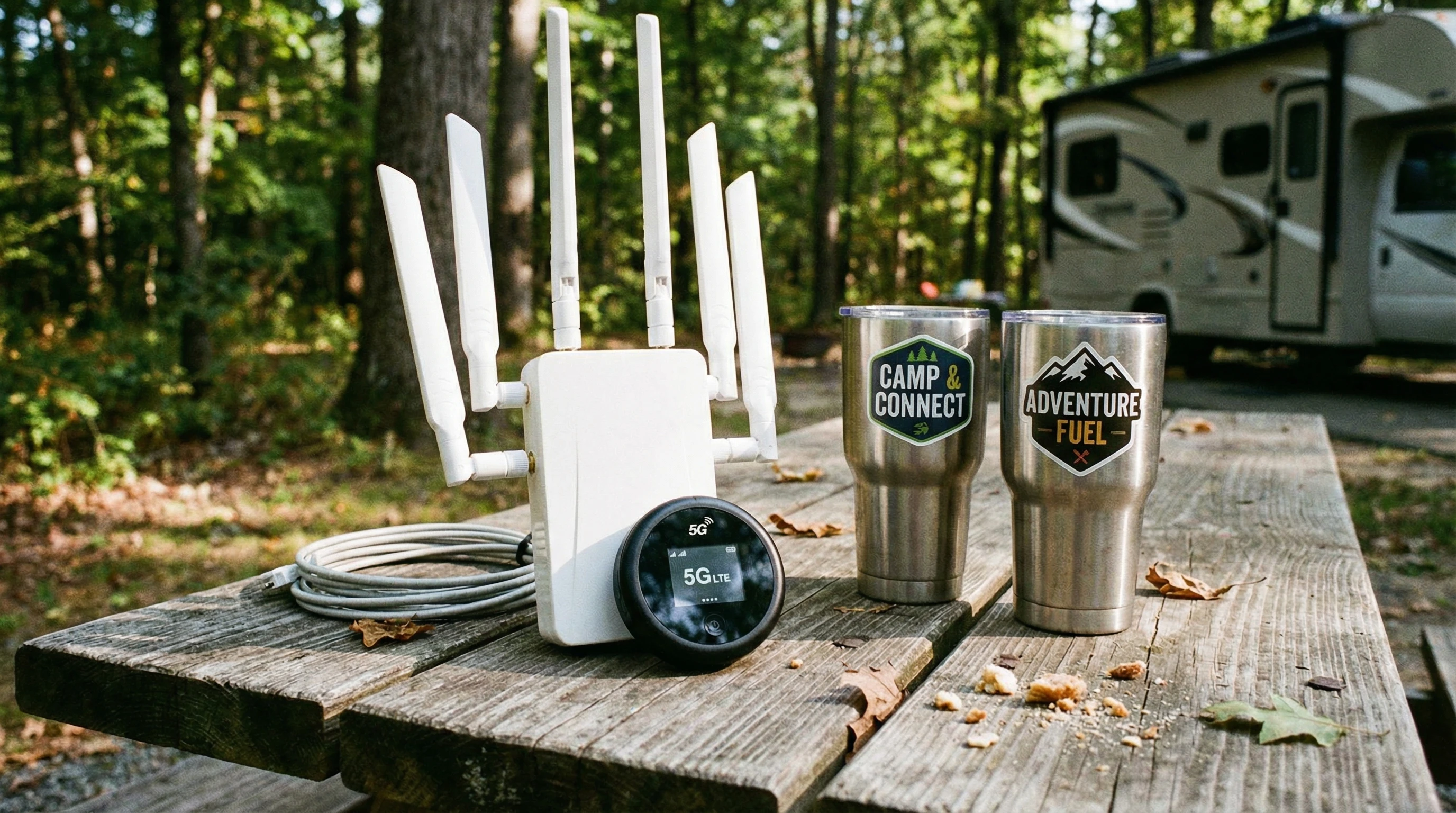
Close-up of RV WiFi extender and 5G hotspot next to travel gear on a picnic table

Step-by-Step Guide: Diagnosing RV Internet Issues

Getting the internet running smoothly in your RV can take a few steps. I usually started by finding out exactly where the problemexisted. Here’s my go-to approach:

  1. Restart Devices: Turn off the router, hotspot, or phone (and any WiFi extenders you use), wait a minute, and turn them back on. This simple reboot solves loads of minor connection issues.
  2. Check Signal Strength: Use your phone or laptop to walk around your RV or campsite. Watch how many bars you get. Sometimes, moving just a few feet makes a big difference.
  3. Test Multiple Devices: Try connecting another phone or computer. If only one device is acting up, the issue could be in its settings or software rather than the network.
  4. Switch Networks: If you’re using campground WiFi, try your hotspot, or vice versa. Comparing speeds helps pinpoint if the public network is overloaded.
  5. Update Firmware: Check for updates on your router, hotspot, or device. Firmware fixes often solve bugs you can’t see.
  6. Use Speed Test Tools: Apps like Ookla Speedtest help you check upload, download, and ping. Fast speeds but choppy video might mean the problem is actually buffering or device-related.
  7. Inspect Cables and Power: Look for loose cables or weak power connections if you use a wired router in the RV.

Keeping a short troubleshooting checklist handy is pretty helpful, especially if you move around a lot or work remotely. If you’re often exploring new campgrounds, having such a list posted near your main work area saves time every time you arrive at a new site and run into sluggish connectivity.

Tips for Boosting RV WiFi and Cellular Signals

Improving the internet in an RV usually comes down to location, gear, and a few easy tricks. Here are my favorite ways to get a better signal:

  • Use a WiFi Extender: These amplify campground WiFi, helping reach weak spots farther from the main router. I’ve had good luck with small plugin extenders and black box style boosters that mount outside the RV.
  • Upgrade to a Dualband Router: Dualband routers deliver a more stable connection and let you switch between 2.4 GHz (longer range, slower) and 5 GHz (short range, faster).
  • Install a Cellular Booster: These kits amplify even faint cell tower signals, turning “one bar” into reliable coverage. They work best if you already get a weak signal; they can’t create coverage where none exists.
  • Relocate Your Hotspot: Placing your hotspot or router in a window, up high, or even in a waterproof case outside can dramatically improve speeds. Avoid storing it near metal appliances or thick RV walls.
  • Switch to a Different Carrier: Some places have poor coverage from one US carrier but good bars from another. Check coverage maps and consider carrying backup SIMs if you travel off the beaten path.

If you’re planning extended trips through national parks or rural areas, packing an extra extension cord and a long USB cable for your hotspot lets you get creative with placement, which sometimes makes all the difference in weak-signal areas.

Dealing with Network Overload at Campgrounds

Introverts and extroverts alike get frustrated when a crowded network ruins movie night or remote work plans. RV parks often serve hundreds of users with low-bandwidth systems. At busy times, streaming or uploading photos can slow to a crawl. When I camp at popular parks, I notice that dawn and late-night produce the best speeds.

If slow WiFi is wrecking your plans, try these ideas:

  • Schedule big downloads or video calls outside peak hours. Early morning or late at night is best.
  • Limit the number of connected devices on your end. Turn off tablets or smart TVs you aren’t actively using.
  • If you work online, switch to your cellular hotspot for important meetings and reserve the campground WiFi for web browsing or downloads.
  • Ask the front office if there’s a less crowded access point, or if they offer a premium “work package” during busy times.

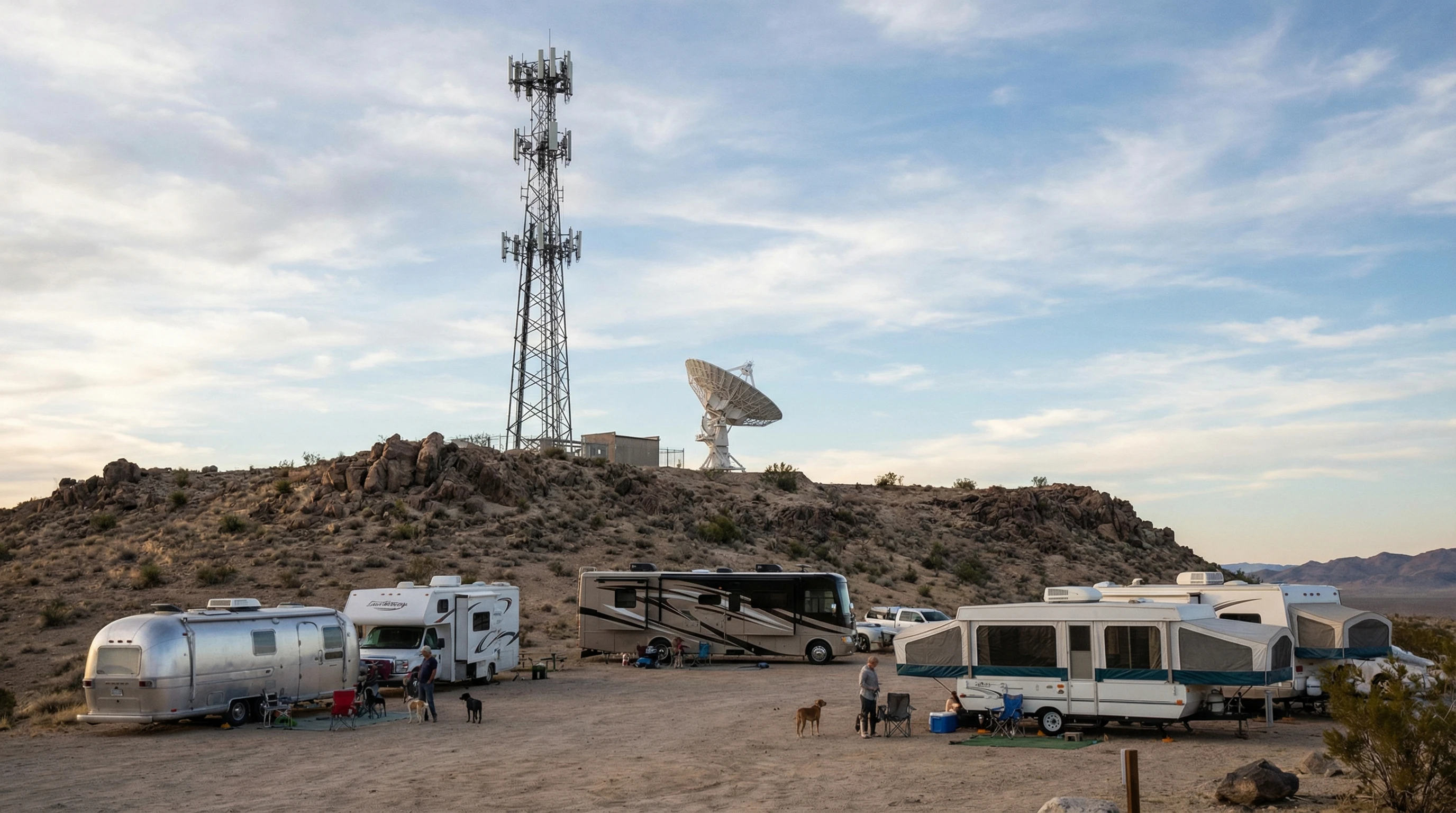
Landscape showing several RVs parked with a view of a cell tower and satellite dish in the background

Advanced Troubleshooting and Essential Gear

If you’re still stumped, a few more advanced steps can help. Signal analyzers and apps like NetSpot or WiFi Analyzer let you see which frequencies are crowded. Changing your WiFi channel can solve hidden interference issues. Some campers swear by rooftop antennas for cellular signals or dedicated MIMO antennas for fixed hotspots.

A strong setup includes:

  • A reliable hotspot (unlocked for all carriers if possible)
  • WiFi extender or booster
  • Cellular booster kit (with rooftop or window antenna)
  • Long-range router if you often stay at big parks
  • Backup cables, adapters, and a surge protector

Spending a little extra on good gear up front saves a ton of headaches. Still, even the best tech gets tripped up by weather, crowded networks, or a misbehaving device now and then.

If you frequently travel in a group or with family, consider investing in a power bank with multiple outputs, so everyone keeps their phones and hotspots charged even during long dry camping stretches.

Practical Examples: RealWorld RV Connectivity Solutions

In my travels, I’ve seen a wide mix of setups. Sometimes, a simple hotspot and window mount antenna works great for short stays. For longer trips, a cellular booster and RV-specific router keep things running whether in the woods or city parks. Friends of mine who full-time also use Starlink satellite combined with a mobile hotspot for backup, even in the desert or deep woods, they stay online for work and video chats.

We have tried many technologies over the years since starting full-time RV living back in 2008. After over 200,000 miles of travel and that many years on the road, we have changed tactics many times. Technology changes have made trouble-free connectivity a breeze!

As I mentioned earlier, Starlink and an unlimited mobile hotspot are our current choices for trouble-free connection to the world.

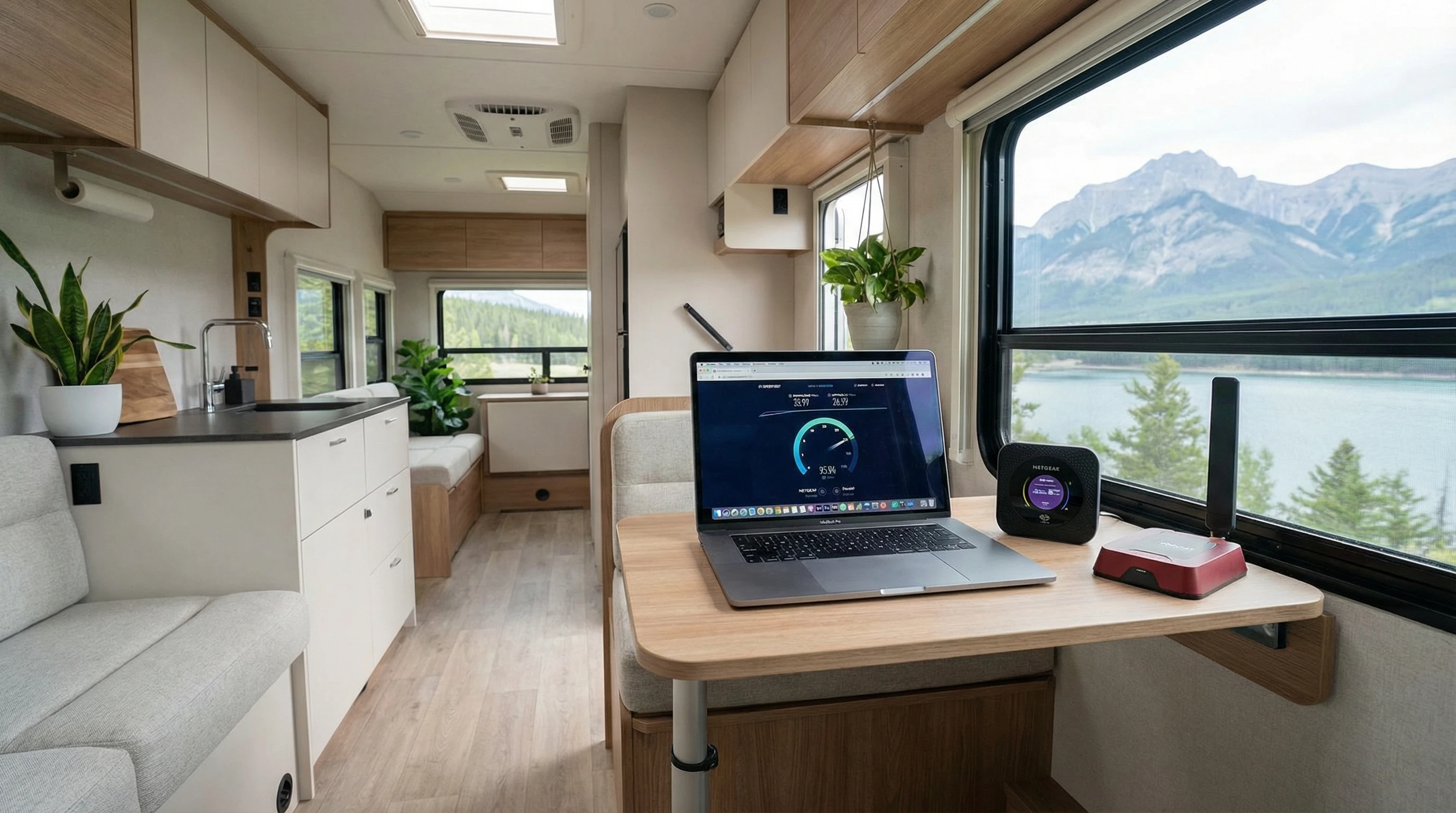
A modern RV interior setup showing a laptop, mobile hotspot, and WiFi booster on a compact table

Blending methods based on your travel style is really important. Keeping flexible and packing backup solutions helps you get back online quickly if one system fails. If you camp for extended periods, having a signal analyzer app (I like the Speed Test Master app) on hand lets you quickly spot and avoid overloaded networks.

Frequently Asked Questions

Here are some common questions I get about RV connectivity, with quick answers to each.

Question: What’s the easiest way to check if campground WiFi is any good?
Answer: I usually asked at the front office and then used my phone for a quick speed test right outside the main building. If speeds were fine there but dropped off at my site, a WiFi extender helped a lot.


Question: Do cellular boosters really help RV internet speeds?
Answer: They work well if there is at least a weak signal. If you have zero bars, nothing will help. My booster took me from barely loading web pages to streaming video in places that otherwise had poor reception.


Question: Why does my internet get so slow at campgrounds every evening?
Answer: Most campers go online at the same time, usually after dinner. This crowds the network. Try using the web early in the day, or switch to your phone’s hotspot in the evening.


Question: What’s the best connection type for remote RV camping?
Answer: Satellite is the main option where cellular and WiFi won’t reach. Starlink is popular, but having a backup hotspot or being ready to go offline is smart if you camp in the deep wilderness. I like the Tech+ program at FRVA! For $60 per month, we get an unlimited-use mobile hotspot!


Ready for Reliable RV Internet?

RV life feels a lot smoother with solid internet. Getting familiar with signal boosting tricks and knowing common fixes can keep you connected, wherever you park. Trying out different solutions lets you find what fits your travel style best.

A scenic RV campsite surrounded by nature, with visible WiFi booster and clear sky for satellite access

If you’re interested in learning more about mobile internet setups, check out additional guides and reviews on my site. Feel free to drop your questions about gear, setup, or troubleshooting. Community experience always helps. Wherever the road takes you next, having a plan for connectivity means you won’t have to scramble for a signal at the last minute.

_________________________________________________________

What If Your RV Could Help Pay for the Journey? Could you make money while boondocking?

Many full-time RVers quietly earn money online: writing, recommending products, and building simple digital assets that generate income while they travel.

You don’t need tech skills.
You don’t need experience.
You just need the right roadmap.

👉 Discover the beginner-friendly approach! Take a look at this post on this website.
Full-time RV laptop workspace with a scenic mountain view, showing how RVers run a small online business while traveling and living on the road

Installing Solar Panels And Managing Off-Grid Power In Your RV

Installing Solar Panels and Managing Off-Grid Power in Your RV

If you’ve ever struggled to run your coffee maker or keep your phone charged while camping out in the wild, installing solar panels on your RV can make a big difference. Off-grid power means you don’t have to rely on crowded campgrounds or noisy generators.

I’ve set up several RV solar systems, and managing solar power on the road has changed the way I travel. Here’s what you need to know if you’re ready to power your adventures with the sun.

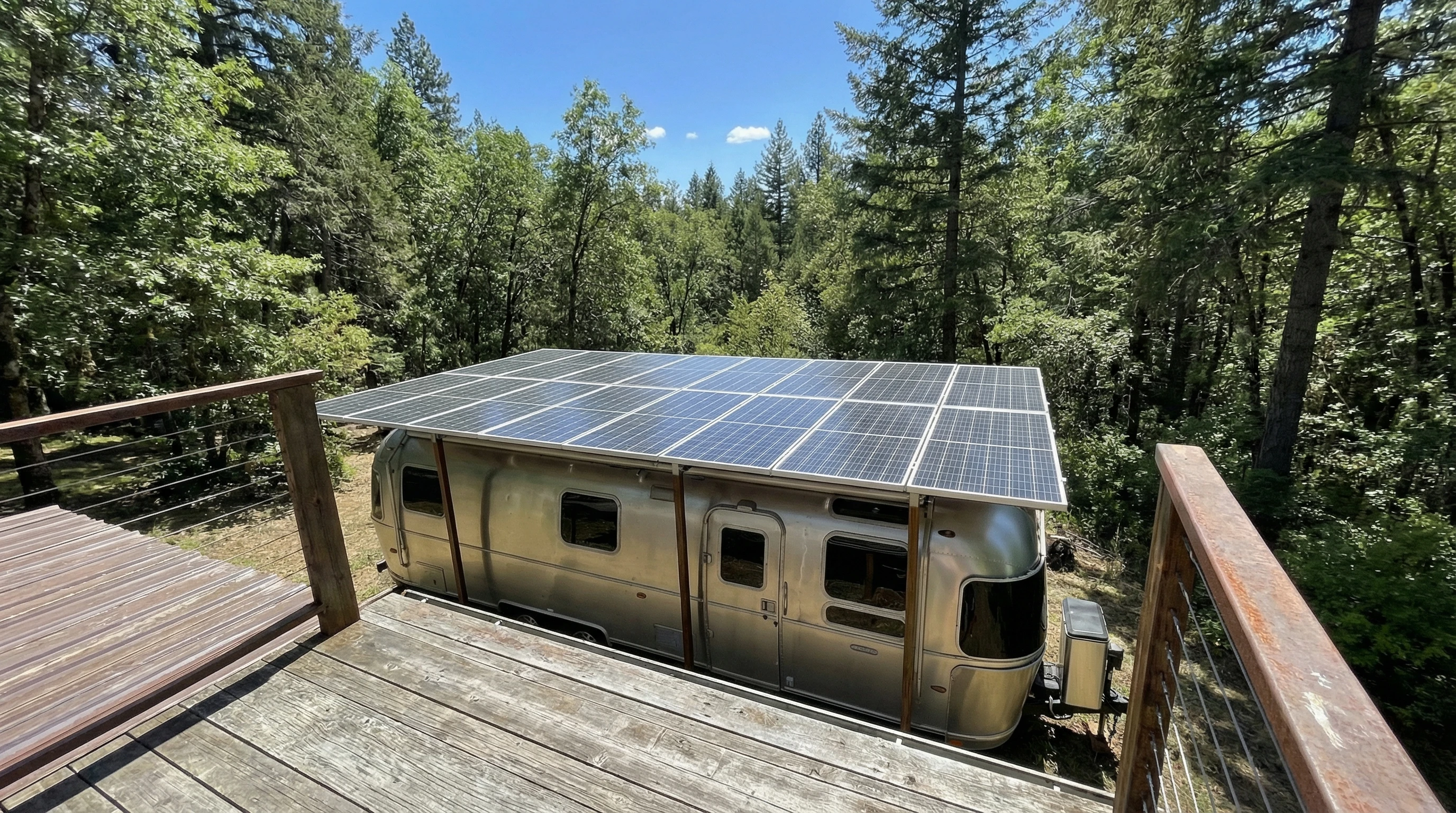
Solar panels on an RV roof in a scenic natural setting

Why Go Off-Grid with Solar Power in Your RV?

Going off-grid with solar makes RV life a lot more flexible. I can park almost anywhere without worrying about plugging in. It’s great for boondocking in remote forests or waking up beside quiet lakes. Solar panels can run your essentials quietly, which means you’re helping the environment and saving money on hookups.

Solar power in RVs isn’t new, but it keeps getting better as technology advances. Many travelers find they can handle most daily needs from solar alone. From keeping your devices charged to running a fridge or powering your lights, a good solar setup keeps you comfortable wherever the road takes you.

Plus, stepping up to solar lets you truly get away from it all. Imagine waking up to a sunrise over the mountains, knowing your coffee will brew and your fridge stays cool, all thanks to the sun. That feeling of freedom can be hard to beat.

Key Components of an RV Solar Power System

Getting started with RV solar means knowing the main parts involved. Each component has a specific job. Here are the basics:

  • Solar Panels: These capture sunlight and turn it into electricity for your RV. You’ll find both rigid and flexible panels; each type has its perks depending on your roof and travel style.
  • Charge Controller: This device regulates the electricity from the panels before it goes into your batteries, protecting them from being overcharged.
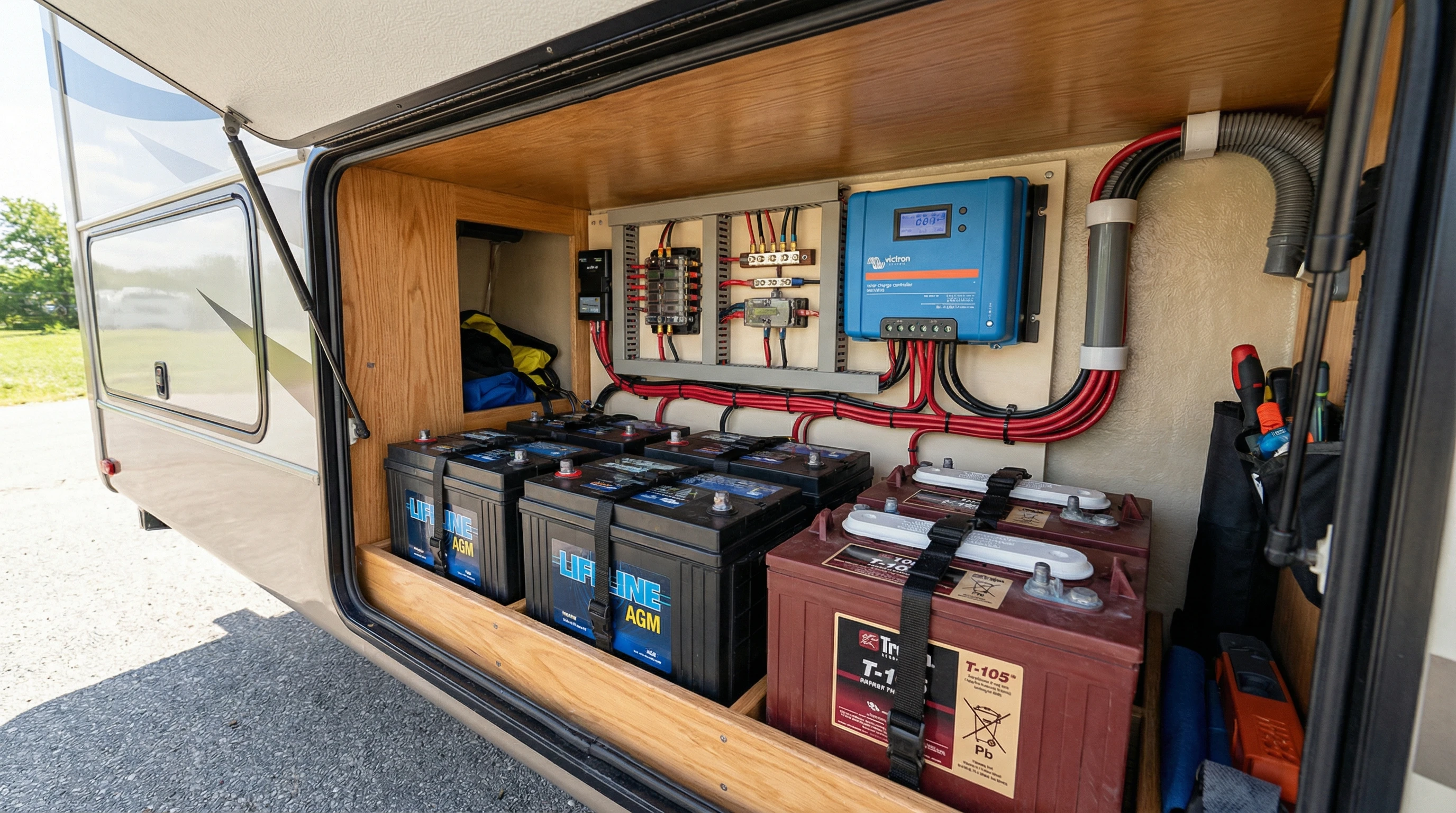
  • Batteries: Solar energy gets stored here, so you can use it when the sun’s not shining. Deep-cycle batteries are the go-to for RVers and come in lead-acid, AGM, or lithium varieties.
  • Inverter: Many RV appliances need standard AC power (like at home). The inverter changes the battery’s DC power into usable AC.
  • Wiring & Mounting Hardware: Good wiring ensures your solar system runs smoothly, and proper mounting keeps your panels safe on the road.

If you’re new to solar, understanding these parts makes shopping and installation a whole lot simpler.

Planning Your RV Solar Setup: What to Consider

Before jumping in, think about your power needs and travel habits. Start by making a list of what you want to run with solar. Are you just charging devices and LED lights, or do you want to power a fridge, TV, or even an air conditioner? Most folks start with the basics and expand as needed.

Try tracking your power use for a day or two with your current setup. Most solar calculators online can help you estimate what size system you need. It’s better to aim a bit higher than your minimum needs; I learned that the hard way after my first too-small system. Also, factor in roof space for panels and where your batteries and inverter will go.

For RVers traveling in shady places or during winter, adding more panels or battery storage is a smart move. Flexible panels work better on curved roofs, while rigid panels last longer and handle harsh weather well. If you’re a fulltimer or travel in hot regions, investing in higher-end batteries like lithium can really pay off.

And don’t forget: solar isn’t just about panels. You need to think about every link in the chain. A powerful system is only as good as its weakest part, so consider upgrading your wiring and battery monitoring tools as you make changes.

Step-by-Step Guide to Installing Solar Panels on Your RV

Installing RV solar might sound tricky, but with some patience, it’s pretty manageable. Here’s a breakdown based on my own installations:

  1. Assess and Clean the Roof: Make sure your RV roof has enough room. Remove any dirt or debris so the panels stick properly.
  2. Plan Panel Layout: Lay out your panels to avoid shade from vents and AC units. Sketch your wire path to minimize excess cable runs.
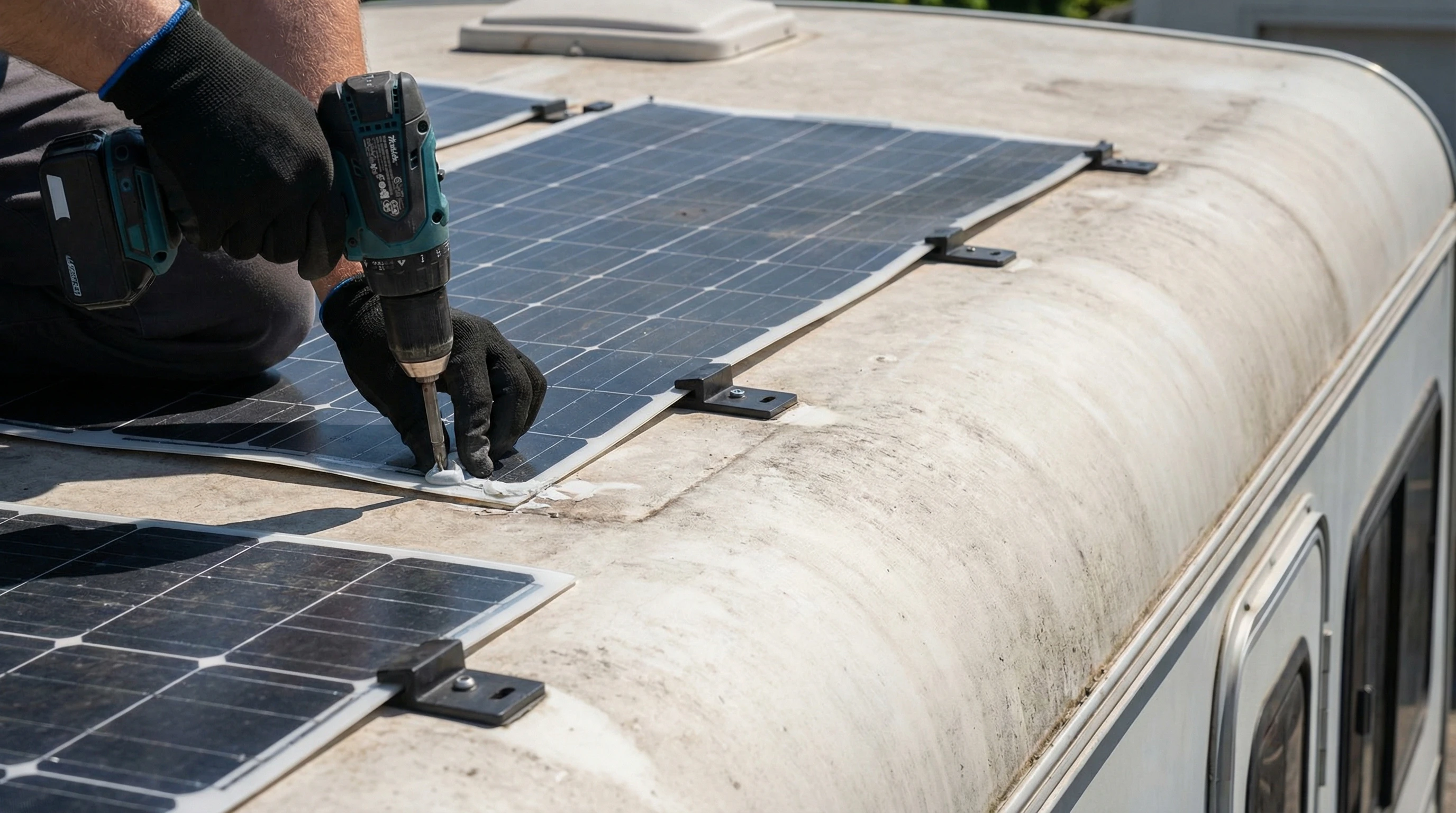
  3. Install Mounts and Panels: Attach mounting brackets to the roof. Securely fasten each panel, following the manufacturer’s instructions. Double-check that everything is waterproofed with quality sealant.
  4. Wire the Panels: Connect panels with the provided cables. Route wires through a waterproof gland or roof port into the interior. Keep wires out of harm’s way and neatly bundled.
  5. Connect to the Charge Controller: Mount the controller in a space with good airflow. Connect panel wires to the controller, then attach the controller to your battery bank.
  6. Wire the Inverter (if needed): Place your inverter close to the batteries to reduce voltage drop. Connect it according to the instructions, and only power it up after double-checking all connections.
  7. Test the System: Once everything is hooked up, test each part. Make sure the controller is reading the panel output and charging the batteries correctly. Test your outlets and devices.

If you’re not confident with tools or electricity, a professional can handle the trickier parts for you. Doing it yourself can save a lot, but safety should always come first.

Close-up of solar panels being installed on an RV roof

Common Hurdles and How to Handle Them

Off-grid RV solar systems can have some challenges. Here’s what I’ve seen most often and how to avoid frustrations on your travels:

  • Batteries Not Lasting Overnight: Sometimes batteries drain faster than expected. This might mean your system is too small or you’re using more power than budgeted. Adding another battery or being selective about device use solves that.
  • Shade or Bad Weather: Clouds and tree cover really cut down on solar power. Try to park in the sun where possible; portable panels can be moved to catch more rays.
  • Wiring Issues: Bad connections can slow charging or stop the system entirely. Regularly inspect your wiring, especially after bumpy drives.
  • Heavy Loads: Running big appliances like microwaves or hair dryers uses a lot of power. I try to plan these uses for sunny days or when batteries are full. For large loads, a generator backup may help.

Most problems come down to sizing and smart use. Investing in a good battery monitor also helps track your power in real time, taking out a lot of the guesswork.

An overlooked tip: check your connections often. Even a loose cable can cause your whole system to underperform. Simple inspections after rough roads keep things running smoothly and save headaches later on.

Solar Battery Types Explained

Lead Acid: These are affordable and common, but need more maintenance. They work well if you’re careful not to drain them completely.

AGM: These sealed batteries require less maintenance and handle bumps better, making them popular among RVers.

Lithium: Lightweight and long-lasting, lithium batteries cost more upfront but last for years with little upkeep. They recharge quickly and can be used nearly to empty without damage.

Each type suits different travel styles and budgets. If you camp mostly in warm places and don’t want to worry about checking water levels, AGM or lithium makes for a smoother trip.

Also, take note: lithium batteries can weigh much less than the equivalent power capacity in lead-acid batteries. This matters if you’re close to your RV’s weight limits or want to improve your fuel mileage with less heft on board.

Deep-cycle batteries and wiring inside an RV storage compartment

Pro Tips for Managing and Maximizing Off-Grid Power

Managing your system well gives you the freedom to go off the beaten path. These are the habits I’ve picked up:

  • Use LED lighting and energy-efficient appliances. Swapping bulbs and gadgets saves tons of power.
  • Shut off devices when you don’t need them. Small loads add up over time.
  • Keep your solar panels clean. Dust and grime can reduce power by a lot. A quick wipe every week makes a big difference.
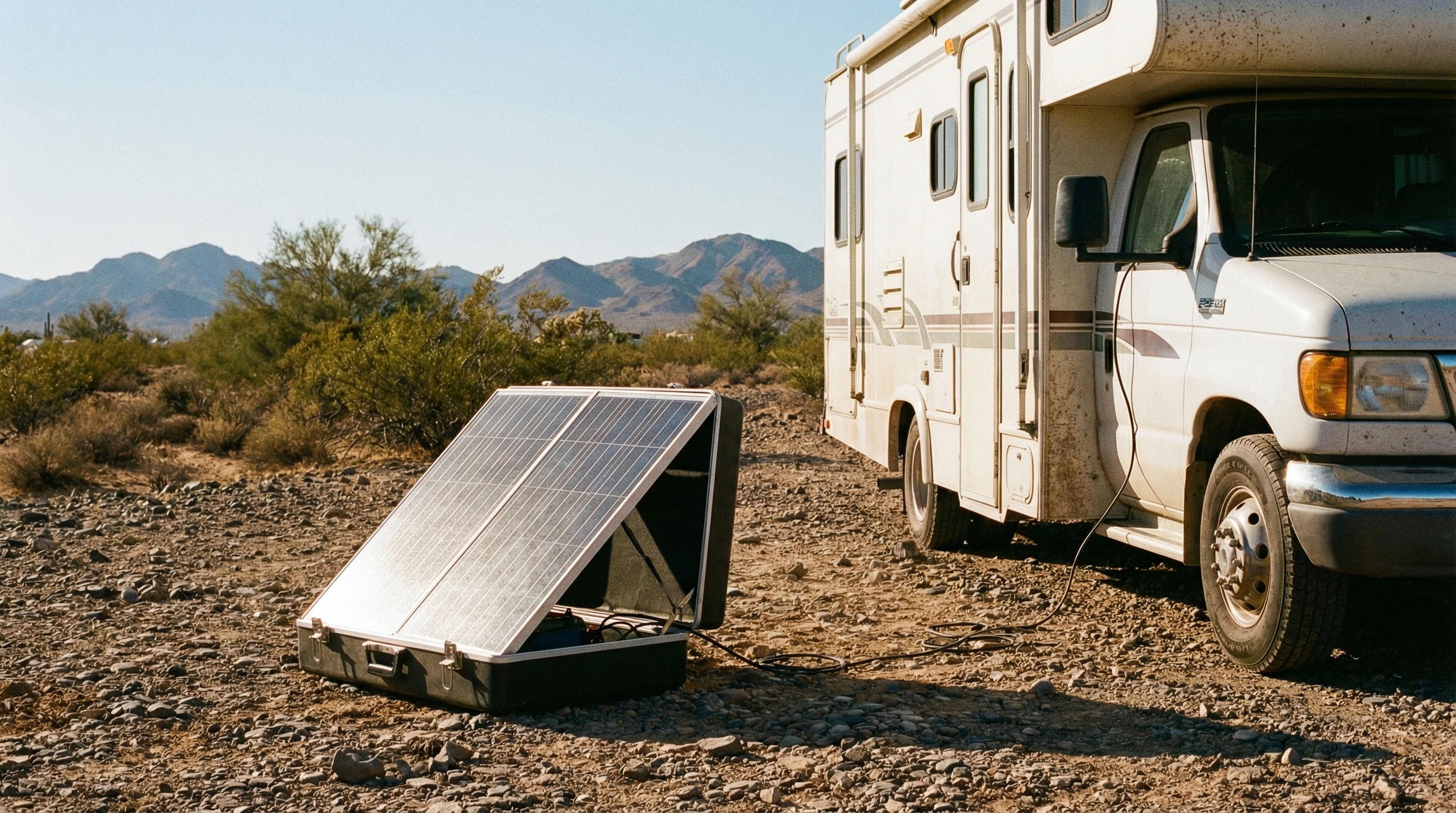
  • Add a portable solar panel so you can adjust it with the sun, especially if you park in partial shade.
  • Monitor your batteries with a good battery meter. This helps you avoid overusing and keeps your batteries healthy for years.

Even small adjustments in habits go far. For example, charging devices in the afternoon when solar output peaks prevents evening shortages.

Consider investing in an inverter with energy monitoring features, too. This gives you instant information about your draw and helps you spot problems before your batteries run out. Tracking your trends over a week or a month helps you make smart tweaks for longer stays off-grid.

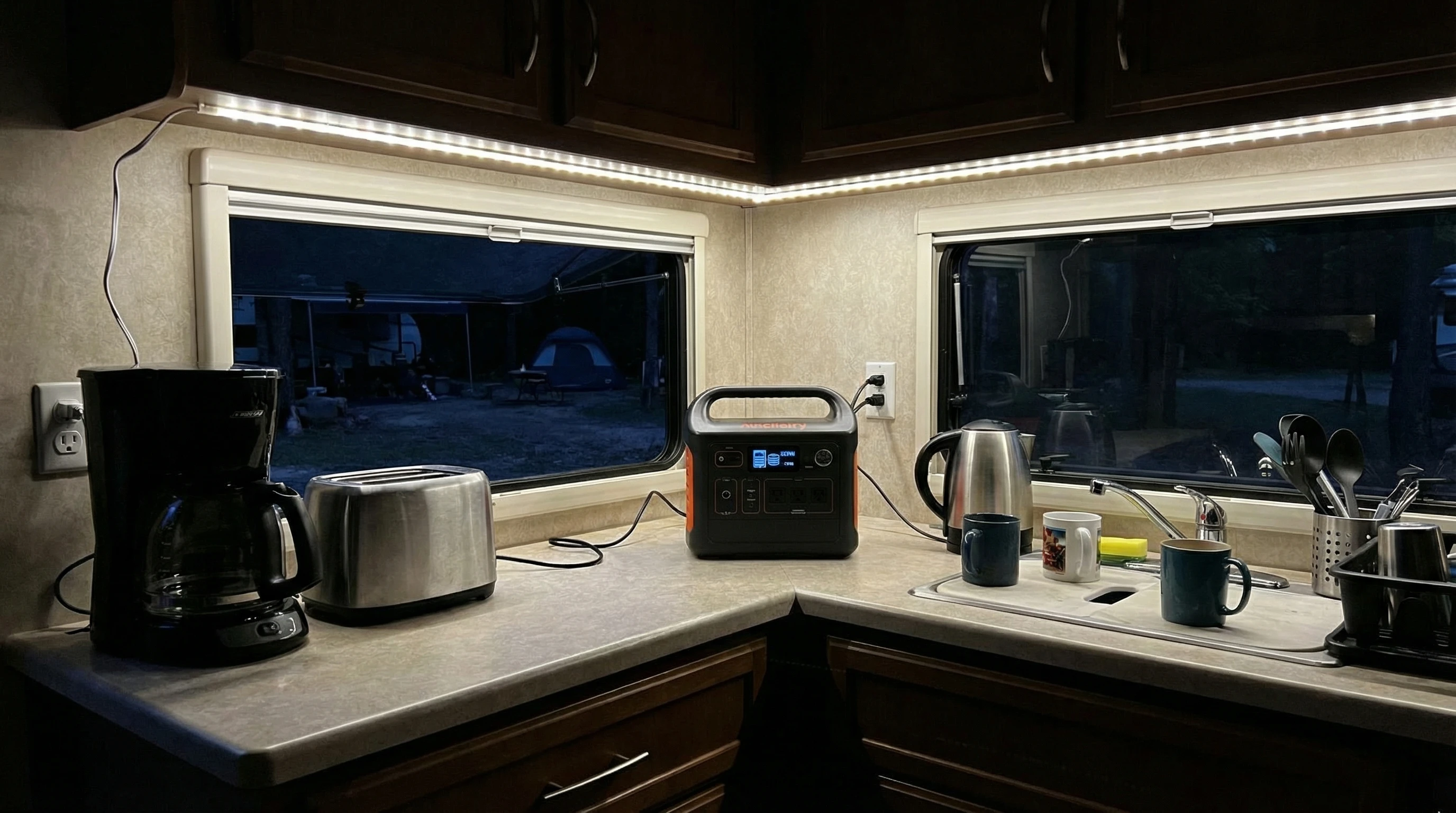
Inside view of an RV kitchen powered by solar, showing lights and appliances running

Frequently Asked Questions

Here are some questions RVers ask a lot when it comes to RV solar and off-grid living.

How many solar panels do I need for my RV?
A typical RV setup starts with 200 – 400 watts if you’re running small devices and lights. For more power-hungry setups, like full-time travel or running a fridge, aim for 600 – 800 watts. Calculating your specific needs based on your devices is the best approach.


Can I install solar panels myself?
Many RVers take the DIY route with basic tools and some research. Professional installation is available if you want the job done quickly or feel unsure about electrical work.


Are portable solar panels worth it?
Portable panels give flexibility if shade is a problem at your campsite. They attach quickly and can boost your charging without being a permanent fixture.


What should I know about solar system maintenance?
Maintenance is mostly about keeping panels clear of dirt, checking wiring connections, and watching battery health. Most of these can be done in a few minutes each week.


Can I run my air conditioner on solar power?
Air conditioning draws a lot of power, so a basic solar setup usually can’t keep up for long. To run AC, you’ll need a larger system and a bigger battery bank, or you might rely on generator backup for really hot days.


How long do RV solar panels and batteries last?
Most quality solar panels last over 20 years with proper care. Battery life depends on the type, ranging from 35 years for lead-acid to 10 years or more for lithium batteries.


Ready to Hit the Road OffGrid?

Installing RV solar and managing off-grid power opens up options for adventure and relaxation. With the right setup and simple daily habits, you’ll stay charged up wherever you want to camp. Whether you stick to weekends in the woods or hit the road full time, RV solar is worth checking out for the extra freedom and peace it offers.

RV parked in a remote desert, powered by roof solar panels at sunset

Got questions or an RV solar tip you want to share? Drop a comment below or browse other articles for more travel ideas and hands-on advice. Safe travels and sunny skies!

_________________________________________________________

What If Your RV Could Help Pay for the Journey? Could you make money while boondocking?

Many full-time RVers quietly earn money online: writing, recommending products, and building simple digital assets that generate income while they travel.

You don’t need tech skills.
You don’t need experience.
You just need the right roadmap.

👉 Discover the beginner-friendly approach! Take a look at this post on this website.
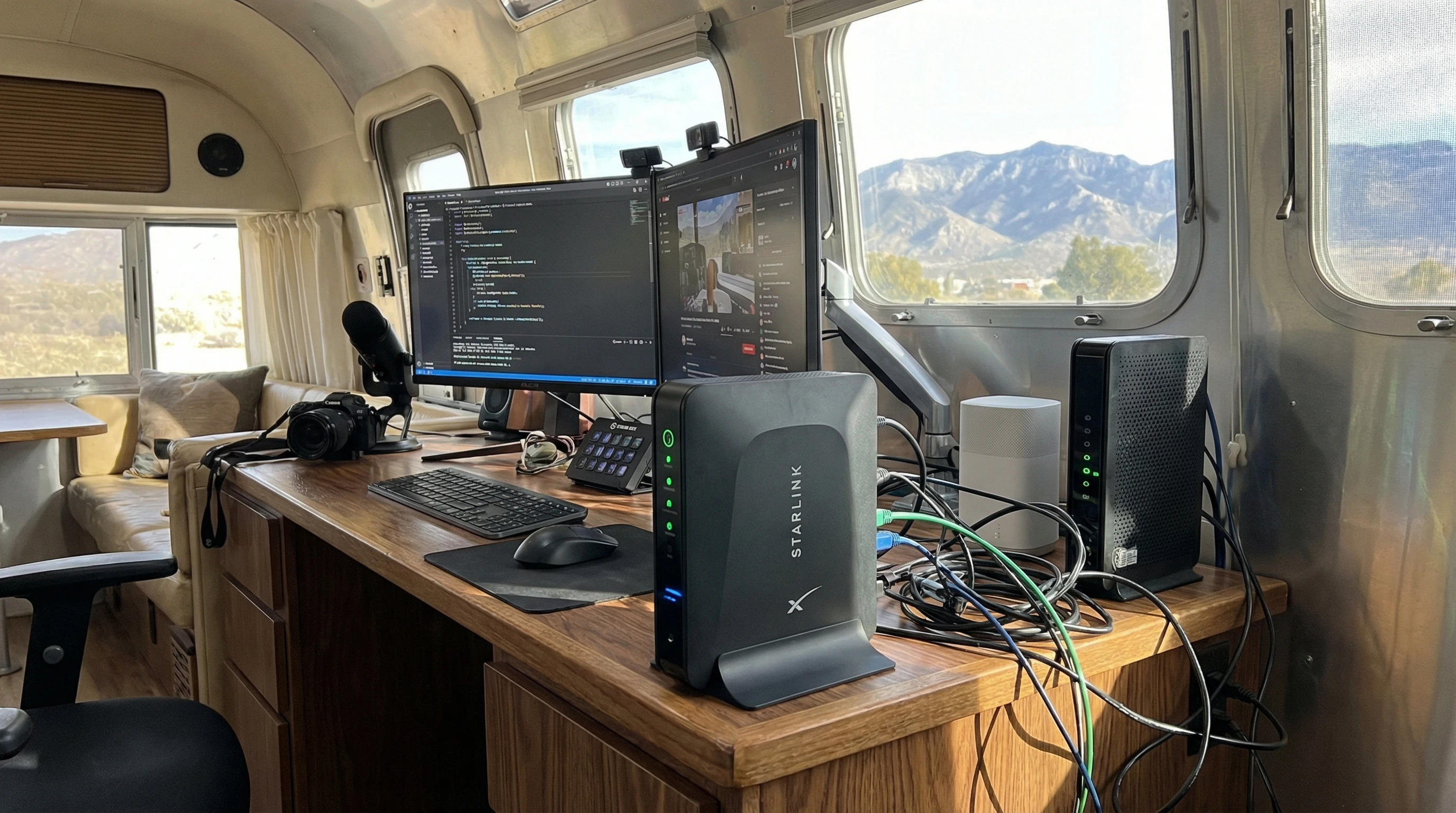
Full-time RV laptop workspace with a scenic mountain view, showing how RVers run a small online business while traveling and living on the road

What Are The Best Satellite Internet Options For RVers?

A Guide to Satellite Internet Options for RVers

Staying connected while traveling in an RV can be a real head-scratcher. Satellite internet has opened new doors for RVers who want reliable internet pretty much anywhere. Maybe you want to stream movies in the desert, check email by the lake, or run your business from the mountains.

Picking the right satellite internet setup and knowing what to expect can save a lot of headaches down the road. I’m breaking it all down for you here so you get online with the least hassle possible.

Satellite dish mounted on an RV roof at a scenic campsite

Why RVers Are Turning to Satellite Internet

The flexibility of RV life means you never know just how far off the beaten path you’ll end up. Cell service can drop out quickly once you leave the main highways. Satellite internet fills that gap because it beams data straight down to you from space. Unlike public WiFi or cell-based options, satellite internet covers way more places, and you don’t need to park near civilization to use it.

Over the past few years, companies like Starlink and HughesNet have been pushing the tech forward. The user base for mobile satellite internet in RVs is growing, with big jumps since the pandemic made remote work more popular. Traveling families, digital nomads, and weekend explorers all want to keep in touch with friends, stream entertainment, or handle work on the go. That’s where satellite really shines.

Of course, the extra gear and setup are different from sticking with a phone hotspot. Satellite does cost more upfront. There are ongoing fees too, but for true mobility and independence, a lot of RVers agree it pays off. It gives you the freedom to roam and still get work done or relax with your favorite shows, all on your own terms. Plus, being able to connect from nearly any setting—whether you’re in a deep forest or a wide-open plain—means satellite internet can give a real boost to your travel experience.

The Basics: How Satellite Internet Works On The Road

Satellite internet uses antennas and satellites in orbit to transfer data. You point a dish or antenna at the sky, get a signal from a satellite overhead, and that’s how you get your internet. For RVers, the system is designed to be portable, but it does take some setup.

There are two types of satellite networks you’ll hear about: geostationary and low-earth orbit (LEO) satellites. HughesNet and Viasat use geostationary satellites, which orbit high above the equator and seem to stay in one spot in the sky. Starlink is the biggest name in LEO satellites, which orbit much closer to the Earth and move across the sky. LEO systems offer faster speeds and less lag, but you need a clear view of more sky to stay connected. Geostationary systems have a higher latency, but the equipment is pretty simple to point and forget.

Internet speed and latency (that feeling of delay when you click a page) should be on your radar. Older satellite systems often feel laggy and aren’t great for video calls or gaming. The new generation, like Starlink, is much zippier and makes streaming, video meetings, and even remote work feel a lot smoother.

In recent years, the technology has become more accessible and easy to set up, which means even first-time users usually find it straightforward. While satellite gear may seem intimidating at first, most options come with detailed instructions to help you get connected fast.

Satellite Internet Options for RVers: Top Picks to Consider

There are a few main options for getting satellite internet on your RV adventures. Each one comes with pros and cons, so your style of travel and how much you want to spend will guide your choice.

  • Starlink for RVs (now called Starlink Roam): Starlink has gotten a lot of attention because of its fast speeds and relatively easy setup. The portable dish (often called “Dishy”) plugs in and automatically aligns itself. It works best in places where you have clear skies and a low horizon; think open fields, deserts, or mountain valleys. Service is available in most of North America and is expanding steadily.
  • HughesNet Fusion: HughesNet has been supporting RV internet longer than most. Their mobile plan uses a traditional dish that needs to be aimed at a fixed satellite. This takes a little more setup, but once you lock onto the satellite, you’re good to go. Speeds are slower (especially for uploads), and data caps apply. Still, if you spend a lot of time away from cell towers, it’s worth a look.
  • Viasat Mobile Internet: Viasat offers RV packages too, based on their geostationary satellites. Performance and data limits are similar to HughesNet. The hardware is a bit heavier and usually requires a roof or tripod mount. Uploads and streaming might not be as smooth as with Starlink, but it covers wide areas.

All three options require special equipment that you’ll need to install or carry with you. Starlink’s hardware is much easier to set up and move between campgrounds, while HughesNet and Viasat might need a bit more muscle and patience.

Starlink tends to offer unlimited data (for now) with faster speeds, so it’s the go-to for those who need a “home office” on wheels. If you want multiuser support and worry about coverage overlap, a mix of providers could make sense for long trips.

Setting Up Your Satellite Internet System

Getting your RV satellite internet ready is not as hard as it sounds. Most kits come with everything you need to get started. Here’s how it usually goes:

  1. Pick a spot with a clear view of the sky: Trees and buildings can block the signal, so open spaces are your friend. For LEO systems like Starlink, you want as much sky visible as possible because satellites move overhead.
  2. Mount or place the dish: Many people use a tripod on the ground right outside their RV, especially with Starlink. Some dishes can be put permanently on the roof. Just make sure it’s stable and won’t tip over.
  3. Connect the hardware: Plug in the power and run the supplied cable to your included router or WiFi base. Most new systems come with an app to guide you through setup and help you check your sky visibility.
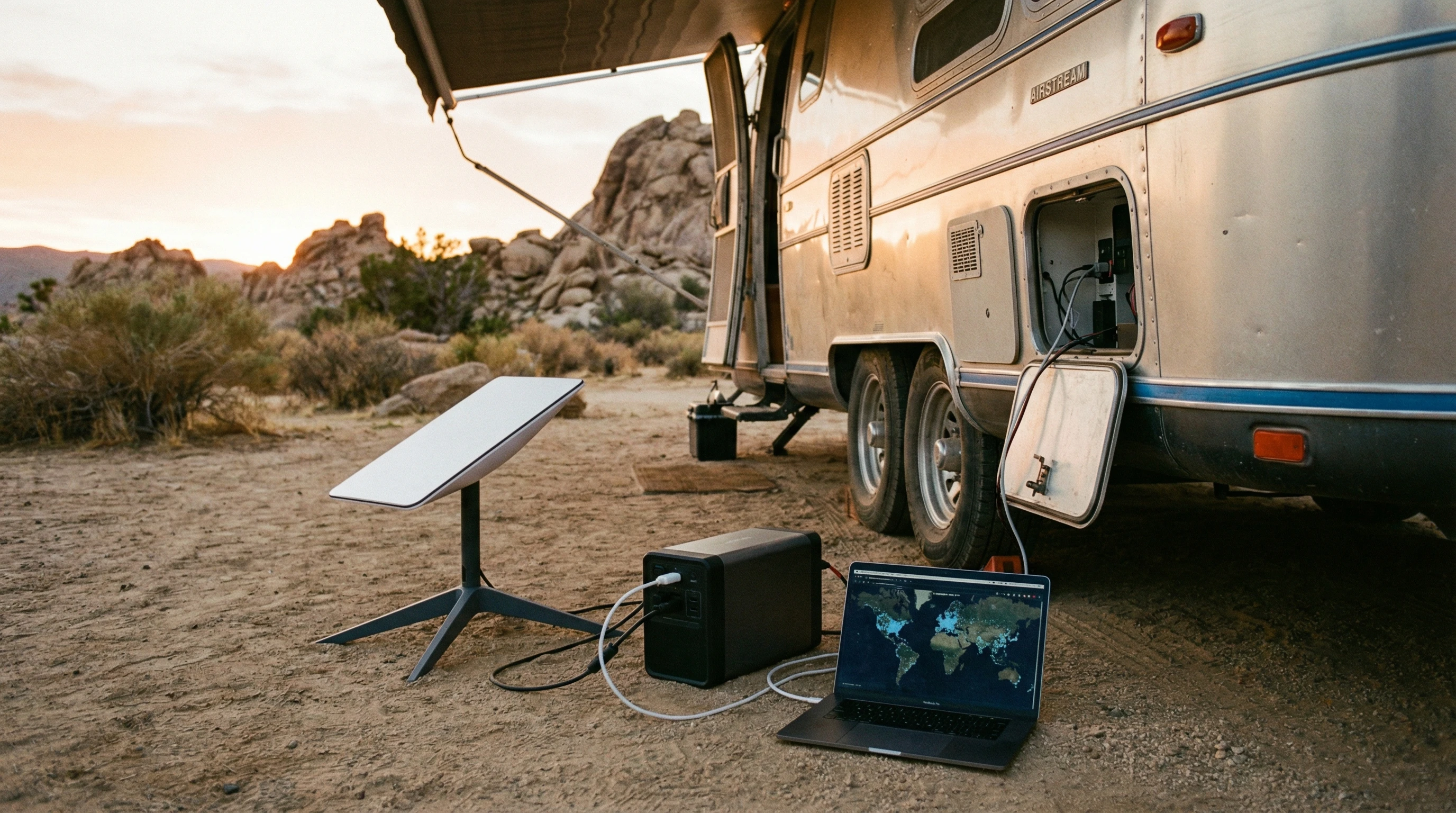
  4. Power management: Satellite internet gear needs solid power, which comes from your RV’s electrical system or a portable battery. Starlink uses about 50 to 75 watts when running, so keep that in mind if you’re boondocking on solar or limited batteries.

Some RVers go the extra mile with custom mounting brackets, cable passthroughs, or even adding an outside weatherproof box for their routers. Test your system before heading off-grid to prevent surprises when you’re relying on it for work or trip planning. Consider picking up extra cables or adapters to have spares for those just-in-case moments.

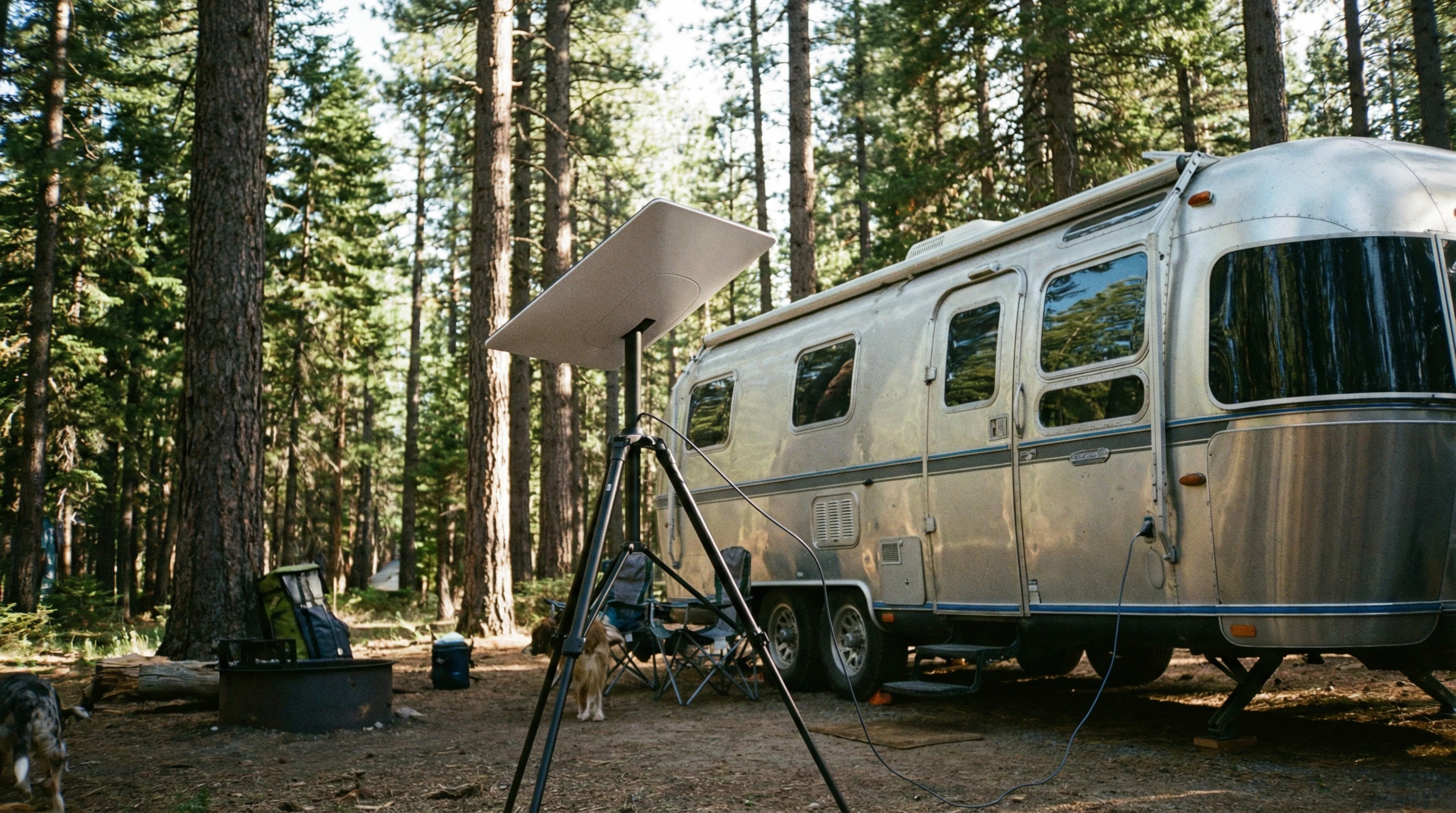
Starlink satellite dish setup outside an RV in a forest clearing

Things You Should Probably Consider Before Choosing Satellite Internet For Your RV

Every system comes with tradeoffs. Here’s what to keep in mind so you can pick what fits your style and budget:

  • Monthly Fees: Satellite internet isn’t cheap, and plans often start around $100 per month or higher. Some options, like Starlink Roam, let you pause service by the month, which is nice for part-time travelers.
  • Hardware Costs: The dish and router are a big upfront spend. Expect the gear to run $600 to $2,500, depending on the system and accessories. That cost might be stretched out with financing or bundles for frequent RVers.
  • Speed and Data Caps: Speeds vary by system and location. LEO constellations are generally better for video, remote work, and gaming. The older systems are okay for checking email and moderate web browsing. Pay attention to any “fair use” policies or data slowdowns after a certain amount each month.
  • Weather Impact: Heavy rain or snow can sometimes cut your signal, called “rain fade.” Most of the time, performance recovers quickly, but you might have downtime during a storm.
  • Setup and Portability: If you move campgrounds often, an easy portable dish is a real perk. If you set up longer in one spot, a permanent roof mount might make sense.

Data Needs

If you’re only using the internet to check email and maps, you won’t need the fastest plan. For streaming movies, Zoom calls, or uploading videos, a faster and more robust data connection is really important. Many users combine satellite internet with cell-based hotspots to have a backup when conditions or data needs change. It gives an extra level of flexibility if you run into weather issues or heavy network congestion on one system.

Technical Support

Check what kind of customer support is available before you commit. Forum communities and Facebook groups can be super helpful for quick troubleshooting or sharing setup tricks if you get stuck. Look for service providers that offer responsive chat or phone help, as well as online documentation for specific RV setups.

Legal and Geographic Limitations

Not all satellite systems work everywhere. For example, Starlink restricts some mobile plans to specific regions. It’s always smart to check coverage maps or talk to other RVers who camp where you plan to go. International travel has extra restrictions to pay attention to as well. When crossing borders, always double-check the service status and coverage agreement before you rely on the system for work or navigation.

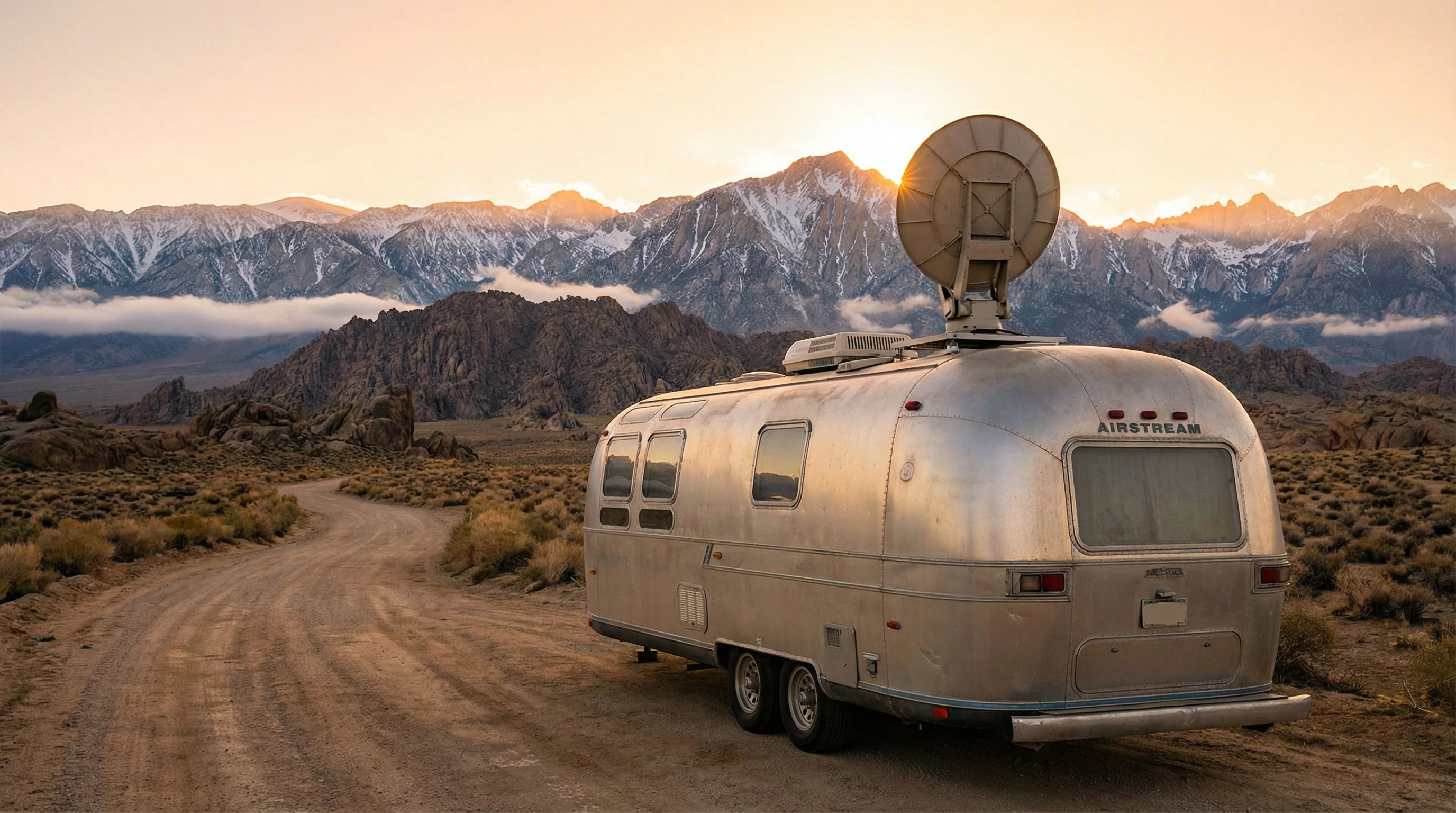
Satellite dish on RV in rugged mountains during sunrise

Advanced Tips for Getting The Most Reliable RV Satellite Internet

After you knock out the basics, there are a few ways to get even more out of your satellite setup.

Combine Internet Sources: Don’t rely only on satellite if you can help it. Add a cell hotspot or campground WiFi to your options, and use an automatic failover router to switch to the best source while you travel. This way, your video call doesn’t drop if a cloud rolls by. Some RVers even carry a portable signal booster for cell service as another layer of redundancy.

Optimize Placement: Even small obstructions can block your dish. Keep your setup away from tall trees and buildings, and always double-check your view of the sky before setup. I use a sky-finder app to check every new site; totally worth it. Scout your campsite a bit before parking and make sure you can shift your equipment if the angle isn’t perfect the first time.

Monitor Your Usage: Some services let you watch your data use in real time. Keep an eye on streaming hours and big uploads so you don’t get throttled or hit a surprise bill. Try downloading large files only when you have plenty of data left, and consider setting streaming services to a lower resolution if you’re close to your monthly limits.

Secure Your Connection: Changing the default router password and enabling WPA2 encryption go a long way to keep you protected while you roam. Likewise, a VPN is smart for business work or privacy-sensitive activities; just be aware it might slow things down a bit further on satellite connections. And always keep your device software up to date for the best security.

Staying flexible and learning the quirks of your hardware will help make the most of your internet time, whether you’re at a festival, stuck in a rainstorm, or parked by a mountain vista with nobody else for miles. Sharing tips with other RVers or checking online communities can help you troubleshoot issues faster and learn about new features as providers upgrade service.

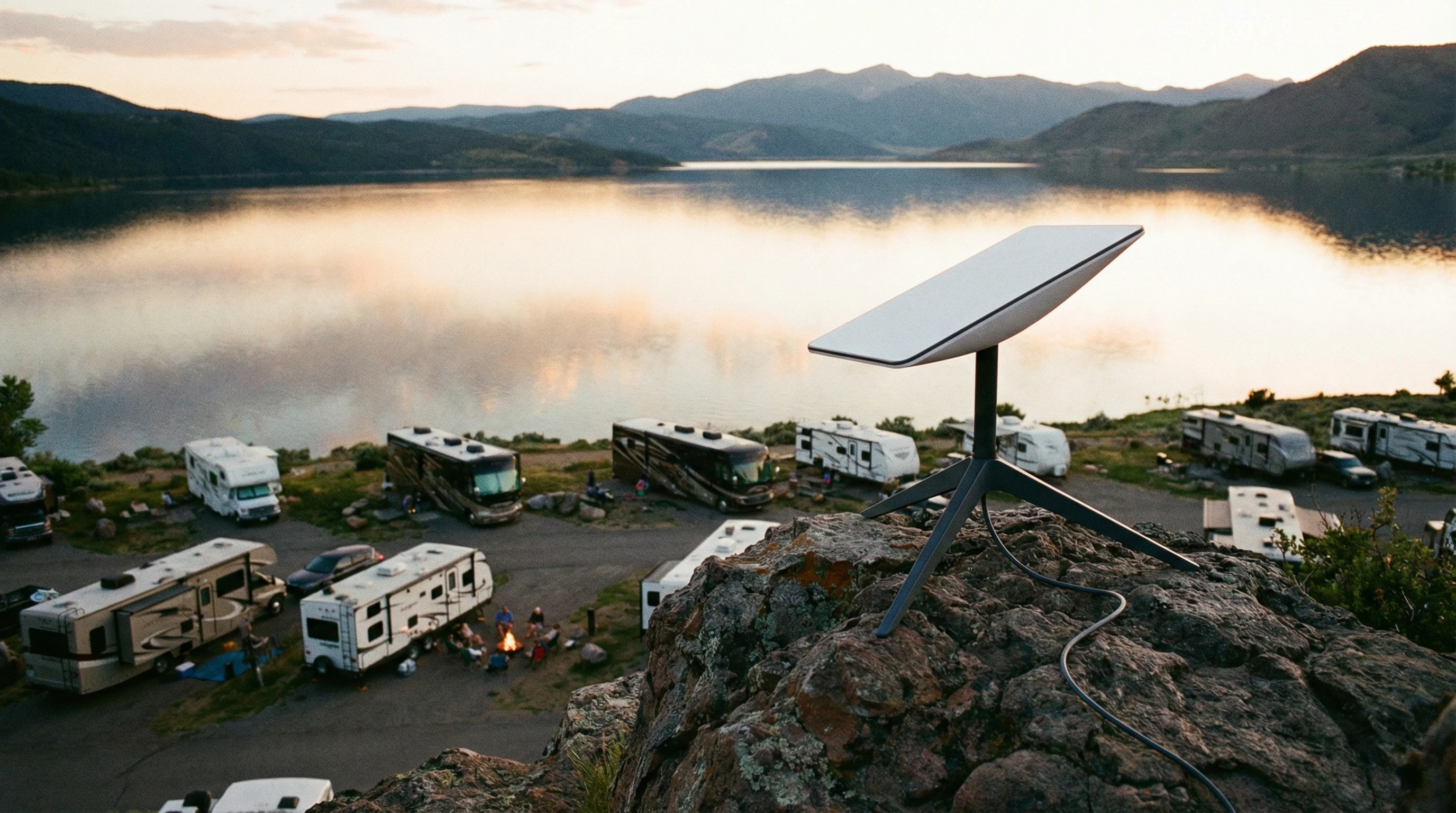
Starlink Dish on tripod overlooking a lake and RV campground

Frequently Asked Questions

Here are some of the top questions I get from other RVers who want to use satellite internet:

Question: Can I use satellite internet while my RV is moving?
Answer: Most portable systems, like Starlink Roam and HughesNet, require you to be parked. There are expensive commercial options for “in-motion” internet, but they’re rare and not typically used by most RVers.


Question: Is Starlink better than HughesNet or Viasat for RVs?
Answer: For speed, ease of use, and data limits, Starlink is usually the preferred choice among RVers, especially for streaming and work. HughesNet and Viasat cover more places but have slower speeds and stricter data caps.


Question: How difficult is it to set up satellite internet at a new campsite?
Answer: Starlink is very easy to set up. Point the dish, plug it in, and let it self-align. The others require a bit more aiming and test runs. Most folks figure it out in less than an hour after doing it a couple times.


Question: Does bad weather totally knock out satellite internet?
Answer: Heavy rain or snow can slow speeds or drop connections temporarily. Usually, things bounce back once conditions clear up. Having a backup connection can help during storms.


Personal Experience With Starlink

We have had Starlink since 2022. When the need for unlimited internet and a good quality signal arose because of our RV consulting business, Starlink was the choice.

It has functioned perfectly for years. Using the roam plan, we have used the service all over the country with no issues, even through trees! We pay $165 per month, but given we use it for smartphones, laptops, and TV, it’s well worth it! While watching Netflix or Prime movies, we use one to two gigs of data per hour.

We figure we use between 300 and 500 gigs of data per month. So, the cost is well worth it! Check out this link for more information on Starlink.

Ready to Get Online With Your RV?

Satellite internet for RVers is changing almost every year. With better speeds and smarter gear, it’s finally practical to stay connected on true adventures far from home. Picking the right plan for your budget and travel plans means more streaming, working, or relaxing, no matter where you end up parking.

RV at a remote lakeside with satellite antenna aimed at clear night sky

Staying connected while you travel is totally doable now. Just pick your system, get your gear set up, and enjoy the freedom to roam without missing a beat online. Here’s hoping your next campsite has a wide open view of the stars, plus the satellites above. Enjoy the open road and stay safely in touch from anywhere.

_________________________________________________________

What If Your RV Could Help Pay for the Journey? Could you make money while boondocking?

Many full-time RVers quietly earn money online: writing, recommending products, and building simple digital assets that generate income while they travel.

You don’t need tech skills.
You don’t need experience.
You just need the right roadmap.

👉 Discover the beginner-friendly approach! Take a look at this post on this website.
Full-time RV laptop workspace with a scenic mountain view, showing how RVers run a small online business while traveling and living on the road

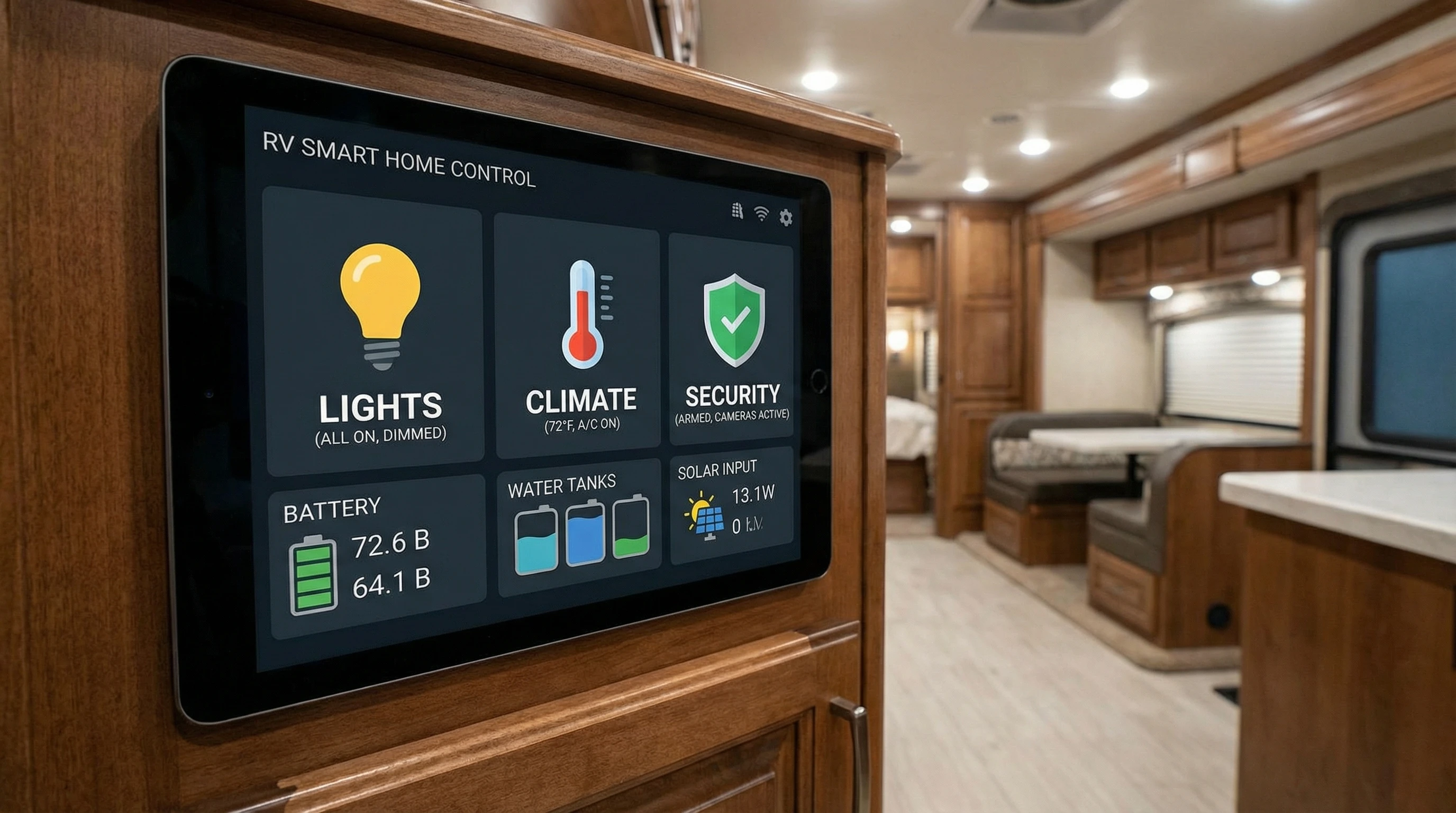
How Do You Set Up A Smart Home System In An RV?

Setting Up Your RV’s Smart Home System: Tips and Tricks

Turning your RV into a smart home on wheels adds comfort and control to your travel lifestyle. Being able to manage lights, temperature, security, and entertainment from your phone or a single hub simply makes day-to-day RV living smoother.

Setting things up takes some planning and trial and error, but once it’s done, you’ll notice just how much it gives a boost to your quality of life on the road.

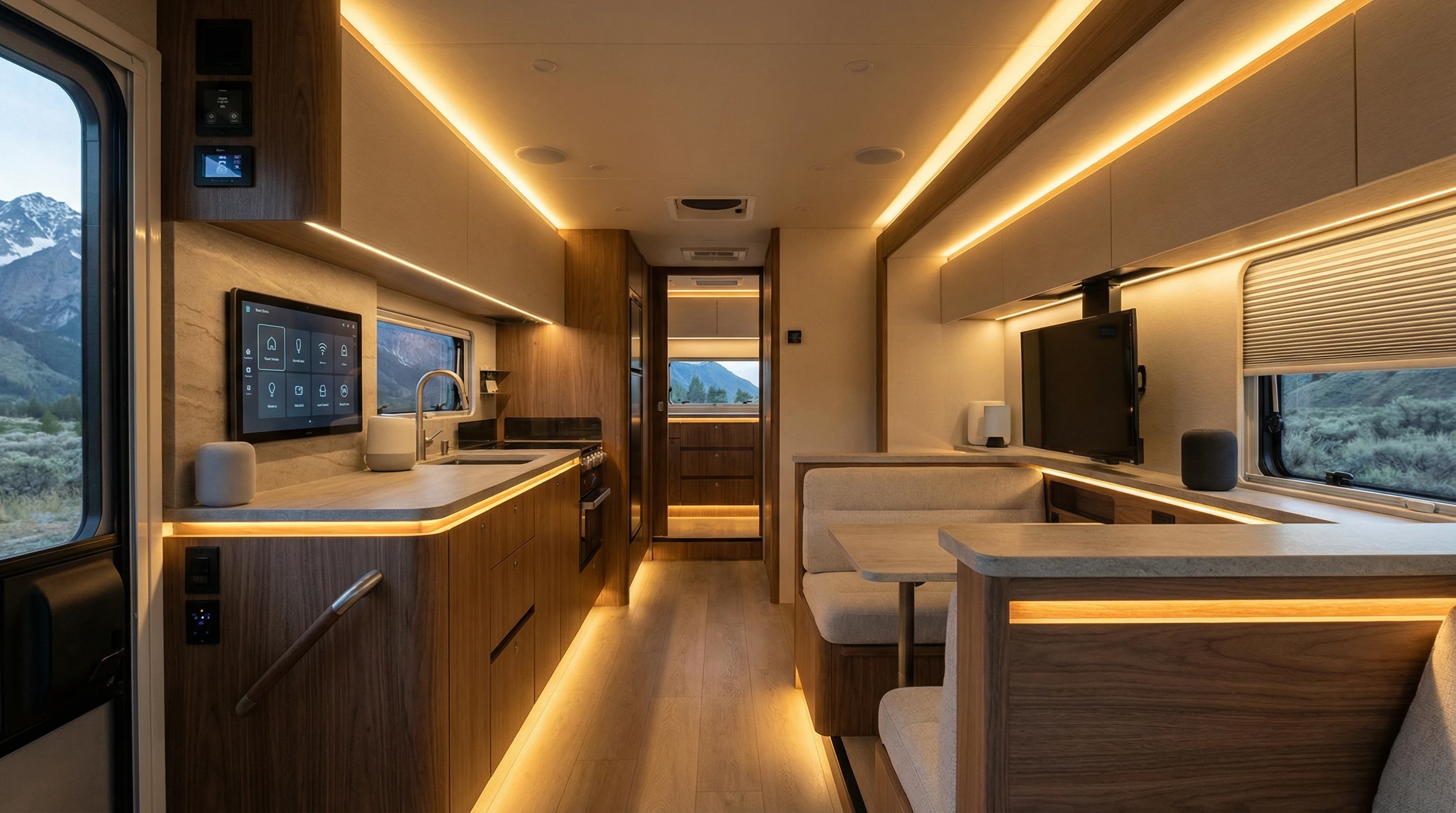
A modern RV interior with smart home devices and ambient lighting

Why a Smart Home System in Your RV Changes the Game

Everyday routines in an RV are much easier to manage with a smart system. I’ve found that adjusting lighting, locking doors, or checking the temperature from my phone makes little annoyances vanish. If streaming music or tracking your travels with cameras matters to you, having all those gadgets synced up is seriously handy.

Our Newmaer Super Star was loaded with all the new technologies! I could operate so many features from my smartphone, even from bed.

Smart home systems aren’t just about being fancy. They save energy, give peace of mind, and make your space more comfortable, whether you’re out exploring or parked at a campground. And with more RV products now Wi-Fi enabled, it’s easier than ever to add tech upgrades, no messy wiring required.

Getting Started: The Basics of RV Smart Home Tech

Before buying devices, figure out what you actually want to automate. Starting with the systems you use most often is a good plan. Here are popular choices for RV smart home setups:

  • Smart thermostats: Set your heating and cooling remotely so your home feels just right when you arrive.
  • Smart lights: LED bulbs and strips that dim or change color make things cozy and help you save energy.
  • Security cameras: Indoor and outdoor Wi-Fi cameras let you keep an eye on your place while you’re out and about.
  • Smart locks: Make keyless entry possible. Just use your phone or a code to get in.
  • Entertainment: Connect TVs, speakers, and streaming devices so you can control everything by voice or in an app.

Not every product plays nicely together, so picking a main smart hub (like Amazon Alexa, Google Home, or Apple HomeKit) helps you manage everything from one app. Choosing products that are compatible with your hub makes things a whole lot smoother.

Key Considerations Before Setting Up

Unlike in a regular house, RVs bring some unique tech challenges. Wi-Fi coverage isn’t always perfect in a rolling vehicle, and power surges can create problems for sensitive devices. Here’s what to keep in mind:

  • Internet connectivity: Most smart home gadgets depend on stable Wi-Fi signals. Prioritize having a mobile hotspot or signal booster. Having backup internet access is a lifesaver out in remote areas.
  • Power management: RV electrical systems aren’t built to run loads of gadgets nonstop. Use smart plugs and make sure to switch things off when you don’t need them to keep your batteries healthy.
  • Product compatibility: Double-check that your gadgets, main hub, and phone all work together. Sticking to a single brand or ecosystem smooths the way for creating routines.
  • Physical installation: Space is limited, so look for compact, wireless devices. Removable sticky pads work great, and you don’t have to drill holes where you later regret.

Take time to plan what matters most, and add things step by step, instead of trying to automate everything overnight. This approach keeps things affordable and stress-free.

Step-by-Step: Setting Up Popular RV Smart Home Features

  • Connect a Smart Hub: Connect your hub (like Alexa or Google Home) to your camper’s Wi-Fi and park it where voice commands can be heard easily.
  • Add Smart Plugs: These are a lifesaver for controlling coffee makers, fans, or lamps through the app or voice. Plug small appliances into the smart plug, then set up on/off schedules.
  • Smart Thermostat: Most RVs need an adapter to upgrade the old thermostat. Check the voltage first and stick to the instructions closely. Once it’s in, you can control the temperature no matter where you are.
  • Lighting: LED smart bulbs or strips can be tucked beneath cabinets or along the floor. They usually pair up via Wi-Fi or Bluetooth, so you can adjust the brightness or color right from your phone.
  • Security: Battery-powered cameras, or those built for the outdoors, work best. Mount them with magnets or brackets so you can move them as needed or take them along when leaving your rig unattended.
  • Smart Locks and Door Sensors: Pick locks rated for outdoors with a backup key. Window sensors make for extra peace of mind if you leave your RV for a while.

Once you’ve installed each device, group them into rooms or zones in your app. This way, you can control everything at once, whether it’s for movie night, a morning routine, or bedtime.

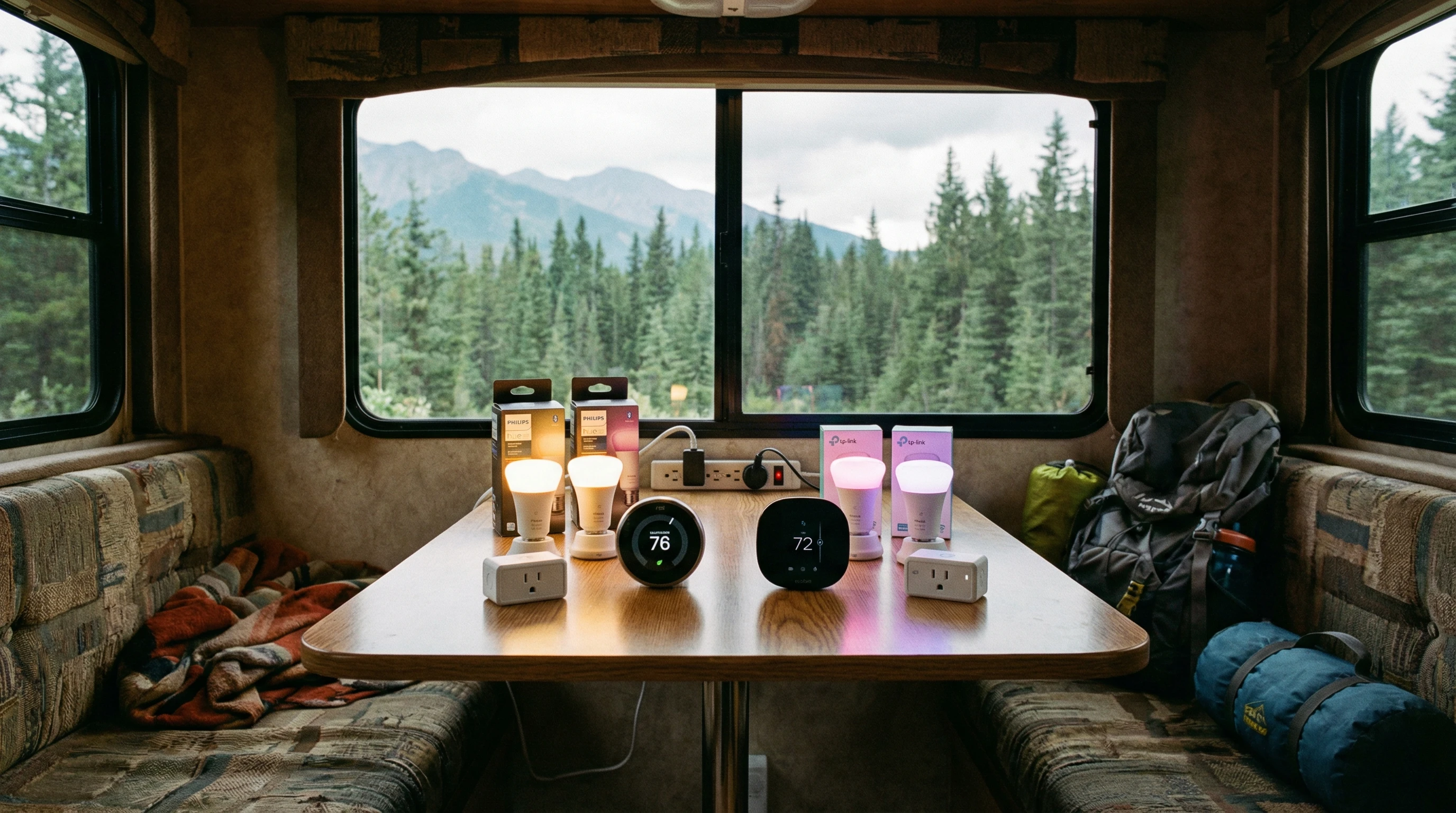
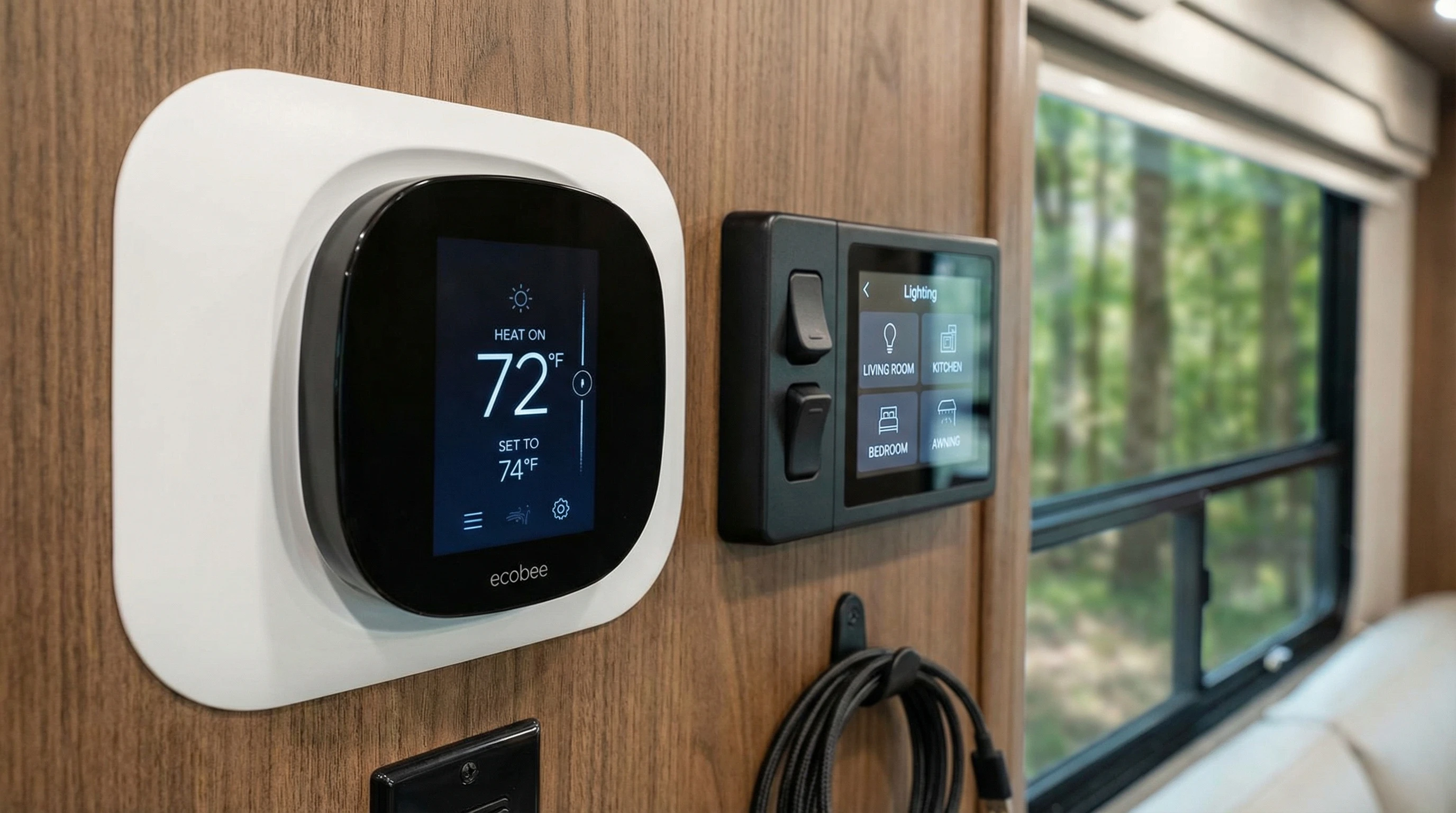
A close-up of a smart thermostat and connected lighting controls inside an RV

Maintaining and Troubleshooting Your System

No matter how carefully you plan, sometimes things just don’t work right. I’ve had issues from cameras refusing to connect after driving to a new spot, to apps freezing during a rainstorm. Here are tips I’ve picked up to smooth the way:

  • Restart your RV’s router and hotspot if Wi-Fi drops or devices vanish from the app.
  • Keep all your smart home apps and device firmware up to date. New updates fix bugs and bring new features.
  • For power hiccups, use surge protectors and smart plugs with power monitoring. This helps spot energy hogs and prevent overloads.
  • Secure Wi-Fi with strong passwords and don’t share access codes for your devices unless you trust the person completely.

If a device just keeps losing connection, try performing a factory reset and adding it back to your hub. Some campground networks have issues with smart gadgets, so bringing your own portable router can help keep things steady and reliable.

Cool Smart Home Routines and Automations for RVs

Automations are where you can really make things shine. Here are helpful routines that make RV life even more enjoyable:

  • Soft lights turn on at sunrise or whenever you walk into the main living space after sunset.
  • Set your air conditioner to run just before you get back from a hike; your RV is always the perfect temperature!
  • Link a security camera alert to flash interior lights or sound an alarm if movement is detected outside at night.
  • Put your entertainment devices in a “movie night” scene, with lights down and your favorite streaming apps one tap away.
  • Use location routines: all lights and equipment go off as you drive away, then flip back on when you’re home.

These automations help you save energy and chill out while you’re busy exploring new places. Let your imagination run with it, you’ll keep finding new routines that match your lifestyle.

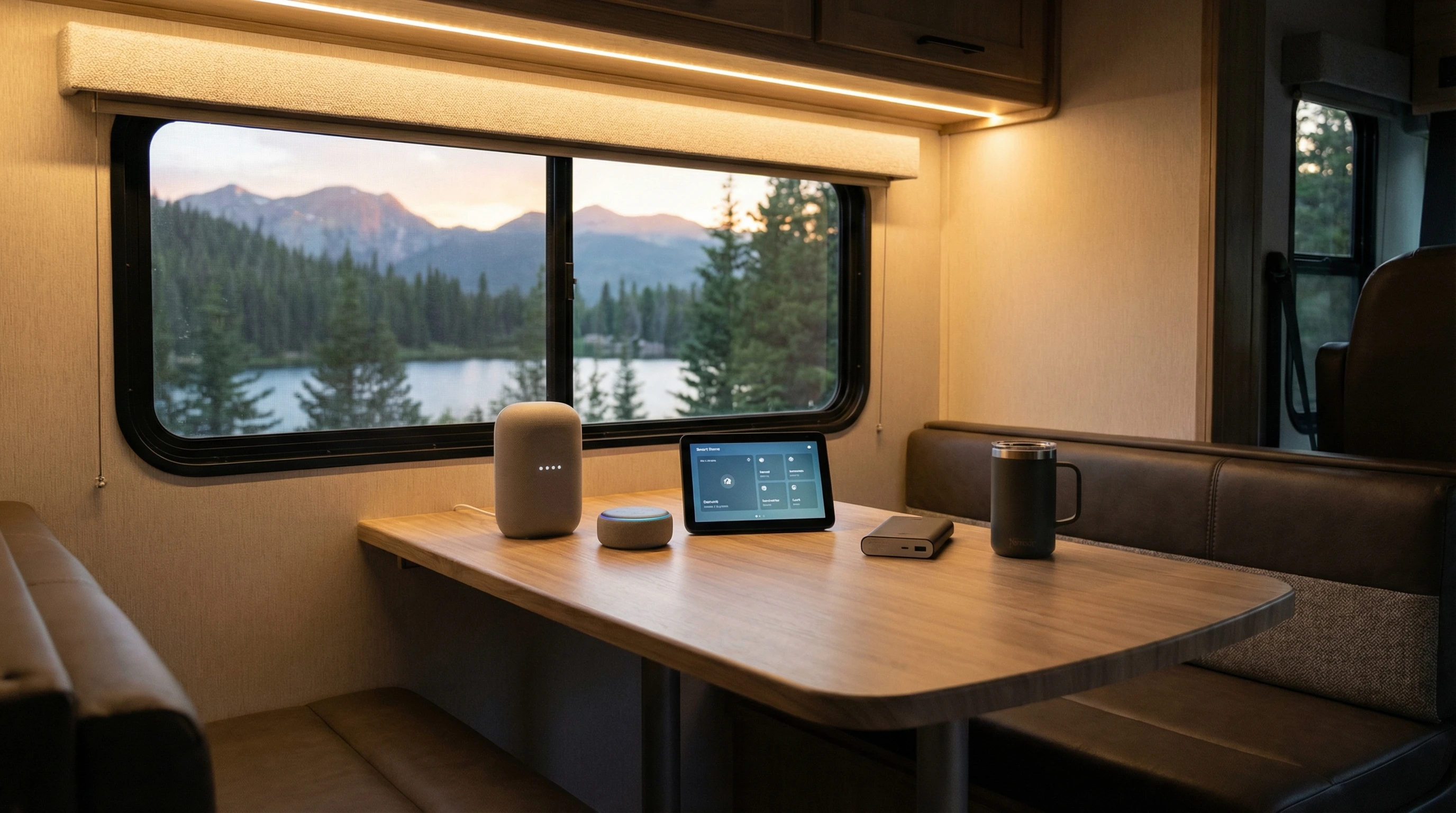
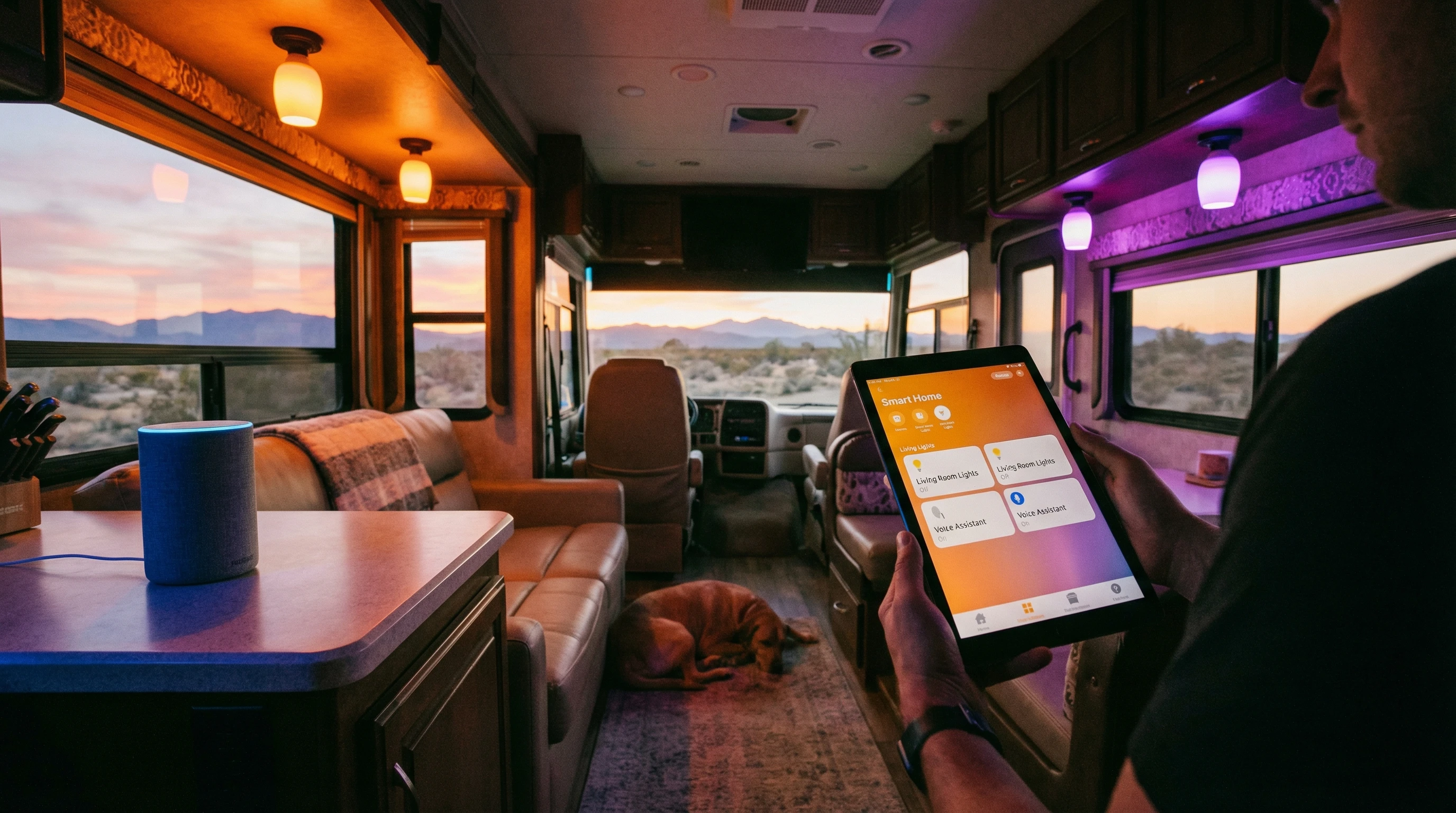
Smart lights and voice assistant being controlled from a tablet in an RV at sunset

Popular Smart Home Devices for RVs

After lots of hands-on use, here’s a selection of devices that get great feedback from travelers, myself included:

  • Wyze Cam (V3): Affordable, compact, and resistant to weather. Uploads video to the cloud and has solid motion alerts.
  • Amazon Echo Dot: Great for voice commands, music, and controlling automations in a tiny package.
  • TPLINK Kasa Smart Plugs: Work well even when the internet is a bit iffy and are super easy to set up.
  • Philips Hue Bulbs: Energy efficient, bright, and compatible with nearly all smart hubs.
  • August Smart Lock: Fits most RV doors, lets you share codes or unlock via your phone for easy access.

These devices balance ease of use, low power use, and awesome features that work on the go. Be sure to double-check what matches your RV’s setup before you buy.

Frequently Asked Questions

Here are some questions I often hear about setting up smart home systems in RVs:

Question: Do smart home devices use a lot of data?
Answer: Most devices only use a little data for updates or commands. Security cameras use more if you’re live streaming or storing video on the cloud, watch your data limit if you’re on a tight plan.


Question: Can I use smart devices with RV batteries or solar?
Answer: Yes, most smart devices draw very little power, but cameras and Wi-Fi routers need a steady 12V or 120V source. Use smart plugs to watch your usage, and solar banks can power your gear with the right setup.


Question: What happens to my system if I lose Wi-Fi or power?
Answer: Some devices work on Bluetooth or local networks, which can keep automations going, but most routines need Wi-Fi. Keeping backup power for your router and hotspot helps keep things running.


Question: Are smart systems secure in an RV?
Answer: Yes, as long as you set strong passwords and use two-factor authentication. Only share codes or camera access with folks you fully trust.


Question: Do I need to pay monthly fees?
Answer: Most devices don’t require a subscription to work. Extra features, like cloud video storage or deep automation, might have small monthly costs.

Final Thoughts

Building a smart home on wheels really does add comfort, ease, and security without sacrificing any of the freedom that comes with RV travel. Start with just a couple of devices, see what makes life easier, and grow your setup from there. The right mix turns your RV into a space you truly love wherever the road leads.

A cozy RV parked in nature at dusk, lights glowing, illustrating seamless smart home living

For more RV tech advice and real-world guides, check out the rest of the articles on this site or drop by YourFulltimeRVLiving.com. Got questions about RV smart home setups or want to show off your own gear? Add a comment below! I’m always happy to help fellow travelers get connected on the open road!

_________________________________________________________

What If Your RV Could Help Pay for the Journey? Could you make money while boondocking?

Many full-time RVers quietly earn money online: writing, recommending products, and building simple digital assets that generate income while they travel.

You don’t need tech skills.
You don’t need experience.
You just need the right roadmap.

👉 Discover the beginner-friendly approach! Take a look at this post on this website.
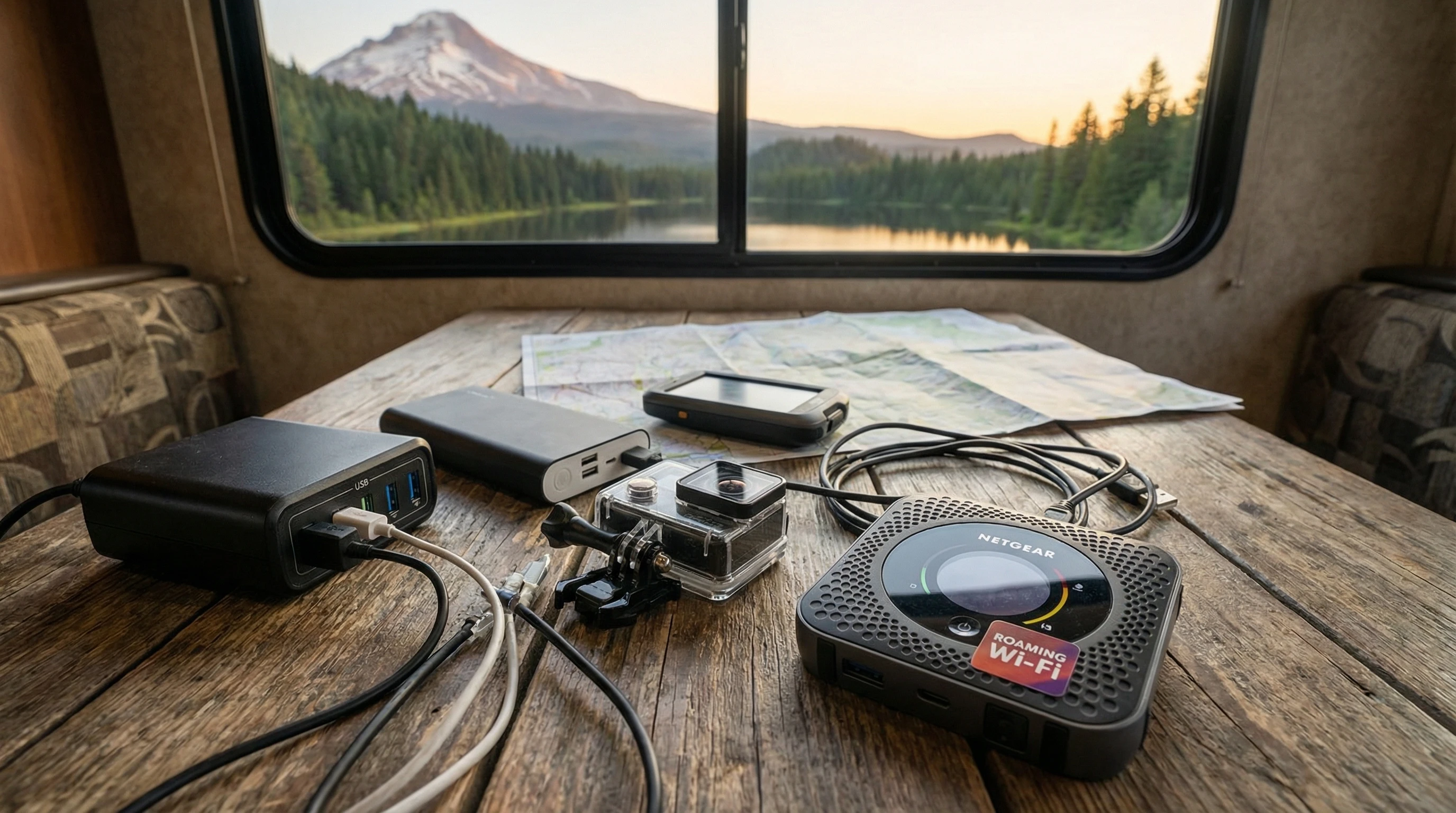
Full-time RV laptop workspace with a scenic mountain view, showing how RVers run a small online business while traveling and living on the road

Seasonal Challenges Of RV Boondocking

Seasonal Challenges of RV Boondocking and How to Overcome Them

RV boondocking brings a special kind of freedom for folks who want to camp away from busy parks and noisy campgrounds. But staying off-grid brings up a new batch of challenges, especially as the seasons change.

I’ve spent more than a few chilly nights learning what to expect and how to adapt. Here’s my guide to the seasonal challenges of RV boondocking and how you can handle them like a pro.

RV boondocking in a scenic wilderness area surrounded by changing seasons

Understanding Year-Round Boondocking

Boondocking basically means camping in your RV without hookups for water, power, or sewer. Some people call it dry camping or wild camping. You might park out in the desert or hide in the forest, but the lack of services and unpredictable weather can surprise newer campers. Different seasons can change what you pack, how you prepare, and how comfortable your trip feels.

Winter brings threats like freezing pipes, icy roads, and battery drain. Summer in the desert is famous for extreme heat, sun exposure, and dust storms. Spring means mud, quick weather shifts, and bug invasions. Fall seems tame, but can be tricky with early cold snaps and leaf debris clogging intakes and vents.

Planning ahead helps you stay comfortable and safe no matter the season. I’ve had to learn that the hard way after a few rookie mistakes. The good news is that most fixes are pretty simple once you know what to expect. Here’s what you need to think about during each season and how to beat the common hurdles.

Winter Boondocking: Staying Warm and Safe

Winter camping in your RV can feel peaceful, especially with snowy landscapes all around. Quick reality check. Freezing temps and icy roads can make things difficult. One major problem is frozen water lines. That first time I woke up with no running water, I realized I hadn’t winterized things well enough. Insulating pipes, using heat tape, or just draining your lines at night can help with this.

Batteries lose power faster in the cold. Even newer lithium batteries can drop their output when temperatures really dip. I make sure to park where the sun will warm up my battery compartment, and I use insulated wraps and a small electric heat pad if things get really cold. A portable generator or extra solar panels help top things off if sunlight gets low.

Propane tanks also give you trouble in freezing temperatures. Keeping your tanks full and using a regulator that works in low temperatures comes in handy. Some folks build small insulated boxes around their tanks or use warmed covers.

Keeping warm inside the RV comes down to sealing drafts. Window insulation film and rollup thermal blinds cut down on heat loss. Rugs and foam mats help insulate floors. Small space heaters work, but you need enough battery power or propane to run them.

Nothing beats having the right gear for winter boondocking: good blankets, weather-appropriate clothing, and a backup heat source should be on your list. Check weather apps often to avoid being snowed in or caught in a blizzard miles from help.

Consider keeping essentials like a quality snow brush and ice scraper ready at all times. If you’re visiting areas where snow piles up quickly, plan out safe routes and talk to locals about possible escape routes or alternate spots to stay.

We were staying in the southeast, just ten miles north of the beach, and we got eight inches of snow and temperatures in the teens. This is not normal, but given current global conditions, anything can happen. We had to use a dust pan to shovel snow away from the RV. The DW said I am not buying a snow shovel!

Winter RV scene with snow-covered trees and an insulated RV

Spring Boondocking: Staying Dry and Managing Bugs

Spring is popular for boondocking trips. Trees and flowers wake up, animals start to appear, and the weather begins to warm. With rain and melting snow, things get wet and muddy fast. Soft campsites leave tires stuck and muddy gear scattered around.

If you are in these conditions, keep a set of traction boards and a shovel just for getting out of sticky mud. Keep waterproof boots by the door, and keep all outdoor gear stowed inside before a storm. Putting RV mats at all the entrances helps cut down on tracking mud everywhere.

Another common spring challenge is bugs. Mosquitoes and gnats arrive as soon as the temperature climbs. I make sure to have bug screens on every window, and I use fans to keep air moving and flying bugs out. Spraying vinegar or essential oils like citronella around entryways really helps. Don’t forget that proper food storage is a must. Critters hiding from rain will find their way to an RV if they smell anything tasty.

Spring storms can be heavy and sudden. Keeping an eye on the weather and having an evacuation plan for flash floods is important. Choose high and dry campsites, even if it means a longer walk to a lake or trail. When the ground dries, enjoy the wildflowers and new green growth, just watch for ticks and chiggers. If you bring pets, make sure to check them for hitchhikers after any outing and consider pet-safe repellents to help them stay comfortable, too.

Summer Boondocking: Beating the Heat

Hot weather boondocking is all about finding shade and staying cool. When I first tried camping in the southwestern desert, the temperature inside shot up way too fast. Parking in the wrong spot made things way worse. Now I always look for trees, natural windbreaks, and use the awning and reflective covers on sunny days.

Staying hydrated is really important. Water tanks drain quickly, so I keep jugs and portable filters around for refills. Cooling towels, portable fans, and a small swamp cooler can make daytime hours bearable. I spend more time outdoors early in the morning and late in the evening, keeping windows closed during the peak heat to trap cooler air inside.

RV fridges and AC units work harder and can draw down batteries fast in the summer. Using reflective covers on windows and vent fans to push out hot air will help. I try to camp at higher elevations where the nights cool off, or near rivers and lakes that offer a nice breeze.

Wildfires are a real concern in some locations. I always check current fire warnings and keep a shovel and hose handy just in case. Avoid making campfires if fire bans are in effect. Keeping up with local park notifications or using apps like AirVisual helps to track smoke and unsafe conditions. An emergency weather radio is also worth stashing in your RV, as it can alert you to sudden weather shifts or evacuation orders, even where cell service fades.

Summer RV boondocking in a shaded forest with open windows for ventilation

Fall Boondocking: Dealing With Temperature Swings

Fall boondocking is a favorite for many RVers, as it is ours! The colors are stunning, bugs are fewer, and crowds are gone. But fall can bring quick shifts from warm afternoons to freezing nights. I learned to always keep cold-weather gear handy, even on trips that start off sunny.

Condensation from warm days and cold nights can build up inside your RV, leading to mildew problems and wet bedding. Opening a vent or cracking a window helps release moist air. I use a small dehumidifier powered by an inverter for especially damp conditions.

Leaf management becomes a regular task. Vents, intakes, and roof fans can all get blocked by falling leaves. I check these every day and keep a telescoping broom handy to sweep off debris. Careful parking away from big trees reduces the risk of damage from falling branches during autumn storms.

Fall is a great season for solar power, thanks to fewer clouds and cooler temperatures, but sunset comes earlier. Planning activities around shorter daylight hours helps avoid getting caught out late, especially when hiking or using battery-powered lights. As temperatures get chillier, consider adding window foam inserts or thermal curtains to keep things toasty overnight.

RV parked in a colorful autumn forest, leaves scattered on the ground

Smart Gear and Tricks For Every Season

Having the right gear helps a ton when facing different seasonal conditions. Here are some items that have consistently made my life easier year-round:

  • Four-season sleeping bags and cozy thermal blankets for cold snaps.
  • Portable fans, reflective shades, and mesh bug nets for hot and buggy months.
  • Extra water containers and collapsible jugs for dry spells or emergency use.
  • Weatherproof storage bins to keep food and gear safe from moisture and critters.
  • Portable solar panels and a reliable generator for inconsistent weather.
  • Basic tool kit, shovel, traction boards, and tire chains in case you get stuck or the roads get slippery.

Even with all the right gear, doing a quick system check before each trip saves a lot of trouble later. Consulting weather apps and following local boondocking groups online lets you know about changing conditions before they get too rough. Sharing information with other travelers also saves headaches and makes the adventure a lot more enjoyable.

Building a network on social media or RV forums can offer last-minute advice and tips from locals or seasoned travelers in case plans go sideways. If you keep an adventure journal, make note of which gear worked and what changes would make your next seasonal trip easier. It’ll save you time down the road.

Frequently Asked Questions About Seasonal RV Boondocking

Here are some common questions I hear from folks heading out for off-grid RV adventures:

How can I prevent my RV pipes from freezing during winter boondocking?
Insulate exposed pipes, use heat tape if you have a portable generator, and open cabinets to let warm air circulate around plumbing. If things look really cold, drain the lines at night and use jugs for water.


What is the best way to cool down an RV while boondocking in the summer?
Find natural shade whenever you can and park so your door faces away from the sun. Use window reflectors and roof vent fans. Only open windows in the early morning or late evening when outdoor temps drop. We run the AC when it’s really warm, using our portable generator to supply the electrical power.


How do I keep bugs out of my RV during spring and summer trips?
Keep screens in good shape and avoid leaving doors open. Use citronella candles or essential oil sprays and seal up tiny gaps or cracks in the RV body where insects can sneak in.


What’s the most reliable way to keep batteries charged during bad weather?
Combine solar with backup sources like a generator (this one really is the best portable generator at a reasonable cost) or portable power station. Turn off nonessential devices and charge big batteries when you have extra sunshine.


How do you deal with mud and soft campsites after rain in spring?
Avoid low areas that collect water, carry traction boards and a shovel, and route your tires over rocks or boards to avoid getting stuck.


How can I prepare for wildfire risks during summer boondocking?
Check local fire warnings regularly, avoid using campfires during bans, and keep firefighting basics like a shovel, hose, or bucket ready. Park so you can leave quickly if conditions worsen.

RV Life Can Work Year-Round

Boondocking as the seasons change is honestly one of the best ways to really experience the freedom of RV living. The right prep, smart gear, and some real-world trial and error all help make year-round off-grid camping something to look forward to, rather than stress over.

Every trip brings new lessons, and sharing what works with others keeps everyone safer and happier out on the road. Take the time to swap stories and advice with fellow campers sometimes; the best tips come from the folks parked just down the trail.

Serene landscape with an RV and vivid sunset sky showing off seasonal beauty

If you want to explore more about RV living, gear, and tips for online income while traveling, click here for more at Your Full-Time RV Living. Have a question or want to share your own seasonal tips? Drop a comment below and let’s swap stories.

_________________________________________________________

What If Your RV Could Help Pay for the Journey? Could you make money while boondocking?

Many full-time RVers quietly earn money online: writing, recommending products, and building simple digital assets that generate income while they travel.

You don’t need tech skills.
You don’t need experience.
You just need the right roadmap.

👉 Discover the beginner-friendly approach! Take a look at this post on this website.
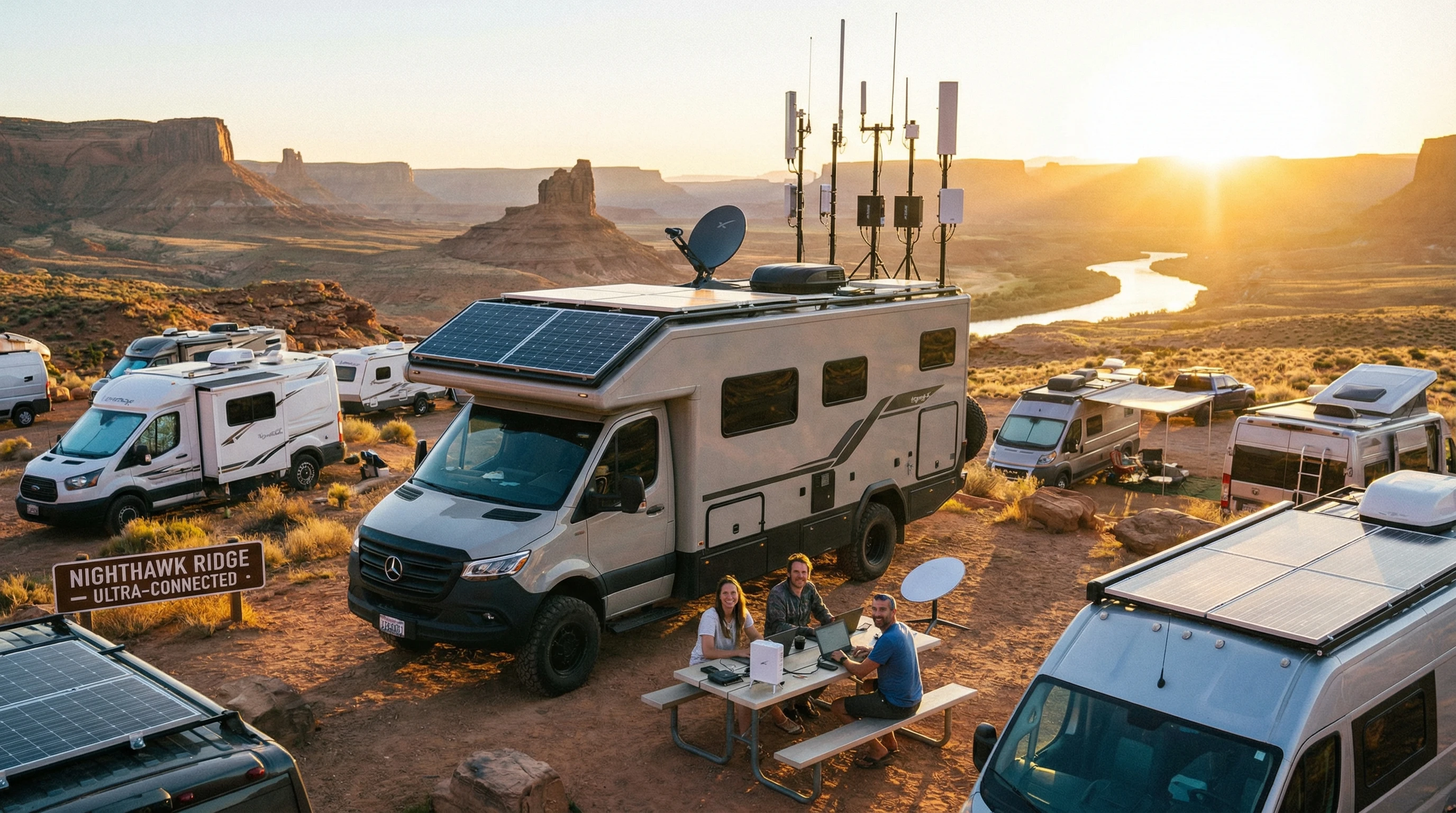
Full-time RV laptop workspace with a scenic mountain view, showing how RVers run a small online business while traveling and living on the road

How To Find The Best Off-Grid RV Campsites

Where Can You Find the Best Off-Grid RV Campsites?

Finding the perfect off-grid RV campsite brings a sense of pure freedom. I love being far from crowded RV parks, surrounded by the beauty of nature. Figuring out where to go and how to prepare comes with some challenges, though. Here’s my guide for how to find the best off-grid RV campsites and have an enjoyable, hassle-free adventure every time.

RV parked by a remote forest lake at sunrise

Understanding Off-Grid Campsites

Off-grid (or boondocking) RV camping means staying somewhere without hookups. There’s no electricity, water, or sewer connections. The real reward is waking up to remote mountain views, peaceful forests, or desert quiet instead of busy campgrounds. That first cup of coffee enjoyed in solitude or with a sweeping sunrise view is something special.

Common places to track down off-grid camping include public lands, like national forests or Bureau of Land Management (BLM) areas. These spots are usually first-come, first-served, and sit in scenic places you won’t see from the interstate. Staying off the grid saves money and opens up more interesting routes. For those willing to unplug a bit, boondocking is a pretty next-level cool way to see more wild places.

Besides national forests and BLM sites, you might stumble upon county parks, hidden meadow pullouts, or even large ranches that occasionally open to RVers. Each place offers its own landscape and mood, with opportunities for wildlife watching, stargazing, or just getting some real peace and quiet.

Top Places to Look for Off-Grid RV Campsites

There are so many amazing public lands that offer free or low-cost camping. My favorite resources include:

  • National Forests: Spread across the country, these allow dispersed camping (basically parking in a designated area off-trail or dirt road) with some rules to keep it safe.
  • Bureau of Land Management (BLM): Popular out west, the BLM manages huge spaces that are often open for RVers to stay for up to 14 days.
  • State Trust Lands and Wildlife Areas: These might require a permit or a small fee but can have beautiful, empty spaces.
  • Wildlife Refuges and Remote Parks: Often overlooked, some allow overnight camping during certain seasons.

A quick stop at the local ranger station or a call to the land management office can help you avoid breaking any rules and keep you in good standing. I also use apps like Campendium, iOverlander, and FreeCampsites.net to check reviews and user tips for specific spots. These communities keep listings up to date and highlight both hidden gems and new regulations.

Aerial view of RVs spread out over a wide desert landscape

What To Bring and How To Prepare

Boondocking brings more adventure, but it asks for extra planning. Here’s a rundown of what I always make sure to have:

  • Extra Water: Dry camping means you don’t have a faucet nearby. I carry extra jugs so I can stay longer without needing a refill.
  • Batteries and Solar Power: Keep all devices and lights powered. Solar panels work great out west; portable batteries help on cloudy days, and having an inverter can let you power small appliances. Learning how much juice your rig needs can save you headaches later.
  • Trash Bags and Cleaning Supplies: Since there’s no garbage pickup, I always pack out every last wrapper or bottle. It helps to use reusable containers and bags to cut down on the overall waste you make.
  • Propane or Alternative Cooking Options: My stove runs on propane, but having a backup like a butane camp stove or grill is smart. A small charcoal grill gives extra flexibility for longer stays.
  • FirstAid Kit and Emergency Supplies: Better safe than sorry, and mobile reception can be hit or miss. I toss in a satellite messenger if I’m headed way off the map.
  • Tool Kit and RV Repair Items: A flat tire or minor leak can cause big trouble in remote areas. Simple gear like a tire inflator, duct tape, and basic tools makes a world of difference.

I like to check my lists and double up if I’m heading deep into the backcountry. Running out of water, power, or propane miles from town can really throw a wrench in the fun. Always check your tank levels before you head out, and don’t assume you’ll be able to replenish supplies nearby.

How To Find and Choose a Great Off-Grid Campsite

The best campsites aren’t always the first pullout you see. I look for a few specific things before I call it home for the night:

  • Flat, Firm Ground: This makes for an even rig and easy sleeping. Parking on a natural surface like gravel or dry grass is better for both your vehicle and the land.
  • Distance From Roads: Quieter spots a little further down a forest route give more privacy. If you get too far, you may struggle to get out again, especially after rain, so weigh distance and convenience.
  • Sun or Shade: Solar panels need sun, but trees help cool in hot weather. I like an east-facing spot for morning coffee in comfort and look for shade in the afternoon heat. If you have solar, scout out the tree cover before settling in.
  • Sufficient Cell Signal (if Needed): Some off-grid folks want total unplugged time, but I try to check for at least a bar or two. In case of emergencies or for remote work, a little extra signal gives peace of mind.
  • Proximity to Water or Trailheads: It’s pretty handy to step outside and hit a hiking trail or enjoy a fishing spot just a few feet away.

I usually drive the area a bit, keeping an eye out for muddy ruts, overhanging branches, or flood-prone spots. Reading recent reviews on camping apps can let you know if a road has been washed out or a campsite is closed for the season. Helpful signs like existing fire rings and a clear parking space show that the spot has been used before, a great way to leave less of a new impact.

Don’t forget to ask fellow travelers you meet on the road a quick tip from someone who stayed in the area last week is worth gold and can lead you to the coziest sites.

Respectful and Sustainable Off-grid Camping

Staying off-grid comes with responsibility. Here’s what I stick to so those epic locations stay beautiful for the next camper:

  • Pack It In, Pack It Out: This isn’t just about taking your trash. I collect microtrash, too. Bottle caps and food wrappers have a way of sneaking away in the wind.
  • Leave No Trace: I try to keep my camp on durable surfaces and avoid disturbing vegetation or wildlife. Sometimes using old sites means less new disturbance to the land.
  • Use Fire Carefully: In dry areas, I usually opt for a propane firepit or no fire at all. Wildfires can start from the smallest spark, and most areas monitor fire bans closely. Always check for current rules before lighting up.
  • Respect Time Limits: A lot of public lands have stay limits (usually 14 days in one area). Rotating around keeps things fair for everyone and helps prevent wear on the most beautiful spots.

Practicing these simple habits means the best off-grid spots will stay wild and welcoming. Take the time to restore your site as you leave; sometimes, picking up extra litter or smoothing out ruts helps keep the wilderness healthy for others.

Remote forest campsite with a solar-powered RV under the trees

Common Challenges and How To Handle Them

Off-grid camping is rewarding, but a smooth trip is all about being ready for a few hurdles:

  • Getting Stuck: Muddy or sandy roads can become a problem fast. I keep traction boards, a shovel, and a tow strap handy just in case. Scout road conditions ahead of time by asking locals or checking recent traveler reports.
  • Losing Power: Running out of battery is a pain. I conserve by switching to LED lights, charging during peak sun, and running off an inverter only when absolutely needed. Sometimes a simple adjustment, like putting your fridge on propane, stretches your battery much further.
  • Noisy Neighbors or Crowds: Even remote sites can get popular. I try to go midweek or outside busy seasons for the best shot at solitude. For more privacy, explore less famous areas or hike a bit further from main roads.
  • Wildlife Encounters: Bear spray and careful food storage make a big difference in bear country. In snake or scorpion zones, shaking out shoes before slipping them on saves big trouble. Keep pets and food inside to prevent unnecessary run-ins with local critters.

Not every trip will be perfect, but learning from each one makes the next that much better. I keep notes on campsites I visit so I can return to the best ones or skip the not-so-great spots next time. Watching weather trends and local advisories is also key; sometimes floods or fire closures pop up without much warning.

Advanced Off-Grid Camping Tips

For those ready to venture further or stay longer, there are some next-level moves I’ve learned that make life more comfortable:

  • Water Management: Gray water can pile up fast. I use biodegradable soap for dishes and wipe down cookware before washing. It saves on both water and tank space, and a spray bottle can stretch your supply for quick washes.
  • Power Hacks: Swapping halogen bulbs for LEDs inside the rig makes a noticeable difference. Keeping devices on airplane mode when service is weak stops them from burning battery looking for a signal. Having a solar shower bag in sunny spots can mean longer stays off-grid.
  • Weather Awareness: In high winds or storms, I never park under dead trees. Sandbags or leveling chocks help anchor the RV when gusts hit. Portable weather radios or checking radar apps before heading out reduces unexpected surprises.
  • Safe Travel: Downloading maps ahead of time is super important. I always carry a backup paper map just in case technology fails. Plan routes that have alternate exits in case you need to leave in a hurry due to weather or other hazards.

I also keep my rig ready to move on short notice since weather and road conditions can change fast in remote areas. Making sure you have enough fuel for a quick exit or an unexpected detour prevents major stress.

RV parked in a sunny open meadow with mountain views and wildflowers

Frequently Asked Questions (FAQ)

How do I find out if an off-grid spot is legal to camp?
Check public land websites (like the National Forest Service or BLM pages), call local ranger districts, or use apps that show legal boundaries. Look for clear rules posted at entrances and gate signs. If you’re ever unsure, ask before you set up camp.


What’s the safest way to handle waste when boondocking?
Pack out all trash and food scraps. Use dump stations for tanks, and never dump gray or black water on the ground. Some portable toilets are made for boondocking and seal waste safely until you reach town. Always use biodegradable soaps for washing up and follow local waste rules.


Are campfires allowed at every off-grid campsite?
Fire rules change with the season and weather. Always check for fire bans and, if allowed, use only established rings. Never leave a campfire unattended, and douse it completely before leaving. In some places, propane firepits are a safer option and allowed when wood fires are not.


How can I make sure I’ll have cell service at my campsite?
Research in advance using coverage maps, and read app reviews for recent info. Consider a cell booster or buy a prepaid SIM from a network with better coverage in rural areas. Sometimes, service is only up on a nearby hill or ridge. Download maps and emergency contacts before you lose signal to stay prepared.


Can I just show up at public lands, or do I need a reservation?
Most dispersed campsites don’t need reservations, but popular ones fill up fast during busy times. Plan to arrive early or travel midweek. Some places might require a permit, especially near national parks or protected areas. Always double-check local rules so you don’t end up without a place to stay.

Final Thoughts and Further Resources

Off-grid RV camping opens up a new world of travel, one where every sunrise is yours and every view is just for you. If you’re ready to skip the crowds and plug into nature instead, careful planning and the right attitude are all you need. A flexible spirit and willingness to learn on the fly will get you farther than any gadget.

Looking for more info on RV living? Read this boondocking guide at RV Camping for super detailed tips and legal updates. If you have a question, feel free to drop it in the comments below!

Sunset view from an RV window looking out over a forest valley

Want to keep traveling and working from wherever your home-on-wheels takes you? See my article on RV internet options to stay connected even in the wildest places.

_________________________________________________________

What If Your RV Could Help Pay for the Journey? Could you make money while boondocking?

Many full-time RVers quietly earn money online: writing, recommending products, and building simple digital assets that generate income while they travel.

You don’t need tech skills.
You don’t need experience.
You just need the right roadmap.

👉 Discover the beginner-friendly approach! Take a look at this post on this website.
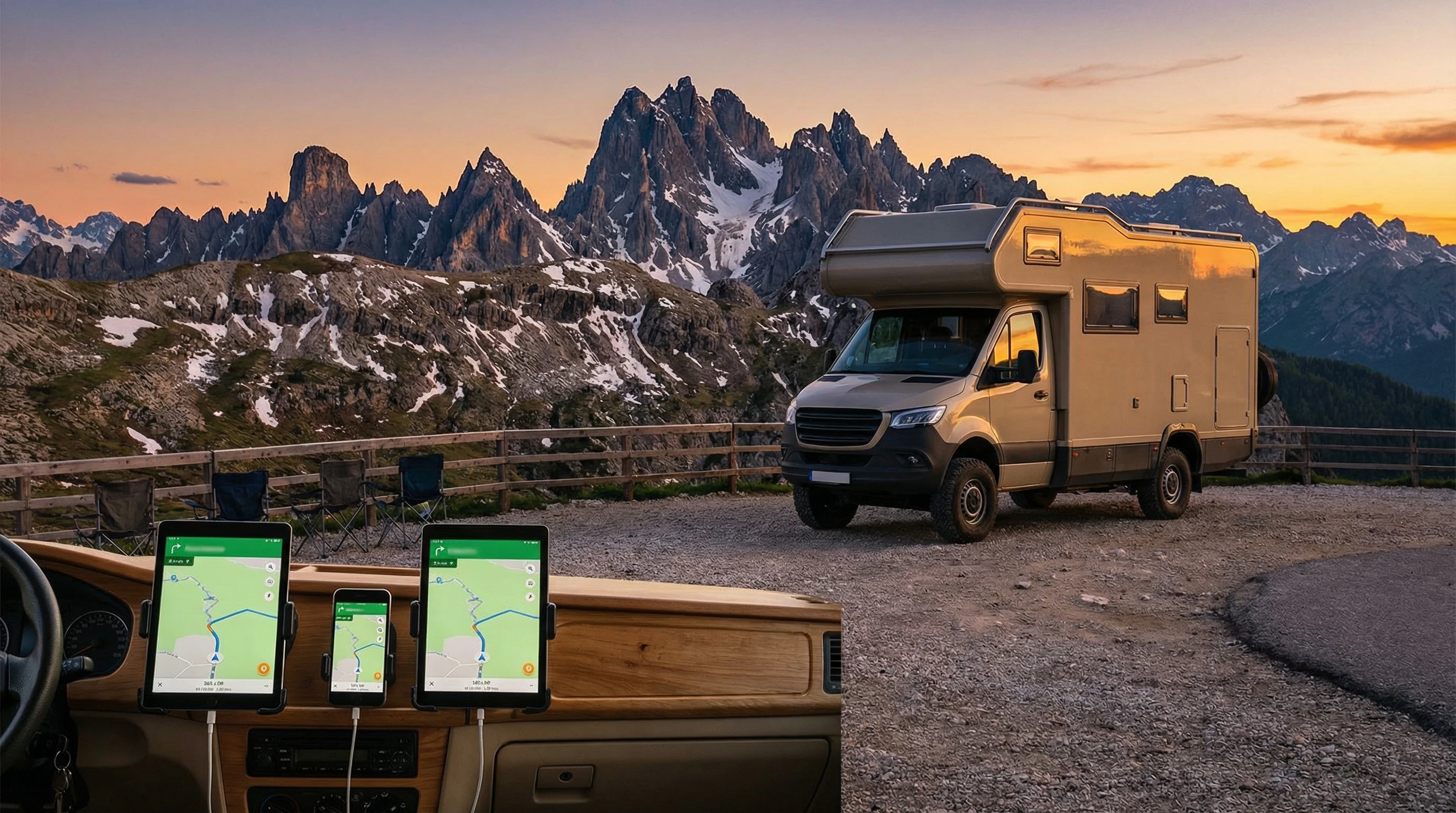
Full-time RV laptop workspace with a scenic mountain view, showing how RVers run a small online business while traveling and living on the road

Setting Up A Reliable RV Communication System Off Grid

Setting Up a Reliable RV Communication System When Off the Grid

Staying connected on the road isn’t just about updating your travel blog or streaming a movie. For many RVers, having a solid communication setup when off the grid means you can check weather alerts, find emergency help, and keep in touch with family.

I’ve spent plenty of nights in remote campsites and learned first-hand how a reliable communication system can give you peace of mind and make your adventures a lot easier.

Off-grid RV parked in a remote wilderness area, surrounded by trees and mountains, with satellite dish deployed for connectivity

Why RV Communication Matters When You’re Off the Grid

When you’re miles away from the nearest cell tower or WiFi hotspot, the usual methods of staying in touch just won’t cut it. You might need to use GPS to get around, stay in contact with friends, or call for help in an emergency.

Some folks even work remotely from their RVs, and for them, a drop in connectivity can stop business in its tracks. In these situations, being able to reach out instantly can be a game-changer.

Younger travelers may want to share updates on social media, while others rely on communication systems to keep up with health needs, monitor security equipment, or coordinate with other travelers. RV communication is much more than a luxury; it’s a practical part of planning any trip away from crowded campgrounds or big cities.

Over the years, communication technology has come a long way, and now there are several tools that make it much more likely you’ll be able to reach someone wherever your RV can go. Whether you’re parked deep in a forest, out in the desert, or on a mountain, you have solid options for staying connected. Having these solutions handy means you’re less likely to be caught off guard far from help.

Common Communication Tools for Off-Grid RVers

The technology you pick really depends on where you travel, how much data you need, and your budget. I’ve tried out a variety of setups and chatted with others on the road to get their take. Here are some of the most popular and practical options available right now:

  • Cellular Boosters: These take a weak cell signal and make it stronger. In some remote spots, even catching one bar can be enough for messaging or slow browsing if you give it a boost.
  • Mobile Hotspots: These portable devices use cell data networks and come in handy if you work on the road or need to connect multiple devices at once.
  • Satellite Internet: Not always cheap, but it’s the way to get online when there’s no cell service at all. Starlink and other providers have made this much easier in faraway areas recently.
  • Two way Radios: Good old walkietalkies are still practical. They let you talk to other campers, hiking buddies, or convoy members nearby without depending on cell networks.
  • Satellite Messengers: Devices like Garmin inReach and Spot let you send basic texts or SOS calls using satellites. They’re lightweight and save on battery life.

Each tool has its perks. Some RVers use a combo: maybe a cellular booster with a mobile hotspot and a satellite messenger for safety. Thinking about where you’ll travel and what you’ll actually use makes a real difference in what you should pick for your setup.

What You’ll Need to Build Your RV Communication Setup

Putting together a communication system means balancing price, gear size, and what technology works where you plan to camp. Here’s a breakdown of what I typically recommend and use:

  • A Cellular Booster Kit: Includes an outdoor antenna, an indoor antenna, and the booster itself. Mount the outdoor antenna high up; roof ladders and poles work great for this job.
  • Hotspot Device (or a phone with a mobile hotspot plan): Make sure your plan has enough data and that your carrier covers the places you visit most often. Check coverage maps regularly. These are the services we use!
  • Satellite Internet Terminal: For serious remote travel, consider a portable dish like Starlink Roam. Keep in mind there’s usually a higher monthly fee attached, but it’s worth it for those who need total connectivity.
  • Satellite Messenger Device: For areas with no service at all, a messenger is a lightweight backup that can send your GPS location in case of emergency.
  • Two-way radios: Choose radios with a decent range (a few miles is typical). They’re especially useful for group travel or chatting with folks at camp, whether you’re doing chores or heading out for hikes.

Don’t forget to pack small extras like extra charging cables, portable solar panels, and weatherproof mounts. I always throw in an extra power bank, too, since electronics drain faster in the cold or when you have lots of gadgets running at the same time.

Step By Step: Setting Up RV Communication Off The Grid

Building your setup doesn’t have to be tricky. Here’s how I prepare before every trip way off the grid:

  1. Test Your Coverage: Before heading out, use apps like OpenSignal or coverage maps from your carrier. Sketch out likely dead zones, especially if you depend on cell data for work or travel planning.
  2. Go with a Steady Power Source: Communication gear needs electricity. Make sure your RV batteries are in good shape, and consider solar panels or generators if you plan extended off-grid stays.
  3. Mount Antennas and Devices Securely: Install any antennas as high as possible. Roof ladders or telescoping poles come in handy. Place your booster’s indoor antenna close to where you’ll use your gadgets most.
  4. Configure Devices Ahead of Time: Set up your hotspot, try out the booster, activate your satellite messenger, and double-check that everything powers up right. It’s way easier to troubleshoot at home than after you’re already in the woods.
  5. Bring Spares: Pack spare cables, power banks, and backup radios. If something acts up, you won’t be left stuck without a fix.

Testing your gear regularly matters. I do a quick system check before every trip, just to make sure everything is in top shape and that I’m not surprised when I reach that amazing but isolated spot in the wilderness.

Mounted antennas and solar panels on the roof of an RV in a forest clearing

What To Watch Out For: Challenges In Staying Connected Off The Grid

Even great gear comes with its own set of challenges. Here are common issues I face and how I deal with them:

  • Obstacles and Terrain: Dense trees, big hills, and valleys often block signals—cellular and satellite. I try to park somewhere with a good view of the sky when possible.
  • Power Drain: Running multiple devices can zap your RV’s batteries quickly. Solar panels or portable power stations make a big difference when you’re planning a longer stay.
  • Weather Trouble: Heavy rain or snow can mess with satellite and radio signals. Sometimes you just have to wait out a storm—a good book helps pass the time!
  • Spotty Coverage Maps: Sometimes the promised bars on a map just don’t show up. That’s where boosters and satellite tech really shine.
  • Monthly Fees and Data Limits: Satellite internet setups, especially, can get pricey. Watch your data use and keep tabs on your plan ahead of time so you don’t run into surprises.

Packing for unpredictability helps relieve stress. Having backup methods to check in with your folks or call for help builds confidence for heading out where there are no crowds.

Real Life Example: My Setup During a Northern Winter

During a cold-weather trip to a remote national forest, cell signals vanished less than an hour after I left the last paved road behind. My go-to was a cellular booster paired with a mobile hotspot, but it barely managed any signal.

When I needed to check the weather and message home, my Garmin inReach satellite messenger worked like a charm, even under thick clouds. Power needs were intense, so I was grateful for my solar panels and a backup generator. This combination really showed why layering your communication options is so important when you’re way out there and need to stay in touch.

RV parked in snow-covered woods with a satellite dish, radio antennas, and solar panels visible

Extra Tips to Get the Most from Your RV Communication System

Making your communication system work well doesn’t have to be a chore or cost a fortune. Here are a few practical lessons I’ve learned out on the road:

  • Download Offline Tools: Save maps, emergency numbers, and campground guides before you leave cell range. Google Maps, Gaia GPS, and similar apps let you keep a whole area handy when there’s no service. Printed maps and guidebooks can also be handy.
  • Back Up Power Supplies: Always bring along at least two power banks and keep them charged up in case your solar panels face several cloudy days in a row. You may also want a handcrank charger or vehicle adapter as an additional backup.
  • Keep Devices Updated: Update your firmware and apps before a big trip. It’s a real pain to fix a tech issue in the wild, far from customer service.
  • Practice Sending SOS Signals: Get to know how to use your emergency devices and make sure everyone traveling with you does, too. Having a “practice run” can be helpful and make things smoother in stressful moments.
  • Review Your Data Plan: Make sure you understand your roaming and data limits, especially if your travels take you across state or country borders. Read the fine print to avoid unexpected charges.

Little steps like these pay off big. With some preparation, you’ll make communication issues just a tiny bump in your adventure rather than a showstopper.

RV communication gear spread out on a picnic table: radios, satellites, solar chargers, and power banks

Frequently Asked Questions

Question: What’s the difference between a satellite messenger and satellite internet?
Answer: A satellite messenger sends short texts or GPS coordinates where there isn’t any regular service. Satellite internet lets you browse the web or even stream shows, but it usually comes with much higher setup and monthly costs.


Question: Can I rely on my cell phone in every off-grid spot?
Answer: Not always. Many remote areas are total dead zones. A booster can help if you can pick up even a sliver of signal, but satellite gear is your only option in truly remote places.


Question: Is Starlink worth it for most RVers?
Answer: Starlink is a great option for frequent travelers who work remotely or camp off-grid often. It can get pricey, and you need reliable power, but if you depend on serious internet far from the city, it delivers.


Question: How long do batteries last on satellite messengers?
Answer: They’re built to last, and can keep going for several days up to a couple of weeks, depending on how often you send messages or check in.


Question: Do I need a radio license to use two-way radios?
Answer: Most short-distance consumer radios (FRS/GMRS) don’t require a license, but higher-powered GMRS models might. Always check before buying and powering up new radios.

Ready to Get Started?

A well thought out off-grid communication system keeps your travels safe and worry-free, whether you’re working, exploring, or just soaking up starlit nights. I’ve found that using a mix of tech cell boosters, hotspots, satellite messengers, and sturdy radios gives me real peace of mind. Good prep, steady power, and backup plans make every adventure smoother and more fun.

Wide view of a remote RV campsite at sunset with communication gear and solar panels, mountains in background

Thinking about a long journey or just escaping off-grid for the weekend? Setting up your RV communication system before you leave means fewer headaches and more time enjoying nature’s best. Safe travels and happy exploring!

_________________________________________________________

What If Your RV Could Help Pay for the Journey? Could you make money while boondocking?

Many full-time RVers quietly earn money online: writing, recommending products, and building simple digital assets that generate income while they travel.

You don’t need tech skills.
You don’t need experience.
You just need the right roadmap.

👉 Discover the beginner-friendly approach! Take a look at this post on this website.
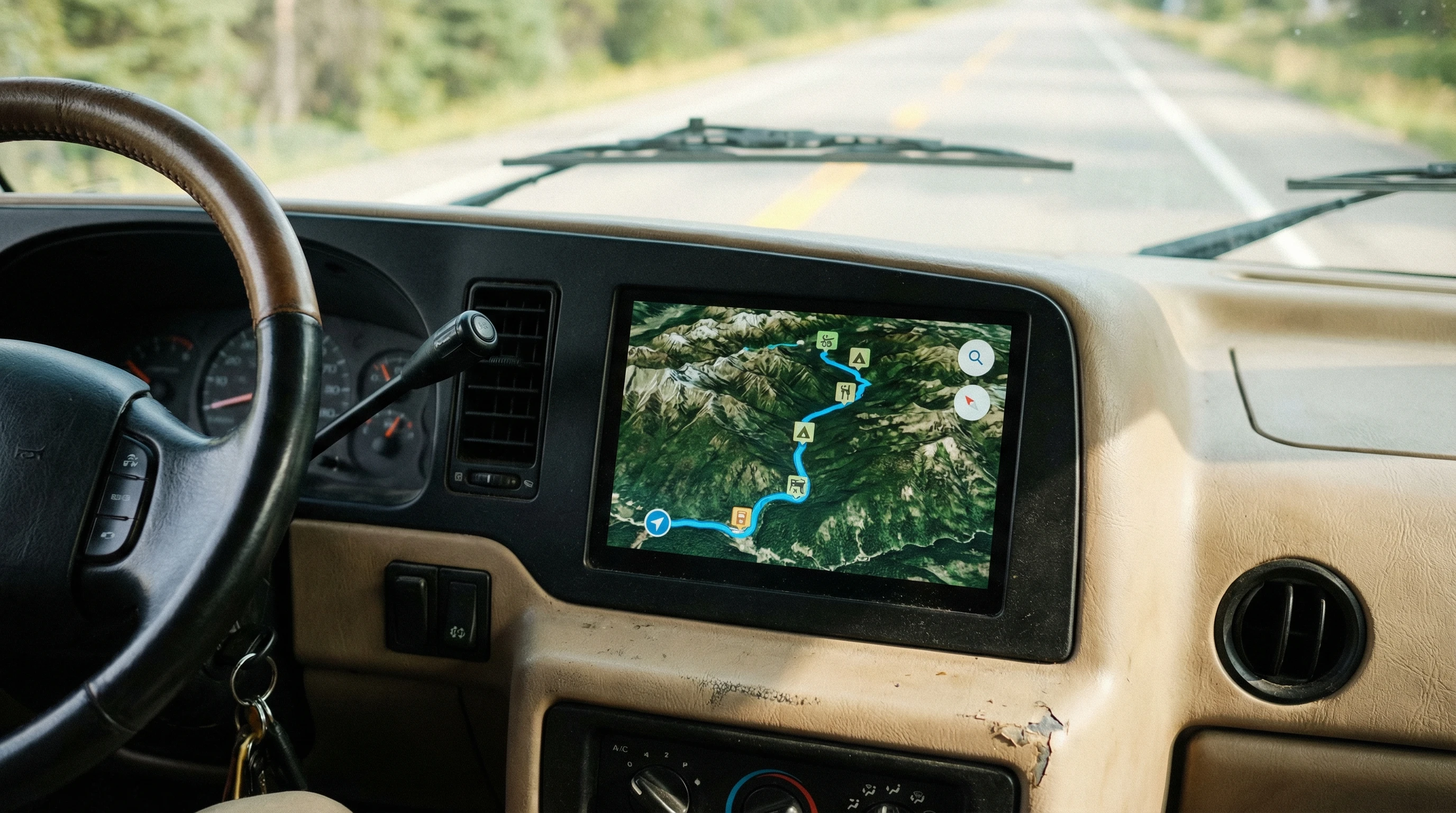
Full-time RV laptop workspace with a scenic mountain view, showing how RVers run a small online business while traveling and living on the road

Staying Safe And Secure While RV Boondocking

Staying Safe and Secure While RV Boondocking: Best Practices

RV boondocking offers freedom and adventure, but it takes a thoughtful approach to stay safe and secure out in the wild. Boondocking means parking your rig off-grid without hookups, usually in quiet or remote places.

This can be peaceful and beautiful, but it also brings out some unique risks. Over the years, I’ve picked up plenty of tips to help keep both myself and my rig safe, and I want to share the best ideas I’ve learned directly from real-world experience.

We have been full-time in our RVs since 2008! We have had many opportunities to boondock and we have enjoyed most of them.

RV parked in a remote forest clearing on a sunny day

Understanding the Realities of RV Boondocking Safety

Boondocking gets you away from crowds, noise, and the parking lot feel of regular campgrounds. With that freedom comes new decisions about personal safety and property protection. In most cases, boondocking is peaceful, but being away from others means you’ll need to plan for emergencies.

Safe locations are a game-changer. Before choosing a spot, check maps, reviews, and satellite views to verify the spot’s remoteness and the surrounding landscape. I usually prefer public lands such as national forests or Bureau of Land Management (BLM) areas, where other campers sometimes pass by, but it’s still mostly quiet.

If you’re unsure about a spot, trust your gut and move along. Over time, you’ll build your skills in picking spots that just feel right.

The most common risks with boondocking include theft, weather problems, wildlife, and sometimes tricky encounters with other people. Being away from emergency services means you’ll need to think ahead about things like cell signal, escape routes, and how to call for help if you need it. Keeping these basics in mind helps you relax and enjoy those peaceful, out-there spots.

Smart Planning Before You Arrive

Staying secure starts before you even put your RV in gear. I always start with solid research. Reading recent reviews on apps and websites like RV Parky and Campendium can reveal if a spot is known for break-ins or if it’s clean and safe. Look for signs of trash or abandoned vehicles on arrival, since that may indicate you should keep driving.

I check weather forecasts for the whole time I plan to stay, not just the arrival date. Rain or snow can make roads rough or impassable, and strong winds can shake your RV. It’s worth paying attention to high fire danger, too, especially out west during the summer.

Having a backup plan is part of my routine. I pick two or three possible spots in the same area, so if one doesn’t feel right, I have somewhere else to go. I also check for nearby services like gas stations or small groceries in case I need supplies quickly.

Once I get there, I like to arrive well before dark and walk around the area. This gives me a good look at the surroundings and lets me check the ground for any hazards, like deep ruts or soft sand. It’s a nice way to get familiar with the area before settling in for the night.

Setting Up Your RV for Day and Night Security

As soon as I pull in, I take a look at my sight lines from the windows. Parking so I can see the approach road gives me a heads-up if anyone’s coming or going. I avoid setting up in dense brush where someone or something could get too close without me noticing.

Locking doors and windows whenever I leave is just good practice. I always lock up at night, too. Extra locks or security bars can make it tough for someone to sneak in. For smaller rigs, I’ve found window alarms on eBay or Amazon that make a loud noise if the window is opened. They don’t cost much, but they’re pretty handy.

On our Super C RV, boondocking in rest areas, I would use the seat belt to secure the cab entry doors to be sure no one could enter through those doors.

Many boondockers add motion sensor lights or simple battery-powered puck lights near the RV door and storage compartments. Even cheap solar garden lights placed around your spot have helped me see what’s moving at night. Plus, they give the impression that someone is home and paying attention.

If you have valuables, stash them out of sight. Don’t leave coolers, grills, or expensive gear outside overnight. I’ve learned the hard way that even in quiet areas, things walk away sometimes; keeping gear inside has saved me money and headaches more than once.

RV with solar lights and an awning extended at dusk in a desert setting

Personal Safety: Keeping Yourself and Pets Safe

Whenever I boondock, I stick to the basics of situational awareness. I know what’s around me, pay attention to who comes by, and keep a low profile. Making a lot of noise or leaving lots of lights on isn’t great for drawing attention, especially at night. I like it quiet and subtle. If I get a bad feeling, I just move.

Letting someone know where I’m parked is a simple step that makes a big difference. I send a quick text with GPS coordinates to a friend or family member. In places where cell coverage is spotty, having a satellite communicator like a Garmin InReach comes in handy. It’s not cheap, but I find peace of mind worth the cost.

Dogs make great travel companions and can be a loud early warning system. If you bring a pet, make sure they have a proper ID and up-to-date shots. Don’t leave your pet outside unattended, especially at night. Wildlife can be bold, and I’ve seen coyotes circle RVs hoping for scraps or small pets. I never leave food scraps outside for this reason.

Winston, our Pembroke Welsh Corgi, is our door alarm! He barks at everything with his big boy bark.

For self-defense, laws vary by state, so it’s worth checking what’s allowed for things like pepper spray or bear spray. I keep a flashlight and an air horn on hand; the sound alone is enough to startle wildlife or spook a person who shouldn’t be near the rig at night.

Having a quick escape route is one of the reasons I avoid unhooking my tow vehicle in unknown areas. I park in a way that lets me drive out without needing to turn around. If you’re in a motorhome, keep the keys in an easy-to-grab spot. I rehearse how I’d leave quickly if I ever needed to, just like a fire drill but for road trips.

Over the years, when boondocking, we leave slides in and stabilizers or leveling jacks retracted. If situations change, then we are easily able to move away from danger.

Protecting Against Theft and Break-ins

Most boondockers will never experience a break-in, but I’ve run into a few stories over the years that show it’s worth taking basic steps to protect your stuff. Locks help, but making your spot less appealing is the real trick.

Visible security cameras, real or fake, can be a good deterrent. I use a WiFi camera with battery backup that automatically records when it senses motion. Even a fake camera paired with signs like “24/7 Recording” can make looters look for an easier target somewhere else.

Keep your shades drawn at night and avoid showing what gear you have inside. I pack away tools, electronics, and anything tempting. An RV that looks lived-in and well cared for is less likely to be targeted than one that looks abandoned or empty.

Insurance policies are worth reviewing. Not everything is covered under regular RV insurance, so if you travel with high-value bikes, kayaks, or camera gear, make sure to ask about how coverage works for personal items. Sometimes it takes calling your insurance provider to really clarify what will and won’t be covered for boondocking situations.

Solar panels set up near an RV in a mountain meadow, with bearproof storage containers

Staying Prepared for Emergencies

Boondocking safety isn’t just about locking things up. It’s about being ready for storms, medical problems, or a sudden need to leave. First aid kits and plenty of water are super important in remote spots, as is having replacement batteries for key devices.

I add extra food rations and keep my tank at least half full when far from towns. Packing redundancies for things like flashlights, chargers, and a simple tool kit has gotten me out of a jam more than once.

Knowing how to reach help matters, too. Mark out the nearest hospital, ranger station, or police post before you arrive. A printed map is your friend when cell service goes down. If storms are on the way, I’ll consider packing up early or skipping that spot.

I’ve had to move quickly before, during wildfire season, when a fire popped up fifty miles away, and having a plan saved me from getting boxed in. Make a habit of checking for emergency alerts when you’re near forested or fire-prone spots.

For power and communication, solar panels, a working generator, and a long-range radio can all help you stay in touch and keep things running. When I’m parked somewhere very remote, I set calendar reminders to check in with someone every day, just in case I need help and don’t have a cell signal.

Advanced Tips and Tricks for Confident Boondocking

Seasoned boondockers develop little routines that help them stay ahead of problems. Creating a mental checklist helps me remember to check for signs of animal activity, keep track of fuel levels, and update contacts about my location.

Solar-powered motion alarms placed near the perimeter of my site have worked well for me. These aren’t expensive, and they chirp loudly if an animal or person approaches in the middle of the night. I also pick campsites with easy exits and avoid dead-end roads unless I know they’re safe from local advice or reliable apps.

I keep a low profile when boondocking. That means not advertising plans online in real-time and being friendly, but not overly detailed, when chatting with folks who come by. Most boondockers are good people, but a little privacy adds a layer of security.

Always have a second backup source for finding your way, like a paper atlas or saved offline maps. I’ve seen phones and tablets die at the worst times. Being able to orient yourself in remote places is half the battle in an emergency. For added peace of mind, think about picking up a simple whistle or signaling mirror for an extra layer of emergency preparedness.

RV boondocking at sunset near a rushing river

Frequently Asked Questions

Here are answers to some of the questions I get most about boondocking safety.

Question: What should I do if someone knocks on my door late at night?
Answer: Stay inside and do not open the door unless you absolutely trust the visitor. Speak through a window. Trust your instincts. If you feel unsafe, call for help or prepare to drive away.


Question: Is it safe to boondock alone?
Answer: Solo boondocking can be safe if you plan ahead, research your area, pick visible or regularly visited locations, and keep your whereabouts private. Let a trusted friend or family member know your location every day.


Question: Are wild animals a big threat when boondocking?
Answer: Most wildlife avoids people, but bears, coyotes, and raccoons go after unattended food or trash. Store all food and hide your trash. Never leave your pet or food outside overnight.


Question: How do I find help if there’s no cell service?
Answer: Carry a satellite messenger or CB radio. Prepare by marking the nearest towns, ranger posts, and public road routes before arriving. Paper maps are great backups in a pinch.


Question: How can I stop my RV from being stolen?
Answer: Besides using strong locks, wheel locks or hitch locks can prevent someone from moving your RV. Parking in plain sight, even if remote, often stops most thieves.


Final Thoughts on Staying Secure While RV Boondocking

My best defense and feeling of safety has been carrying a pepper ball launcher! They can be carried legally in 48 states of the United States without the need for a concealed carry permit. They are compact and easy to carry.

I have had a few occasions where presenting the device made a potential problem go away. Full-time RVers with nice RVs can be perceived as an easy target, even at a truck stop. Don’t be an easy target!

Safe and secure boondocking comes down to paying attention, trusting your instincts, and being ready for whatever comes up. Focusing on simple routines, like locking your doors, checking your site, and keeping communication lines open, can help you relax and actually enjoy the freedom of the road.

Campfire at night beside an RV under a clear starlit sky

Being prepared means you get to take in the solitude, sunsets, and the peacefulness of the outdoors, knowing you’ve done your part to stay safe. And if you’re new to boondocking, keep trying different routines until you shape your own safe, rewarding adventure, unlocking the full magic of the wilderness without worry.

_________________________________________________________

What If Your RV Could Help Pay for the Journey? Could you make money while boondocking?

Many full-time RVers quietly earn money online: writing, recommending products, and building simple digital assets that generate income while they travel.

You don’t need tech skills.
You don’t need experience.
You just need the right roadmap.

👉 Discover the beginner-friendly approach! Take a look at this post on this website.
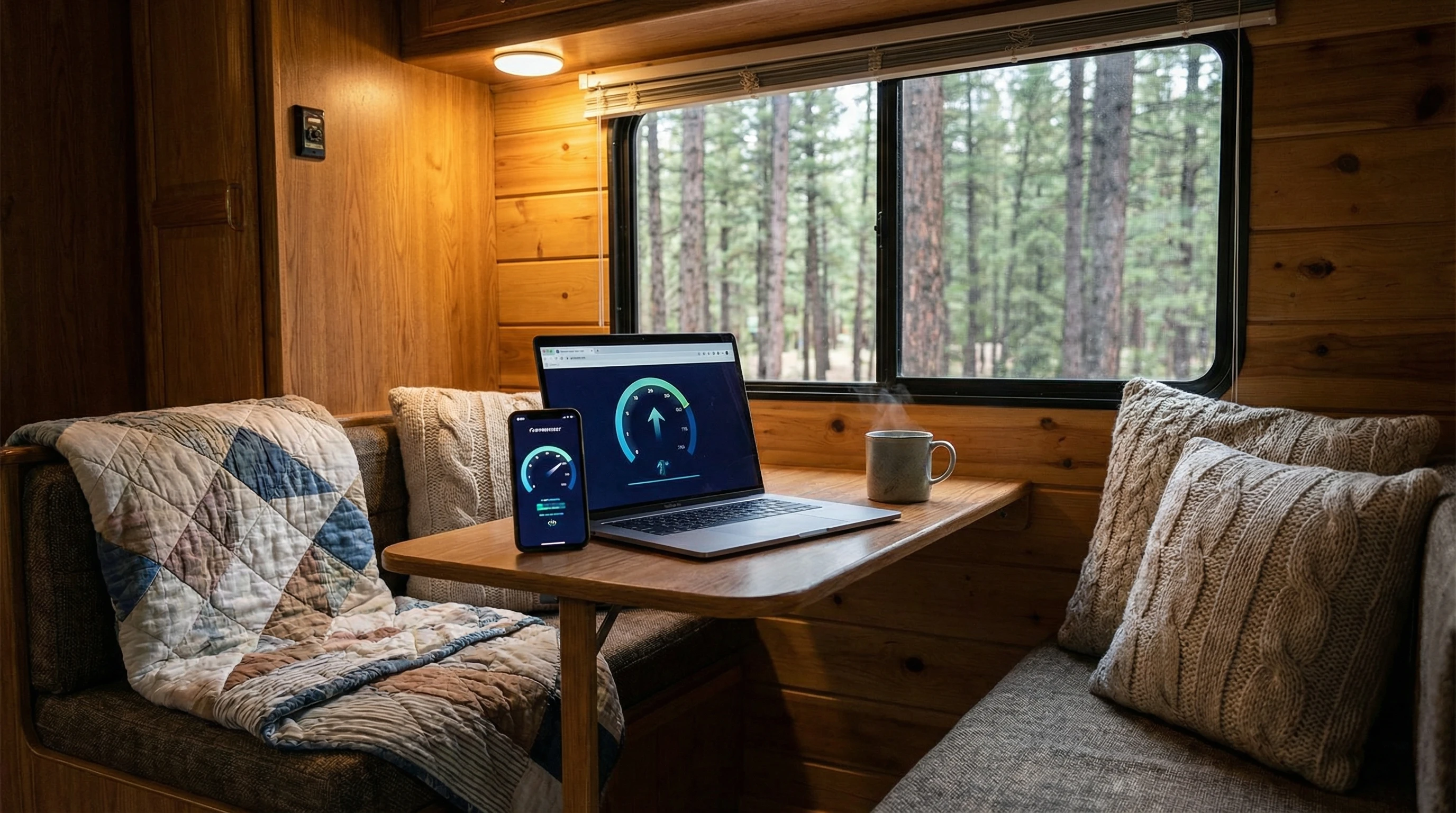
Full-time RV laptop workspace with a scenic mountain view, showing how RVers run a small online business while traveling and living on the road

error: Content is protected !!