
RV power backup for remote work comes from finding every single point of failure between the campground pedestal and your router, then giving each one a backup. A bigger battery bank covers only one link. A UPS, a second power source, and a tested plan cover the rest.
Where can an RV office lose power, link by link?
An RV office can lose power at every connection between the power source and the device, and any one of them can stop working on its own. Power usually travels in this order:
- Shore power pedestal or generator
- Shore cord, adapters, and the connection at the RV inlet
- Surge protector or energy management unit
- Transfer switch and main breaker panel
- Inverter or inverter/charger, fed by the battery bank
- Branch circuit and wall outlet
- Power strip, UPS, or wall adapter
- The device itself: laptop, router, modem, monitor
A failure at link 1 or 2 is the one most people expect: the pedestal breaker trips, the campground loses power, or the generator runs out of fuel. Links 3 through 6 are where office-specific outages hide. A surge protector can shut off on poor campground voltage. An inverter can shut down on low battery voltage or overload. A circuit shared with a microwave can trip a breaker mid-call.
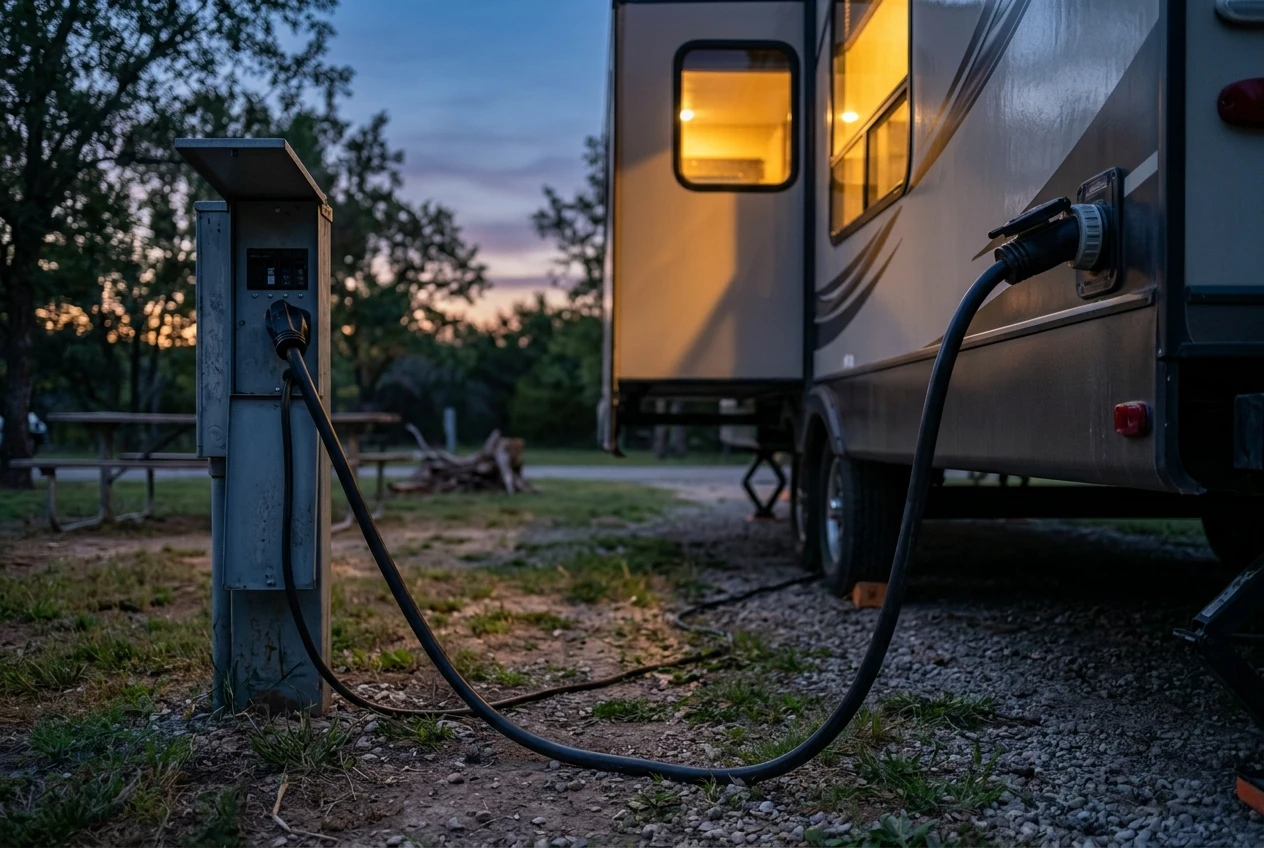
Links 7 and 8 are the ones people forget. The cheap wall adapter that powers your router is a link, and so is the power strip under the desk. When any link fails, everything downstream of it goes dark, so the useful question is which single link, if it failed right now, would take down your whole workday.
Which loads must never drop, and which can go dark?
Sort every device into two groups before you buy anything: the loads that must stay up through an outage, and the loads that can shut off without costing you work. Backing up everything is expensive and shortens runtime for the devices that matter.
Must not drop:
- Router, modem, and any switch, PoE injector, or cellular booster that keeps them online
- Laptop or desktop, and an external monitor if you cannot work without it
- External drives or a NAS that hold open files or are mid-backup
- Headset, audio interface, or webcam, if they draw from the same circuit as the computer
- A phone you use as a backup hotspot, which needs a charged battery
Can go dark:
- Lighting beyond what a call needs
- Speakers, printers, and desk chargers
- Second and third monitors
- Kitchen appliances and space heaters
- Anything that only improves comfort
A laptop already carries a battery, so it rides through a short outage by itself. A desktop does not. The router and modem are the opposite case: they have no battery, they are small, and when they lose power, you lose the call even though the laptop is still running. Most of the redundancy you need sits on these few small devices.
What does a UPS do that an inverter and battery bank cannot?
A UPS (uninterruptible power supply) switches to its own battery fast enough that connected devices do not reset, while an inverter and battery bank supply power but are not built for a seamless handover. Some inverter/chargers pause briefly when they switch between shore power and battery. Many computers and routers will reboot during even a short pause.
A UPS also adds protection the rest of the system lacks:
- It is a second, independent battery, so a failed inverter or a flipped disconnect does not drop your devices instantly.
- It conditions incoming power, which helps when campground voltage dips or surges.
- It gives you a defined warning, usually an alarm, so you can save work and finish the call.
- Its battery is sized for a small set of loads, which is why it can carry a router and modem for a useful time without stress.
Where to put the UPS
Put the UPS at the desk, between the wall outlet and the devices it protects. That position covers every link upstream of it: the inverter, the breaker, the transfer switch, and the shore connection. A UPS mounted near the inverter protects only what is downstream of that point, so a loose outlet or failed power strip at the desk still takes you down.
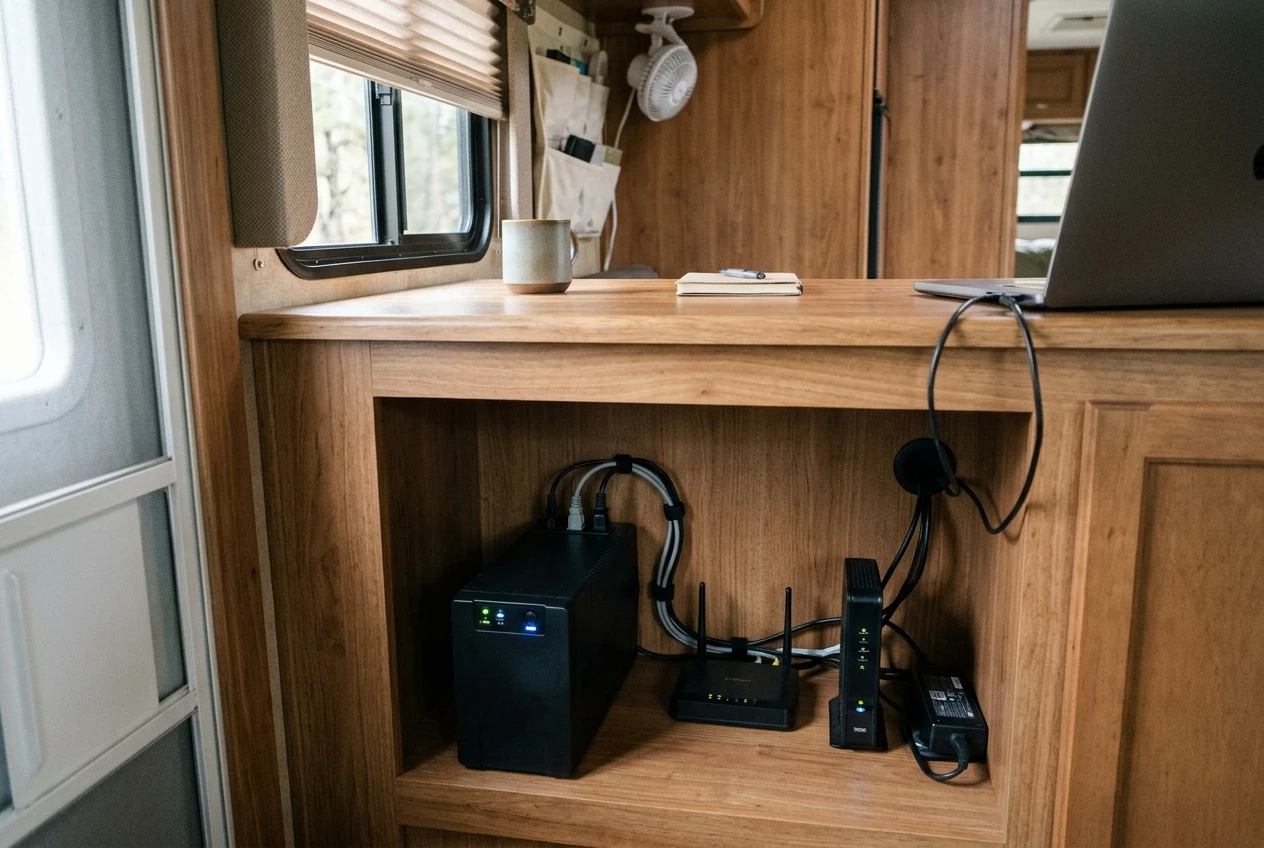
Plug the router, modem, and any network switch into the same UPS. If the modem is on the UPS and the router is on the wall, a brief outage can leave the router running while the modem restarts, and the connection stays down until the modem finishes booting.
Two cautions apply. Check the UPS manual for what it expects from an inverter’s output waveform, because some units behave badly on certain inverter types. And a UPS is built to bridge an outage, not to run a workday, so do not treat its runtime as your plan for hours-long failures. UPS batteries also wear out with age, so check the unit’s battery status periodically.
How do you layer backup for seconds, minutes, and hours of outage?
Layer your backup by outage length, because each length needs a different tool and no single device handles all three well. Design each tier around what you must protect during that window.
Outage length | What covers it | What it protects |
|---|---|---|
Seconds | UPS at the desk, laptop battery | Calls, open files, and router connection through switchovers and short breaker trips |
Minutes | UPS runtime, laptop battery, phone hotspot | Time to save work, finish a call, and find the cause |
Hours | House battery bank through the inverter, or a generator | A normal workday on the essential loads only |
A day or more | Fuel supply, a second power source, or relocating to a site with working power | Deadlines and client commitments |
The second tier is the one most RV setups lack, and it is the cheapest to fix. The minutes tier depends on you having already decided what happens next: who you message, which file you save first, and which link you check. The hours tier is where the battery bank and generator do their work, and it works only if the essential loads are separate from the comfort loads.
For long outages, think about the power source as well as the storage. A generator is a second source only if fuel is on hand and it starts reliably. A phone hotspot is a second connection only if the phone is charged. Each backup has its own dependency, and the dependency is the thing to check.
Which hidden single points of failure do most RV power setups miss?
Most setups miss the small, unglamorous parts: connections, shared circuits, and protective devices that shut things off. These are the common ones:
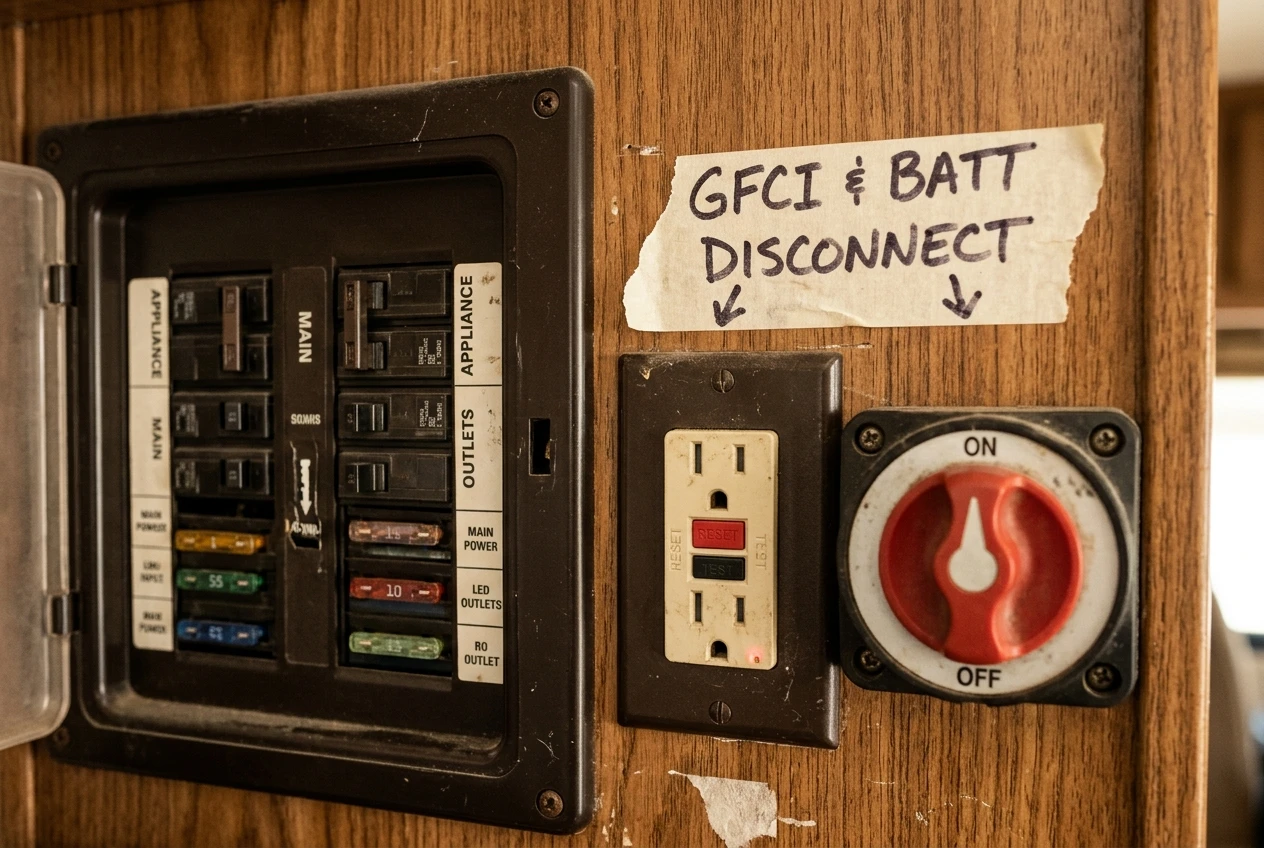
- A shared circuit. The outlet powering your desk also feeds the microwave or air conditioner, so one appliance can trip the breaker.
- A tripping GFCI. One tripped GFCI outlet can cut power to outlets elsewhere on the same circuit, and you may not know where the reset button is.
- The surge protector or energy management unit. It shuts power off on bad campground voltage. That is protective, but it also drops your office until the problem clears.
- The shore cord and adapters. Loose or corroded connections cause intermittent power that looks like a mystery outage.
- The inverter’s low-voltage cutoff and breaker. A drained battery bank or a single overloaded breaker ends the session.
- A battery disconnect switch. One accidental flip removes the bank from the system.
- The router’s wall adapter and the power strip. Both are cheap, both fail, and both usually have no spare.
- Separate power for the antenna or booster. If it runs on a different circuit than the router, an outage on that circuit cuts your signal.
- Heat. Inverters, UPS units, and routers in closed compartments throttle or shut down when they cannot shed heat. The post on RV workstation cooling covers how to keep hardware within a safe temperature range.
- You. If only one person knows where the breaker panel, reset buttons, and disconnect switch are, that person is a single point of failure.
For each item you find, ask the same question: if this stopped working right now, what would I do? Where the answer is “nothing,” add a spare, a bypass, or a written note on where the reset is.
How do you test your power redundancy before a client call depends on it?
Test by deliberately causing each failure on a day when nothing important is scheduled, and write down what happens. A backup you have never triggered is a guess. Run the test in this order:
- List your links and loads. Use the chain from the first section and mark which devices are on the UPS.
- Pull the shore cord or generator feed. Watch what stays up: the router, the modem, the computer. Note anything that reboots.
- Switch the inverter off, then on. This reveals the switchover behavior and whether the UPS carries the load without a pause.
- Run the UPS on battery with your real loads. Note how long it lasts and whether the alarm gives you time to react.
- Trip the failure you fear most. If a shared circuit worries you, run the microwave and the office together and see what happens.
- Time the recovery. Measure how long the modem and router take to come back online after power returns, because that is the real outage length your client sees.
- Check the backup connection. Confirm the phone hotspot works and the phone is charged.
- Write down the results and the fixes. Keep the notes in a place you can find during an outage.
Repeat the test after any change: new inverter, new router, new campsite type, or new loads on the circuit. Test at each new site type as well, since campground power quality varies and your setup behaves differently on a weak pedestal than on a strong one.
What should a redundancy plan look like for three common RV work setups?
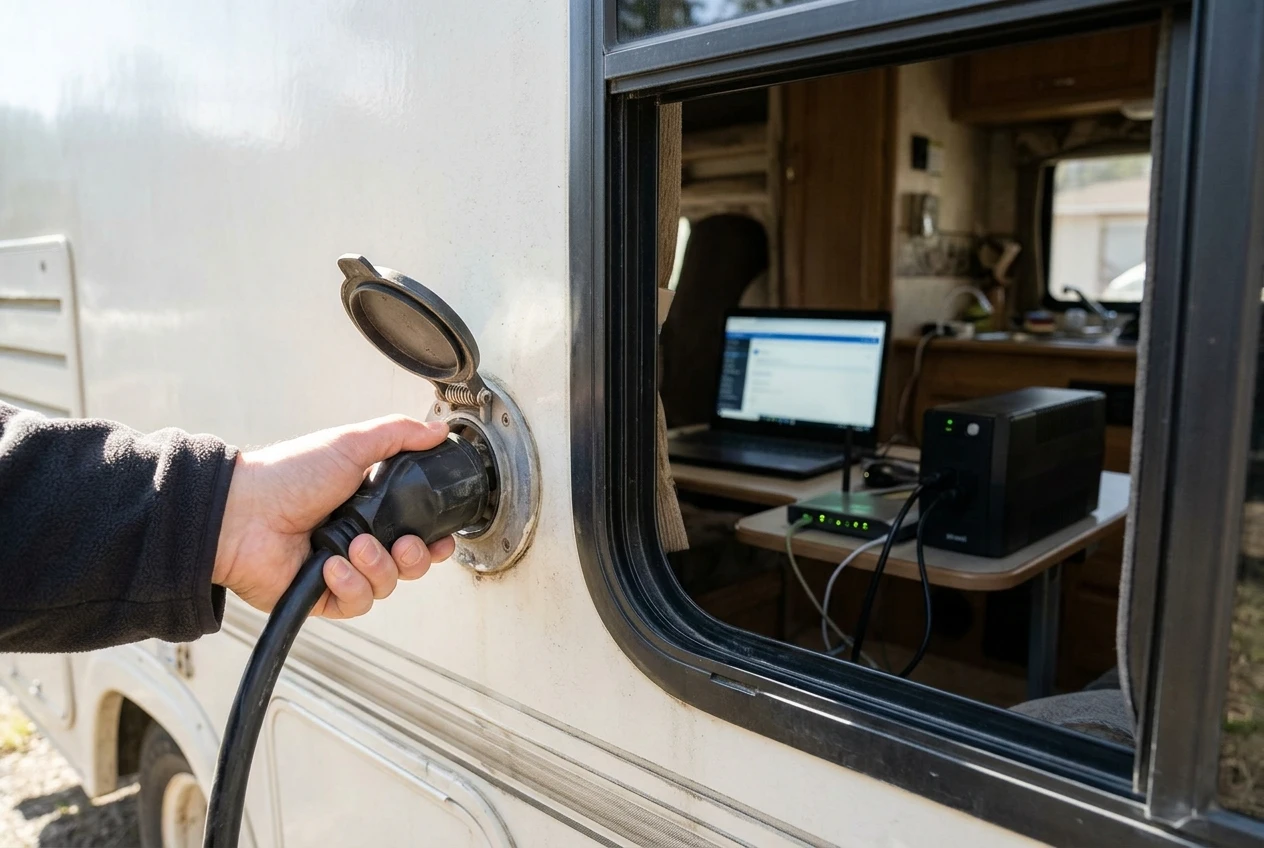
The right plan depends on how you work, because the cost of a dropped connection differs for each setup. These three examples show how the same method produces different results.
The laptop worker on campground power
This person works from a laptop, uses a single router, and stays at sites with shore power. The laptop battery already covers the computer, so the weak points are the router and modem.
- Put the router and modem on a small UPS at the desk.
- Keep a phone hotspot ready as the second connection, and keep the phone charged.
- Move the desk off any circuit shared with the microwave or air conditioner.
- Know where the pedestal breaker and the RV’s main breaker are.
The call-heavy full-timer with a desktop
This person takes video calls most of the day, uses a desktop and a monitor, and has more than one connection source. The desktop has no built-in battery, so a power drop loses unsaved work immediately.
- Put the desktop, the monitor, the router, and the modem on a UPS rated for the combined load, or use two UPS units so a fault in one does not drop everything.
- Keep spare power adapters for the router and modem.
- Plan the minutes tier: a fixed order for saving files and messaging the client.
- Test the switchover from shore power to inverter, since a pause there reboots the desktop.
The off-grid business owner with solar or a generator
This person depends on the battery bank and may keep a NAS or external drives running. Their outages come from low battery, overload, and fuel, more than from campground faults.
- Keep the essential loads on their own circuit so the comfort loads can be shut off without touching the office.
- Add a UPS at the desk to cover inverter shutdowns and switchovers.
- Make sure the NAS shuts down cleanly on a power-loss signal, instead of cutting out mid-write.
- Keep fuel on hand if a generator is the second source, and check that it starts on its own battery.
- Set a battery level at which you stop work and switch to the minimal-load plan.
Start with your own list of links and loads, mark the points where one failure ends the workday, and fix those first. The first fix is usually a small UPS carrying the router and modem.
To learn more about Howard and Pam, click here!







Recent Comments