
Setting Up Your RV’s Smart Home System: Tips and Tricks
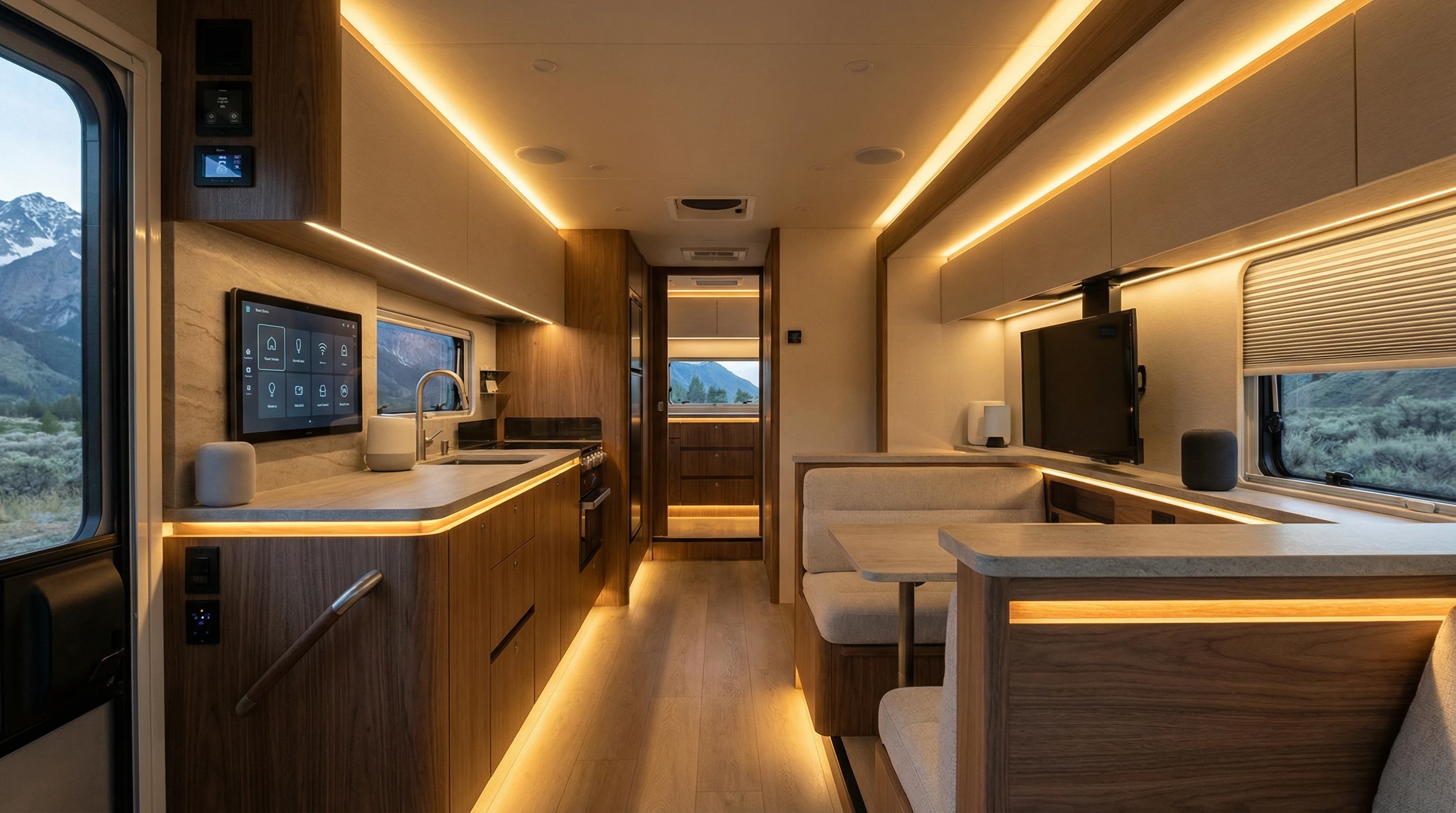
Turning your RV into a smart home on wheels adds comfort and control to your travel lifestyle. Being able to manage lights, temperature, security, and entertainment from your phone or a single hub simply makes day-to-day RV living smoother.
Setting things up takes some planning and trial and error, but once it’s done, you’ll notice just how much it gives a boost to your quality of life on the road.
Why a Smart Home System in Your RV Changes the Game
Everyday routines in an RV are much easier to manage with a smart system. I’ve found that adjusting lighting, locking doors, or checking the temperature from my phone makes little annoyances vanish. If streaming music or tracking your travels with cameras matters to you, having all those gadgets synced up is seriously handy.
Our Newmaer Super Star was loaded with all the new technologies! I could operate so many features from my smartphone, even from bed.
Smart home systems aren’t just about being fancy. They save energy, give peace of mind, and make your space more comfortable, whether you’re out exploring or parked at a campground. And with more RV products now Wi-Fi enabled, it’s easier than ever to add tech upgrades, no messy wiring required.
Getting Started: The Basics of RV Smart Home Tech
Before buying devices, figure out what you actually want to automate. Starting with the systems you use most often is a good plan. Here are popular choices for RV smart home setups:
- Smart thermostats: Set your heating and cooling remotely so your home feels just right when you arrive.
- Smart lights: LED bulbs and strips that dim or change color make things cozy and help you save energy.
- Security cameras: Indoor and outdoor Wi-Fi cameras let you keep an eye on your place while you’re out and about.
- Smart locks: Make keyless entry possible. Just use your phone or a code to get in.
- Entertainment: Connect TVs, speakers, and streaming devices so you can control everything by voice or in an app.
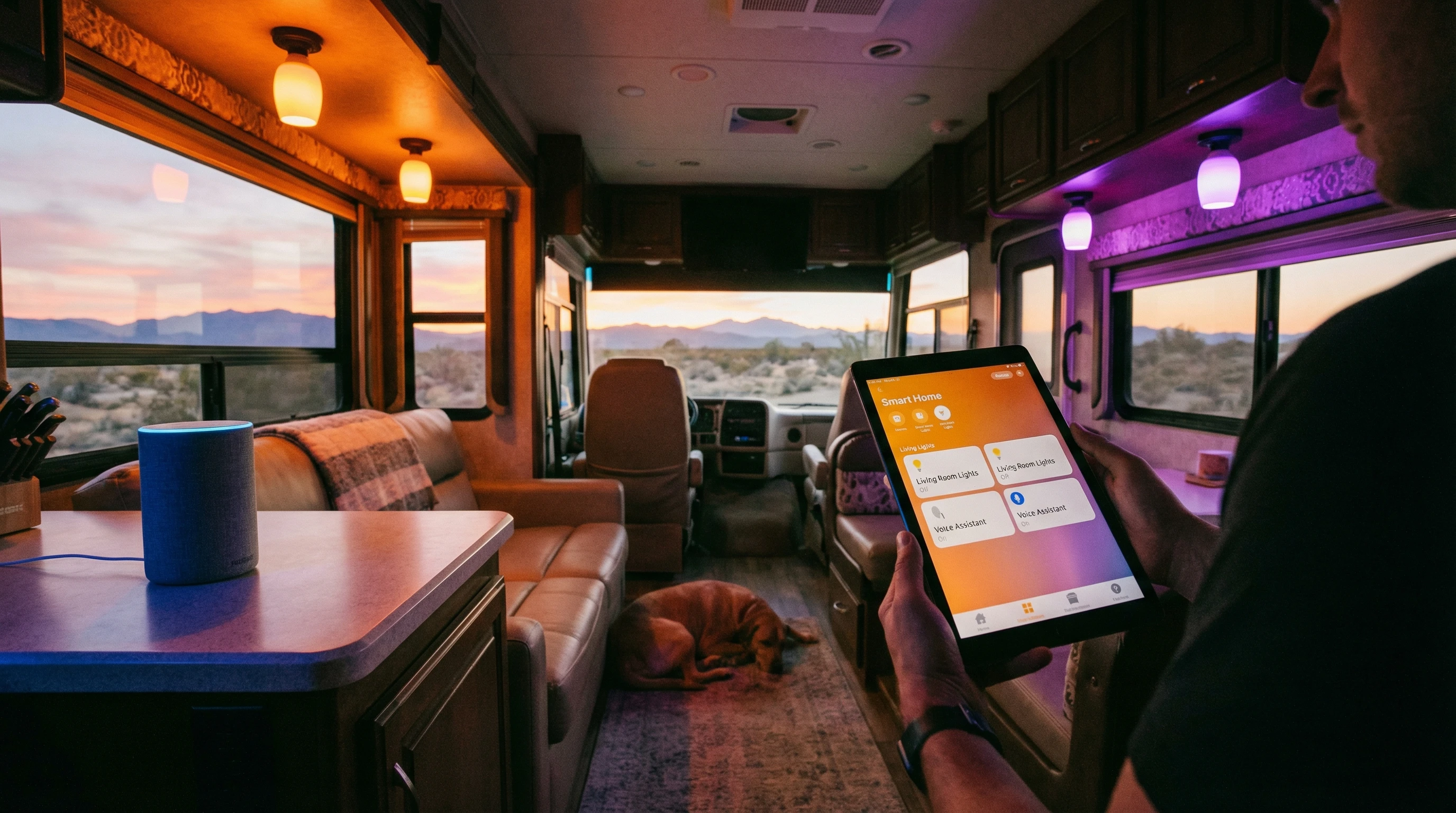
Not every product plays nicely together, so picking a main smart hub (like Amazon Alexa, Google Home, or Apple HomeKit) helps you manage everything from one app. Choosing products that are compatible with your hub makes things a whole lot smoother.
Key Considerations Before Setting Up
Unlike in a regular house, RVs bring some unique tech challenges. Wi-Fi coverage isn’t always perfect in a rolling vehicle, and power surges can create problems for sensitive devices. Here’s what to keep in mind:
- Internet connectivity: Most smart home gadgets depend on stable Wi-Fi signals. Prioritize having a mobile hotspot or signal booster. Having backup internet access is a lifesaver out in remote areas.
- Power management: RV electrical systems aren’t built to run loads of gadgets nonstop. Use smart plugs and make sure to switch things off when you don’t need them to keep your batteries healthy.
- Product compatibility: Double-check that your gadgets, main hub, and phone all work together. Sticking to a single brand or ecosystem smooths the way for creating routines.
- Physical installation: Space is limited, so look for compact, wireless devices. Removable sticky pads work great, and you don’t have to drill holes where you later regret.
Take time to plan what matters most, and add things step by step, instead of trying to automate everything overnight. This approach keeps things affordable and stress-free.
Step-by-Step: Setting Up Popular RV Smart Home Features
- Connect a Smart Hub: Connect your hub (like Alexa or Google Home) to your camper’s Wi-Fi and park it where voice commands can be heard easily.
- Add Smart Plugs: These are a lifesaver for controlling coffee makers, fans, or lamps through the app or voice. Plug small appliances into the smart plug, then set up on/off schedules.
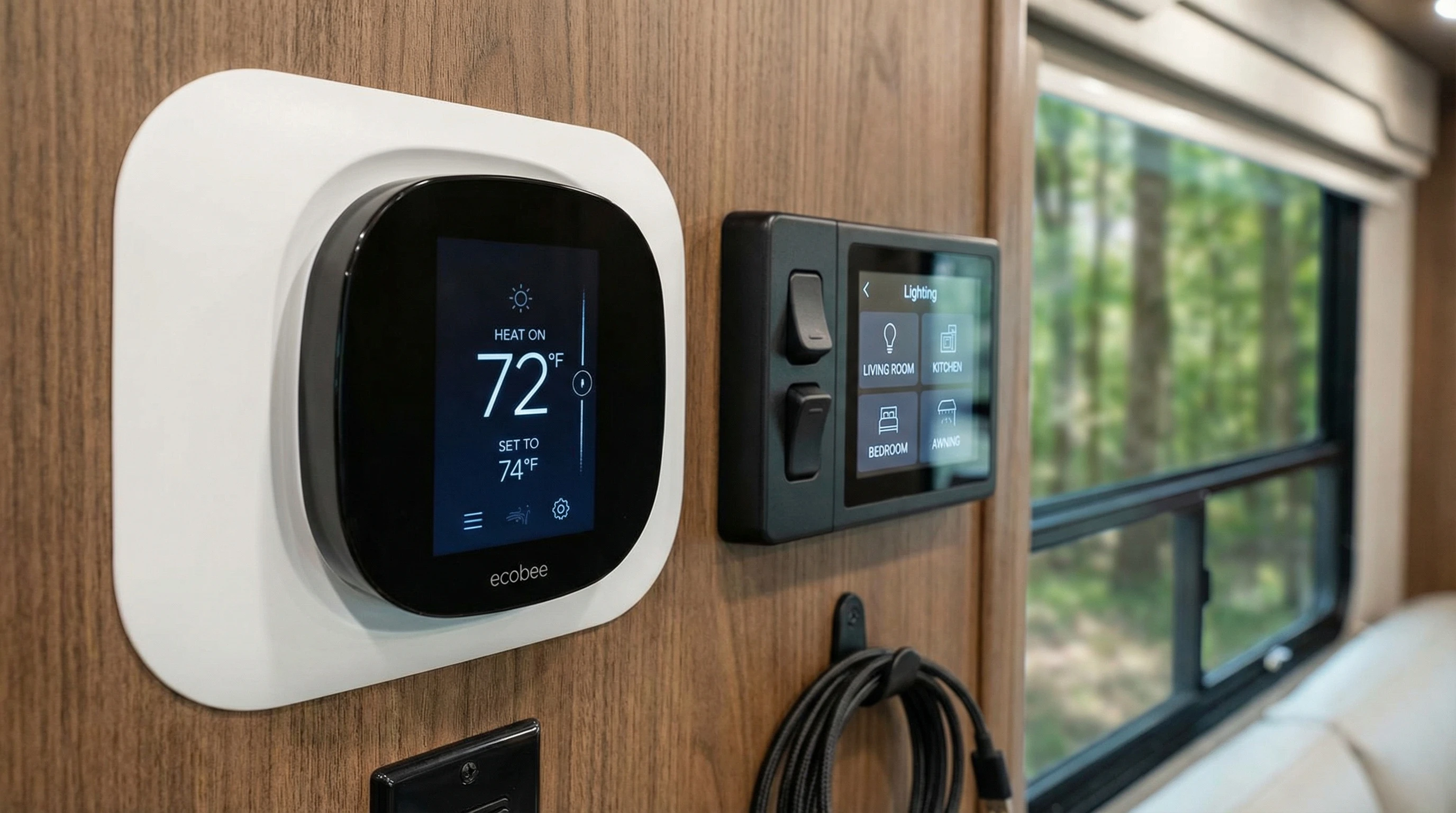
- Smart Thermostat: Most RVs need an adapter to upgrade the old thermostat. Check the voltage first and stick to the instructions closely. Once it’s in, you can control the temperature no matter where you are.
- Lighting: LED smart bulbs or strips can be tucked beneath cabinets or along the floor. They usually pair up via Wi-Fi or Bluetooth, so you can adjust the brightness or color right from your phone.
- Security: Battery-powered cameras, or those built for the outdoors, work best. Mount them with magnets or brackets so you can move them as needed or take them along when leaving your rig unattended.
- Smart Locks and Door Sensors: Pick locks rated for outdoors with a backup key. Window sensors make for extra peace of mind if you leave your RV for a while.
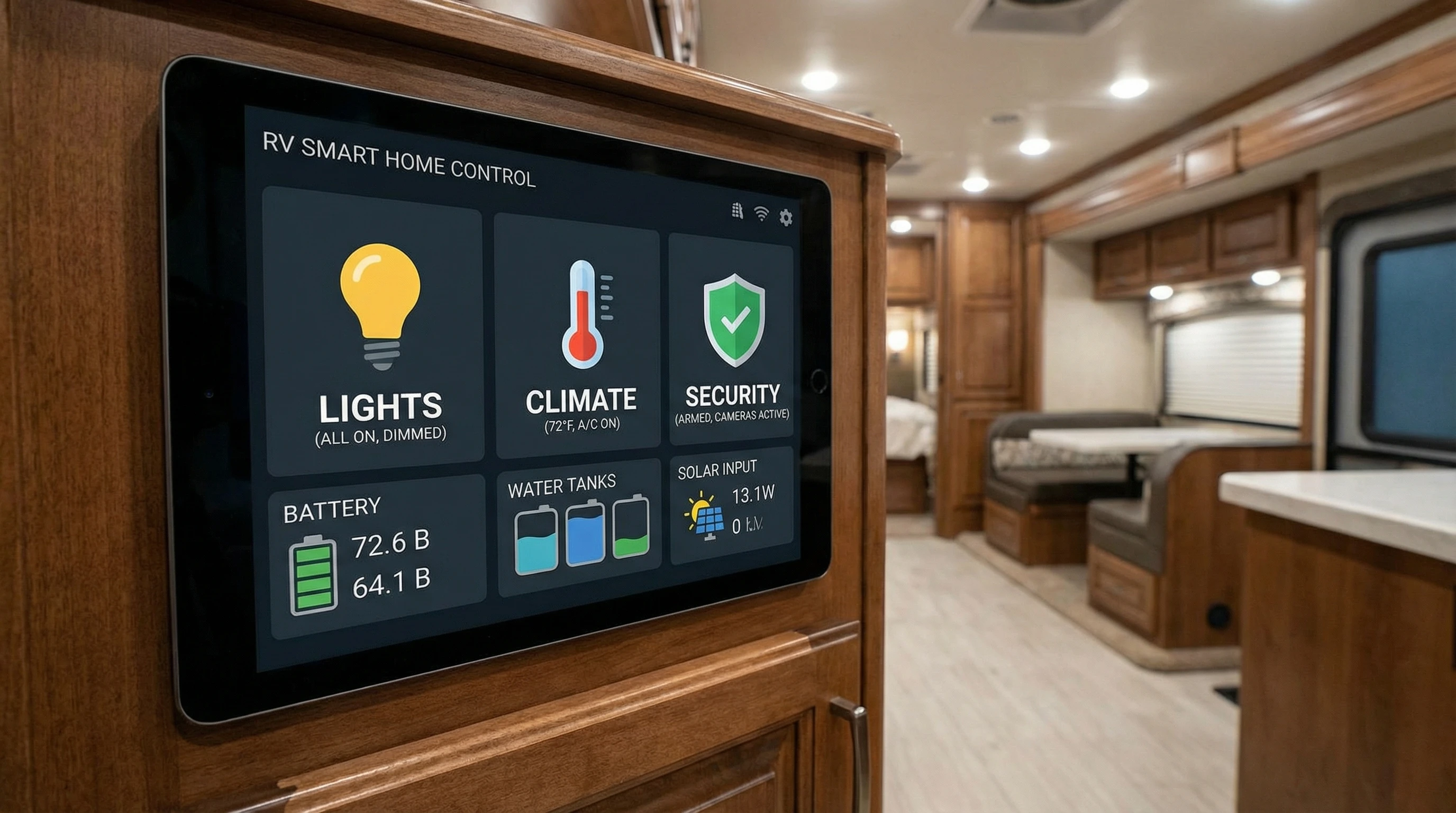
Once you’ve installed each device, group them into rooms or zones in your app. This way, you can control everything at once, whether it’s for movie night, a morning routine, or bedtime.
Maintaining and Troubleshooting Your System
No matter how carefully you plan, sometimes things just don’t work right. I’ve had issues from cameras refusing to connect after driving to a new spot, to apps freezing during a rainstorm. Here are tips I’ve picked up to smooth the way:
- Restart your RV’s router and hotspot if Wi-Fi drops or devices vanish from the app.
- Keep all your smart home apps and device firmware up to date. New updates fix bugs and bring new features.
- For power hiccups, use surge protectors and smart plugs with power monitoring. This helps spot energy hogs and prevent overloads.
- Secure Wi-Fi with strong passwords and don’t share access codes for your devices unless you trust the person completely.
If a device just keeps losing connection, try performing a factory reset and adding it back to your hub. Some campground networks have issues with smart gadgets, so bringing your own portable router can help keep things steady and reliable.
Cool Smart Home Routines and Automations for RVs
Automations are where you can really make things shine. Here are helpful routines that make RV life even more enjoyable:
- Soft lights turn on at sunrise or whenever you walk into the main living space after sunset.
- Set your air conditioner to run just before you get back from a hike; your RV is always the perfect temperature!
- Link a security camera alert to flash interior lights or sound an alarm if movement is detected outside at night.
- Put your entertainment devices in a “movie night” scene, with lights down and your favorite streaming apps one tap away.
- Use location routines: all lights and equipment go off as you drive away, then flip back on when you’re home.
These automations help you save energy and chill out while you’re busy exploring new places. Let your imagination run with it, you’ll keep finding new routines that match your lifestyle.
Popular Smart Home Devices for RVs
After lots of hands-on use, here’s a selection of devices that get great feedback from travelers, myself included:
- Wyze Cam (V3): Affordable, compact, and resistant to weather. Uploads video to the cloud and has solid motion alerts.
- Amazon Echo Dot: Great for voice commands, music, and controlling automations in a tiny package.
- TPLINK Kasa Smart Plugs: Work well even when the internet is a bit iffy and are super easy to set up.
- Philips Hue Bulbs: Energy efficient, bright, and compatible with nearly all smart hubs.
- August Smart Lock: Fits most RV doors, lets you share codes or unlock via your phone for easy access.
These devices balance ease of use, low power use, and awesome features that work on the go. Be sure to double-check what matches your RV’s setup before you buy.
Frequently Asked Questions
Here are some questions I often hear about setting up smart home systems in RVs:
Question: Do smart home devices use a lot of data?
Answer: Most devices only use a little data for updates or commands. Security cameras use more if you’re live streaming or storing video on the cloud, watch your data limit if you’re on a tight plan.
Question: Can I use smart devices with RV batteries or solar?
Answer: Yes, most smart devices draw very little power, but cameras and Wi-Fi routers need a steady 12V or 120V source. Use smart plugs to watch your usage, and solar banks can power your gear with the right setup.
Question: What happens to my system if I lose Wi-Fi or power?
Answer: Some devices work on Bluetooth or local networks, which can keep automations going, but most routines need Wi-Fi. Keeping backup power for your router and hotspot helps keep things running.
Question: Are smart systems secure in an RV?
Answer: Yes, as long as you set strong passwords and use two-factor authentication. Only share codes or camera access with folks you fully trust.
Question: Do I need to pay monthly fees?
Answer: Most devices don’t require a subscription to work. Extra features, like cloud video storage or deep automation, might have small monthly costs.
Final Thoughts
Building a smart home on wheels really does add comfort, ease, and security without sacrificing any of the freedom that comes with RV travel. Start with just a couple of devices, see what makes life easier, and grow your setup from there. The right mix turns your RV into a space you truly love wherever the road leads.
For more RV tech advice and real-world guides, check out the rest of the articles on this site or drop by YourFulltimeRVLiving.com. Got questions about RV smart home setups or want to show off your own gear? Add a comment below! I’m always happy to help fellow travelers get connected on the open road!
_________________________________________________________
What If Your RV Could Help Pay for the Journey? Could you make money while boondocking?
Many full-time RVers quietly earn money online: writing, recommending products, and building simple digital assets that generate income while they travel.
You don’t need tech skills.
You don’t need experience.
You just need the right roadmap.
👉 Discover the beginner-friendly approach! Take a look at this post on this website.






Recent Comments