
Why Does RV Internet Keep Dropping and How Do You Fix It?
Staying connected in an RV can really change the whole experience, especially if you travel often or work remotely on the road (see more about that at the end of this article). Dropped signals, slow speeds, and confusing setups can quickly turn an adventure into a headache.
Over the years, I’ve dealt with my fair share of WiFi dead zones, tricky routers, and cellular dropouts. So, I put together this practical guide for troubleshooting the most common RV connectivity issues. This should help you avoid frustration and get back online quickly.
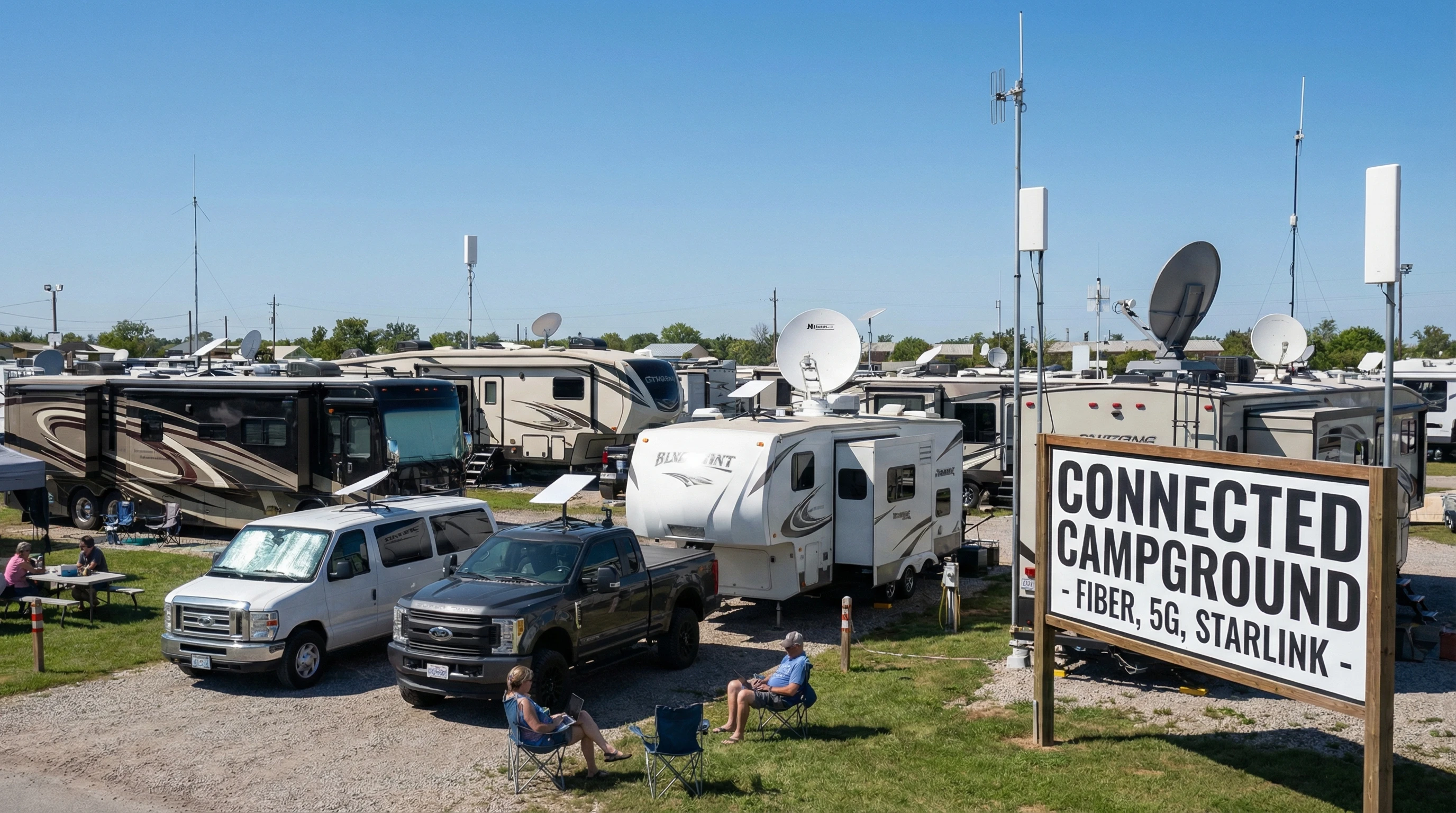
Why Connectivity Troubles Matter for RVers
Reliable internet in an RV isn’t just a perk; it helps folks keep in touch, work on the go, or stream favorite shows after a long hike. Many campgrounds now offer WiFi. Still, signal strength can be patchy, and connecting safely isn’t always simple.
Cellular data is another go-to choice, but hitting coverage gaps in remote areas happens more than most folks expect. Satellite internet is out there, too, yet weather delays and higher costs used to make it a “last resort” for many travelers.
Understanding these issues makes problem-solving a lot less stressful. When you know what could be causing slow speeds or dropping connections, you’ll have an easier time fixing the problem, sometimes with just a few quick tweaks or pieces of gear you already own.
Main Types of RV Internet Connections Explained
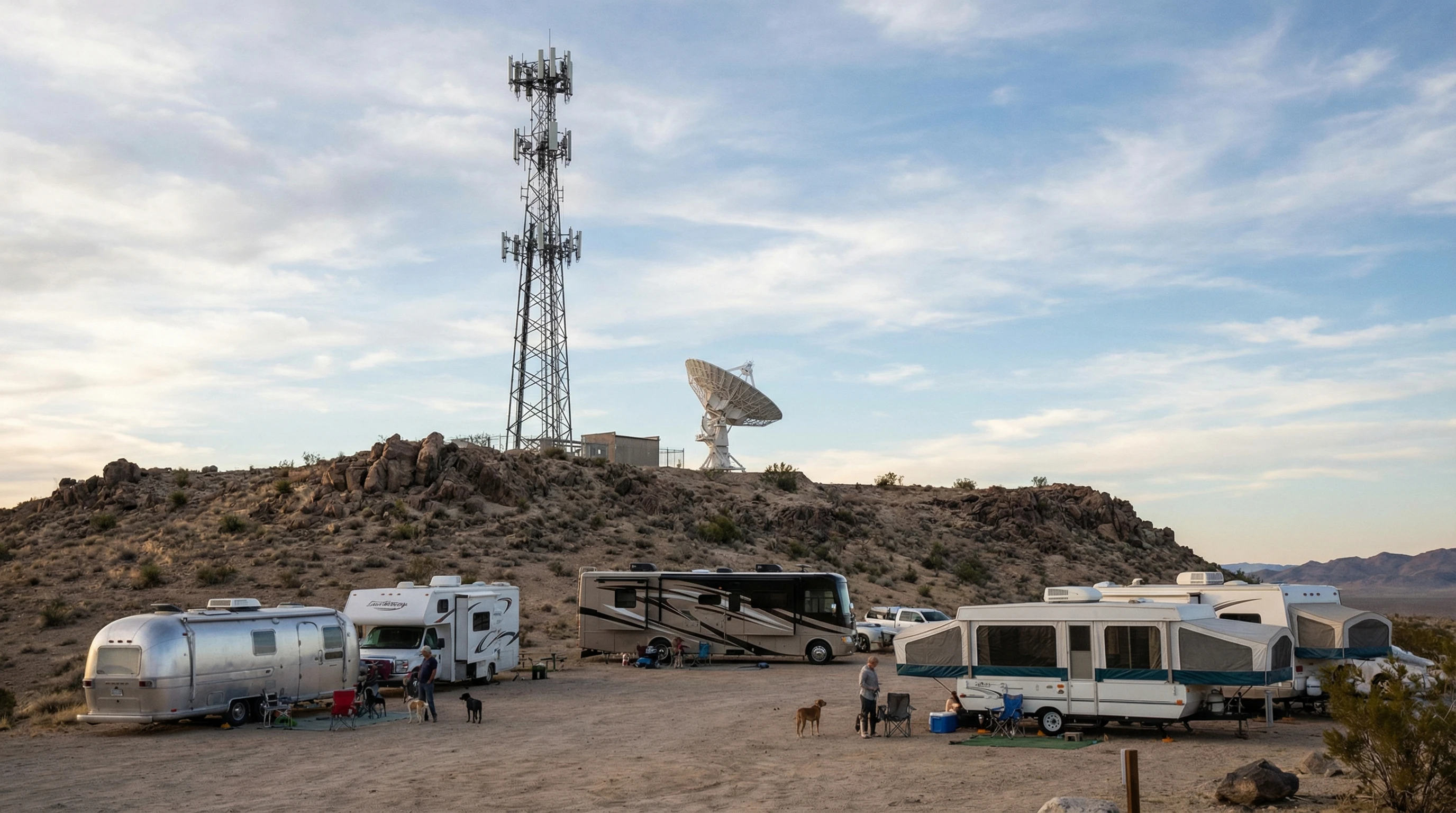
Before troubleshooting, it helps to know the main ways folks get online in their RV. WiFi works at most RV parks and public spots, but speed depends on how crowded the network is. Cellular internet relies on a mobile hotspot or phone and depends heavily on the carrier’s coverage. Satellite uses a dish to connect when no other options are available, though speeds vary, and weather often gets in the way.
Many people mix and match these options. For instance, I keep a cellular hotspot for backup and switch to Starlink when stationary for a bit. Understanding what your setup uses makes troubleshooting way easier.
- WiFi: Common at campgrounds, but often limited by distance and crowding.
- Cellular: Flexible across locations, but coverage can be spotty outside metro areas.
- Satellite: Useful in dead zones, but can lag and costs more to set up. Starlink solved the issues, but it is costly for some. My monthly roam package is $165 per month for unlimited usage. We use 300 to 500 Gig a month. It’s the best way to watch TV!
Common RV Connectivity Problems (and How to Fix Them)
Some connectivity problems come up constantly for RVers, no matter how fancy the rig or how new the gear. I’ve seen shaky WiFi, throttled cell data, unbearable lag, and the classic “no internet” message. These headaches usually boil down to a few main issues:
- Weak WiFi Signal: RV parks rarely cover every campsite with a strong signal. Metal RV walls block signals, trees create interference, and distance from the router can drop speeds.
- Cellular Dead Zones: Even top carriers have patches with no service or slow speeds, especially in valleys, mountains, or deep forest locations.
- Device Issues: Laptops, tablets, and routers can glitch or need a reset. Outdated firmware matters more than most people realize.
- Network Overload: Lots of devices on the same campground WiFi mean bandwidth gets spread thin, making everyone’s speed crawl.
Fixing these usually involves a bit of trial and error, but a few smart steps often get things moving again.
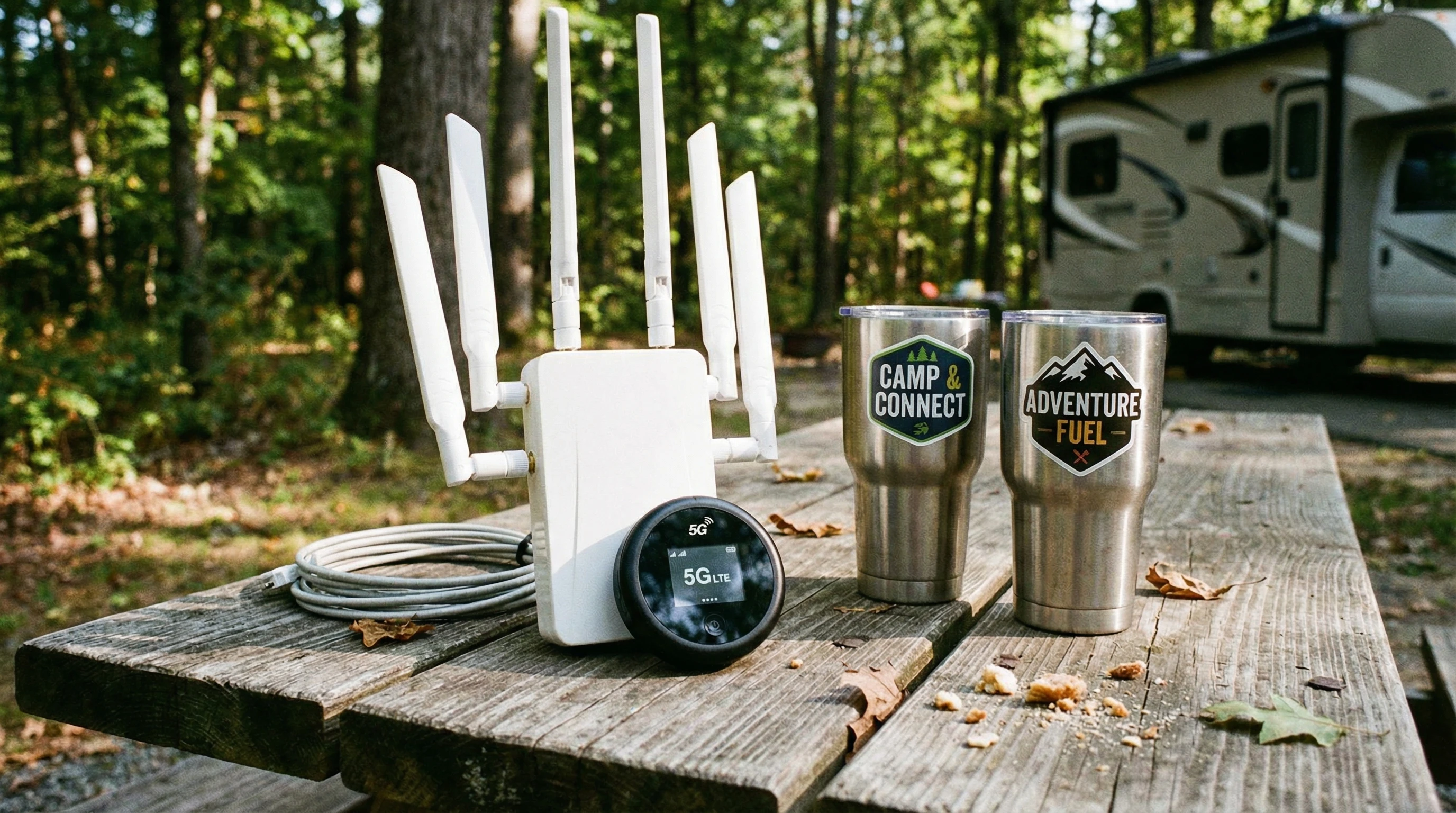
Step-by-Step Guide: Diagnosing RV Internet Issues
Getting the internet running smoothly in your RV can take a few steps. I usually started by finding out exactly where the problemexisted. Here’s my go-to approach:
- Restart Devices: Turn off the router, hotspot, or phone (and any WiFi extenders you use), wait a minute, and turn them back on. This simple reboot solves loads of minor connection issues.
- Check Signal Strength: Use your phone or laptop to walk around your RV or campsite. Watch how many bars you get. Sometimes, moving just a few feet makes a big difference.
- Test Multiple Devices: Try connecting another phone or computer. If only one device is acting up, the issue could be in its settings or software rather than the network.
- Switch Networks: If you’re using campground WiFi, try your hotspot, or vice versa. Comparing speeds helps pinpoint if the public network is overloaded.
- Update Firmware: Check for updates on your router, hotspot, or device. Firmware fixes often solve bugs you can’t see.
- Use Speed Test Tools: Apps like Ookla Speedtest help you check upload, download, and ping. Fast speeds but choppy video might mean the problem is actually buffering or device-related.
- Inspect Cables and Power: Look for loose cables or weak power connections if you use a wired router in the RV.
Keeping a short troubleshooting checklist handy is pretty helpful, especially if you move around a lot or work remotely. If you’re often exploring new campgrounds, having such a list posted near your main work area saves time every time you arrive at a new site and run into sluggish connectivity.
Tips for Boosting RV WiFi and Cellular Signals
Improving the internet in an RV usually comes down to location, gear, and a few easy tricks. Here are my favorite ways to get a better signal:
- Use a WiFi Extender: These amplify campground WiFi, helping reach weak spots farther from the main router. I’ve had good luck with small plugin extenders and black box style boosters that mount outside the RV.
- Upgrade to a Dualband Router: Dualband routers deliver a more stable connection and let you switch between 2.4 GHz (longer range, slower) and 5 GHz (short range, faster).
- Install a Cellular Booster: These kits amplify even faint cell tower signals, turning “one bar” into reliable coverage. They work best if you already get a weak signal; they can’t create coverage where none exists.
- Relocate Your Hotspot: Placing your hotspot or router in a window, up high, or even in a waterproof case outside can dramatically improve speeds. Avoid storing it near metal appliances or thick RV walls.
- Switch to a Different Carrier: Some places have poor coverage from one US carrier but good bars from another. Check coverage maps and consider carrying backup SIMs if you travel off the beaten path.
If you’re planning extended trips through national parks or rural areas, packing an extra extension cord and a long USB cable for your hotspot lets you get creative with placement, which sometimes makes all the difference in weak-signal areas.
Dealing with Network Overload at Campgrounds
Introverts and extroverts alike get frustrated when a crowded network ruins movie night or remote work plans. RV parks often serve hundreds of users with low-bandwidth systems. At busy times, streaming or uploading photos can slow to a crawl. When I camp at popular parks, I notice that dawn and late-night produce the best speeds.
If slow WiFi is wrecking your plans, try these ideas:
- Schedule big downloads or video calls outside peak hours. Early morning or late at night is best.
- Limit the number of connected devices on your end. Turn off tablets or smart TVs you aren’t actively using.
- If you work online, switch to your cellular hotspot for important meetings and reserve the campground WiFi for web browsing or downloads.
- Ask the front office if there’s a less crowded access point, or if they offer a premium “work package” during busy times.
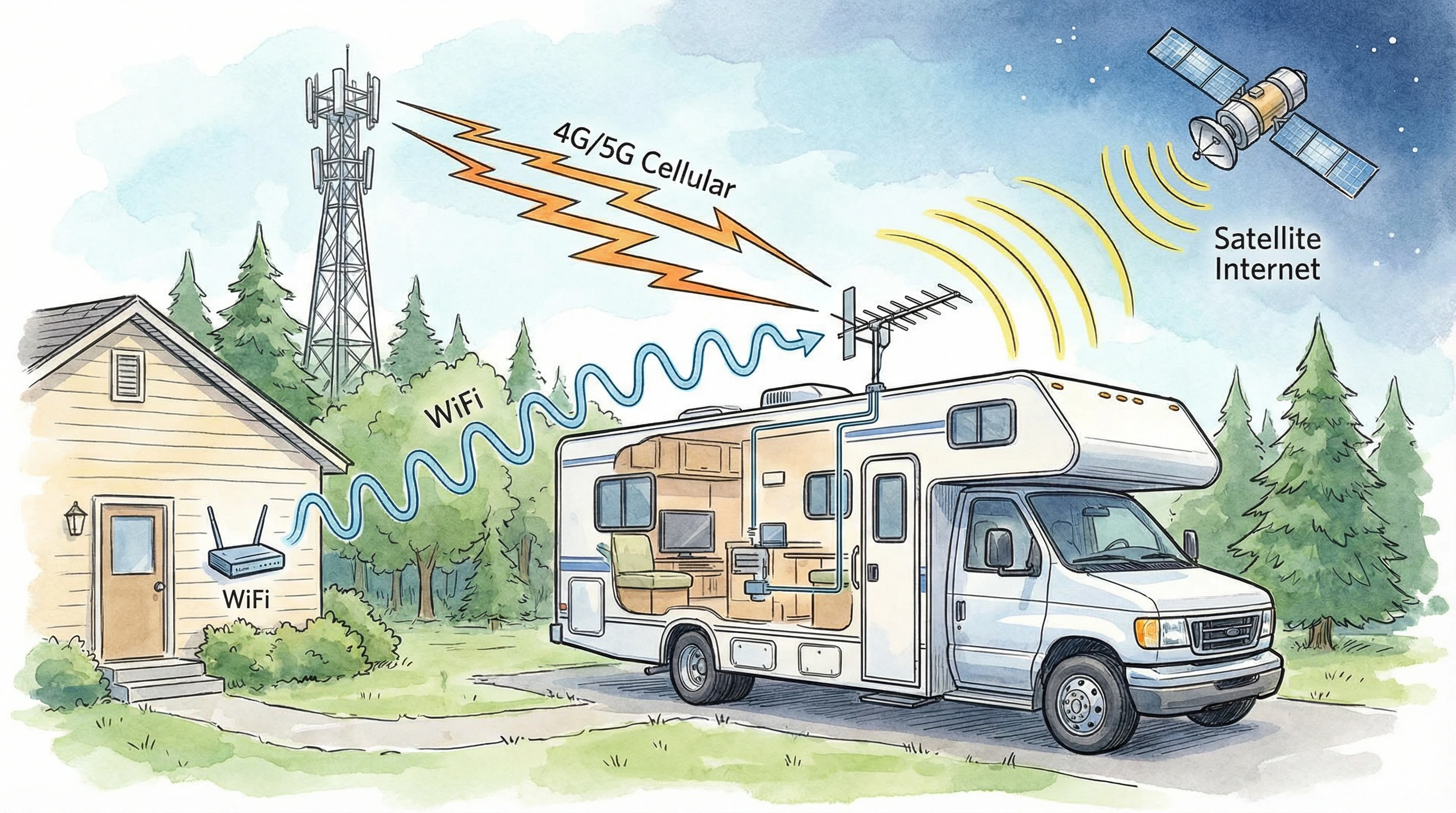
Advanced Troubleshooting and Essential Gear
If you’re still stumped, a few more advanced steps can help. Signal analyzers and apps like NetSpot or WiFi Analyzer let you see which frequencies are crowded. Changing your WiFi channel can solve hidden interference issues. Some campers swear by rooftop antennas for cellular signals or dedicated MIMO antennas for fixed hotspots.
A strong setup includes:
- A reliable hotspot (unlocked for all carriers if possible)
- WiFi extender or booster
- Cellular booster kit (with rooftop or window antenna)
- Long-range router if you often stay at big parks
- Backup cables, adapters, and a surge protector
Spending a little extra on good gear up front saves a ton of headaches. Still, even the best tech gets tripped up by weather, crowded networks, or a misbehaving device now and then.
If you frequently travel in a group or with family, consider investing in a power bank with multiple outputs, so everyone keeps their phones and hotspots charged even during long dry camping stretches.
Practical Examples: RealWorld RV Connectivity Solutions
In my travels, I’ve seen a wide mix of setups. Sometimes, a simple hotspot and window mount antenna works great for short stays. For longer trips, a cellular booster and RV-specific router keep things running whether in the woods or city parks. Friends of mine who full-time also use Starlink satellite combined with a mobile hotspot for backup, even in the desert or deep woods, they stay online for work and video chats.
We have tried many technologies over the years since starting full-time RV living back in 2008. After over 200,000 miles of travel and that many years on the road, we have changed tactics many times. Technology changes have made trouble-free connectivity a breeze!
As I mentioned earlier, Starlink and an unlimited mobile hotspot are our current choices for trouble-free connection to the world.
Blending methods based on your travel style is really important. Keeping flexible and packing backup solutions helps you get back online quickly if one system fails. If you camp for extended periods, having a signal analyzer app (I like the Speed Test Master app) on hand lets you quickly spot and avoid overloaded networks.
Frequently Asked Questions
Here are some common questions I get about RV connectivity, with quick answers to each.
Question: What’s the easiest way to check if campground WiFi is any good?
Answer: I usually asked at the front office and then used my phone for a quick speed test right outside the main building. If speeds were fine there but dropped off at my site, a WiFi extender helped a lot.
Question: Do cellular boosters really help RV internet speeds?
Answer: They work well if there is at least a weak signal. If you have zero bars, nothing will help. My booster took me from barely loading web pages to streaming video in places that otherwise had poor reception.
Question: Why does my internet get so slow at campgrounds every evening?
Answer: Most campers go online at the same time, usually after dinner. This crowds the network. Try using the web early in the day, or switch to your phone’s hotspot in the evening.
Question: What’s the best connection type for remote RV camping?
Answer: Satellite is the main option where cellular and WiFi won’t reach. Starlink is popular, but having a backup hotspot or being ready to go offline is smart if you camp in the deep wilderness. I like the Tech+ program at FRVA! For $60 per month, we get an unlimited-use mobile hotspot!
Ready for Reliable RV Internet?
RV life feels a lot smoother with solid internet. Getting familiar with signal boosting tricks and knowing common fixes can keep you connected, wherever you park. Trying out different solutions lets you find what fits your travel style best.
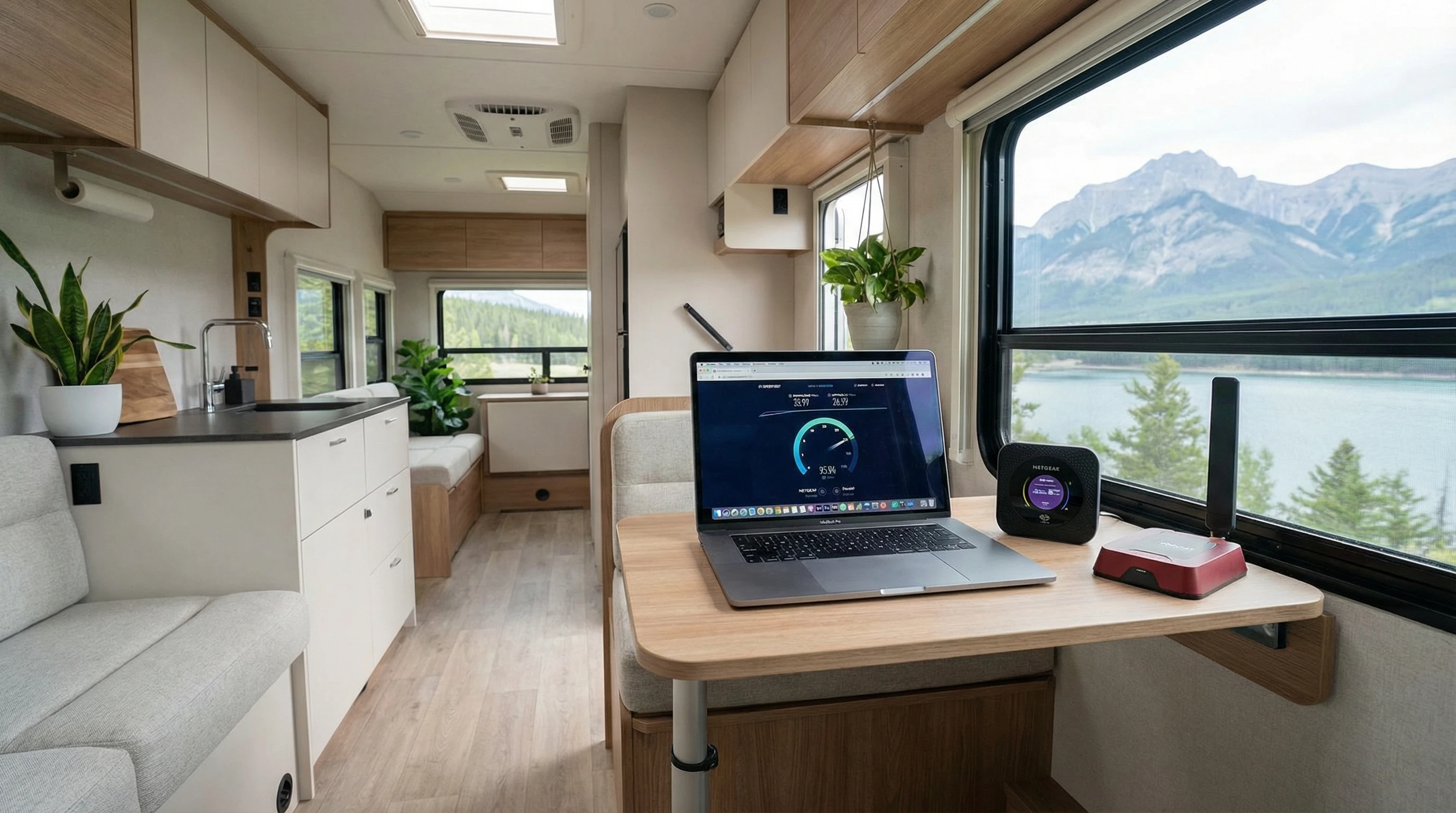
If you’re interested in learning more about mobile internet setups, check out additional guides and reviews on my site. Feel free to drop your questions about gear, setup, or troubleshooting. Community experience always helps. Wherever the road takes you next, having a plan for connectivity means you won’t have to scramble for a signal at the last minute.
_________________________________________________________
What If Your RV Could Help Pay for the Journey? Could you make money while boondocking?
Many full-time RVers quietly earn money online: writing, recommending products, and building simple digital assets that generate income while they travel.
You don’t need tech skills.
You don’t need experience.
You just need the right roadmap.
👉 Discover the beginner-friendly approach! Take a look at this post on this website.







Recent Comments