
Setting Up a Reliable RV Communication System When Off the Grid
Staying connected on the road isn’t just about updating your travel blog or streaming a movie. For many RVers, having a solid communication setup when off the grid means you can check weather alerts, find emergency help, and keep in touch with family.
I’ve spent plenty of nights in remote campsites and learned first-hand how a reliable communication system can give you peace of mind and make your adventures a lot easier.
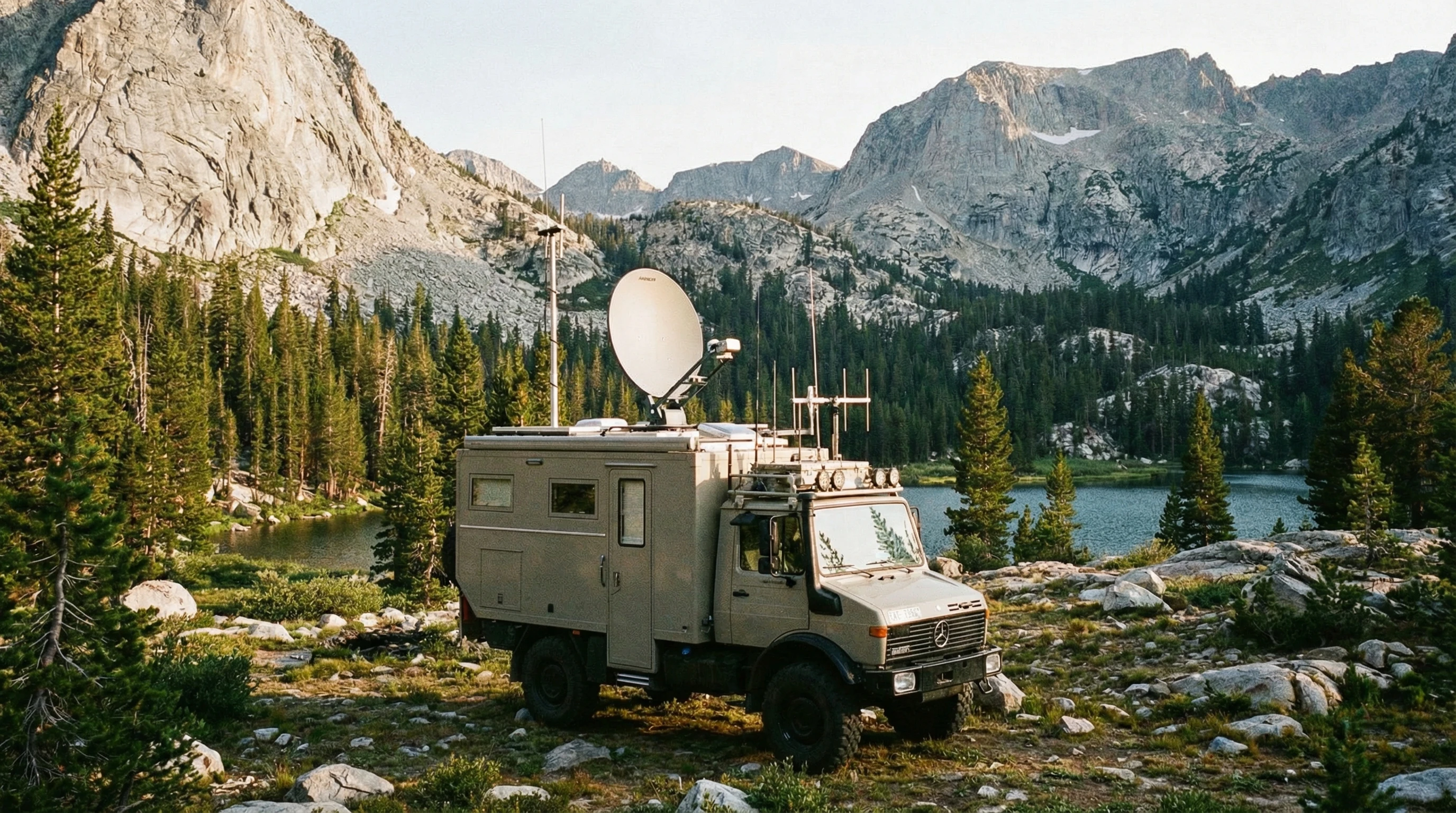
Why RV Communication Matters When You’re Off the Grid
When you’re miles away from the nearest cell tower or WiFi hotspot, the usual methods of staying in touch just won’t cut it. You might need to use GPS to get around, stay in contact with friends, or call for help in an emergency.
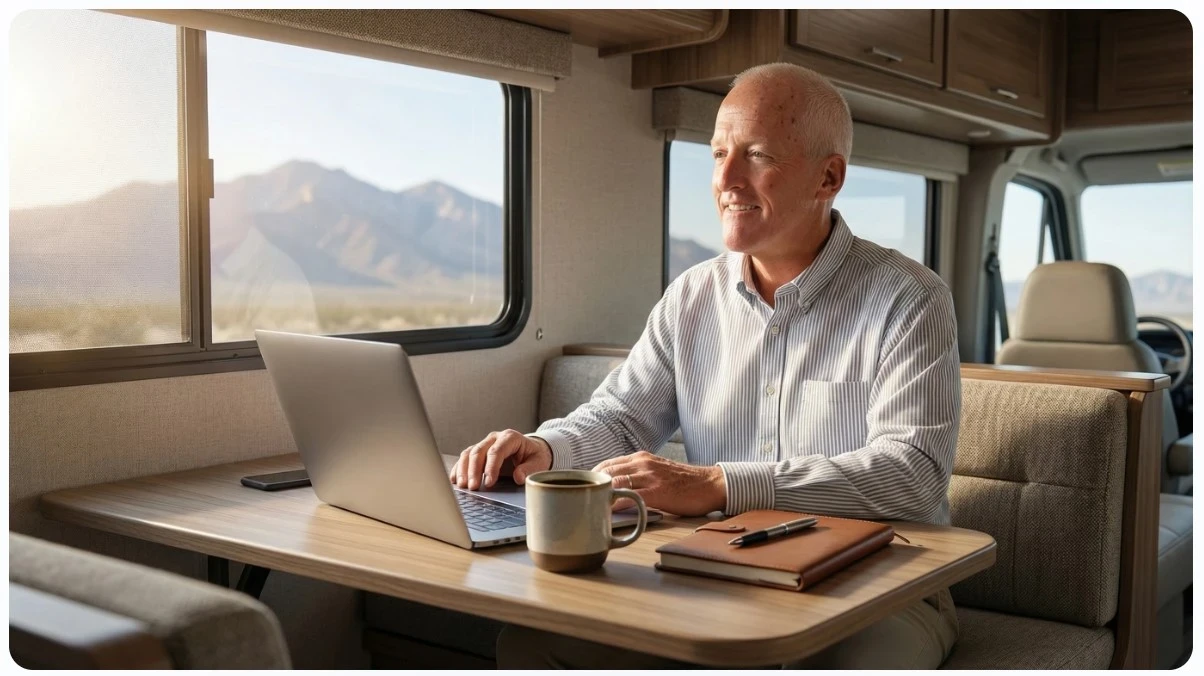
Some folks even work remotely from their RVs, and for them, a drop in connectivity can stop business in its tracks. In these situations, being able to reach out instantly can be a game-changer.
Younger travelers may want to share updates on social media, while others rely on communication systems to keep up with health needs, monitor security equipment, or coordinate with other travelers. RV communication is much more than a luxury; it’s a practical part of planning any trip away from crowded campgrounds or big cities.
Over the years, communication technology has come a long way, and now there are several tools that make it much more likely you’ll be able to reach someone wherever your RV can go. Whether you’re parked deep in a forest, out in the desert, or on a mountain, you have solid options for staying connected. Having these solutions handy means you’re less likely to be caught off guard far from help.
Common Communication Tools for Off-Grid RVers
The technology you pick really depends on where you travel, how much data you need, and your budget. I’ve tried out a variety of setups and chatted with others on the road to get their take. Here are some of the most popular and practical options available right now:
- Cellular Boosters: These take a weak cell signal and make it stronger. In some remote spots, even catching one bar can be enough for messaging or slow browsing if you give it a boost.
- Mobile Hotspots: These portable devices use cell data networks and come in handy if you work on the road or need to connect multiple devices at once.
- Satellite Internet: Not always cheap, but it’s the way to get online when there’s no cell service at all. Starlink and other providers have made this much easier in faraway areas recently.
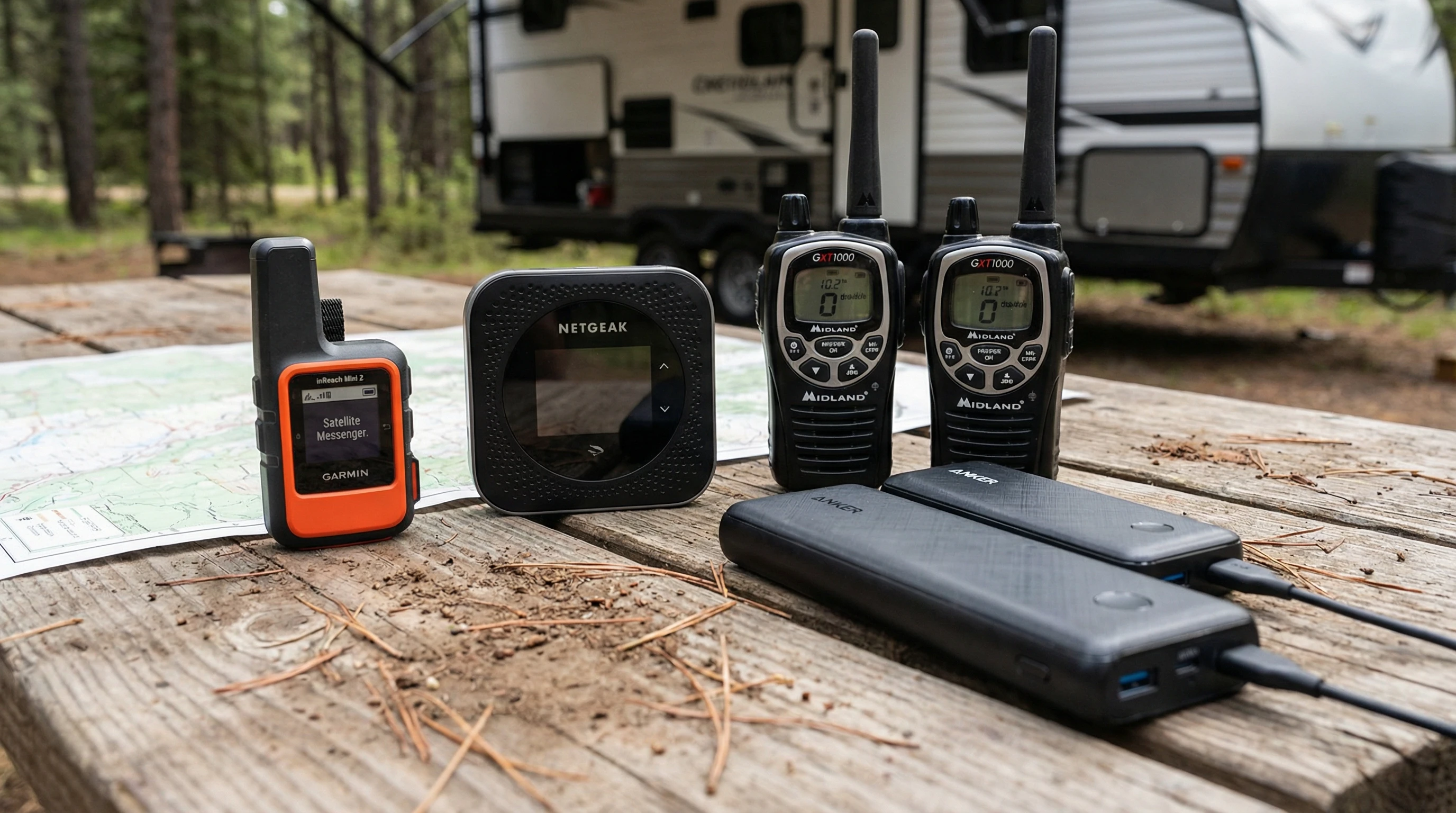
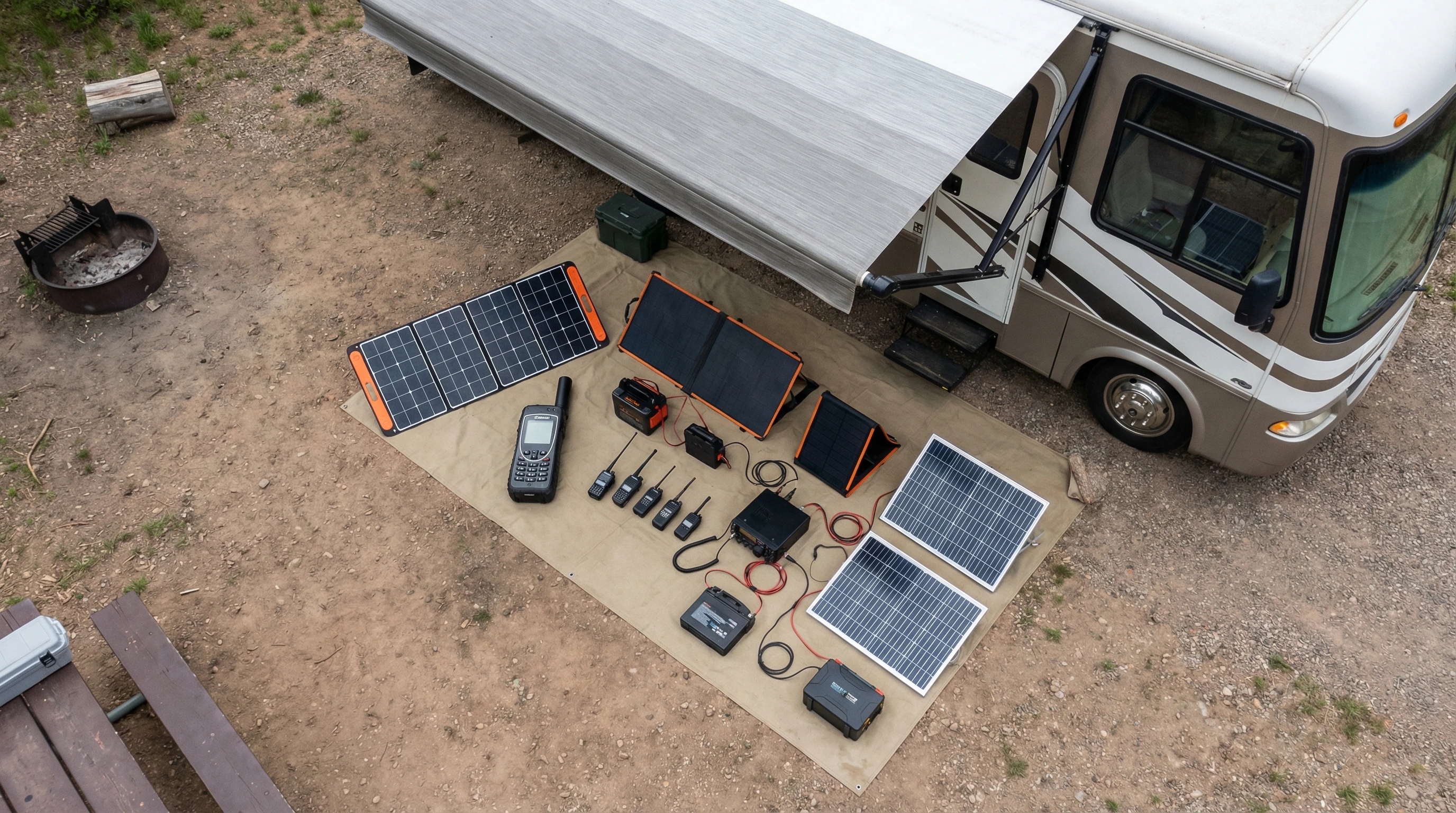
- Two way Radios: Good old walkietalkies are still practical. They let you talk to other campers, hiking buddies, or convoy members nearby without depending on cell networks.
- Satellite Messengers: Devices like Garmin inReach and Spot let you send basic texts or SOS calls using satellites. They’re lightweight and save on battery life.
Each tool has its perks. Some RVers use a combo: maybe a cellular booster with a mobile hotspot and a satellite messenger for safety. Thinking about where you’ll travel and what you’ll actually use makes a real difference in what you should pick for your setup.
What You’ll Need to Build Your RV Communication Setup
Putting together a communication system means balancing price, gear size, and what technology works where you plan to camp. Here’s a breakdown of what I typically recommend and use:
- A Cellular Booster Kit: Includes an outdoor antenna, an indoor antenna, and the booster itself. Mount the outdoor antenna high up; roof ladders and poles work great for this job.
- Hotspot Device (or a phone with a mobile hotspot plan): Make sure your plan has enough data and that your carrier covers the places you visit most often. Check coverage maps regularly. These are the services we use!
- Satellite Internet Terminal: For serious remote travel, consider a portable dish like Starlink Roam. Keep in mind there’s usually a higher monthly fee attached, but it’s worth it for those who need total connectivity.
- Satellite Messenger Device: For areas with no service at all, a messenger is a lightweight backup that can send your GPS location in case of emergency.
- Two-way radios: Choose radios with a decent range (a few miles is typical). They’re especially useful for group travel or chatting with folks at camp, whether you’re doing chores or heading out for hikes.
Don’t forget to pack small extras like extra charging cables, portable solar panels, and weatherproof mounts. I always throw in an extra power bank, too, since electronics drain faster in the cold or when you have lots of gadgets running at the same time.
Step By Step: Setting Up RV Communication Off The Grid
Building your setup doesn’t have to be tricky. Here’s how I prepare before every trip way off the grid:
- Test Your Coverage: Before heading out, use apps like OpenSignal or coverage maps from your carrier. Sketch out likely dead zones, especially if you depend on cell data for work or travel planning.
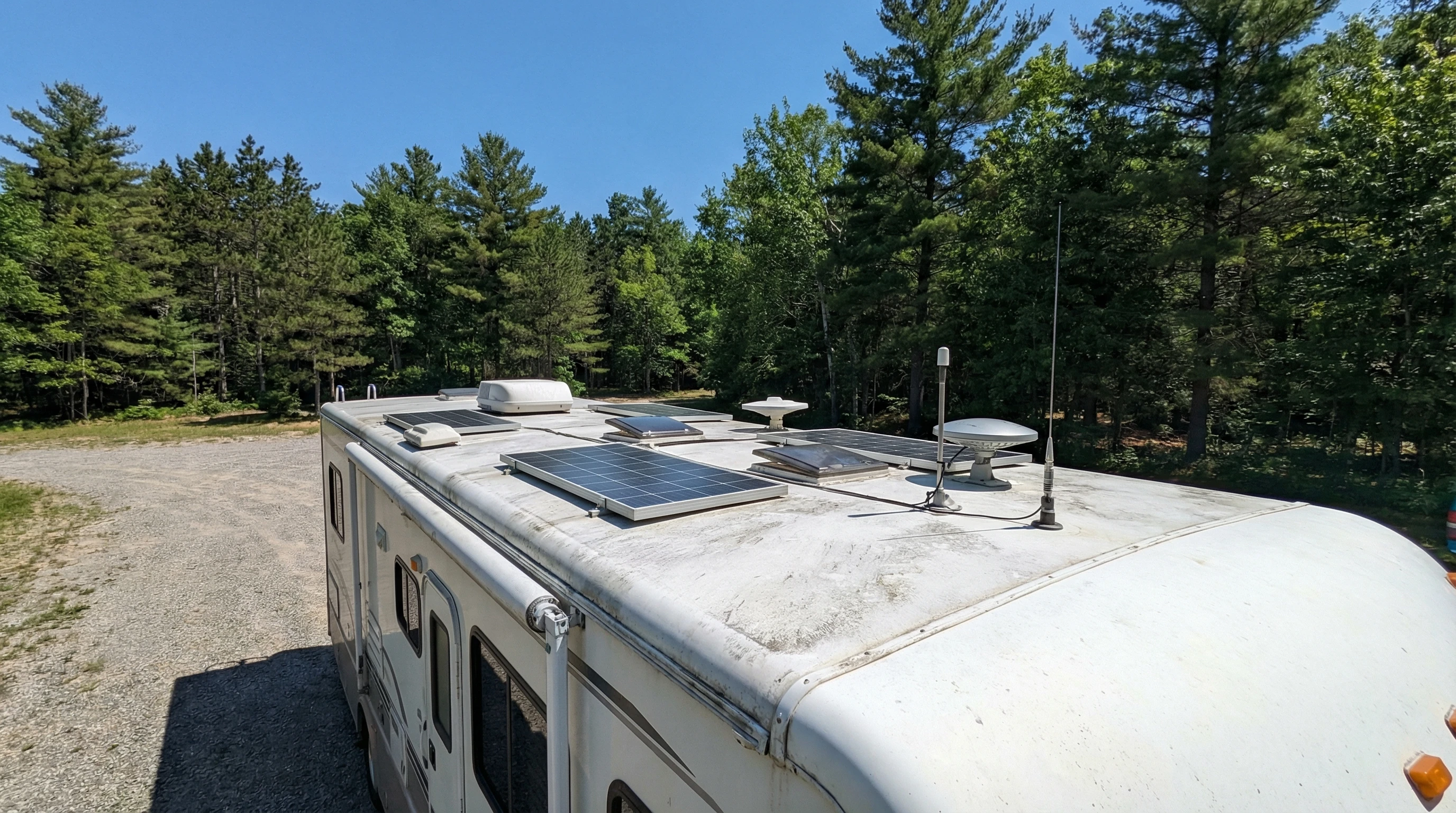
- Go with a Steady Power Source: Communication gear needs electricity. Make sure your RV batteries are in good shape, and consider solar panels or generators if you plan extended off-grid stays.
- Mount Antennas and Devices Securely: Install any antennas as high as possible. Roof ladders or telescoping poles come in handy. Place your booster’s indoor antenna close to where you’ll use your gadgets most.
- Configure Devices Ahead of Time: Set up your hotspot, try out the booster, activate your satellite messenger, and double-check that everything powers up right. It’s way easier to troubleshoot at home than after you’re already in the woods.
- Bring Spares: Pack spare cables, power banks, and backup radios. If something acts up, you won’t be left stuck without a fix.
Testing your gear regularly matters. I do a quick system check before every trip, just to make sure everything is in top shape and that I’m not surprised when I reach that amazing but isolated spot in the wilderness.
What To Watch Out For: Challenges In Staying Connected Off The Grid
Even great gear comes with its own set of challenges. Here are common issues I face and how I deal with them:
- Obstacles and Terrain: Dense trees, big hills, and valleys often block signals—cellular and satellite. I try to park somewhere with a good view of the sky when possible.
- Power Drain: Running multiple devices can zap your RV’s batteries quickly. Solar panels or portable power stations make a big difference when you’re planning a longer stay.
- Weather Trouble: Heavy rain or snow can mess with satellite and radio signals. Sometimes you just have to wait out a storm—a good book helps pass the time!
- Spotty Coverage Maps: Sometimes the promised bars on a map just don’t show up. That’s where boosters and satellite tech really shine.
- Monthly Fees and Data Limits: Satellite internet setups, especially, can get pricey. Watch your data use and keep tabs on your plan ahead of time so you don’t run into surprises.
Packing for unpredictability helps relieve stress. Having backup methods to check in with your folks or call for help builds confidence for heading out where there are no crowds.
Real Life Example: My Setup During a Northern Winter
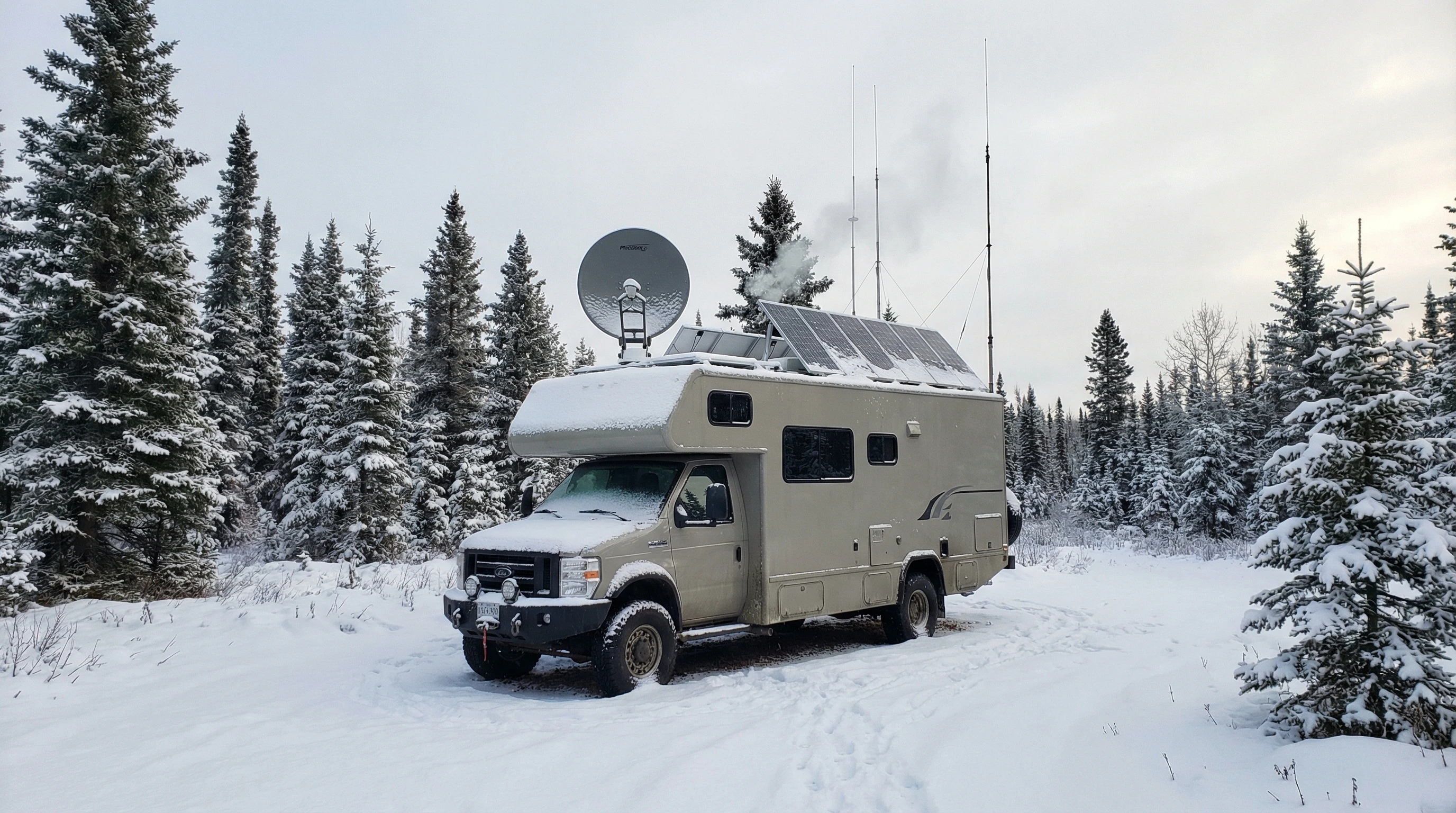
During a cold-weather trip to a remote national forest, cell signals vanished less than an hour after I left the last paved road behind. My go-to was a cellular booster paired with a mobile hotspot, but it barely managed any signal.
When I needed to check the weather and message home, my Garmin inReach satellite messenger worked like a charm, even under thick clouds. Power needs were intense, so I was grateful for my solar panels and a backup generator. This combination really showed why layering your communication options is so important when you’re way out there and need to stay in touch.
Extra Tips to Get the Most from Your RV Communication System
Making your communication system work well doesn’t have to be a chore or cost a fortune. Here are a few practical lessons I’ve learned out on the road:
- Download Offline Tools: Save maps, emergency numbers, and campground guides before you leave cell range. Google Maps, Gaia GPS, and similar apps let you keep a whole area handy when there’s no service. Printed maps and guidebooks can also be handy.
- Back Up Power Supplies: Always bring along at least two power banks and keep them charged up in case your solar panels face several cloudy days in a row. You may also want a handcrank charger or vehicle adapter as an additional backup.
- Keep Devices Updated: Update your firmware and apps before a big trip. It’s a real pain to fix a tech issue in the wild, far from customer service.
- Practice Sending SOS Signals: Get to know how to use your emergency devices and make sure everyone traveling with you does, too. Having a “practice run” can be helpful and make things smoother in stressful moments.
- Review Your Data Plan: Make sure you understand your roaming and data limits, especially if your travels take you across state or country borders. Read the fine print to avoid unexpected charges.
Little steps like these pay off big. With some preparation, you’ll make communication issues just a tiny bump in your adventure rather than a showstopper.
Frequently Asked Questions
Question: What’s the difference between a satellite messenger and satellite internet?
Answer: A satellite messenger sends short texts or GPS coordinates where there isn’t any regular service. Satellite internet lets you browse the web or even stream shows, but it usually comes with much higher setup and monthly costs.
Question: Can I rely on my cell phone in every off-grid spot?
Answer: Not always. Many remote areas are total dead zones. A booster can help if you can pick up even a sliver of signal, but satellite gear is your only option in truly remote places.
Question: Is Starlink worth it for most RVers?
Answer: Starlink is a great option for frequent travelers who work remotely or camp off-grid often. It can get pricey, and you need reliable power, but if you depend on serious internet far from the city, it delivers.
Question: How long do batteries last on satellite messengers?
Answer: They’re built to last, and can keep going for several days up to a couple of weeks, depending on how often you send messages or check in.
Question: Do I need a radio license to use two-way radios?
Answer: Most short-distance consumer radios (FRS/GMRS) don’t require a license, but higher-powered GMRS models might. Always check before buying and powering up new radios.
Ready to Get Started?
A well thought out off-grid communication system keeps your travels safe and worry-free, whether you’re working, exploring, or just soaking up starlit nights. I’ve found that using a mix of tech cell boosters, hotspots, satellite messengers, and sturdy radios gives me real peace of mind. Good prep, steady power, and backup plans make every adventure smoother and more fun.
Thinking about a long journey or just escaping off-grid for the weekend? Setting up your RV communication system before you leave means fewer headaches and more time enjoying nature’s best. Safe travels and happy exploring!
_________________________________________________________
What If Your RV Could Help Pay for the Journey? Could you make money while boondocking?
Many full-time RVers quietly earn money online: writing, recommending products, and building simple digital assets that generate income while they travel.
You don’t need tech skills.
You don’t need experience.
You just need the right roadmap.
👉 Discover the beginner-friendly approach! Take a look at this post on this website.



Recent Comments