
Which RV Parks Have Reliable Wi-Fi for Remote Work?
Reliable WiFi has become a game-changer for remote workers who travel by RV. With more people working from the road, finding RV parks that offer good internet is pretty important if you want your video calls and uploads to go smoothly.
Constantly hunting for coffee shops or campgrounds just for WiFi can get old fast. That’s why I’m laying out top RV parks where you won’t have to stress over spotty connections.
Packed with details on park features, location perks, and some tips I’ve learned from my own time on the road, this guide helps you pick the best anchor points for your mobile work life. Certain locations make it easy to blend productivity and outdoor fun, while others offer excellent internet setups that rival those in many urban coworking spaces.
Let’s dig into everything you need to know so your remote work routine won’t skip a beat—no matter where you roam.

Why Reliable WiFi Matters for Remote Workers
Not all RV parks deliver on their WiFi promises. You might see “free WiFi” on a listing only to find the signal’s barely okay enough for loading email, let alone hosting video meetings, watching TV, or transferring files. For digital nomads, content creators, online teachers, and anyone running their business on the go, even small downtime can mean missed opportunities.
Speed and stability both play a role here. If you’re working from your RV, a strong upload speed matters for video calls. Consistency pays off, too. There’s nothing more frustrating than getting booted out of an important meeting because the signal hiccupped.
When picking parks, I also consider the number of users and if WiFi is available at your site or just in a clubhouse. Sometimes streaming in the clubhouse isn’t practical if you need privacy or quiet, so parks with sitewide access get major points.
Parks are starting to recognize how important this is, so you’ll notice more offering fiber or upgraded internet solutions. Still, it helps to check real traveler reviews and contact parks ahead of time to confirm what they really provide. Ask whether speeds are consistent and whether many people use the network at the same time. You want to avoid being stuck with laggy service during your busiest hours.
What to Look for in an RV Park WiFi Setup
Before you roll up to an RV park, I always do a basic check on their WiFi setup. Here’s what I keep an eye on:
- Parkwide Coverage: Can you connect from your site instead of needing to walk somewhere?
- Bandwidth: Is the connection strong enough for Zoom, Netflix, and uploading big files?
- Paid vs. Free Plans: Sometimes RV parks offer both, with the paid option giving you better speeds or unlimited use. Worth thinking about if you’re planning long workdays.
- Recent Infrastructure Upgrades: Parks that mention new routers, fiber optics, or mesh networks usually offer a better experience.
- Peak Hour Performance: WiFi can slow down in the evenings when everyone’s streaming. Check traveler forums to see how a park holds up during busy times.
Don’t forget, distance from the main office or clubhouse matters. The further your rig is from the source, the weaker things might get. If a park offers cable hookups or Ethernet at the site, that’s extra nice for stability. If you spot parks advertising mesh networks, that can mean steadier connections throughout the park compared to old-school setups.
Top RV Parks With Reliable WiFi for Remote Work
Having spent a chunk of time hopping from coast to coast, several parks stand out as places with solid, repeatable WiFi. I’ve checked their websites, scrolled through up-to-date reviews, and in a few cases, tested connections myself. Here’s a shortlist that keeps popping up among remote workers (in no special order):
1. Camp Fimfo, Texas Hill Country (New Braunfels, TX)
Camp Fimfo often gets high marks for speedy parkwide WiFi that works right at your site. The park is located between Austin and San Antonio, making it a nice spot if you want day trip options when you shut your laptop.
They’ve got fiber internet, and the management invests in keeping the tech up to date. I like that you can livestream or join video calls without issues, even when the park is busy. As a bonus, the park itself has cool amenities and is by the Guadalupe River if you want to unplug and float for a bit.
2. Sun Outdoors San Diego Bay (Chula Vista, CA)
This park is often mentioned in RV and digital nomad forums as a good fit for remote workers. WiFi is included, and their infrastructure can handle high demand. You’ll connect right from your RV, not just the lounge.
The resort-style pool and proximity to downtown San Diego are big perks. I found upload speeds strong enough for large file transfers when needed. The community vibe is friendly, so you can chat with other folks working remotely if coworking’s your thing.
3. Normandy Farms Family Camping Resort (Foxborough, MA)
Normandy Farms is no stranger to awards, and its tech setup is among the best in New England. Sitewide WiFi is reliable in most areas, plus they keep things current with frequent upgrades. There are paid premium WiFi options, too, if you need ultrafast or encrypted connections.
It’s a family-friendly park set near Boston and Providence, but there are quiet spots to work solo. I’ve heard from other travelers that the staff is quick to help with connection trouble, which is always handy.
4. Tiger Run Resort (Breckenridge, CO)
Tiger Run has a reputation for strong WiFi with beautiful mountain views for your lunchtime breaks. The team consistently upgrades its tech, and while winter storms can affect speed, it’s one of the better choices for reliable internet in Colorado.
I like that you don’t have to huddle near the office. WiFi reaches every site. After work, you’re minutes from hiking and ski trails, making it easy to balance productivity and adventure. The location makes those quick escapes into nature super convenient after a big work session.
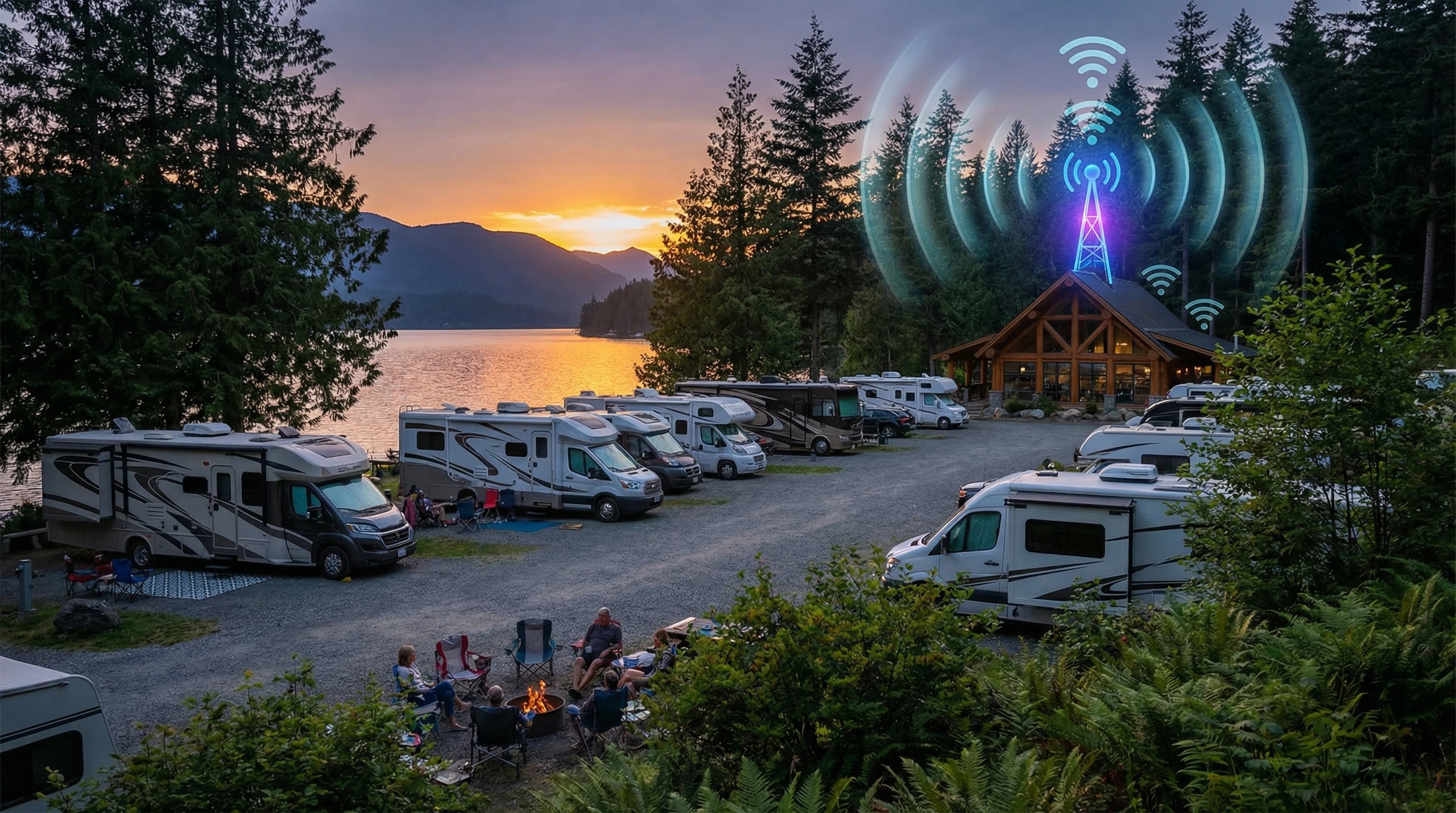
5. Las Vegas KOA at Sam’s Town (Las Vegas, NV)
KOAs can be hit or miss for WiFi, but this one rises above thanks to recent infrastructure upgrades. You’ll get decent speed at your site, and there are paid tier options for steady streaming and calls. The classic Vegas location means plenty of food and entertainment nearby if you want a work-play combo.
If you’re passing through Nevada, this KOA gives you solid connectivity and easy city access. If big events are happening in town, speeds may dip in the evenings—so keep a backup ready.
Challenges of Working Remotely From RV Parks
Working from the road is awesome, but it definitely has its challenges. Even with parks claiming to have great WiFi, here are some hurdles you might face:
- Network Congestion: The Internet slows down during busy periods, especially in the evenings.
- Weather Interference: Storms or high winds can mess with service in some locations.
- Router Location: Being at the edge of the park or far from a repeater can make all the difference.
- Security: Shared public networks put your data at risk unless you use a VPN.
Add to those the occasional regional blackout or provider hiccup, and it’s tough to guarantee 100% uptime. Still, with the right habits and gear, you can make things work for the long haul.
What I Do to Tackle WiFi Issues
I keep a personal hotspot as backup. A good cellular data plan gives me peace of mind if the park WiFi goes down. A WiFi extender or antenna can help with weak signals. Avoiding park WiFi for banking or sensitive work is smart, so I connect to a VPN whenever possible.
And if things get really rough, hitting up the nearest library or coffee shop isn’t a bad reset, either. Sometimes a new environment can spark fresh ideas and break up the routine.
Pro Tips for Maximizing RV Park WiFi
- Arrive Early: If possible, ask for a site close to the WiFi router or office.
- Upgrade When Needed: Paid plans really do make a difference for higher speeds and fewer drops, especially during work hours.
- Test on Arrival: Run a quick speed test to make sure you’re set up for steady connections before you unpack fully.
- Have Backups: Keep all your devices charged, and backup files locally since outages can still happen.
- Be Friendly: Chatting with long-stay residents or staff can get you the inside scoop about which spots have the best signal.
Tech moves fast, so don’t be shy about asking staff what kind of upgrades they’ve made recently. Most are happy to share the details so you know what to expect.
In some parks, the regulars have the best advice about how and when to get the strongest signal, so a quick conversation can make a big difference for your workday.
FAQs on Working Remotely From RV Parks With WiFi
Question: How can I tell if an RV park’s WiFi is actually good enough for work?
Answer: Look up recent traveler reviews that mention upload and download speeds. A park’s own website might not tell you the whole story. If possible, message the campground before booking and ask about their current setup, router locations, and speed test results. RV Life is a great source for this kind of info.
Question: Should I rely only on park WiFi while working remotely?
Answer: It’s best to treat park WiFi as your first option, but always bring a backup like a mobile hotspot. Even strong park networks can get overwhelmed during busy seasons or drop out during storms.
Question: What gear helps improve WiFi in my RV?
Answer: A WiFi booster or repeater can stretch weak signals farther into your rig. External antennas help you connect from sites further away. VPNs are also useful for keeping your devices safe on public networks.
Question: Is paid WiFi worth the extra cost?
Answer: If you rely on streaming, video calls, or uploading work, paying extra for premium WiFi usually means less lag and more speed. In busy parks, it really pays off by helping you avoid frustrating delays.
Extra Resources for RV Internet and Remote Work
Plenty of RV blogs and tech forums share up-to-date info about mobile internet. I recommend checking out Technomadia’s Mobile Internet Resource Center for deep dives and Campendium for firsthand park reviews.
If you’re curious about internet gadgets, YouTube has lots of walkthroughs of real RV setups that show different devices in use. The RV community is full of problem solvers, so you’ll pick up tricks that can save your bacon on busy travel days.
If you’ve got your eye on hitting the road while keeping your workspace steady, these parks, tips, and resources should give you a smoother ride. Happy travels, and may your signals stay strong!
____________________________________________
To learn more about working remotely from your RV, click here.
If you have questions or want to share your own tips, feel free to drop a comment or browse other posts on my site.
Traveling, working, and living from anywhere with good WiFi—it’s all possible. Wishing you awesome travels and steady connections as you chase your next view.
But . . . .
What If Your RV Could Help Pay for the Journey? Could you make money while traveling wherever you like?
Many full-time RVers quietly earn money online: writing, recommending products, and building simple digital assets that generate income while they travel.
You don’t need tech skills.
You don’t need experience.
You need the right roadmap.
👉 Discover the beginner-friendly approach! Take a look at this post on this website.








Recent Comments