
The Best Apps For Navigating And Staying Connected In Your RV
Hitting the road in an RV can feel like freedom on wheels, but staying connected and finding your way is a whole different game. Whether I’m parked lakeside in the middle of nowhere or weaving through a busy city, the right apps turn every stretch of the ride into something smoother and way less stressful.
I’ve put a good chunk of miles behind me, over two hundred thousand in RVs, so here’s my personal guide to the best apps for navigation and connectivity in your RV.
Why RV Living Needs Special Apps
RV travel is way more than regular road tripping. The size of the rig, low bridges, small gas stations, and patchy internet all get in the mix. A regular GPS or the usual phone map often leads you right into headaches. Small alleys, impossible turns, or low clearances are real concerns. Connectivity also gets tricky, especially in remote or forested areas.
I use my phone for everything on the road, but using the right apps saves me from dead zones, keeps me off rough roads, and lets me plan overnight stops at the last minute. Some RV-specific navigation tools help you dodge low bridges and tight roads.
There are also apps that find free WiFi, public dump stations, and friendly campgrounds with good mobile coverage. These apps actually make it easy to stay on track even in less populated areas, and when you’re out there for weeks or months, having good tools is a huge bonus.
Top Navigation Apps for RVers
Getting to your destination without stress means using apps that work for RVs, not just cars. These are my go-to choices:
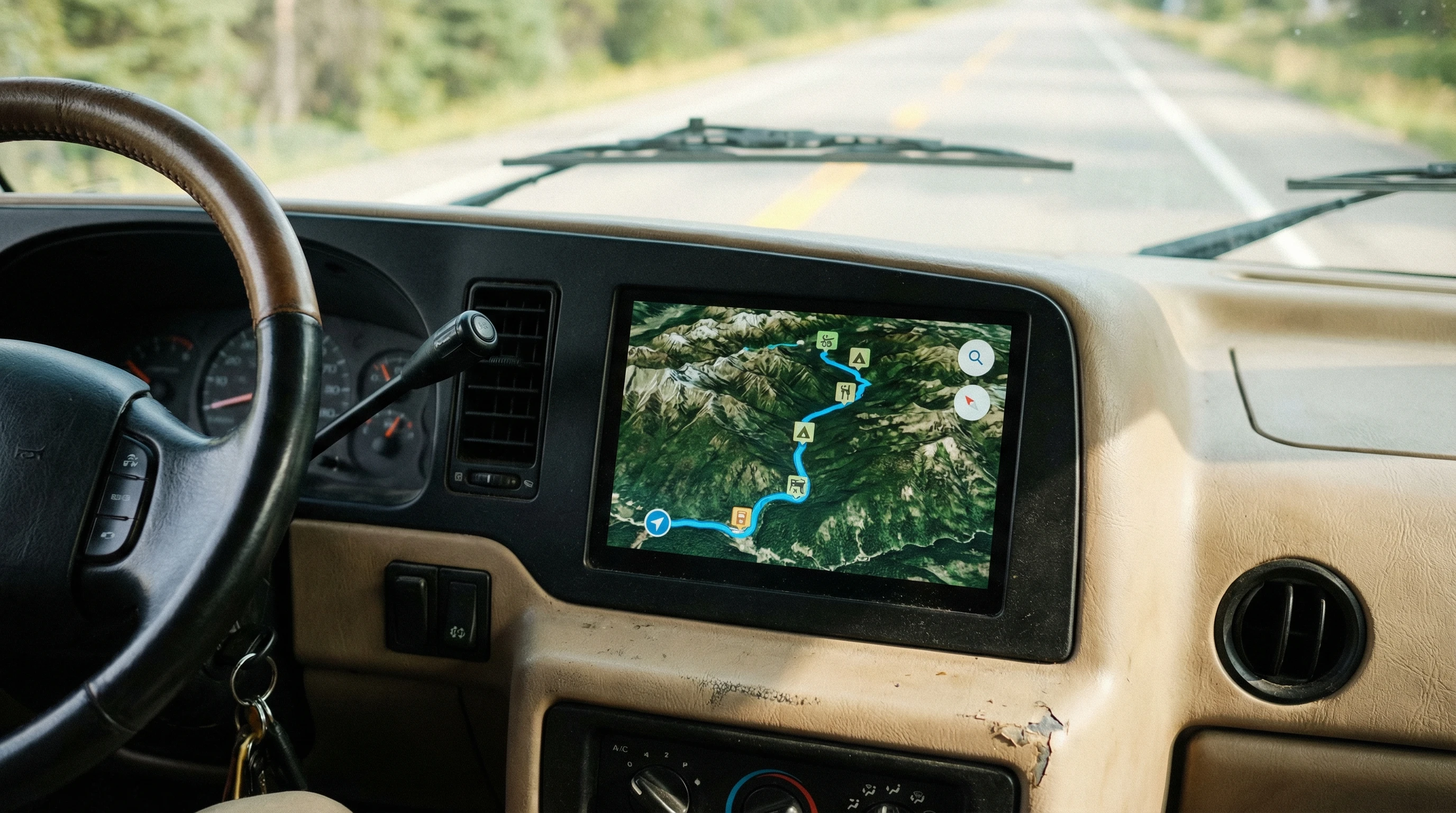
- RV LIFE (RV Trip Wizard): Plots your route while factoring in your RV’s size, weight, and propane restrictions. Easily avoid low bridges and sharp turns. It also highlights campgrounds and points of interest along the way.
- CoPilot GPS: Offers offline routing and specific RV profiles for safer route choices. This one shines if you’re crossing areas with bad mobile service.
- Google Maps (with tweaks): For everyday errands, I often pin campsites ahead of time and use Google Maps for up-to-date traffic info. But I always double-check trickier stretches with an RV-focused app.
- Campsite Apps (Allstays, Campendium): Not strictly navigation, but these show accurate access roads, overnight policies, dump stations, and even user photos of site entries.
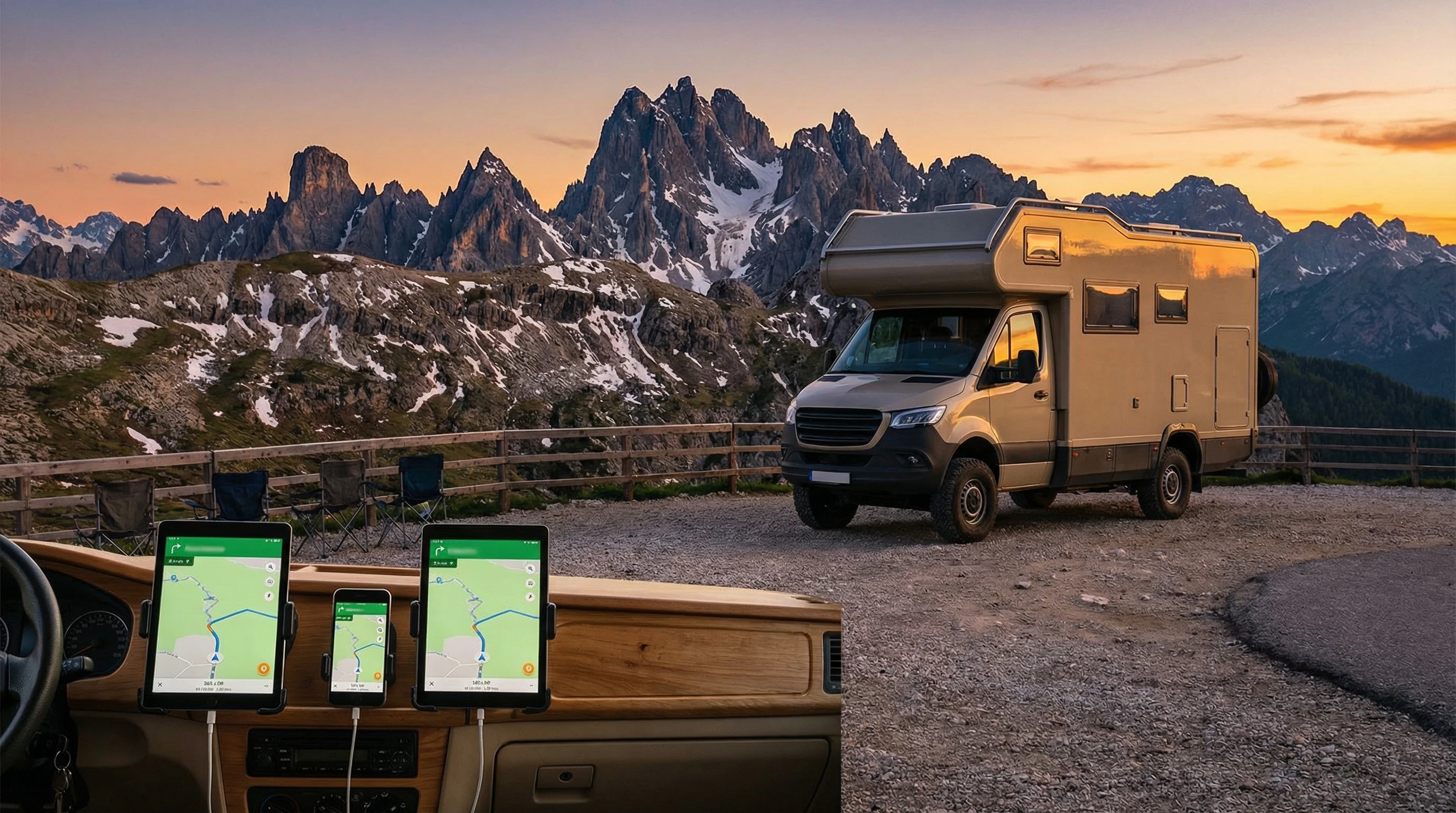
A lot of these apps can be paired with Apple CarPlay or Android Auto, which keeps everything easy to check on the dashboard. And if you want a big-screen experience, most tablets will run these apps just fine, giving you a clear look at your whole trip map as you go.
Apps for Reliable RV Connectivity
Internet on the road can be spotty. I run an online business from my rig, so I really rely on these apps to stay online and find areas with service:
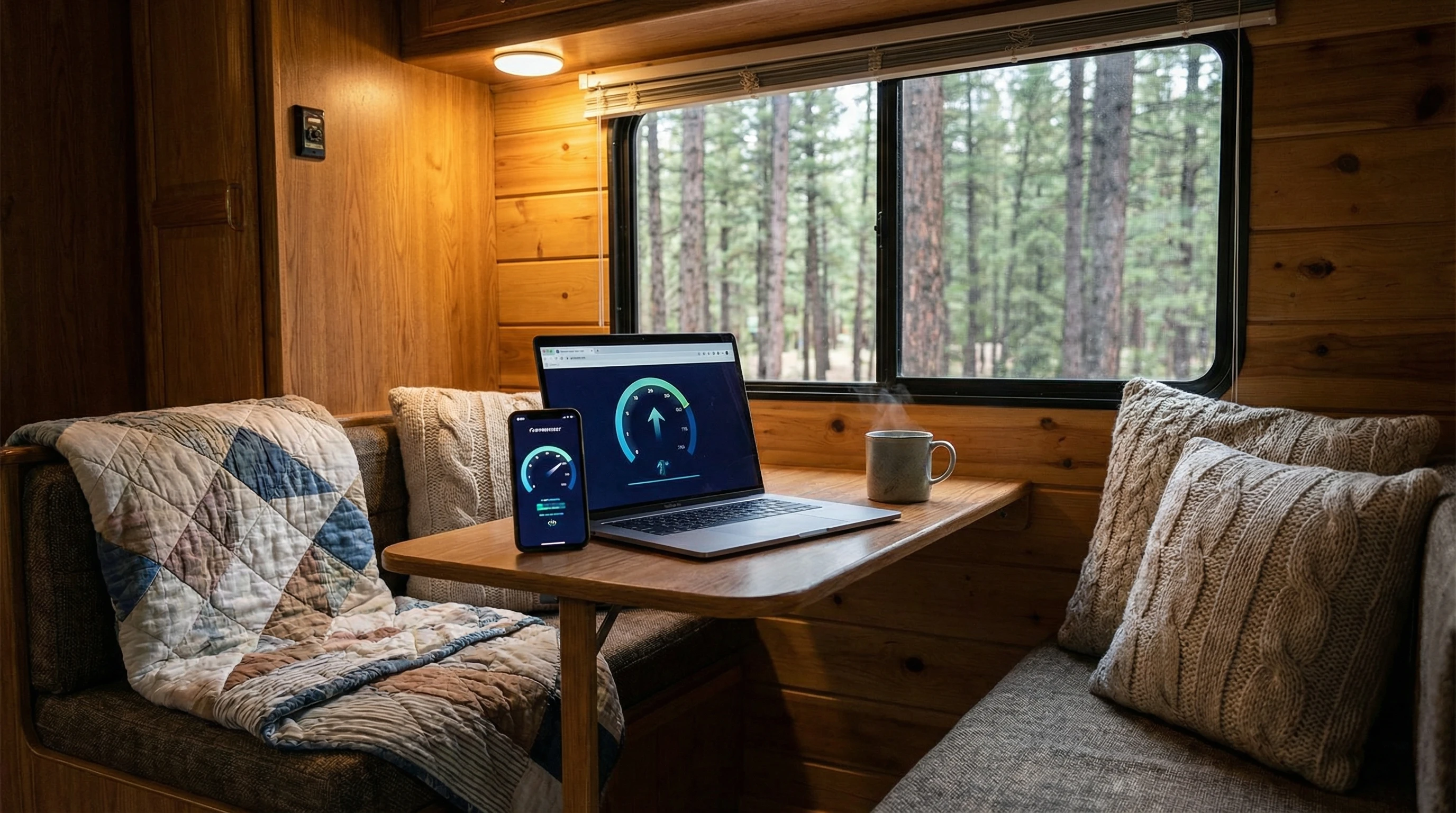
- Speedtest by Ookla: Checks actual mobile speeds at current or planned stops. No big file downloads, just a few taps, and I know if I can send emails or join a video call.
- Coverage?: Shows cell coverage maps for all major networks in the US and Canada. Really helpful when deciding on your next overnight or when you need to upload big files.
- WiFi Map: Maps out free and paid WiFi nearby, plus shows user ratings for speed and reliability.
- OpenSignal: Uses crowd-sourced data to guide you toward stronger data signals; super handy in parks or big rural stretches.
These come in handy if you split work and fun, or just want to binge your shows without constant buffering. You’ll often stumble upon better spots for uploading photos or working if you dig into the detailed coverage reports other users have left in these apps.
Planning and Campsite-Finding Apps
Finding a safe, scenic, and comfortable spot for the night is super important in RV life. I use a mix of these apps so I’m never stuck without a spot or a plan. Sometimes, after a long day on the road, you just need a trustworthy place to crash, and these tools keep those late-night headaches rare.
- Allstays: Shows campgrounds, rest areas, dump stations, Walmarts, and other services. Filters by rig length, pet-friendly, hookups, or even propane fills.
- Campendium: Great for user reviews, cell coverage reports, and photos of sites. It covers both private and public spots, plus lots of boondocking locations.
- iOverlander: Focused on free camping, unique stops, and services. Users add updates about road conditions or what’s available at a spot.
- Harvest Hosts: Adds a twist by listing wineries, breweries, farms, or museums that welcome RVers for overnight stays.
I also like RVParky on my smartphone! This is my go-to choice for safe boondocking spots as I travel the United States.
The best part about these apps is the real-time tips from fellow travelers. You can get details like “watch out for potholes near the entrance” or “water spigot in loop B.”
Additionally, crowd-sourced updates on campground conditions or closures keep things more accurate than old paper guides. Sometimes, these same apps will even point you toward events, nature trails, or nearby festivals, making it easy to extend your adventure on the fly.
Staying Safe: Weather and Emergency Apps for RV Travelers
Unpredictable weather and emergencies can turn an enjoyable ride into a problem fast. Here are a few apps that keep me safer out there:
- WeatherBug: Complete weather updates, road conditions, and lightning alerts.
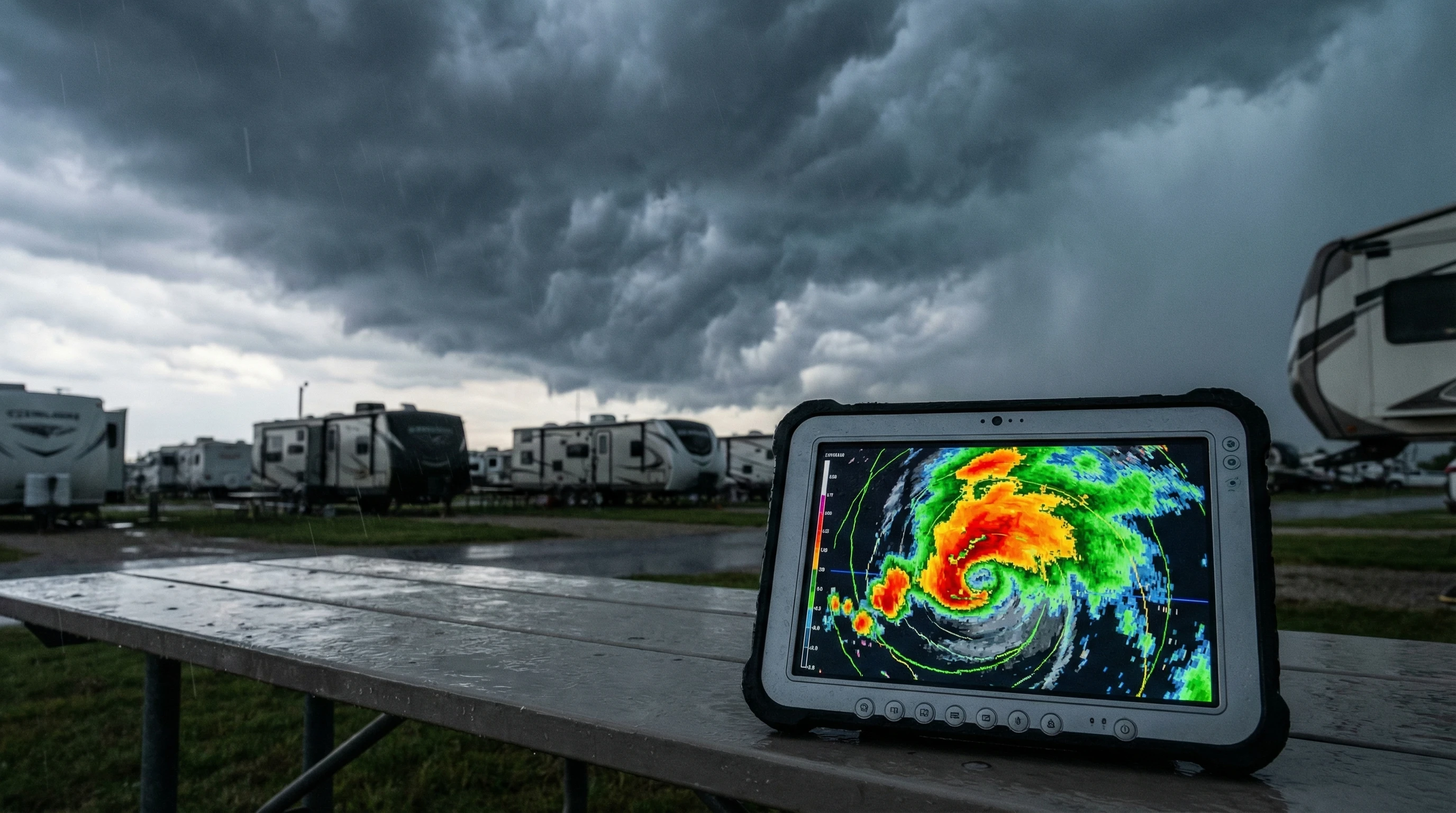
- MyRadar: Live radar images, wind patterns, and forecasts that help you outrun storms or decide whether it’s safe to drive through the night.
- First Aid by American Red Cross: Step-by-step guides for common injuries, plus offline content in case you’re off grid.
With these installed, I’m a lot more relaxed about popping the awning out or deciding if I should stay put for the day. If you’re ever caught in a place where alerts don’t come through quickly, checking local radio stations or talking with other RVers can add some peace of mind.
Helpful Extras: Utility and Lifestyle Apps
RV life is a mix of travel and daily routines. There are extra apps I keep on my phone that save time and make things easier:
- GasBuddy: Finds the cheapest gas or diesel along your route; super helpful for big tanks.
- TruckMap: Gives info on truck stops, parking availability, and low-clearance warnings; helpful for taller rigs.
- Flush: Finds the nearest public toilets, which is perfect for quick stops when the RV bathroom is out of order.
- Roadtrippers: Helps plan out scenic detours and fun things to do within driving distance. It’s also a blast to find odd roadside attractions or lesser-known parks to mix things up.
- Google Translate: If you end up in Quebec or anywhere with language differences, this speeds up communication at campgrounds or supply stores.
These little helpers add a level of comfort and keep the experience feeling lighthearted even after a long drive. Some folks I meet use food delivery apps, digital book readers, and even stargazing apps to round out long evenings. The possibilities keep spreading as more RV-specific tech pops up every year.
Real-World Tips for Choosing and Using RV Apps
I’ve had a few years of messing up, retracing my route, or spending hours hunting for a signal. Here are a few tips that are worth keeping in mind:
- Test essential apps offline before a trip. Some only show maps or listings with a connection unless you download the data in advance.
- Save key stops and emergency contacts to your phone so you can reach out even if you lose service for a bit.
- Update apps regularly for the latest route closures, campsite changes, or added features.
- Read recent reviews, especially for campgrounds or overnight stops. Conditions can change fast.
- Consider a mix of free and paid versions. Sometimes the paid versions drop the ads and add key features like offline maps or larger databases. You might also stumble upon unique features in paid versions that really take your trip up a notch.
For trip planning, I keep printed copies of essential details just in case my phone battery runs out or I lose my devices. Packing a portable charger or two never hurts either. Staying flexible on the road means rolling with a few tech hiccups, but having some backup is always smart.
FAQ: RV Navigation and Connectivity Apps
Got questions about using these apps on the road? Here are some common ones I get asked a lot:
What’s the best free RV navigation app?
RV LIFE and Google Maps (as long as you stick to State and Federal highways) are solid free picks, though you lose offline access and RV-specific routing without a paid plan.
How do I get internet while camping in remote areas?
I use a combination of cell boosters, hotspot data, and WiFi finder apps. Sometimes, I plan my route around campgrounds with strong cell coverage or nearby libraries or cafes for work uploads.
Can these apps work without a signal?
Many offer offline maps or allow you to download campground lists in advance. I always update and sync my data while I have a strong connection before heading out. Some apps like CoPilot GPS work almost entirely offline, which is invaluable when the signal drops.
Do any apps help find RV-friendly fuel stations?
GasBuddy and TruckMap both let you search for fuel stations that are easy for big rigs to access, including diesel lanes and parking. I also use the Open Roads program to save money on diesel fuel. It shows stations in real time as I travel.
Are these apps safe for sharing locations?
I use privacy settings and don’t overshare on public forums. Most apps have good privacy controls, but it’s always worth double-checking if you’re worried about sharing your exact overnight spot.
Getting the Most Out of RV Life With Smart Apps
Traveling by RV has never been more fun or flexible thanks to the huge range of apps out there. By mixing navigation, internet-finding tools, and a few practical extras, I’ve taken most of the guesswork out of the road.
Whether you’re working remotely, traveling with friends, or chasing sunsets solo, there are options to make your ride a lot smoother. Tweak your app stack, check in on updates, and you’ll find that digital help can turn bumpy roads into something a whole lot nicer.
If you found these recommendations super useful, you might like checking out my other guides on traveling smarter and working remotely from your RV. Stay safe, stay connected, and enjoy the freedom of the open road! Visit my home page at yourfulltimervliving.com.
_________________________________________________________
What If Your RV Could Help Pay for the Journey? Could you make money while boondocking?
Many full-time RVers quietly earn money online: writing, recommending products, and building simple digital assets that generate income while they travel.
You don’t need tech skills.
You don’t need experience.
You just need the right roadmap.
👉 Discover the beginner-friendly approach! Take a look at this post on this website.



Recent Comments