
Reliable WiFi on the road makes RV living so much better. From streaming shows to handling remote work or just scrolling through social media, a solid internet connection is at the heart of many road adventures.
Since I spend all the time traveling in my RV, I’ve picked up some pretty handy tricks for boosting WiFi signals, even when I’m deep in the woods or parked at a busy campground. Here’s how I keep my RV’s WiFi running smoothly, along with some practical gear that’s worth checking out.
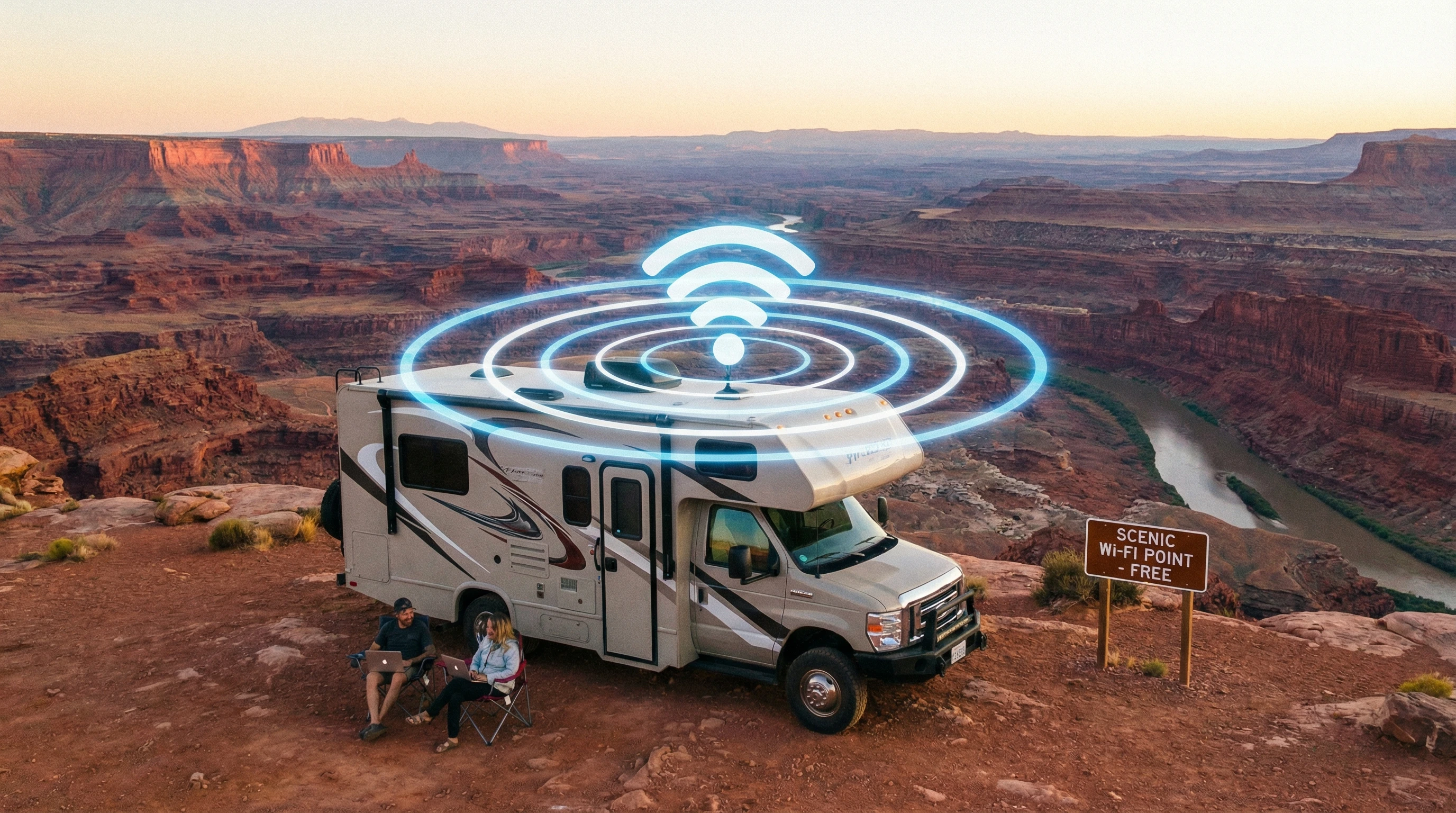
Why WiFi Troubles Happen in Your RV
RV WiFi issues show up at the worst times. Most campgrounds have public WiFi, but speeds can drag. Distance from the router, lots of users, and even trees or hills can mess with your signal. Regular RV walls and metal skins block the signal, almost like being inside a mini Faraday cage.
The further you park from the clubhouse or office, the worse things usually get. Even in fancy resorts, you might still struggle when everyone jumps on at once. That’s why it’s smart to have a game plan to boost your WiFi and save yourself frustration, so your gadgets stay online all day long.
Understanding the Basics: How WiFi Works in an RV
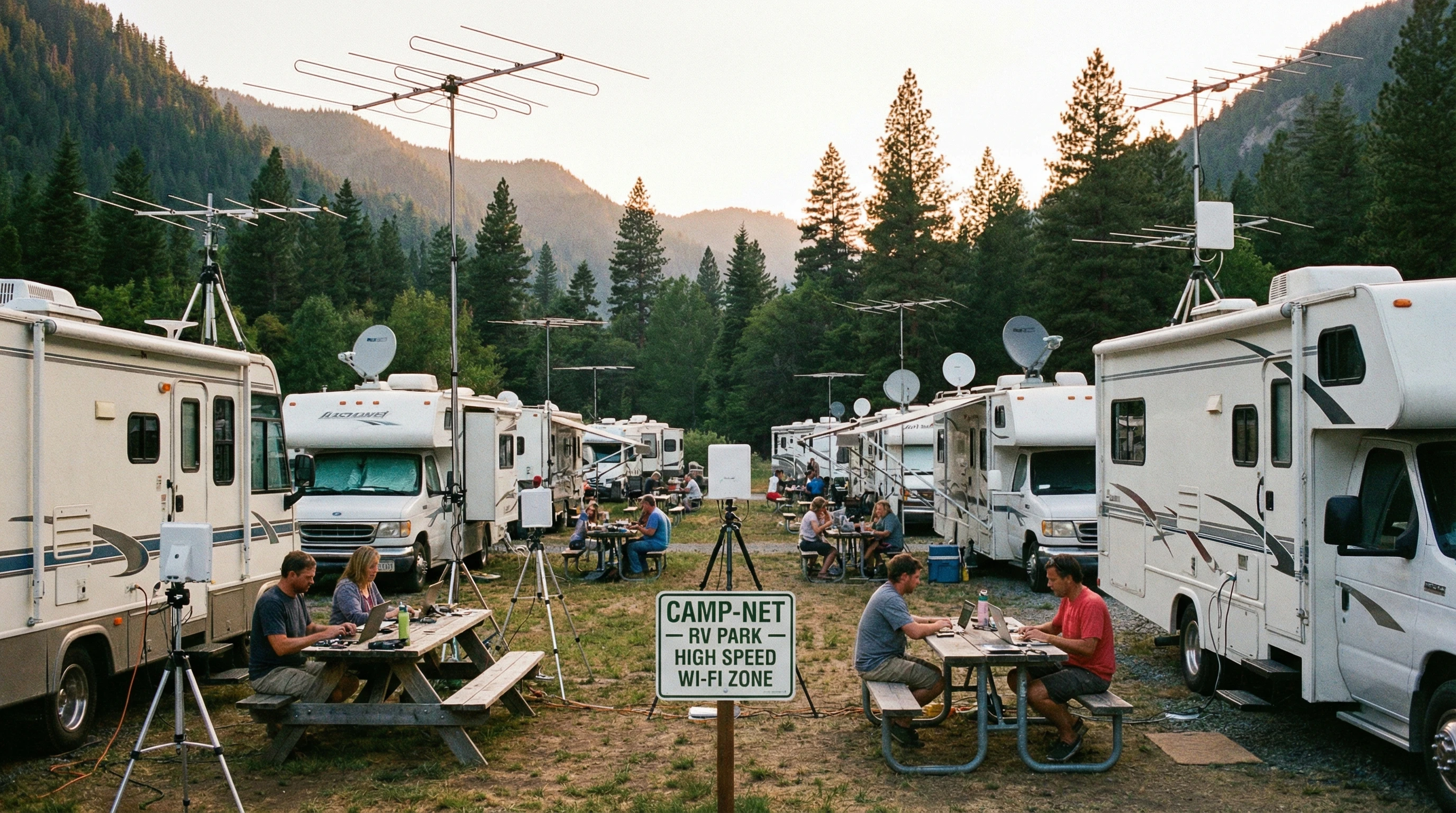
Getting good WiFi in an RV is pretty different from what you get at home, mainly because RV parks use big, shared networks. These networks are set up with access points that work as hubs spread around the campground.
The signal is strongest near those hubs and fades as you move away. Inside your RV, appliances and thick insulation can block signals, and weather conditions can make things trickier. Many travelers rely on their phones as hotspots, but even mobile data gets slowed down in remote spots. The kind of antenna on your device affects speed and stability, too. Using the right setup makes a huge difference here.
Must-Have Gear to Improve Your RV’s WiFi Signal
Upgrading your setup with the right tools can give your signal a big boost. Some gear is portable, and some solutions are mounted, but all work to give you more bars and better speeds.
- WiFi Extender (Repeater): This gadget picks up the campground’s WiFi and rebroadcasts it inside your RV. It’s a simple fix for weak signals if you park far from the main office. I use one that plugs into an outlet and connects in just a few steps.
- External WiFi Antenna: An outdoor antenna mounts on your roof or window and pulls in a stronger signal before passing it to your router or device. Omnidirectional antennas grab signal from every direction, while directional ones focus on a single hotspot for even more range.
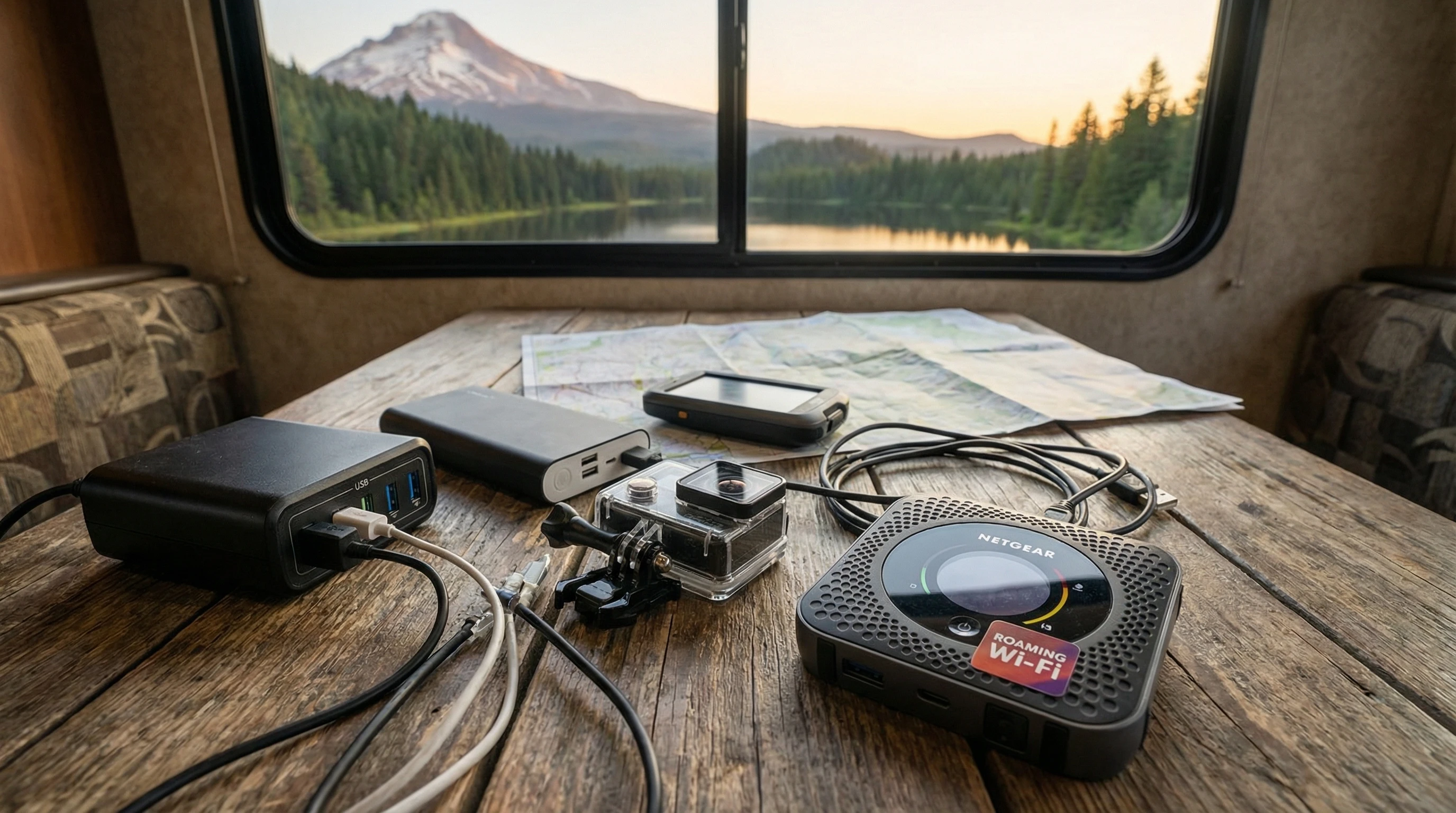
- Cellular Hotspot Device: For serious flexibility, a standalone hotspot or MiFi device makes a new WiFi network wherever cell service is available. It’s worth keeping as a backup if campground internet fails. Modern hotspots connect with several networks for better coverage in rural spots.
- Boosters and Amplifiers: Cellular boosters grab a weak outdoor cell signal, boost it, then rebroadcast it inside your RV. Super helpful for streaming, video calls, or uploading big files. I’ve found the WeBoost devices work well, but there are plenty of brands to try.
Adding even just one of these tools has a noticeable impact on your connection. Mixing a few together gives you options for nearly any campground or remote boondocking location.
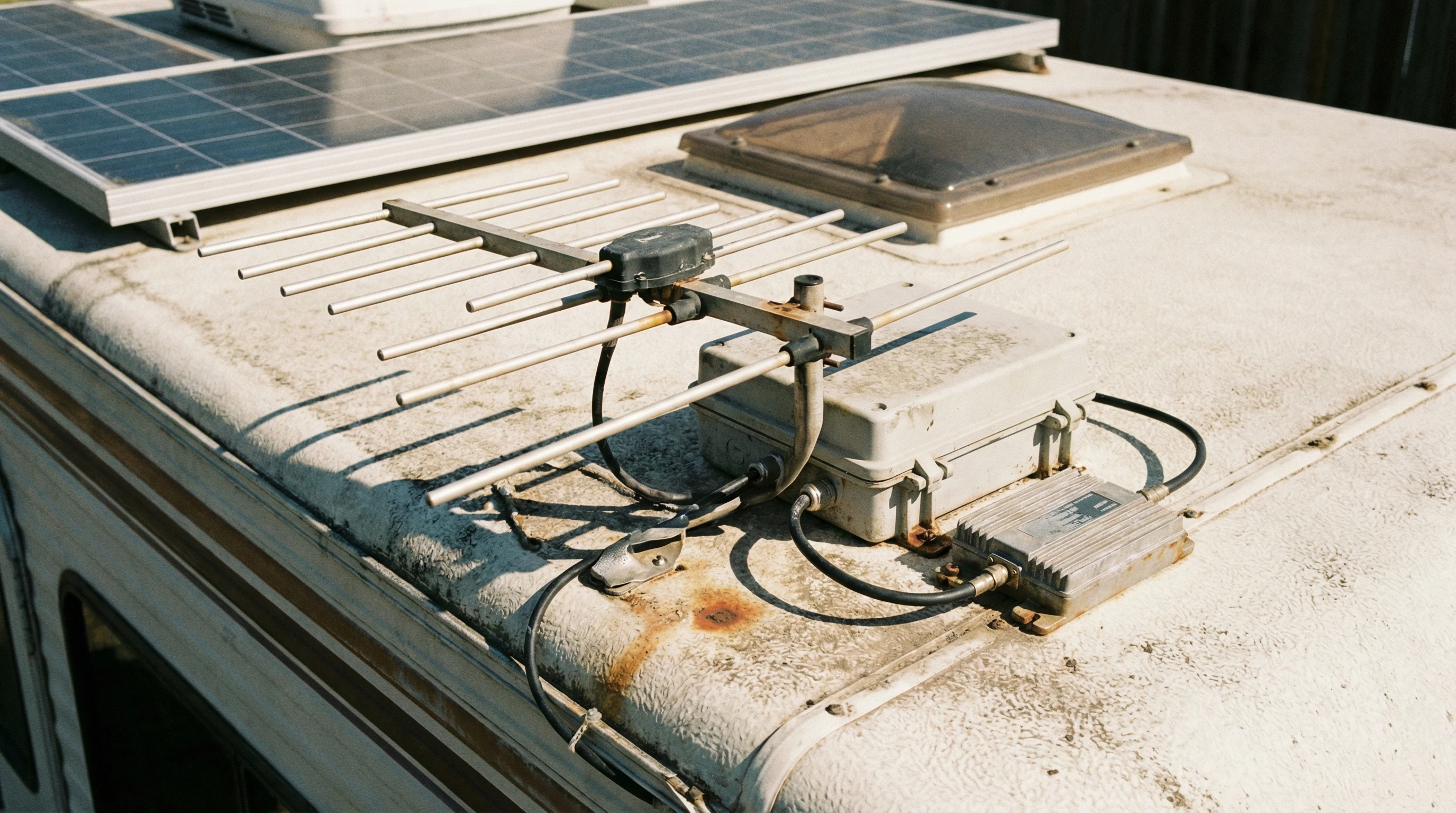
Practical Steps to Get Better WiFi in Your RV
Having the right gear helps, but a few extra tricks take your WiFi even further when you travel. Here’s my easy playbook:
- Choose the Best Parking Spot: Before settling in, take a quick walk with your phone to check signal strength around the campground. The closer you are to the WiFi access point, the stronger your signal will be.
- Point Directional Antennas the Right Way: Using a directional antenna? Aim it directly at the campground’s router building. Many apps (like WiFi Analyzer) let you check the signal as you move, making it simple to find the best angle.
- Reduce Interference: Move routers and extenders away from microwaves, TVs, or metal appliances. Even a small move can make a difference.
- Secure Your Network: When you’re using your own hotspot, choose a strong password to make sure only you and your crew are signed in.
- Regularly Restart Devices: Restart your WiFi extender, router, or hotspot to clear memory and refresh your connection so you get the fastest speeds possible.
These steps, paired with the right hardware, have saved me tons of headaches on the road.
Common Problems and Simple Solutions for RV WiFi
Even good equipment can’t solve every issue, but these fixes cover frequent WiFi challenges:
- Slow Speeds: Most parks have limits, especially at busy times. Try downloading big files or updates early in the morning or late at night. Turning off unused devices helps, too.
- No Connection at All: If you can’t get online, first check if the campground WiFi is actually up. The staff might need to reboot their system. If all else fails, switch to a cellular hotspot for backup.
- Weak Signal Indoors: Move your devices closer to windows or use an outdoor antenna. Even opening a window near the hotspot can bring in more bars.
- WiFi Drops Frequently: Frequent disconnects usually mean interference. Move wireless gadgets away from big metal objects or try a different channel on your extender if you can.
Using a blend of WiFi and cellular solutions means you’re almost never offline for long.
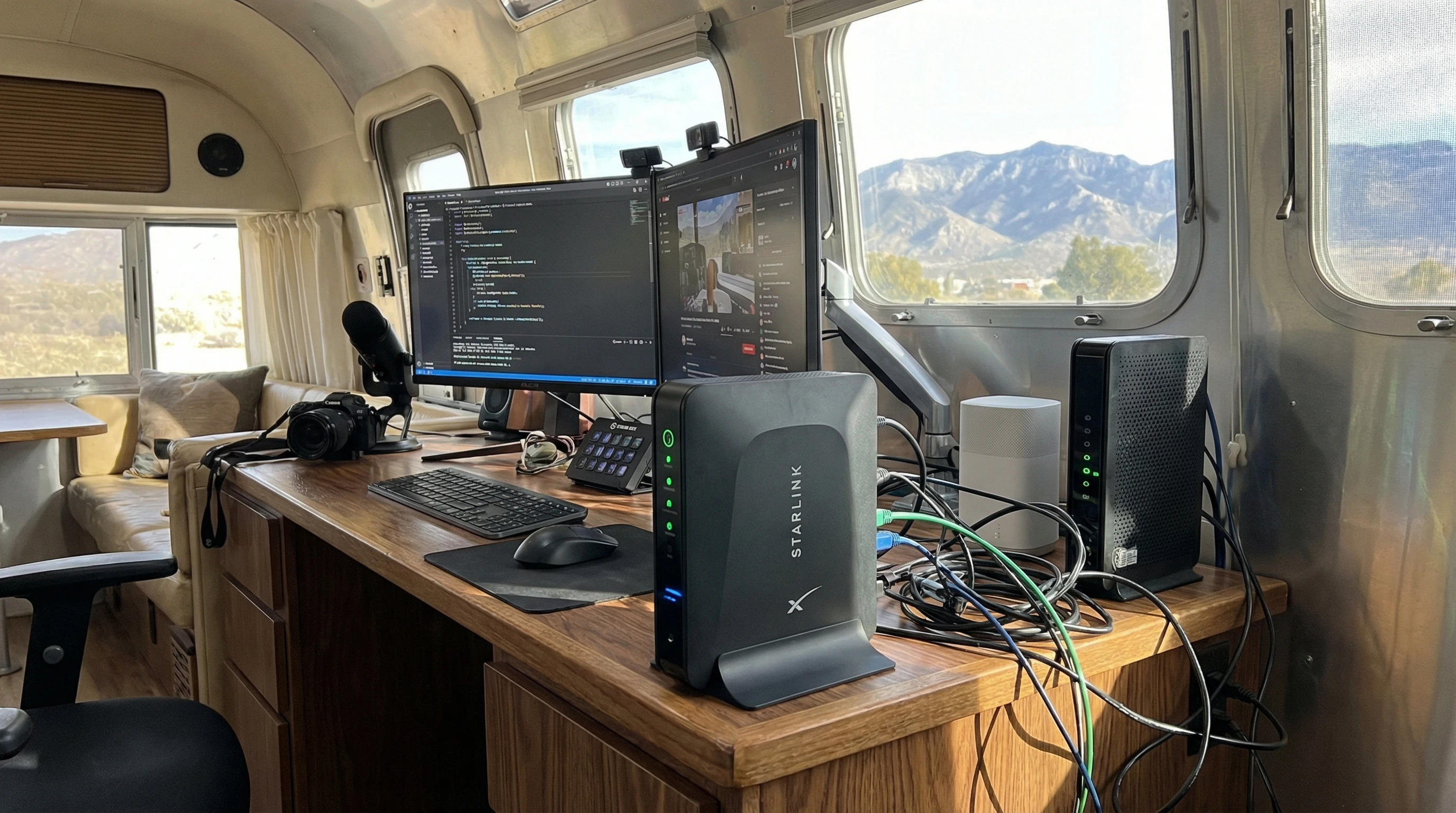
Advanced Tips for Streaming, Working, or Boondocking
For heavy online tasks like video meetings or streaming in HD, a few next-level tricks make all the difference:
- Multicarrier Hotspots: Using an unlocked hotspot means you can swap SIM cards between networks. If one provider stinks, switch it up. Apps like OpenSignal let you find the strongest provider around.
- Data Management: Track your data usage with built-in hotspot tools or third-party apps. Switch off background updates if you’re running close to your data plan’s limit.
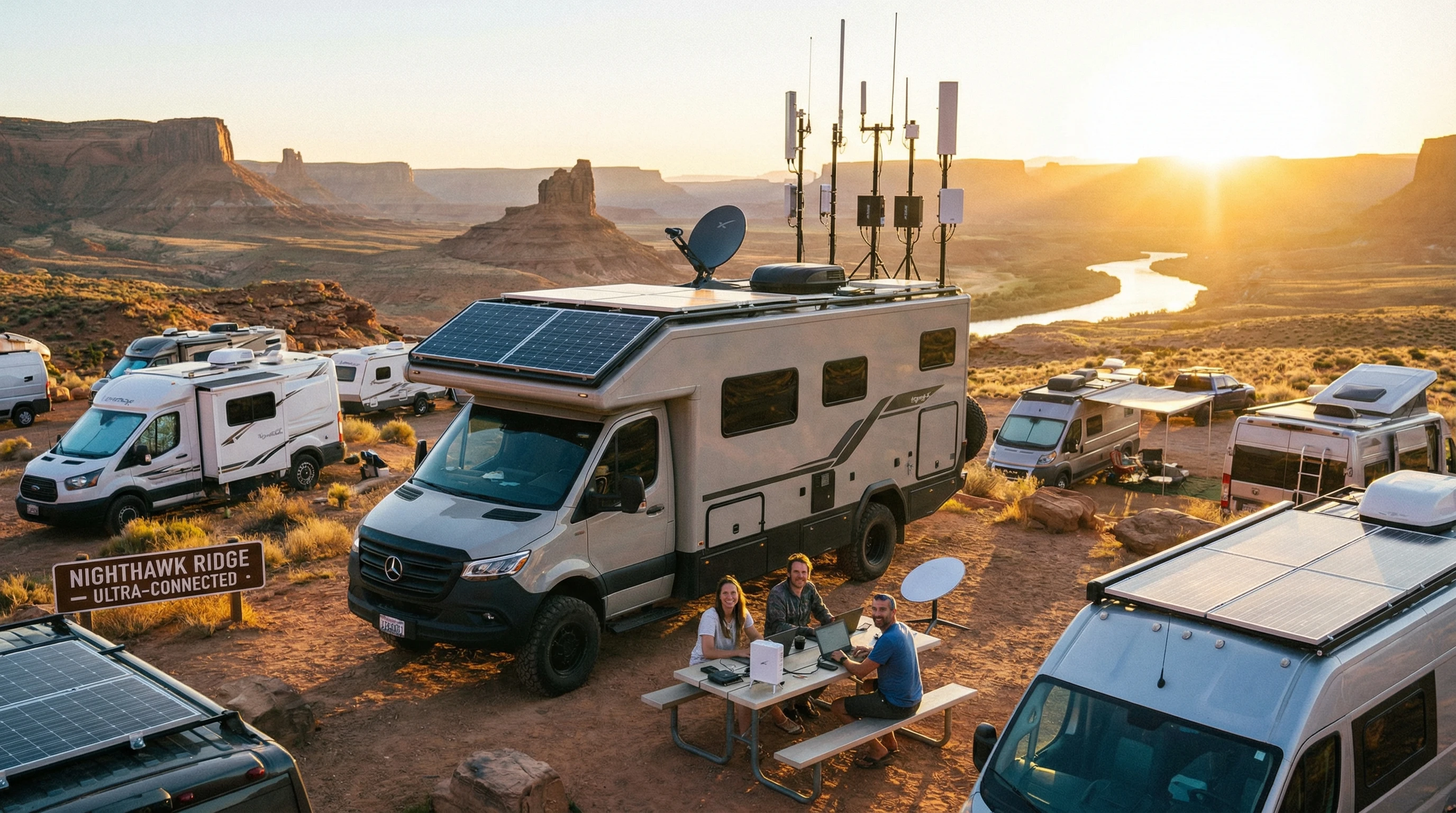
- Bonding Multiple Connections: Some routers can mix WiFi and cellular data for a steadier connection. Routers from Peplink or Cradlepoint are popular with digital nomads for this reason.
- Solar Powered Routers: When camping off the grid, try a router that runs on your RV’s solar panel or its own backup battery. This comes in handy if you boondock for a few days or more.
- Using Public WiFi Securely: A Virtual Private Network (VPN) keeps your browsing private and adds a layer of security on shared networks. Paid VPNs usually run faster, but free options work in a pinch.
RV WiFi Boosting FAQ
Here are some questions I often get about boosting RV WiFi:
Question: What’s the easiest way to boost WiFi without spending a lot?
Answer: Park close to the campground’s access point and use your device near a window or door. Simple extenders are pretty affordable and can make a difference.
Question: Can I use my home router in my RV?
Answer: Sometimes, but travel-friendly routers are typically smaller, use less power, and are easier to set up for on-the-go use.
Question: Are cellular boosters worth it?
Answer: If you hang out in remote spots often, absolutely. Boosters can turn even a weak signal into something you can actually use for calls and the internet.
Question: How do I keep my data use in check?
Answer: Stream in standard definition, switch off autoplay, limit background app updates, and download big files only on unlimited WiFi.
Question: What if campground WiFi is always slow?
Answer: Use your own data, ask staff about less crowded networks, or depend on a cellular hotspot for steady service.
Question: Is public campground WiFi safe?
Answer: With strong passwords and a VPN, you can shrink the risks, but avoid logging in to sensitive accounts if you can help it.
Getting the Most Out of the Internet on the Road
Staying connected on the go doesn’t need to be stressful. Using the right tools, smart parking, and a few simple tricks usually keeps my WiFi humming. If something isn’t working, backup plans like a cellular hotspot or mobile booster keep things moving. With a bit of planning, you can stream, work, and play online from nearly anywhere your RV adventure takes you.
For more RV internet tips and deeper gear reviews, check out this guide. It covers tons of real-world tricks and step-by-step fixes from people who live and work on the road.
If you’re curious about creating a remote income as you travel in your RV, I’m always happy to share more. I use several resources, different platforms, and a reliable setup to stay online no matter where I am. Traveling with good WiFi helps you get the most out of RV life, whether you’re working, streaming, or just sharing photos of amazing places you find.
_________________________________________________________
What If Your RV Could Help Pay for the Journey? Could you make money while boondocking?
Many full-time RVers quietly earn money online: writing, recommending products, and building simple digital assets that generate income while they travel.
You don’t need tech skills.
You don’t need experience.
You just need the right roadmap.
👉 Discover the beginner-friendly approach! Take a look at this post on this website.





Recent Comments