
Wi-Fi Extenders and Mesh Networks: Enhancing RV Internet Coverage
Reliable internet matters a lot nowadays, especially if you’re living out of an RV for the long haul or setting off on extended getaways. Dead zones and weak signals can make working, streaming, or even checking your email a real challenge.
That’s where Wi-Fi extenders and mesh networks step in. These handy gadgets can give your RV’s internet a serious boost, helping you stay connected wherever you’re parked. This article shares my personal experience trying different setups, along with all you need to know to get started with improving RV Wi-Fi using extenders and mesh network systems.
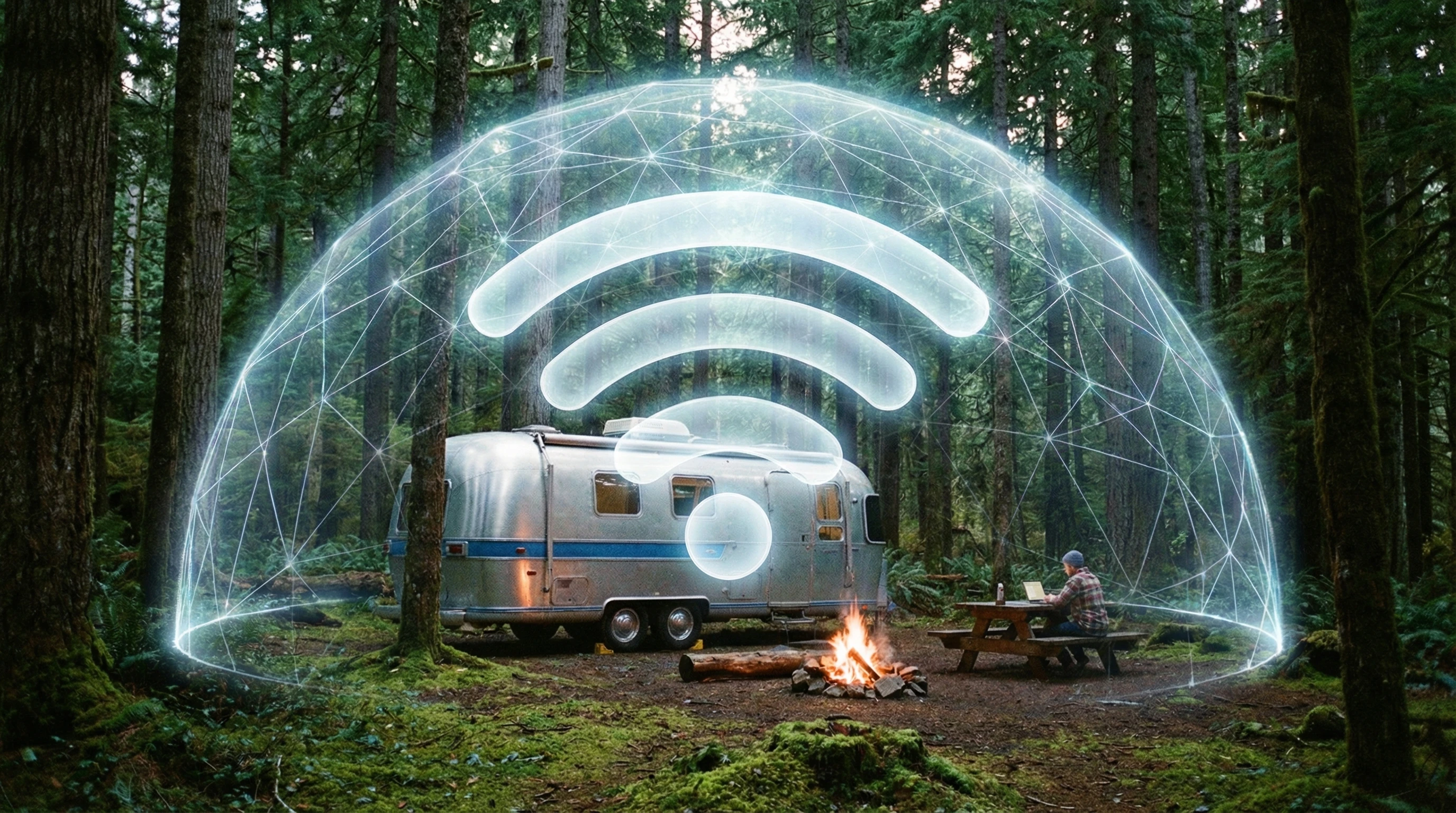
Why Internet Coverage is a Big Deal for RV Life
Internet access isn’t just about convenience when you’re spending lots of time in an RV. For remote workers, virtual students, and digital nomads, having a strong connection is super important. Even for those streaming shows, managing routes, or keeping connected with family, a poor signal can cause plenty of headaches.
Most RV parks and campgrounds advertise free Wi-Fi, but in my experience, the speeds and reliability are hit or miss. If you’re parked at the far edge or if too many folks log on, speeds drop quickly. Even your RV can block the signal, especially if you aren’t close to the main hotspot. Trees, weather, and physical obstacles also weaken the signal, making indoor coverage a struggle.
Wi-Fi extenders and mesh networks are tech solutions I’ve put to the test to fill in those coverage dead zones. These tools pump up weak signals and stretch coverage across a bigger area. So, instead of balancing your laptop on the steps for one measly bar, you can relax inside and get solid speeds for work or play. For travelers relying on campground Wi-Fi or sharing a paid connection, using the right gear makes RV internet life way less stressful.
Understanding Wi-Fi Extenders and How They Work
Wi-Fi extenders, also called boosters or repeaters, grab an existing wireless signal and rebroadcast it to make the network usable where it’d normally be too weak. These gadgets are favorites among RVers thanks to their easy setup and minimal tech fuss.
The concept is straightforward. Suppose the campground router is at the main office, and your RV is parked at the rear. A Wi-Fi extender set up halfway between grabs the weak signal and relays it inside your RV. Suddenly, you’re connected reliably and can actually work indoors instead of clustering at a picnic table closer to the router.
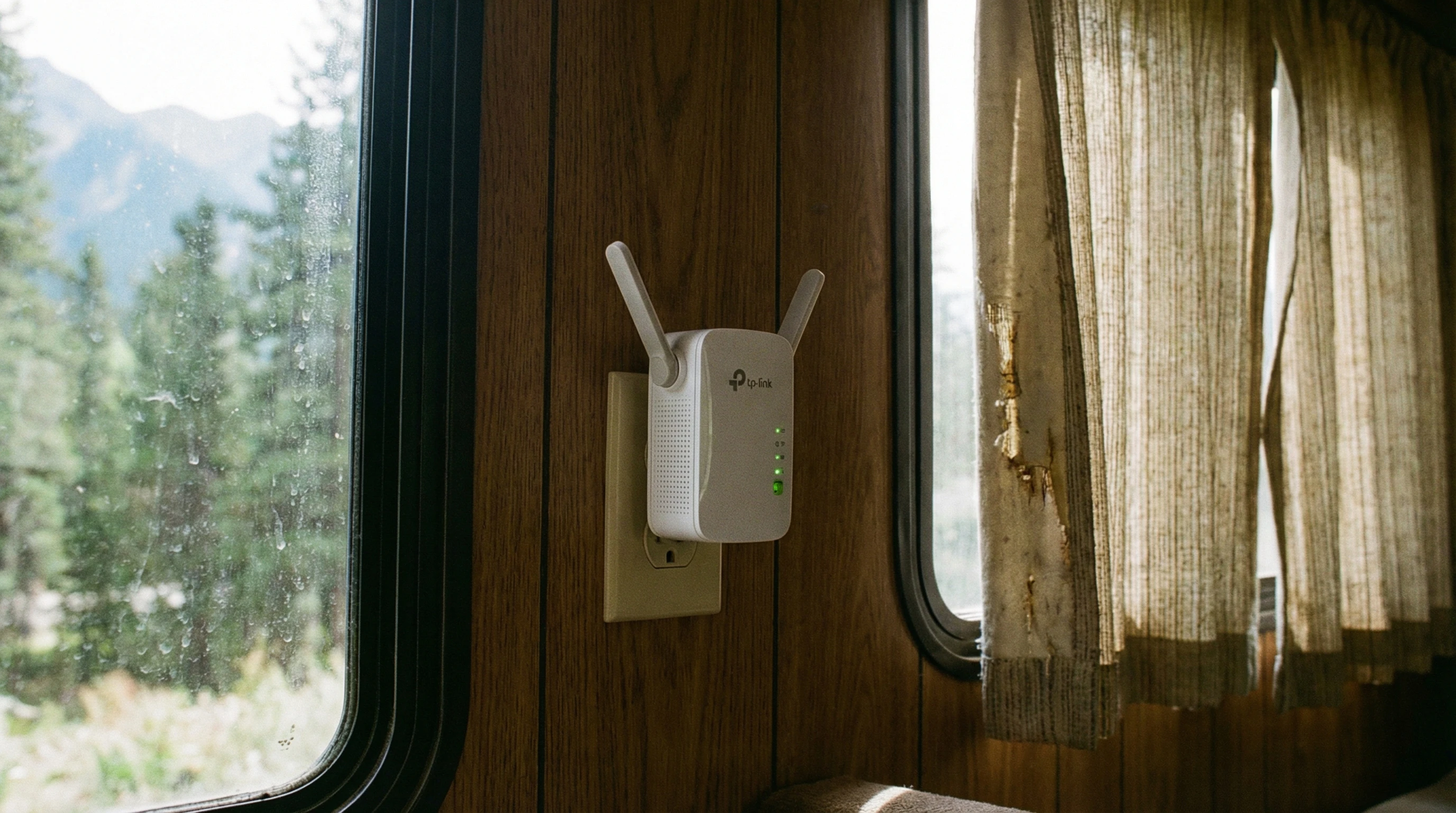
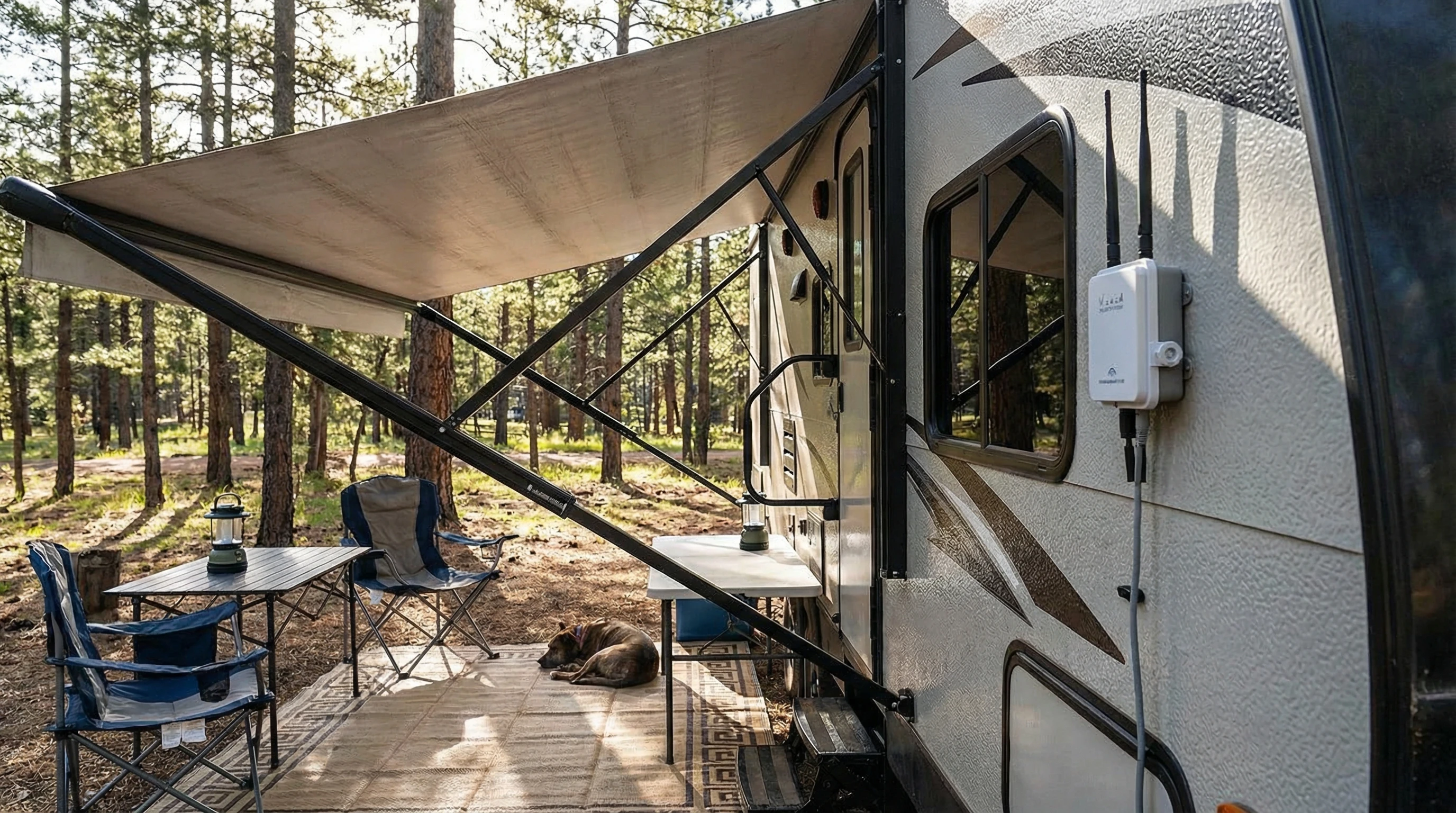
You’ll find extenders that plug into a power outlet, as well as models using USB or Ethernet. I’ve tried lower-priced and more expensive options, honestly, even a simple extender can noticeably help. Many have antennas that focus the signal directionally. Some are weatherproof for outdoor use, which is a bonus if you camp in remote sites or open, dusty parks.
Some Wi-Fi extenders offer dual-band support, meaning they boost 2.4GHz (more range, but slower) as well as 5GHz (speedier, but sometimes doesn’t reach as far) signals. This works great when multiple people or devices need to log on. Just remember: extenders increase range, but might cut your speeds a tad since they relay the signal. If your source is already weak or overloaded, things can still slow down in busy hours.
What Makes Mesh Networks Different (and Sometimes Better)
Mesh Wi-Fi is a newer tech showing up in plenty of RV setups, especially for folks who crave the best online experience. Mesh systems include a main router and one or more satellites (nodes) that build a seamless Wi-Fi bubble across your living space. Unlike a single extender setting up a separate hotspot, mesh networks let you wander around and stay on the same network with no hiccups.
The main router connects to your internet source—this could be the park’s wired connection, a cellular hotspot, or even satellite service. The satellites then spread the signal throughout your RV (and, sometimes, around it). I’ve seen mesh networks do a better job covering corners and those frustrating dead zones where Wi-Fi usually vanishes, like bedrooms tucked in the back or the picnic bench outside your camper.
Mesh networks are built for lots of device connections at once, which is especially helpful for families with tablets, smart TVs, game consoles, and gadgets to spare. Setup is usually quick: sync with an app, plug in the satellites, and you’re ready. Major RV mesh brands like Google Nest, Netgear Orbi, and TPLink Deco make it even easier by auto-updating software, saving you headaches down the line.
One definite perk: with a mesh system, your speeds are more balanced no matter where you are inside. It isn’t foolproof, but for most, it means streaming movies in bed or holding video chats by the campfire without disconnects. Mesh setups also bring easy guest networks and tougher security compared to basic Wi-Fi extenders.
A Quick Guide: Boosting Your RV’s Internet Coverage
Sharpening up your RV’s network doesn’t have to be difficult. Here are the basic steps I follow whenever I set up for a trip or a new campground:
- Check Your Signal: Use your phone or laptop to size up how strong the Wi-Fi is, both outside and inside. You’ll know right off if you need an extender or a full mesh network for full coverage.
- Find the Best Spot: Put your extender or mesh router as close as possible to the signal source—by a window or a side of the RV that faces the park’s access point works well.
- Get Plugged In: For extenders, follow the setup instructions (most walk you through with an easy app wizard). Mesh networks require connecting the primary unit to your internet source, then spreading the nodes throughout the RV.
- Walk Test and Adjust: After setup, walk the RV with your device. If spots still struggle, move your extender or add another node. Repeat until coverage is solid everywhere inside.
- Secure Everything: Change those default usernames and passwords. For mesh, set up guest networks and run any available updates.
With these steps, you can work, play, or download from just about anywhere you’re parked. Even video calls out in the sticks become possible, provided your main internet source keeps up.
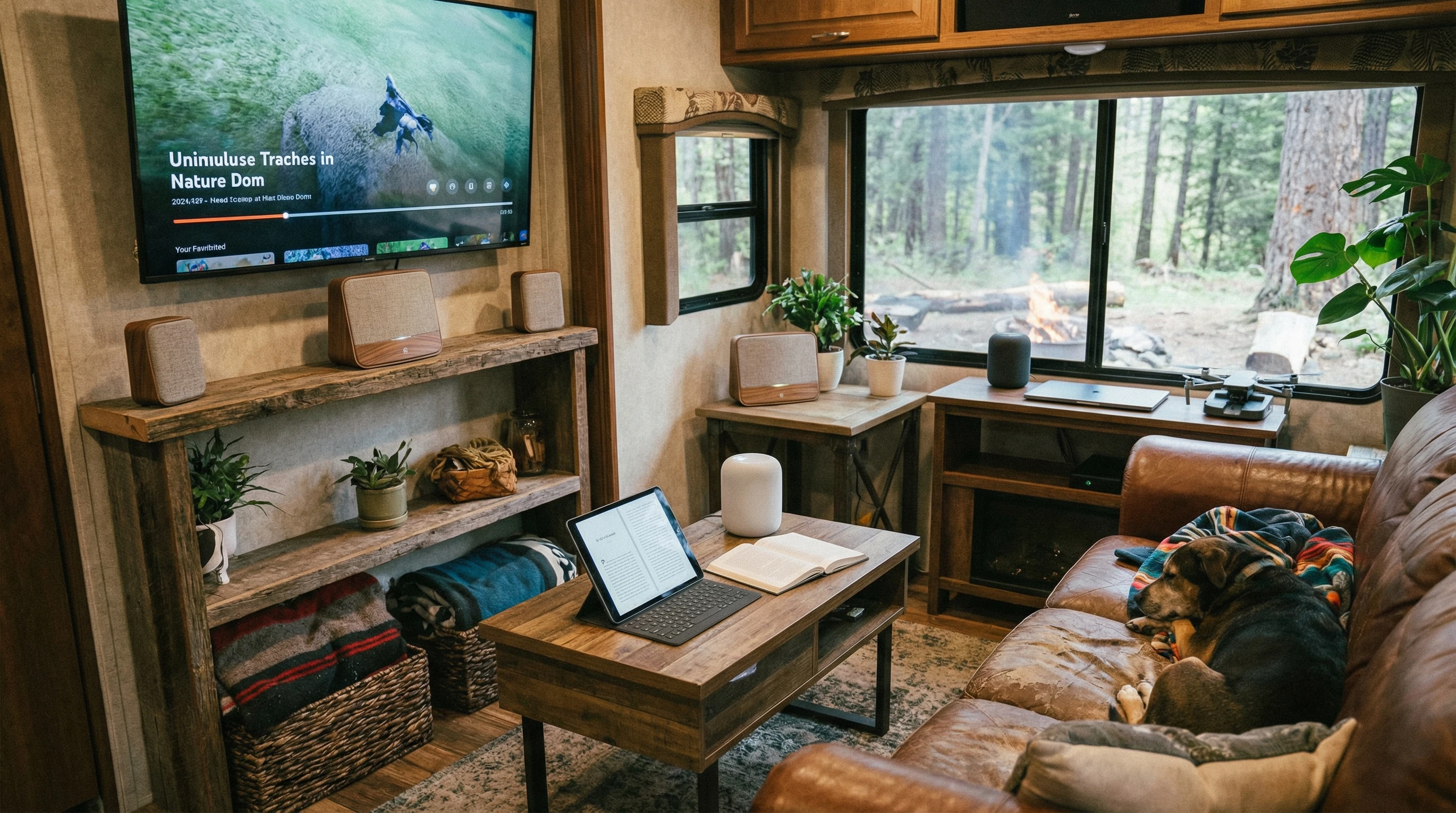
Things to Think About Before Buying RV Wi-Fi Gear
Shopping for Wi-Fi extenders and mesh gear isn’t quite like picking out equipment for a house. RV life means cramped spaces, bumps in the road, and needing coverage in all sorts of places. Here’s my checklist when considering new gear:
- Compact Size: Stick with small, light devices that fit easily wherever you’ve got room. Big models just get in the way.
- Power Options: Some extenders need normal outlets, others use USB or a 12V RV supply. Make sure you buy one that matches your rig.
- Simple Setup: Go for gear with apps or clear guides. If complicated menus drive you nuts, avoid those models.
- Weatherproofing: If you want an outside extender, look for weather-rated gadgets. I protect mine from rain, but a rugged one has saved me stress.
- Automatic Updates: Brands that update firmware on their own keep you safer, without extra hassle.
Looking over online reviews really helps. Other RVers’ feedback lets you know if a device works great in small spaces, stands up to rough travel, or if extending kills your speed. Ask around in RV forums or social groups for real talk on various setups.
Common Problems (and Simple Fixes)
Even with solid gear, RV Wi-Fi can give you trouble. Thick walls, foil insulation, or interference from microwave ovens slow things down. If things get spotty:
- Move the extender or mesh node close to a window.
- Turn off other electronic gadgets that can interfere.
- Run firmware updates often for smoother performance.
- If on public Wi-Fi, cut down device count during busy times for better speed.
These steps usually sort most issues out in no time. For a bigger, more lasting improvement, you might want to add an external Wi-Fi antenna or even a cellular booster for more dependability when you’re way off the grid.
Advanced Tips for Eye-Catching RV Internet
If you’ve mastered the basics and want an even smoother online adventure, try these upgrades:
Add External Antennas: External or roof-mounted Wi-Fi antennas get weak signals far better than inside-only models, and work great for large or far-flung campgrounds.
Combine with Data Hotspots: For areas with sketchy public Wi-Fi, pick up a portable cellular hotspot (the Tech Connect+ works great) and connect your mesh network to it. A few RVers even keep dual SIM cards for better coverage.
Manage Device Speeds: Many mesh systems let you choose which device gets first dibs on bandwidth—helpful for those all-important video calls or streaming marathons.
Protect Privacy Using VPNs: Using public or campground Wi-Fi? A VPN app encrypts your data and keeps you safer while traveling.
Remote Control Apps: Monitor, tweak, and restart your network from your phone, without crawling under tables or climbing over storage bins.
Adding these upgrades makes for a super steady and safe setup. It keeps your network humming in tough spots and ensures you can work— or just kick back—without dropouts.
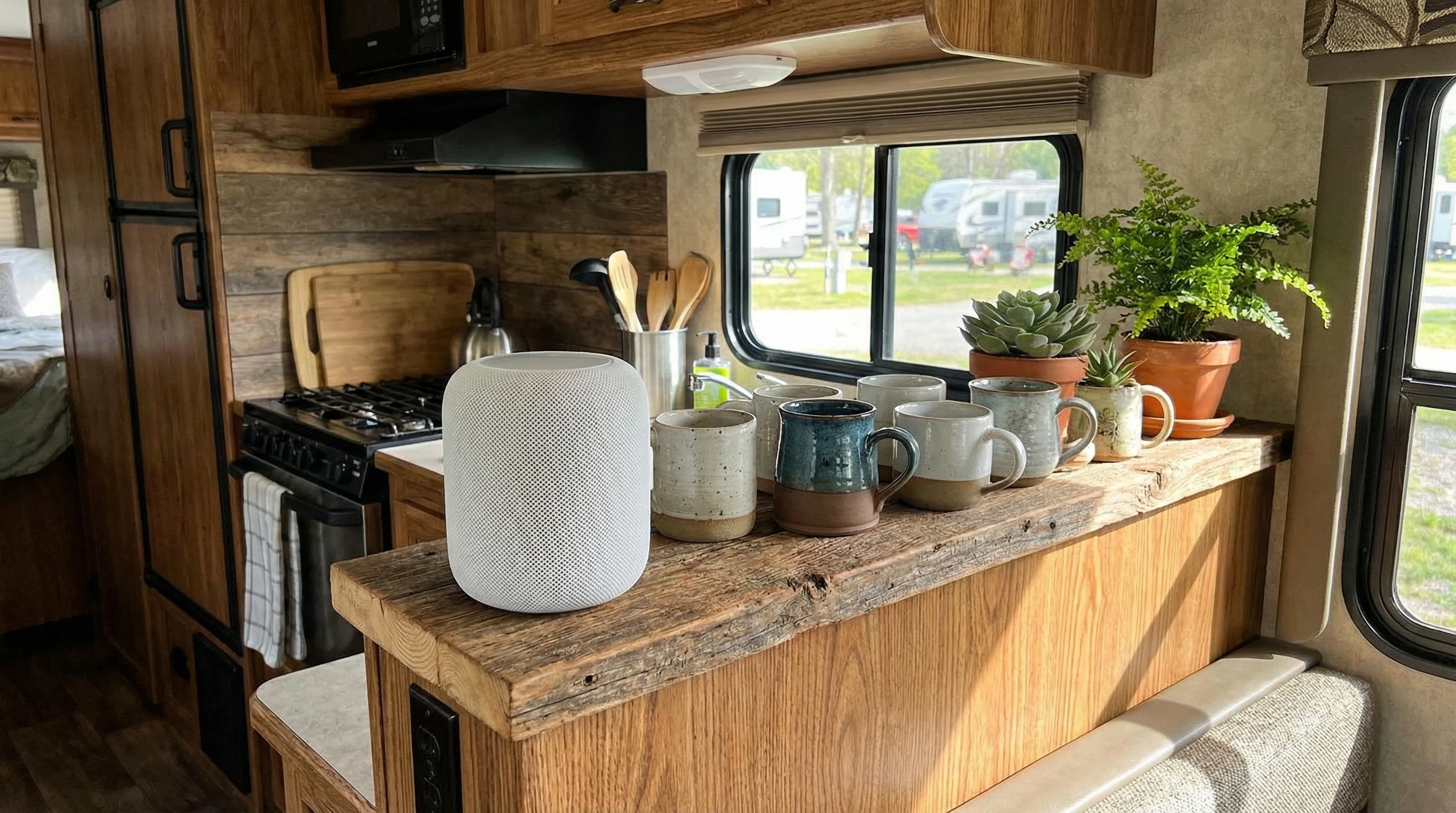
FAQs: Wi-Fi Extenders and Mesh Networks for RVs
Some common questions from friends and fellow travelers looking for better internet on their RV trips:
Do Wi-Fi extenders really make RV internet better?
Answer: Yes, if the campground Wi-Fi is weak, extenders help deliver more of the signal into your RV. Just remember, your speed depends on how good the original connection is.
Is a mesh network worth buying for a small RV?
Answer: In most small rigs, a single-node mesh unit works wonders. Bigger RVs with slideouts get more out of multi-node setups. Mesh is especially useful if you connect lots of gadgets or need clear video calls on the road.
Can I combine Wi-Fi extenders and mesh networks?
Answer: Usually, you’ll want one or the other. Mixing the two can cause interference. For most RVers who want full coverage, a mesh system covers everything smoothly.
Do I need an outdoor Wi-Fi extender?
Answer: Only if you camp far from Wi-Fi sources or want a great signal while relaxing outdoors. Go for weatherproof types if you’ll camp through rain or snow.
What’s the best way to keep the network secure while traveling?
Answer: First, pick new passwords quickly and set up guest networks if possible. Stay up to date with firmware and think about using a VPN for more privacy.
If you want more ways to make RV life smoother, check out other posts on this site. We have been enjoying full-time RV living since 2008!
I’ve gathered plenty of tricks over the years and enjoy sharing what actually works. Internet on the road doesn’t have to be a pain with a little planning and the right tools; you can stay connected wherever the road leads.
_________________________________________________________
What If Your RV Could Help Pay for the Journey? Could you make money while boondocking?
Many full-time RVers quietly earn money online: writing, recommending products, and building simple digital assets that generate income while they travel.
You don’t need tech skills.
You don’t need experience.
You just need the right roadmap.
👉 Discover the beginner-friendly approach! Take a look at this post on this website.







Recent Comments