
How Do You Set Up a Mobile Office in an RV?
Working from the road has become more doable than ever. Setting up a mobile office in your RV is a pretty smart way to blend travel with productivity. I’ve spent a lot of hours solving tech headaches and finding clever storage solutions in my own rolling workspace, so I’m sharing all I know right here.
This guide gives you practical steps to build a comfortable, organized, and high-performing office that fits your travel style, while also helping you steer clear of the pricey mistakes I made early on.
There’s a lot to consider, from your internet connection and workspace setup to managing power and privacy. The good news? With some planning and the right gadgets, it’s totally possible to get your work done anywhere with a view.
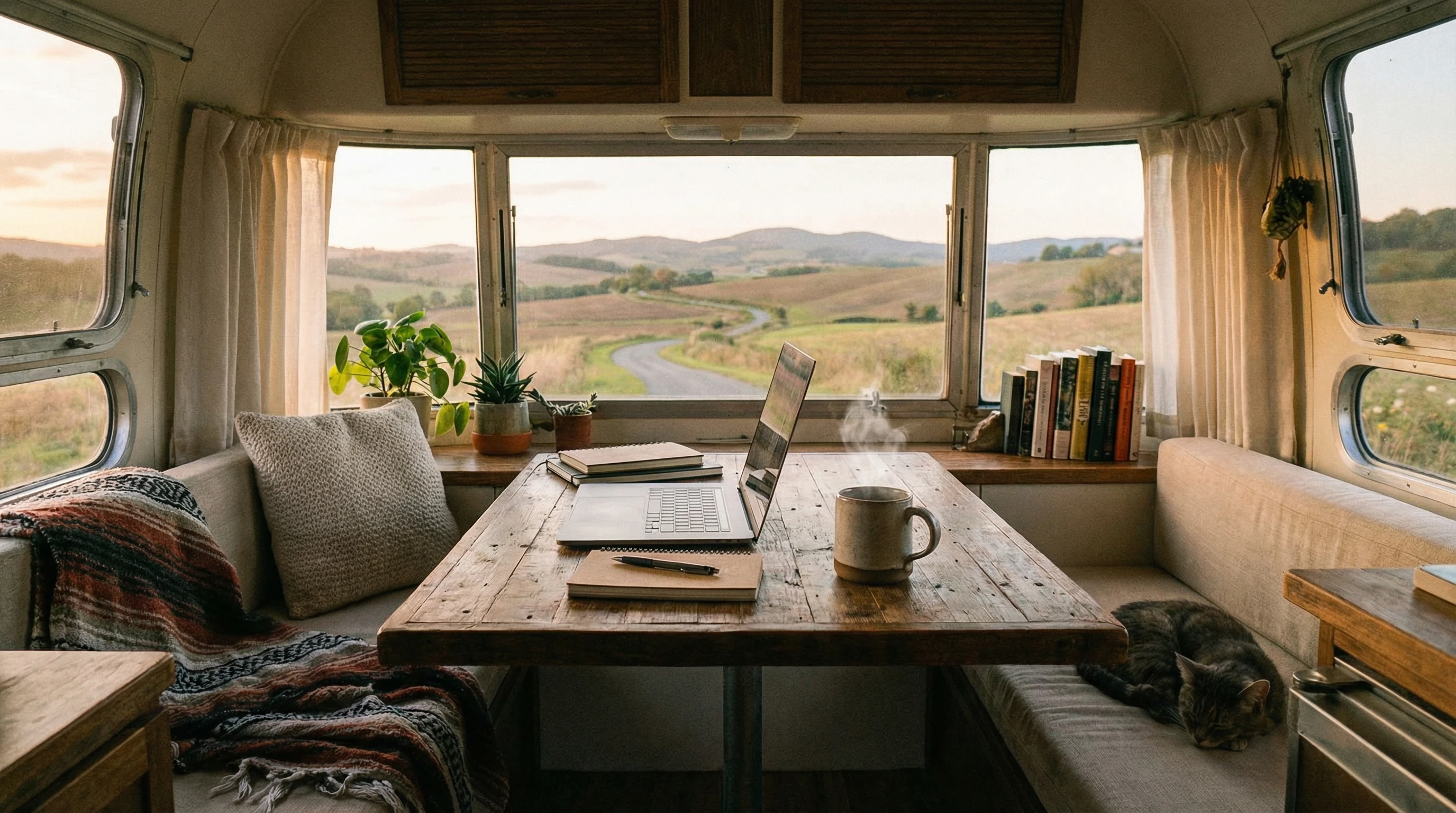
Key Elements for an Efficient RV Mobile Office
Nailing the basics gets you off to a strong start. Focusing on the essentials helps you use space efficiently and keeps stress low. Space is tight in an RV, so making every piece of gear pull double duty helps a lot.
Before choosing anything, ask yourself where you’ll work most? In the main living room, at a slideout dinette, or tucked in the bedroom? Deciding this shapes the rest of your setup. Here’s my breakdown of what to focus on first:
- Internet Connectivity: Your work will depend on a reliable connection. Mobile hotspots or a cell signal booster can be game changers when you’re working and living on the road.
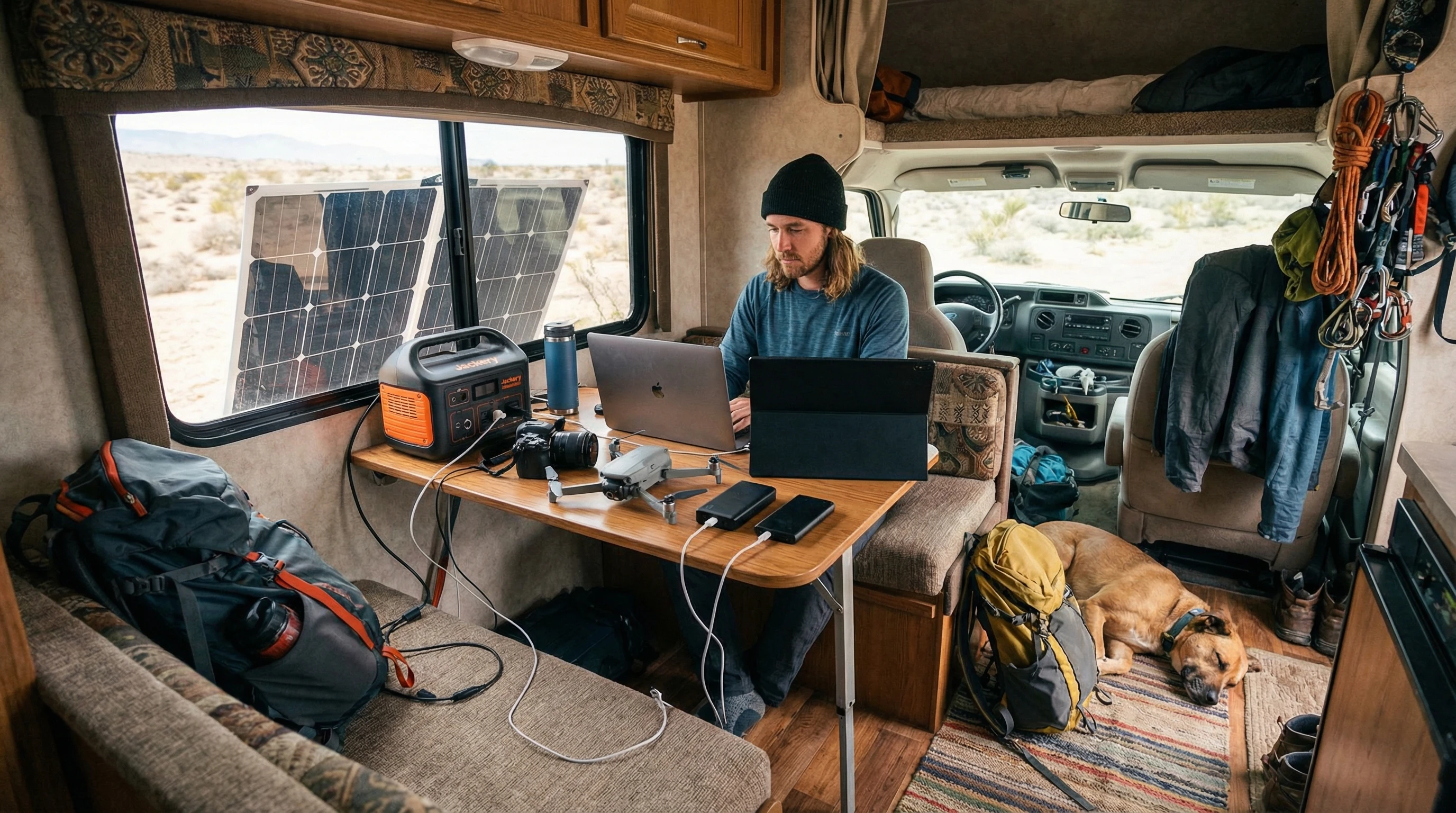
- Power Management: Keep devices charged and lights on. Solar panels, a generator, or even portable power banks are handy to have if you are not staying in an RV park.
- Furniture and Ergonomics: Compact desks, laptop stands, and adjustable chairs make spending long hours comfortable.
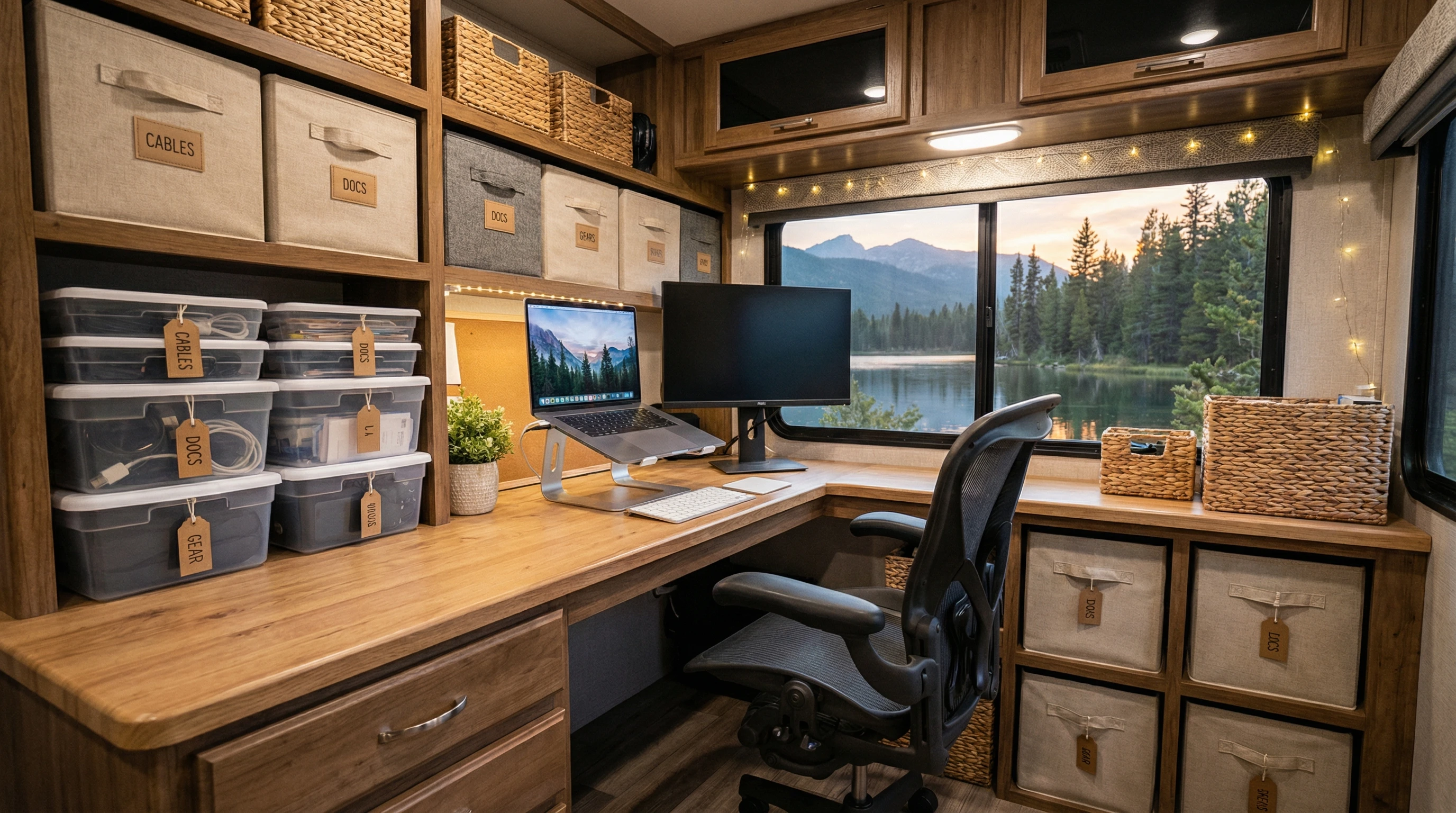
- Storage Solutions: Organizational bins, cable holders, and portable file folders keep papers and electronics tidy.
- Noise Control: Some RV parks get noisy. Noise-cancelling headphones or thick curtains help make calls more private.
Personalizing things makes work more fun. Posters, plants, or a favorite mug can make even a tiny RV corner feel inviting.
I like to keep our Corgi, Winston, nearby for a more calming work environment! 😻
Selecting the Best Workspace Inside Your RV
Deciding where to set up shop depends on how you use your space. If your RV has a dinette, that spot can double as an office. Swapping out a sofa for a desk setup is also pretty popular among remote workers. In our motorhomes, I put a folding table between my driving seats so I can stash it quickly if I need more living space.
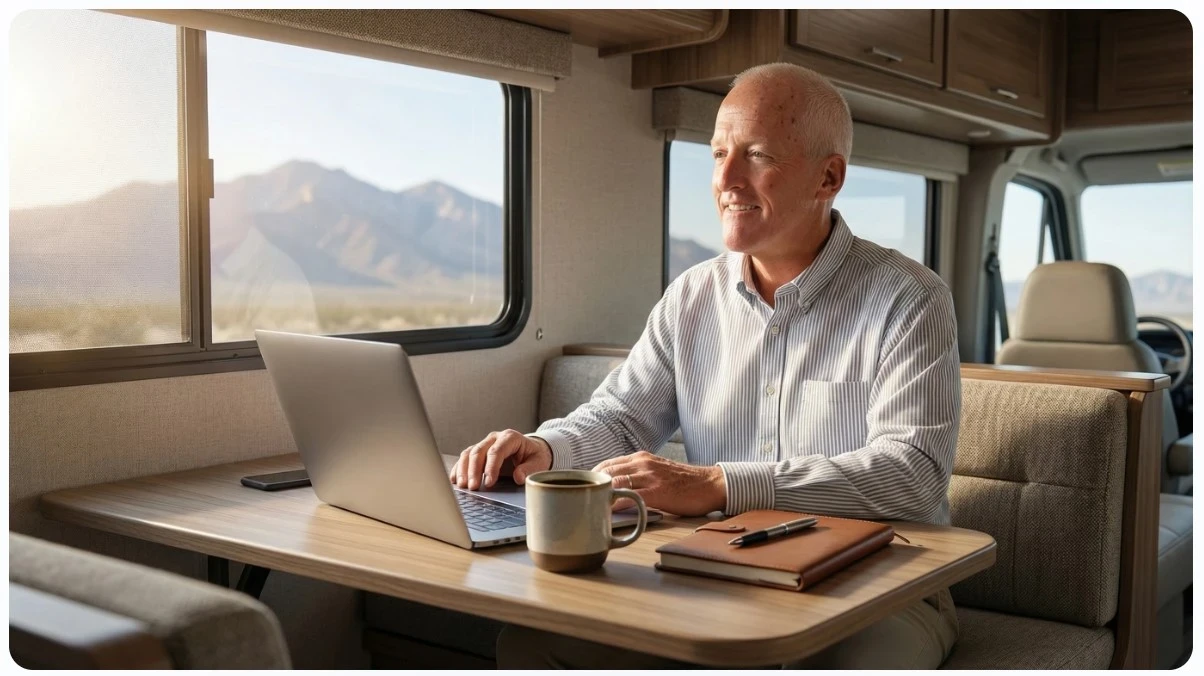
When picking a spot, check for natural light, a power outlet, and minimal foot traffic. Working next to a window helps mood and energy (plus, it makes for great Zoom call backgrounds). Some folks even convert a bunk or closet into a standing desk configuration.
If you travel with family or pets, consider a spot with less through traffic or noise, such as the bedroom or a side nook. If you’re moving locations often, choosing a workspace that requires little setup each time will save you frustration. Having a designated storage spot for your supplies can keep things tidy between travel days, so you don’t have to constantly put your workspace together from scratch.
How to Stay Connected on the Road
The internet is probably the single biggest hurdle for full-time RVers who work remotely. Cell coverage will change as you move, so having options ready saves a lot of headaches. Plenty of remote workers hit dead zones along campgrounds; having a few solutions up your sleeve makes it easier to keep those video calls strong.
- Mobile Hotspot: Your phone’s hotspot feature works in a pinch. Dedicated hotspots like Verizon Jetpack or AT&T Nighthawk are good for consistent coverage. We use a MiFi unit when we are in travel mode. I can work at any spot I choose: Cabela’s, Cracker Barrel, Rest Area, Truck Stop, etc.
- Signal Booster: Rural locations mean weaker cell service. Cell boosters, like WeBoost, amplify your data signal and fix dropped calls or slow speeds.
- Public WiFi: Coffee shops and libraries offer free internet. Always use a VPN if you need to send private info when using these networks.
- Starlink or Satellite Internet: For really remote work, systems like Starlink bring high-speed internet to some wild places, but they come with a higher price tag.
Having both a hotspot and Starlink lets me pick the option that works best where I’m parked. It’s also smart to check coverage maps before heading to a new spot. Some experienced RVers even carry backup SIM cards for different networks, as one carrier may have signal when another doesn’t. Lastly, even with the best setup, be ready for occasional dead spots, and plan important meetings accordingly.
Desk, Chair, and Organization: Comfort in Small Spaces
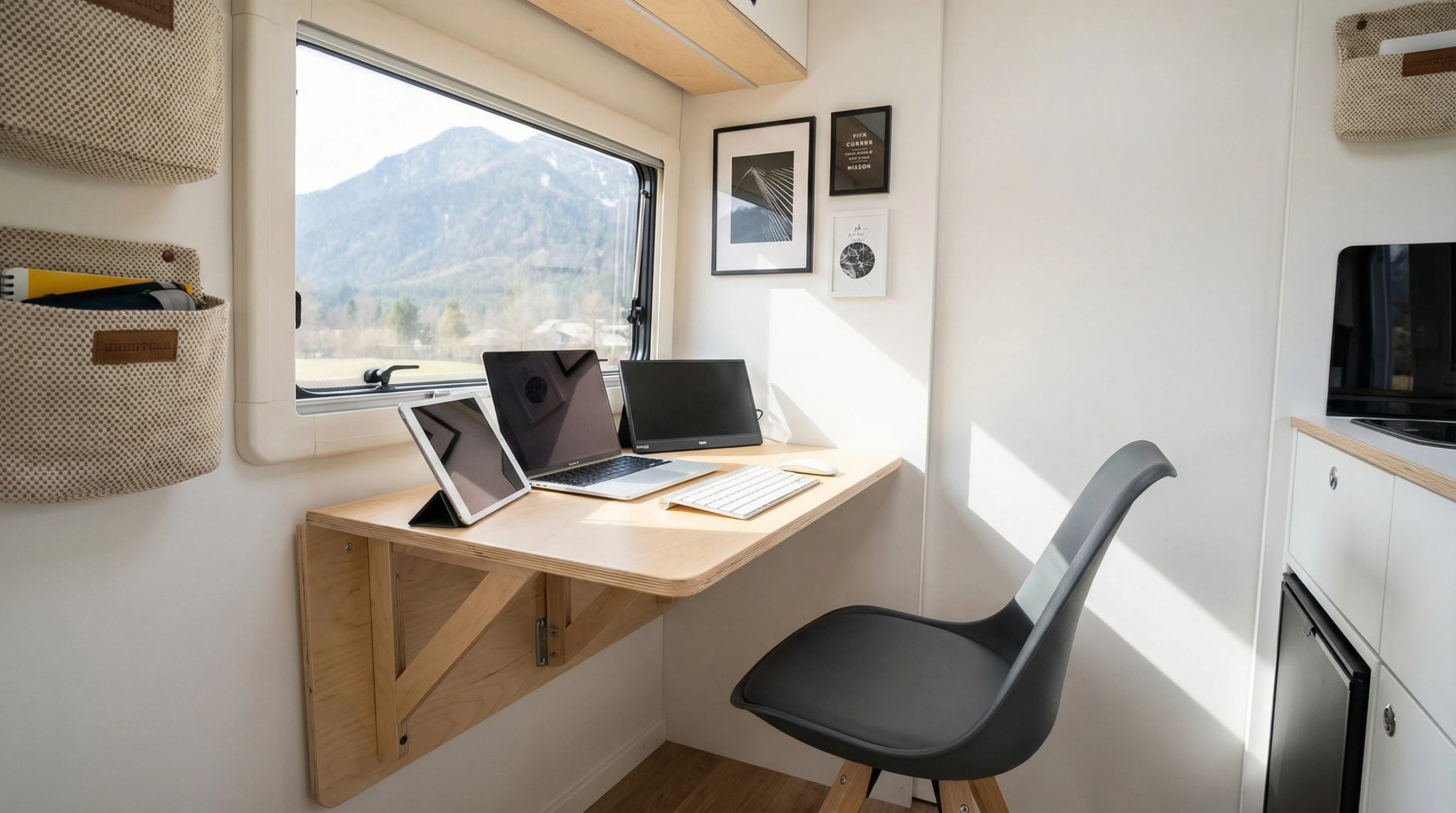
Most RVs don’t have dedicated offices, but you can make almost any area work. Look for lightweight, collapsible desks or laptop stands. I use a desk that folds into the wall, which saves floor space. Adjustable office chairs are good for your back, but a supportive cushion and footrest work in a pinch.
Laptop stands and portable monitors set up quickly and stow away when you’re done. For organizing cables, velcro wraps, or a small storage box keep things tidy. Hanging file organizers can fit on closet doors or under tables for files.
If you juggle paperwork and digital gear, consider small baskets or bins for different categories. This way, you won’t waste time looking for what you need, and packing up to hit the road will be faster. Magnetic organizers and adhesive hooks are nice for keeping everyday essentials within reach, such as charging cables and pens.
Lighting is really important for eye comfort. Clip-on LEDs or smart bulbs give you control over brightness, especially if you work late or wake up early. Position your primary light so it doesn’t create harsh screen glare or shadows, and experiment with color temperature for better energy. Soft white lights can fight the dreary feel of dark or rainy travel days, making your workspace cozier and more inviting.
Managing Power and Keeping Devices Charged
Without steady power, working remotely in an RV gets tough fast. Plugging into shore power at RV parks is the easiest solution. For off-grid work, or if outlets are far from your desk, portable power (inverters) and solar panels keep gear running.
- Solar Panels: Mountable or portable panels will help power laptops, routers, and lights when you’re away from hookups.
- Generators: Backup generators are noisy but keep everything running in a pinch. Good for longer boondocking stays.
- Inverters: These convert battery power for standard devices. Bigger inverters can handle laptops, printers, and even coffee makers.
- Battery Packs: Power banks or battery stations are perfect for charging phones, tablets, or hotspots right at your desk.
Pay attention to your device needs and power draw. There’s nothing worse than your laptop dying mid-meeting because you plugged too many things into one outlet. Keep cords organized, so you don’t trip over charging bricks or adaptors.
Consider labeling chargers for each device if you have multiple laptops or phones in the family. Monitoring your electricity usage can help avoid accidentally draining your batteries, especially during extended stays without hookups.
Noise, Lighting, and Temperature Hacks for RV Offices
Noise in campgrounds can definitely break your focus. Earplugs or noise-canceling headphones help block out distractions during meetings. Curtains or room dividers boost privacy and control glare from windows.
For lighting, aim for soft, glare-free light. I love my rechargeable lamp with adjustable warmth. If your RV gets hot inside, a small electric fan keeps you cool while working. In winter, a heated blanket or a tiny space heater makes your space cozy without using a lot of power.
Mood matters, too, so try small touches. A plant, some photos, or even a favorite throw pillow can make your office feel like home instead of just a workspace on wheels. Scented candles or essential oil diffusers also add some comfort, though always use them safely and never leave them unattended. Refreshing your décor every few months with new art or a calendar can spark energy and keep things feeling fresh.
Troubleshooting Common RV Office Problems
Traveling offices can throw a curveball or two. Here are real issues I (and friends on the road) have faced and what actually helped:
- Weak internet: Quickly improved with a booster and a backup SIM card for a different carrier.
- Not enough outlets: A power strip with surge protection lets me safely plug in a few gadgets at once.
- Glare on screens: Window shades and antiglare laptop covers make a big difference.
- No space to spread out: Lap desks or swing arm tables work when I need more room, and stow away after hours.
- Fatigue or back pain: Nice chair pads and a lumbar pillow give my back a break during long sessions.
Tiny tweaks to layout or routine make mobile work smoother every day. Staying flexible and updating your setup as your workworld changes can keep frustration low. Learning from other digital nomads, whether in online forums or at the campground picnic table, can help you stumble upon clever solutions for specific RV models or unique space challenges that may not show up in standard guides.
Tech Essentials and Apps for Productivity on the Road
Besides your main devices, a few apps and gadgets can make a big difference. Download offline maps so you can get to meetings even without service. Use apps like Evernote, Trello, or Asana to organize projects. Noise generator apps help block campground sounds if you’re easily distracted, and cloud storage like Google Drive keeps your files safe in case your laptop ever fails or disappears.
- Portable printer: Great if you ever need to print contracts, shipping labels, or documents on site. Compact models store easily and don’t use much ink.
- HD webcam and headset: Clearer video for client calls or webinars. I upgraded after my first pixelated call, and it’s worth it.
- External HDD or SSD: Avoid losing important files if you need to work offline or create a backup while traveling.
Whatever gear you buy for the RV office, look for items that store small, charge fast, and don’t pull a lot of juice. Test new tech before heading out on the road, so you avoid surprises and protect your workflow from unexpected hiccups. Packing a few extra charging cables or a universal power adapter can be a real day saver.
Frequently Asked Questions
Here are common questions that come up when setting up a mobile RV office:
Question: Can I work remotely from my RV anywhere?
Answer: You can work from almost anywhere with decent cell coverage. More remote locations may need a booster or satellite internet.
Question: What items save space for RV offices?
Answer: Collapsible desks, folding chairs, and organizers that hook over doors all help save room. Multipurpose gear, like a dining table that doubles as a desk, is handy as well.
Question: How do I keep my devices charged if I’m boondocking?
Answer: Solar panels, backup battery banks, and low-power inverters let you charge devices off-grid. Plan your battery use carefully, especially for longer stays. If off-grid for extended periods, a small generator can help keep you working.
Question: Is mobile office work in an RV noisy?
Answer: RV parks and campgrounds can get noisy, but earphones and thick curtains help a lot. You can improve quietness by parking farther from communal areas or using noise generator apps.
Question: What RV internet option is most reliable?
Answer: Mobile hotspots from cell carriers are pretty reliable in most places. For remote work, a combination of a hotspot, a cell booster, and maybe a satellite covers you well. Check out the Tech solution at the Family RV Association.
Final Thoughts on Building Your RV Mobile Office
Building a mobile office in your RV is a project that pays off every time you get to work with a mountain view, a lake, or a cozy forest right outside your door. From picking the right desk to solving internet hiccups, each step brings your rolling office closer to your ideal setup.
If you’re curious about turning travel into your new normal, running a business online, or just need more tips for the digital nomad lifestyle, check out my resources below.
You’ll stumble upon detailed guides covering gear reviews, power solutions, and work on the road hacks I’ve tested myself. Connecting with others in this community can help you sidestep common challenges and make your RV adventure more enjoyable.
Find more details on RV tech gear and stay inspired on this website. Leave your thoughts or questions before checking out other guides for remote work and RV living tips. Happy travels, and best of luck setting up your dream mobile office on the go!
___________________________________________________________
What If Your RV Could Help Pay for the Journey? Could you make money while traveling wherever you like?
Many full-time RVers quietly earn money online: writing, recommending products, and building simple digital assets that generate income while they travel.
You don’t need tech skills.
You don’t need experience.
You need the right roadmap.
👉 Discover the beginner-friendly approach! Take a look at this post on this website.






Recent Comments