
Integrating Voice Assistants In Your RV For Hands-Free Control
Traveling in an RV brings a whole new level of freedom, but fumbling with switches and gadgets on the move can take away from that sense of ease. Voice assistants are changing how RVers control and enjoy their space, making lots of things hands-free and much simpler.
I’m keen to share what I’ve learned about getting voice assistants set up in an RV and why they’re pretty handy for anyone looking to make life on the road more comfortable.
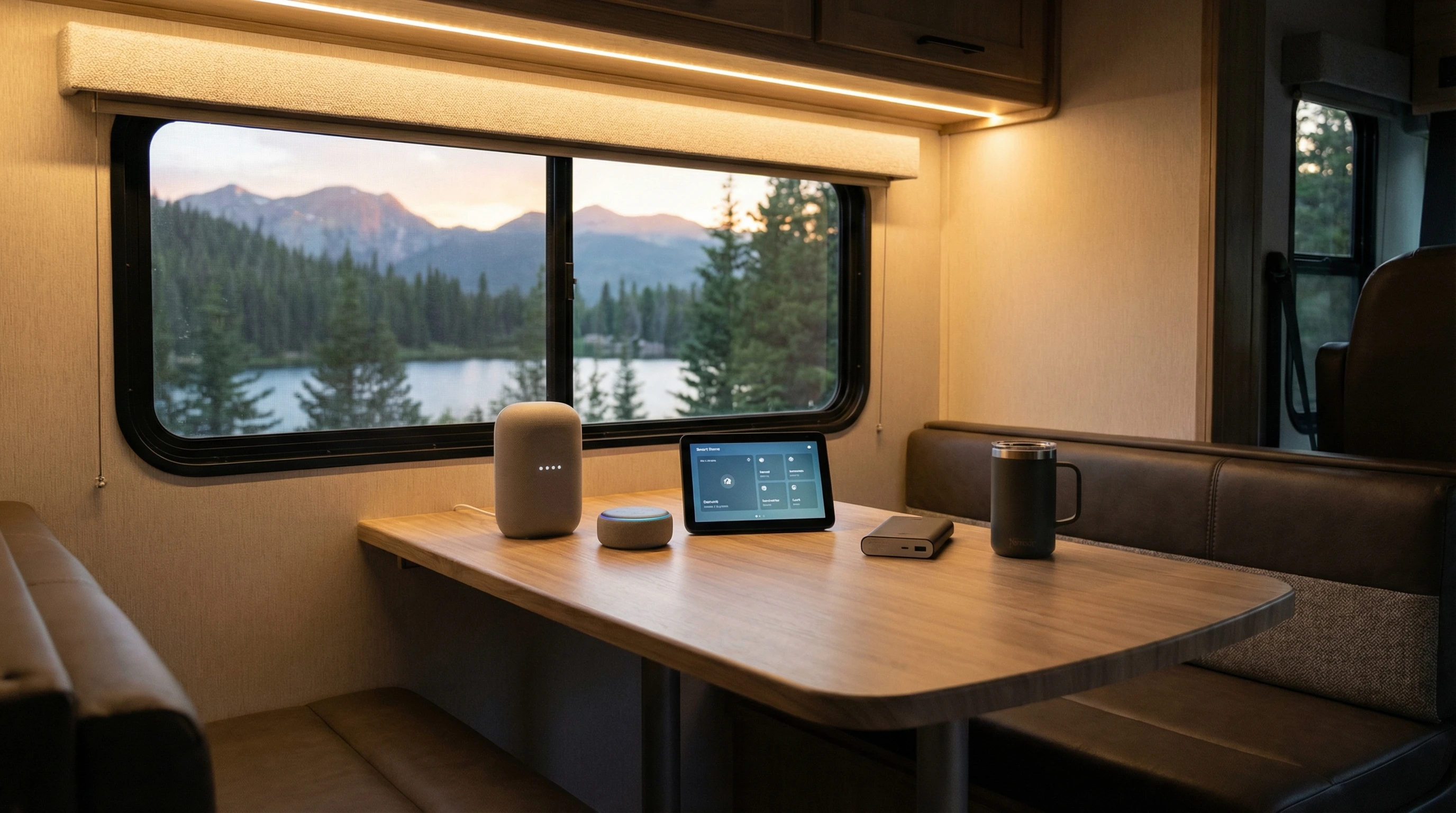
Why Use Voice Assistants in Your RV?
It’s no surprise that smart technology is finding its way into RVs more than ever. From turning off the lights before bed to asking for weather updates while brewing coffee, voice assistants offer a hands-free way to take care of these small but important tasks. When I use my voice assistant to set up a route or get a traffic update, it takes just a second, and I can keep both hands on the wheel.
RVs are pretty compact, so it might seem like just reaching out to tap a button is easy enough. But I’ve found that voice control isn’t just about convenience; it ends up being about safety and comfort too. Picture driving at night and needing to adjust the thermostat or switch off the cabin lights. No more hunting around in the dark or pulling over.
Popular voice assistants like Amazon Alexa, Google Assistant, and Apple’s Siri work with many devices designed for homes and vehicles. These smart helpers tie your RV tech into one connected system and can even help with reminders, entertainment, and emergency help while you’re traveling. If you’re wondering whether it’s worth setting up, the answer is yes, especially if you want to make your RV experience less stressful and more enjoyable.
Getting Started: Core Components for Voice Assistant Integration
Before jumping in headfirst, it’s good to know what’s needed to get voice assistants up and running in an RV. Here are the basics I recommend focusing on first:
- Smart Speaker or Display: This is the anchor for your voice assistant. It could be an Amazon Echo Dot, Google Nest Mini, or an Apple HomePod Mini if you’re using Siri.
- Reliable WiFi Connection: Voice assistants need the internet to work. Setting up a strong mobile hotspot, cellular router, or connecting to campground WiFi is key.
- Compatible Smart Devices: Lighting, plugs, thermostats, and even entertainment systems can often be upgraded to models that respond to voice commands.
- Power Solutions: Portable power banks or solar setups keep your smart gear running, especially when you’re off-grid.
Once these are sorted, you can connect and control almost anything in your RV with your voice. There’s no need to go all in from the start. Even adding just a few devices can seriously upgrade your day-to-day routine.
Step-by-Step Guide to Setting Up Voice Assistants in an RV
Setting things up might sound technical, but with a few tips, it’s an easy process. Here’s how I did it in my own rig, and what you can expect:
- Choose a Voice Platform: Decide between Alexa, Google Assistant, or Siri based on what’s compatible with your existing devices or your mobile phone.
- Install the Main Device: Place your smart speaker in a spot where it can clearly hear voice commands from most areas of your RV. This could be the central living space or somewhere near your kitchen area.
- Connect to WiFi: Use your RV’s WiFi network or a mobile hotspot. A consistent internet connection keeps your voice assistant responsive.
- Add Smart Home Devices: Plug in compatible bulbs, outlets, thermostats, or even security cameras. Most of these connect over WiFi or Bluetooth and can be added through the voice assistant’s app.
- Create Groups and Routines: You can group devices together (like all the lights) or set up daily routines (like “Goodnight” to turn off lights and lock the door). This makes everything work smoothly with one command.
- Test and Tweak: Give your commands a go and adjust placement or settings as needed. Sometimes it takes a few tries to get voice recognition perfect, especially in an RV where acoustics can be a little weird.
The best part about this setup is being able to add or remove devices as you go. For example, you can start simple with just lights and speakers. Later, add a smart thermostat and a TV stick for hands-free streaming. The whole process doesn’t take more than an afternoon.
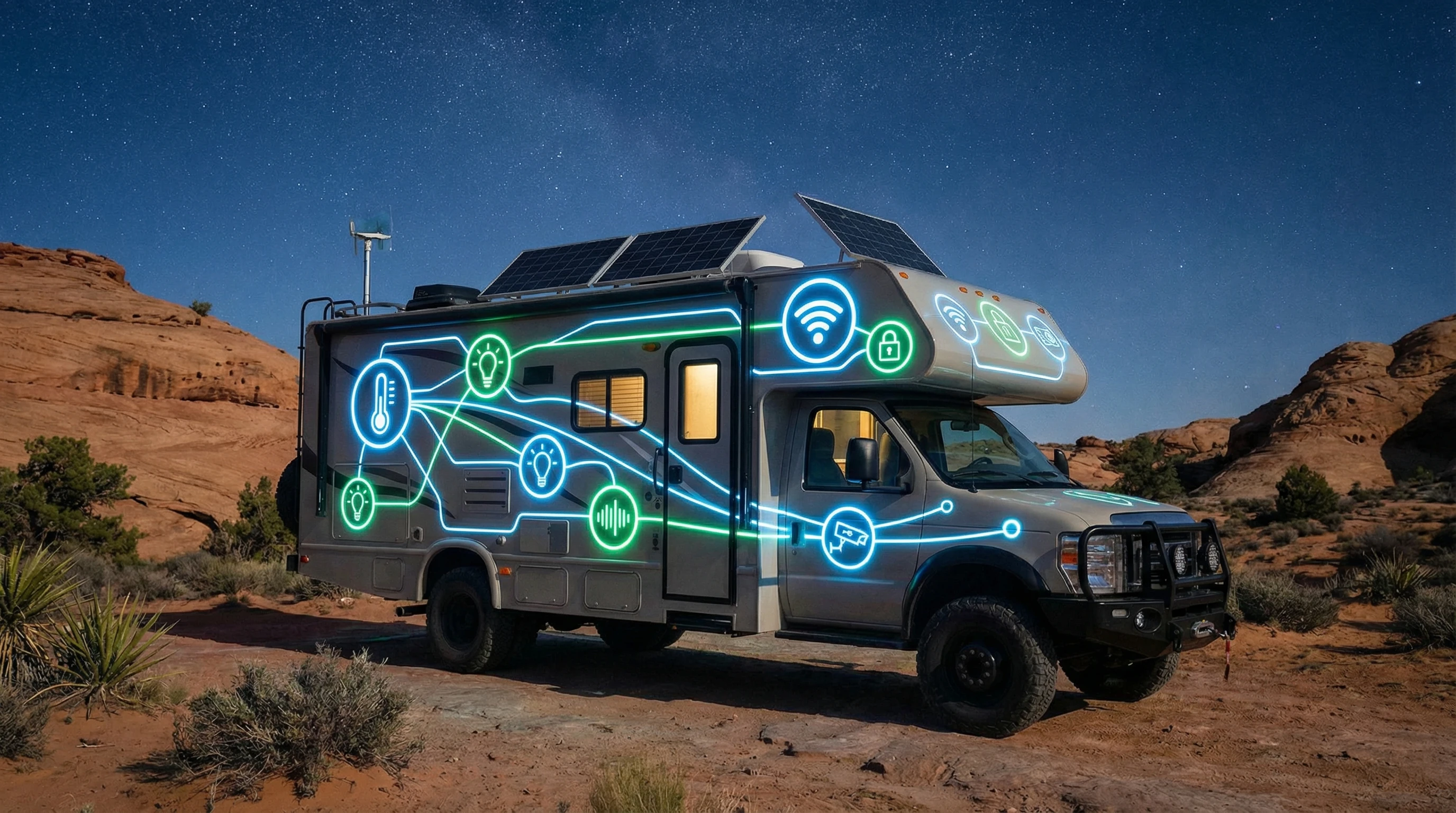
Top Uses for Voice Assistants in an RV
There are so many fun and useful ways to put voice control to work, so here are a few that I find the most useful:
- Smart Lighting Control: Dim the lights, turn on reading lamps, or set up colored lights for movie night, without needing to get up or fumble for switches in the dark.
- Thermostat Adjustments: Many RV thermostats now connect to smart systems. Just tell your assistant to adjust the temperature after a long hike or before going to bed.
- Entertainment on the Go: Play music, launch your favorite streaming show, check the news, or listen to podcasts—all with a quick voice command.
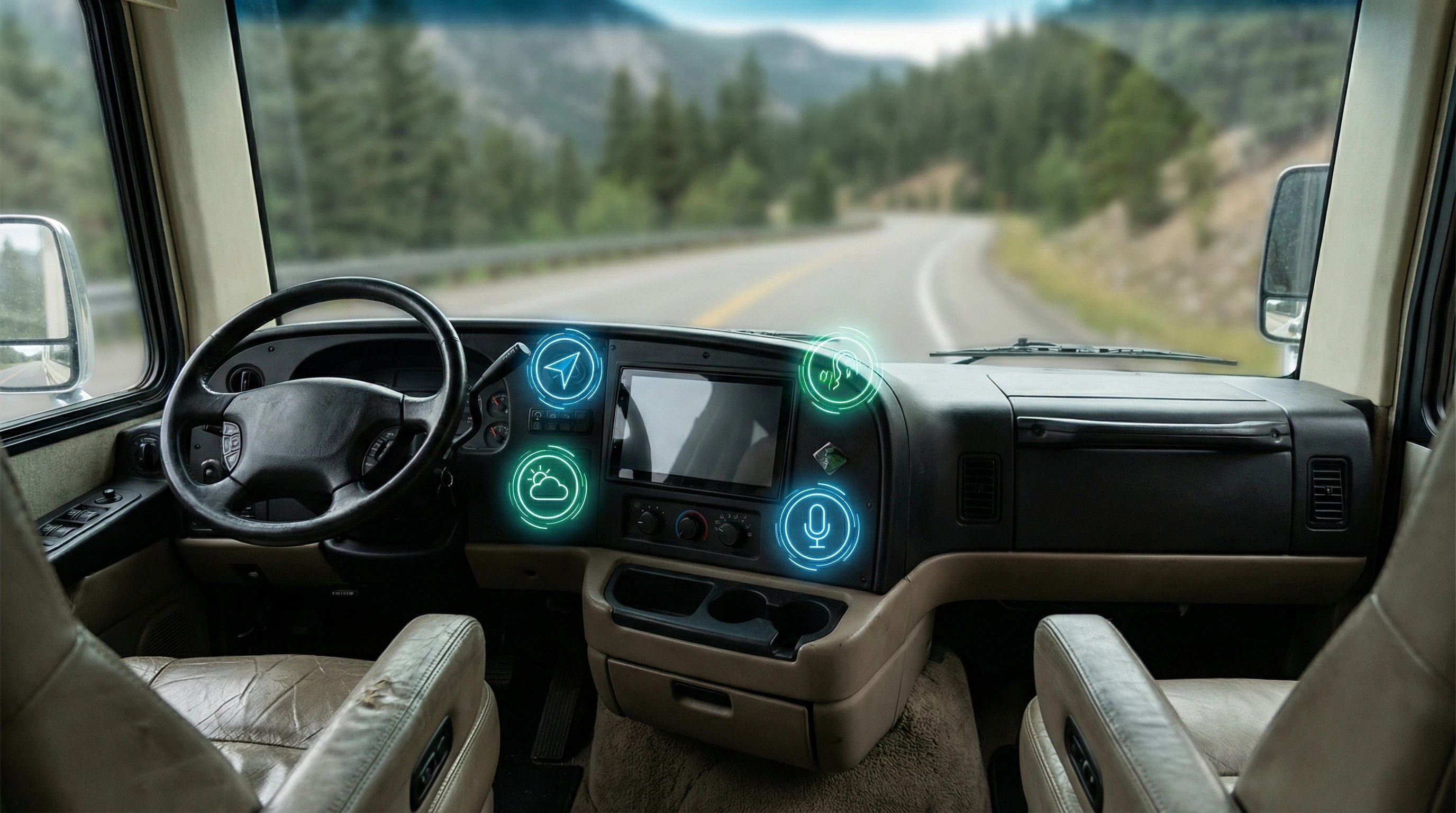
- Navigation and Weather Updates: Ask your assistant for the latest traffic, directions, or local weather before hitting the road. It’s a lot safer than looking at a phone while driving.
- Appliance Control: Smart plugs let you turn on the coffeemaker from your bed, switch off fans, or set the slow cooker for dinner with your voice.
- Security Checks: Some smart assistants can tap into cameras, sensors, or door locks for peace of mind, especially when leaving your RV for an adventure.
You can also connect routines for travel days, like turning off all electronics before moving. It really does make the RV lifestyle feel more modern and a lot easier to manage.
Common Challenges and How to Solve Them
While voice assistants bring a bunch of benefits, a few snags can pop up. Here are some of the most common challenges I’ve bumped into, along with practical ways to fix them:
Unreliable Internet Connection
This is the big one. Mobile networks constantly change as you move from place to place. Dropped connections can make your assistant ignore commands. Investing in a signal booster or antenna, and always having a backup mobile hotspot handy, keeps you connected almost everywhere.
Power Management
Smart devices need power, even in sleep mode. If you camp off-grid a lot, consider portable batteries or solar panels to keep your smart gadgets charged. Some devices can run on USB power, which is often easier to handle than full AC power needs.
Voice Recognition Issues
Road noise, cooking sounds, or conversations can sometimes confuse your voice assistant. Moving your speaker away from makeshift kitchens or using models with farfield microphones makes a big difference. If your device supports it, training it to your individual voice is worth doing.
Device Compatibility
Not every gadget works with every assistant. Before buying new devices for your RV, check their compatibility lists online. I always recommend sticking to one voice platform to keep things as simple as possible.
Advanced Tips for Streamlining Your RV Smart System
Once you’ve mastered the basics, there are some cool ways to step up your RV’s voice integration. Here are a few tips I find really useful:
- Create Custom Routines: Set routines like “Arriving Home,” which turns on lights, adjusts the temperature, and plays your favorite playlist as soon as you open the door.
- Integrate Location-Based Triggers: Some assistants let you automate things by GPS location, so the RV’s lights or heater activate when you get close to your campsite.
- Link With Vehicle Monitoring: Some new RVs let you track battery levels, tank capacities, and maintenance alerts, all voice-controlled, through third-party integrations.
- Smart Security Features: Equip your RV with smart cameras or motion sensors. Ask your assistant to show you the camera feed or alert you about unusual activity.
- Remote Monitoring: If you leave your RV parked for an excursion, check on it or control devices remotely from your phone using cloud-connected apps.
Mix and match these features to make your setup fit the way you travel and live. The great thing is you can keep adjusting as your needs change or as new smart gadgets hit the market. You might stumble upon neat ways to automate tasks as you experiment more with routines and integration.
Best Smart Devices for RV Voice Integration
Picking the right devices goes a long way toward making your voice-controlled RV setup actually useful. These are the ones worth checking out, based on my own travels and feedback from other RVers:
- Amazon Echo Flex or Dot: Compact and plugs right into a wall, perfect for smaller spaces.
- Google Nest Mini: Great if you’re tied into the Google ecosystem and want a budget-friendly controller.
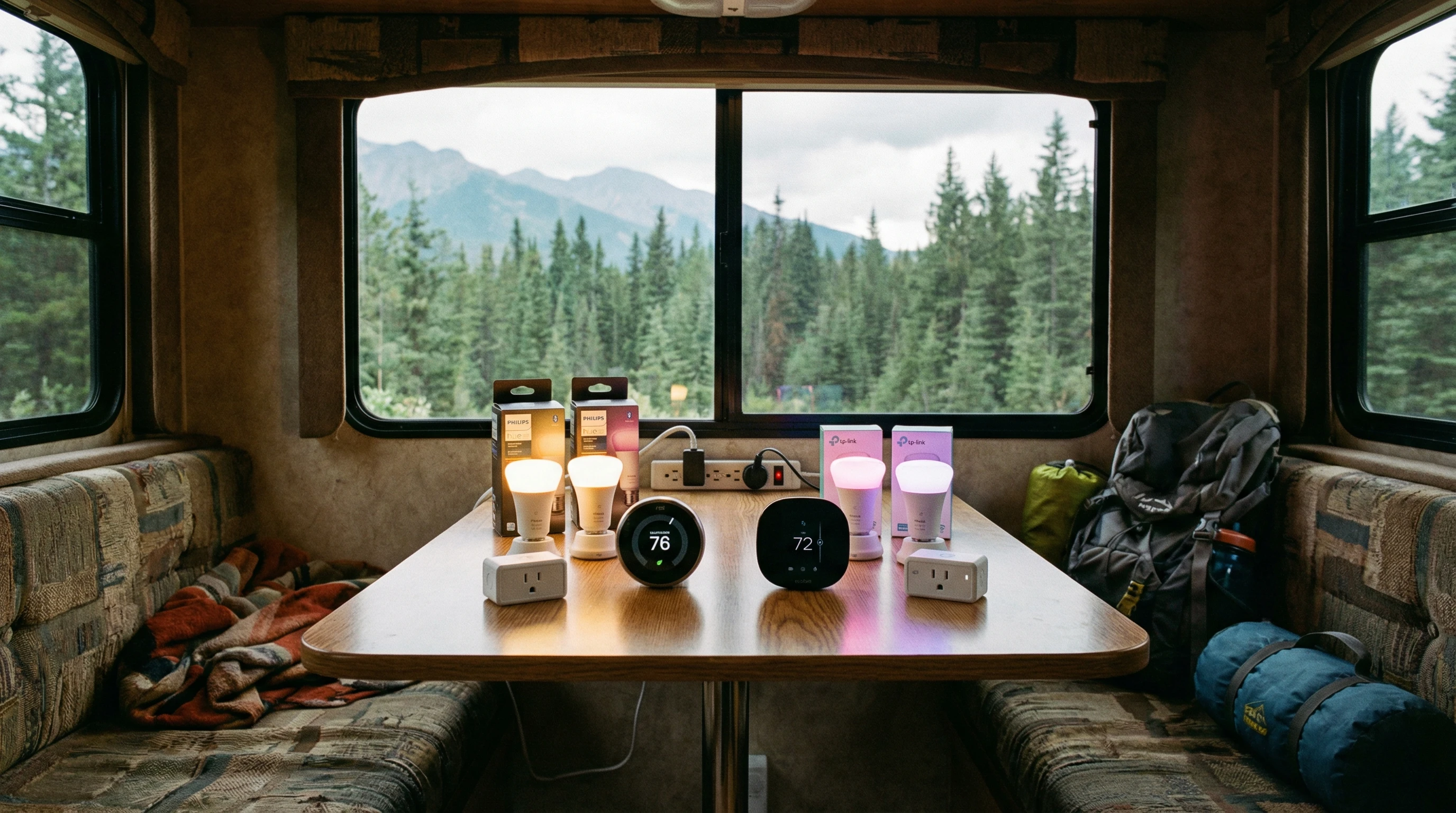
- TPLink Kasa Smart Plugs: A simple way to make almost any small appliance voice-controlled.
- Philips Hue or Wyze Bulbs: Offer adjustable lighting and mood setups that just need a voice command.
- Ecobee or Nest Thermostats: Good upgrade for comfort control if you travel through different climates often.
- Ring or Arlo Smart Cameras: Give peace of mind and remote monitoring even when you’re not at the RV.
Frequently Asked Questions
If you’re thinking about upgrading your RV with voice assistants, you might run into these questions:
Question: Can I use my voice assistant when my RV is off-grid?
Answer: Yes, though you need a stable mobile hotspot or a cellular connection for most voice commands to work. Some basic controls (like offline routines) may still function, but internet power really helps.
Question: Do smart devices drain my RV battery?
Answer: Smart speakers and gadgets use a small amount of power, so they typically won’t drain your battery much, but it pays to keep an eye on your setup, especially if you’ve got a lot running at once while boondocking.
Question: What if I already use a smart home setup in my house?
Answer: Many smart devices are easy to transfer between home and RV, especially plugs and bulbs. Just reconnect them to your RV WiFi, and you’re good to go.
Question: Are there privacy or security risks?
Answer: Like all smart devices, keeping your apps and devices updated, using strong passwords, and setting privacy preferences helps prevent unwanted access. Stick with popular brands for added peace of mind.
Question: What’s the easiest upgrade to start with?
Answer: Smart bulbs or a single smart plug are both great first steps. You can add more devices and routines once you get the hang of your system.
Enjoying More Freedom and Comfort With RV Voice Assistants
Integrating a voice assistant into your RV brings flexibility, comfort, and a bit of fun to road life. Setting up just a handful of devices can take care of chores, streamline your routine, and keep you focused on the adventure at hand. Whether you’re after safety, entertainment, or only want to turn off the lights without getting out of your sleeping bag, there’s a solution that can work for you.
If you’re curious about exploring more connected gadgets for RV living, check out related guides and tips on the rest of this site! You might even stumble upon smart appliances designed just for RVers that can make your travels even more enjoyable.
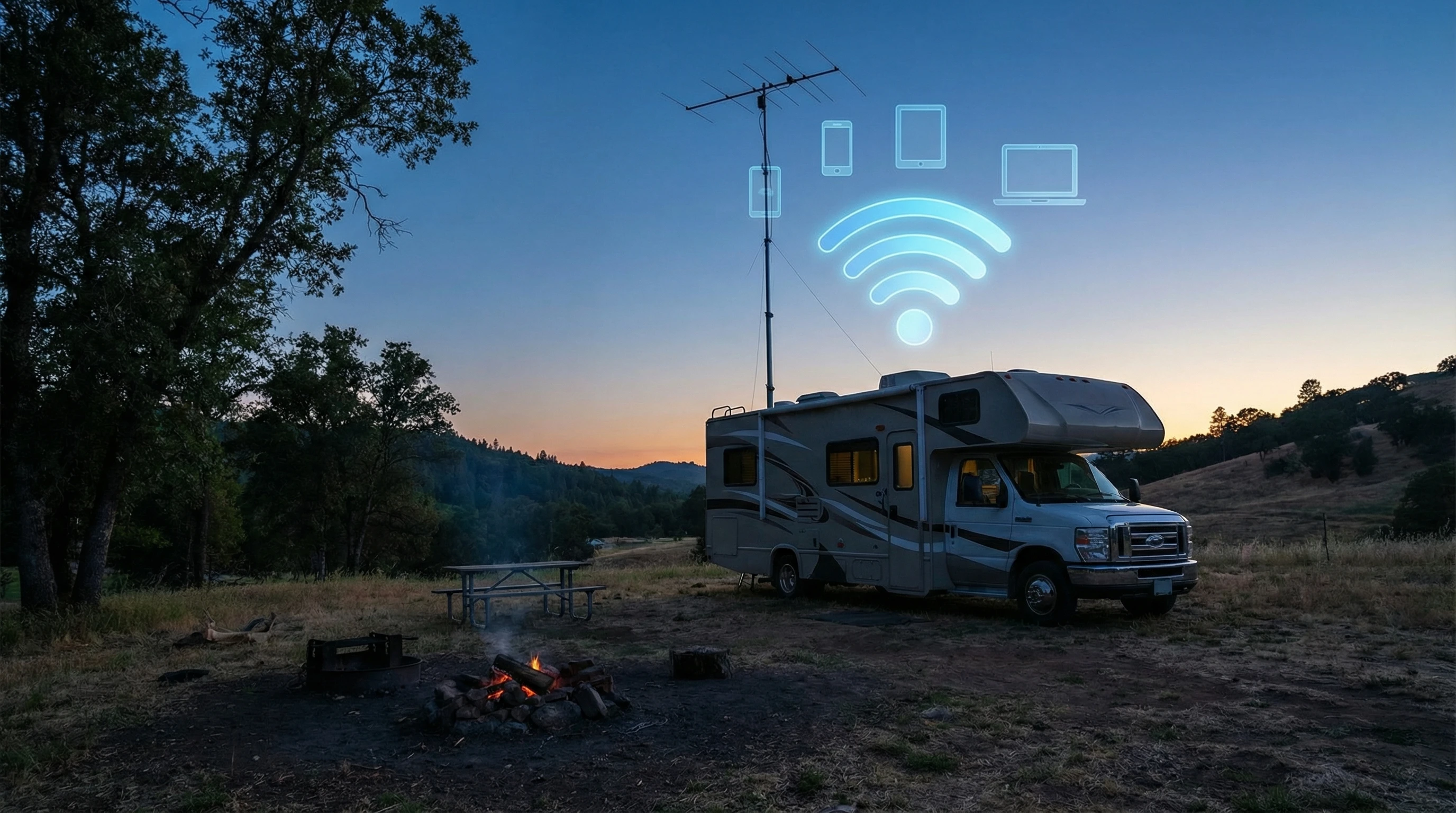
RV smart tech keeps getting better, and with a few upgrades, your RV can feel just as connected as a modern smart home, maybe even more so when you’re in the middle of nowhere. As technology improves, you’ll stumble upon more ways to put it to use on your own road adventure. Safe travels and enjoy the ride!
_________________________________________________________
What If Your RV Could Help Pay for the Journey? Could you make money while boondocking?
Many full-time RVers quietly earn money online: writing, recommending products, and building simple digital assets that generate income while they travel.
You don’t need tech skills.
You don’t need experience.
You just need the right roadmap.
👉 Discover the beginner-friendly approach! Take a look at this post on this website.








Recent Comments