
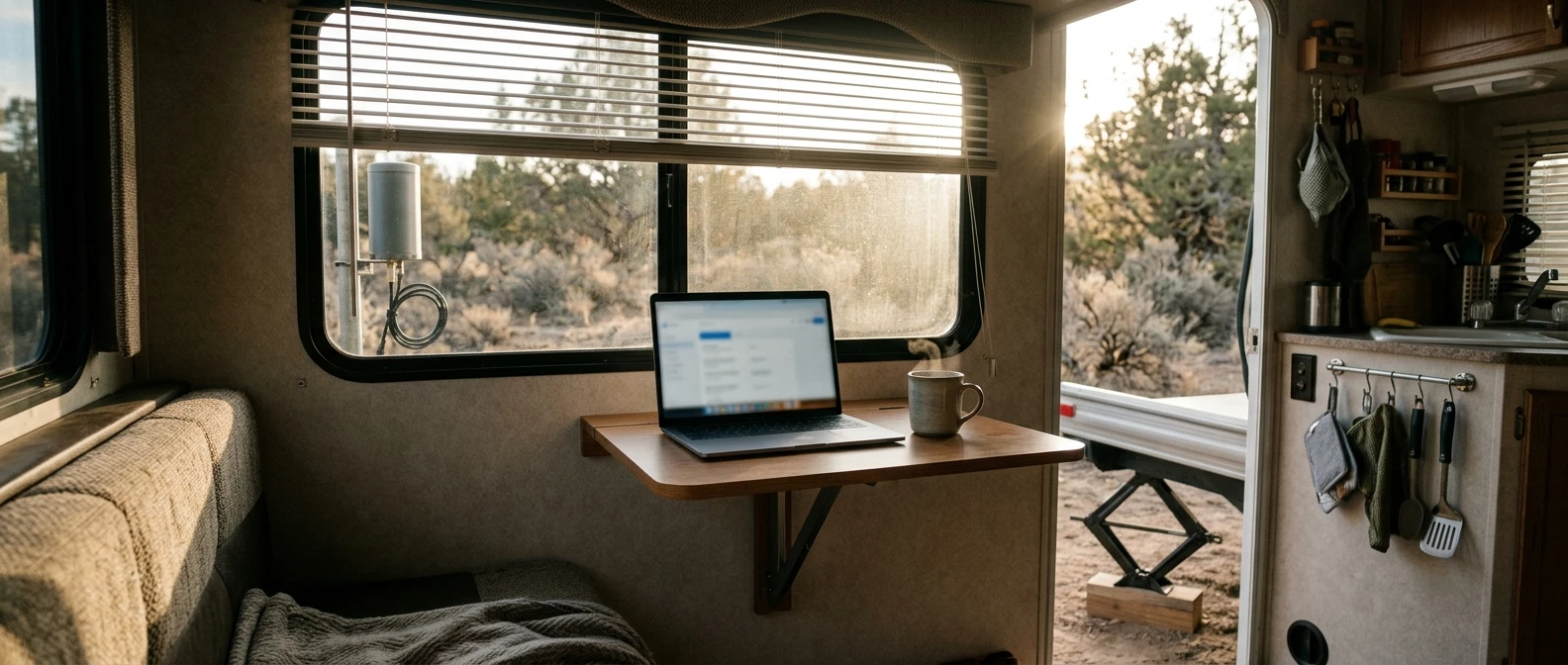
Working remotely from an RV sounds simple until the first week you try it. The scenery changes, the rig moves, and somewhere between finding a site and leveling the trailer, you remember you still have a 10 am call. This site exists for the people living that reality: a real job or a real online business that has to keep running no matter where the tires are pointed.
This Isn’t a Travel Blog, It’s Infrastructure for Working From an RV
Most RV content is written for people who travel for fun and work, if at all, on the side. That’s not who this is for. If you’re reading this, your paycheck or your client list depends on the rig functioning the way an office functions: power that stays on, a connection that holds, and a spot to sit down and do the work.
That means the questions here are different from the usual RV lifestyle questions. Not “where should we stop next” but “will I have signal when we get there.” Not “what’s a good campground view” but “can I run a video call from this site without the picture freezing.” The rig is infrastructure first. The travel happens around it.
The Three Things That Actually Break Remote Work on the Road
Talk to enough working RVers and the same three failure points keep coming up, in roughly this order of how often they wreck a day:
- Internet. No signal, weak signal, or signal that can’t handle a video call and a file upload at the same time.
- Workspace. No fixed place to sit, work surfaces that double as the dinner table, or a setup that has to be torn down and rebuilt every time you move.
- Focus. The mental cost of a new site, a new noise, a new view, and the temptation to treat every travel day as a day off.
Most people assume their problem is the third one: they can’t focus, they’re undisciplined, they need better habits. Usually it’s one of the first two. You can’t focus in a rig with no reliable internet and no dedicated desk, no matter how disciplined you are. Fix the infrastructure first, and the focus problem often shrinks on its own.
Fix Your Internet Before You Touch Anything Else
If your connection drops every time a cloud rolls in or every time you’re more than a mile from a tower, nothing else about your setup matters. A gorgeous desk and a perfect morning routine don’t survive a dropped client call.
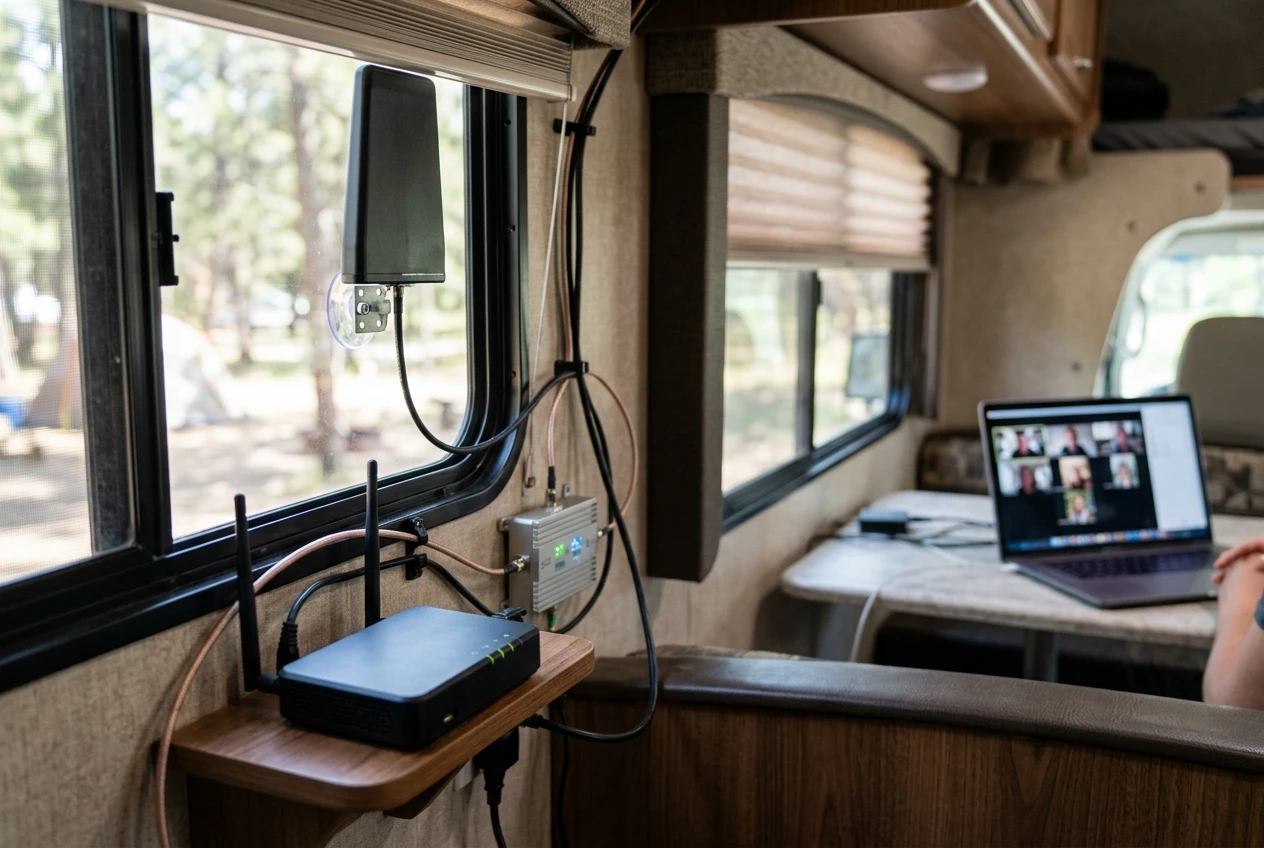
The fix usually involves layering more than one connection type rather than betting on a single carrier or a single piece of hardware. A cellular plan from one carrier, a second from another, a booster or antenna to pull in a weak signal, and in some cases a satellite option for the places where cell towers don’t reach at all.
Most working RVers end up running two or three of these at once, with the software on the router deciding which one to use.
This is also the one area where gear choices genuinely change what’s possible. A plan built around a single phone hotspot will fail you somewhere. A setup with a dedicated router, an external antenna, and a plan chosen for the carrier’s actual coverage in the areas you travel will hold up in far more places.
If this is the piece that’s currently broken for you, the connectivity side of this site is where to spend your time, starting with overcoming connectivity challenges as a remote RV worker and working through the carrier and data plan questions from there.
Have a Desk That Survives a Travel Day
The second failure point is a physical one. A lot of people try to work remotely from an RV using the dinette table, which works until the day you need to break camp, drive four hours, and set everything back up before your next meeting. The setup has to survive being torn down.
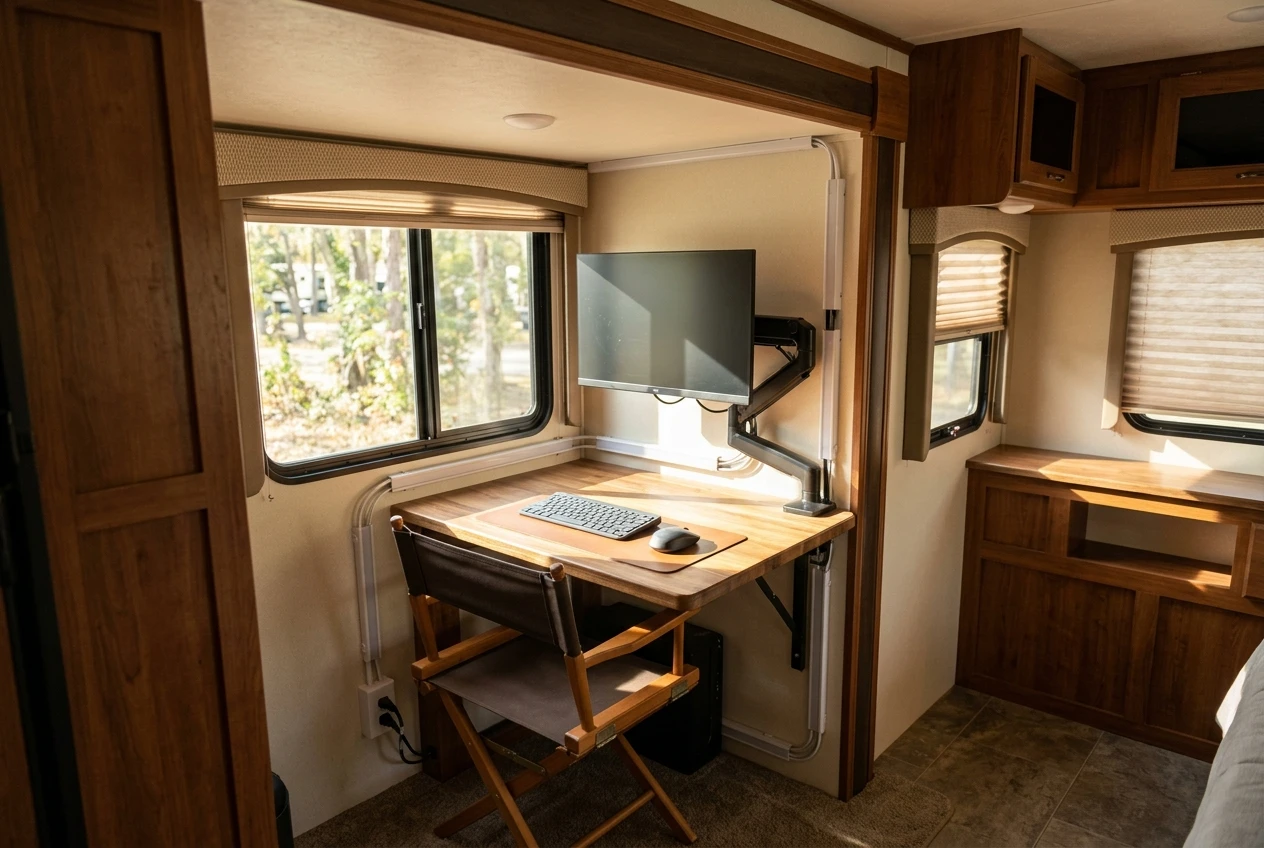
A workspace that holds up on the road usually has a few things in common: a surface that doesn’t have to be cleared for meals, a chair that doesn’t also have to fold flat for storage, and cable and power management that doesn’t involve re-threading a charger through a cabinet every morning.
Some people build this into a slide-out, some convert a closet, some use a fixed desk bolted into a spot that used to be storage. The specifics vary by rig, but the goal is the same: a place that’s ready to work in under a minute, every single time you stop.
Lighting and power matter here too, more than most people expect before they try it. A desk near a window looks nice until the glare makes the monitor unreadable at 2 pm, and a laptop running off an inverter that can’t keep up with a full workday will leave you watching a battery percentage instead of doing the work.
If your workspace is the piece that keeps breaking, the full setup process, from layout to power to what to actually buy, is covered in setting up your first mobile office in an RV.
Stay Productive When the View Keeps Changing
Once the internet holds and the desk is solid, the remaining problem is the one most people blame first: staying on task when the location changes every few days or every few weeks.
This isn’t about willpower. It’s about the fact that a routine built around a fixed location doesn’t transfer cleanly to a rig that moves. The same 7 am alarm and the same desk mean something different in a city RV park than they do boondocked an hour from the nearest town. Time zones shift without warning if you’re not tracking them, which turns an easy 9am call into a missed 7 am one. Travel days themselves eat hours that a stationary worker never has to account for.
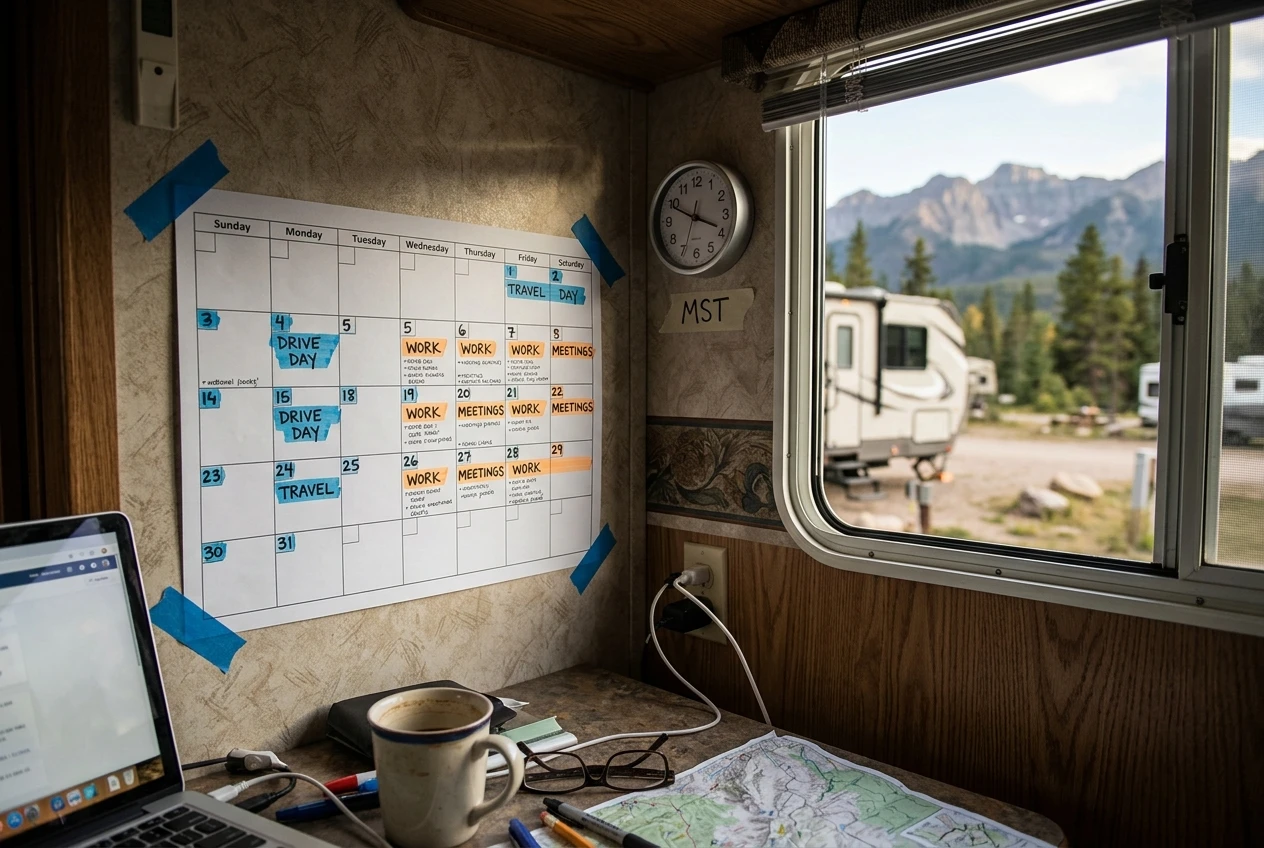
The RVers who handle this well tend to build their work schedule around the travel schedule rather than the other way around. Heavy work days on the days they’re parked, lighter days or no meetings on the days they’re driving, and a clear line between “we are relocating today” and “we are working today” so the two don’t bleed into each other. If this is where your days are falling apart, how to stay productive as an RV digital nomad and managing time zones while working remotely in an RV both deal directly with this.
Who’s Actually Pulling This Off
The RVers who make this work long term aren’t the ones with the most expensive rig or the fastest internet plan money can buy. They’re the ones who treated the three problems above as separate problems and solved them in order: connection, then workspace, then schedule.
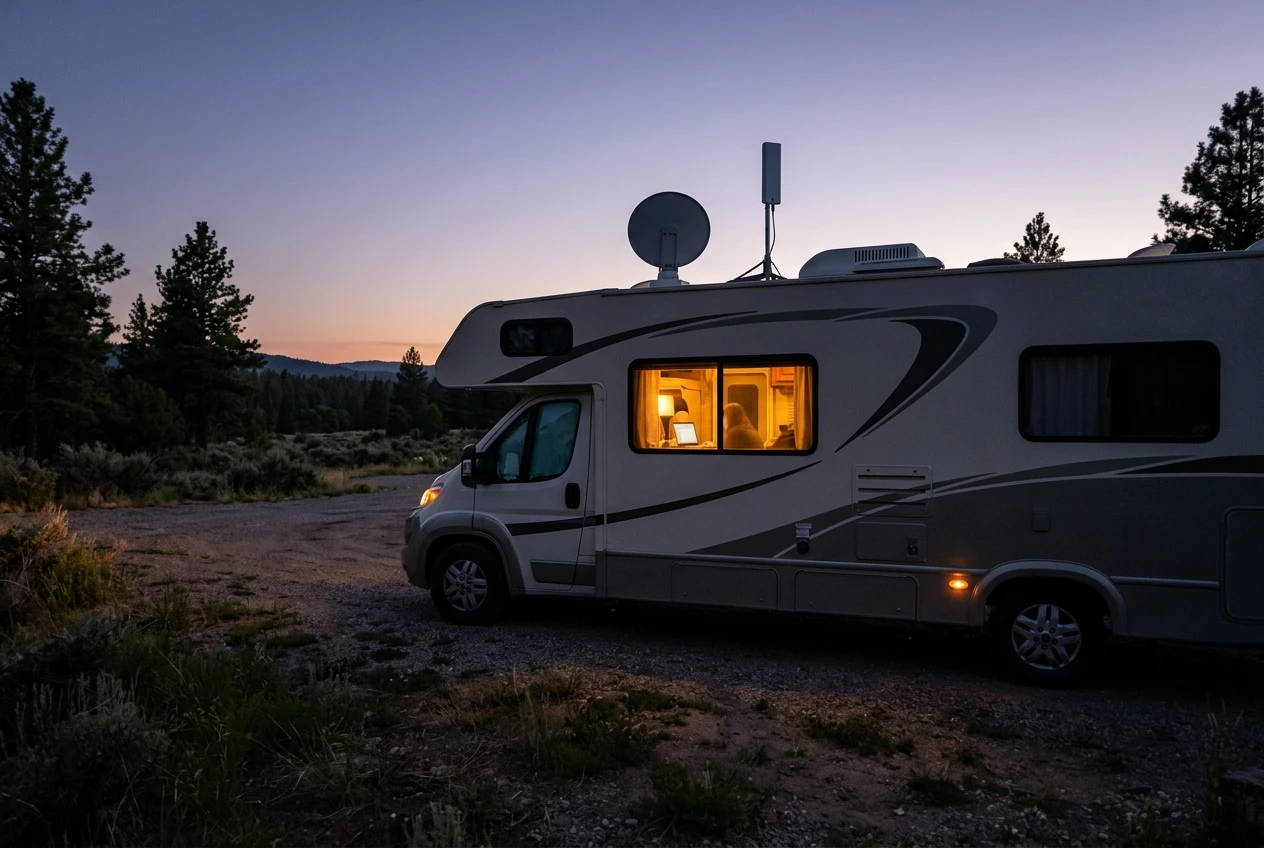
That usually means a cellular and satellite combination chosen for the specific regions they travel, a desk that doesn’t need to be rebuilt after every drive, and a work schedule that bends around travel days instead of fighting them. None of it is glamorous. All of it is what turns “working remotely from an RV” from a phrase on a job application into something that actually holds up on a Tuesday in a parking lot with one bar of signal.
The jobs and business models that fit this lifestyle best tend to share a few traits too: they don’t require a fixed office, they tolerate some schedule flexibility, and they can run on a connection that’s good but not perfect. If you’re still figuring out what kind of work fits the road, top remote jobs for the RV lifestyle that actually pay is a reasonable place to look.
Start with setting up your first mobile office in an RV if you haven’t set up a workspace yet, or overcoming connectivity challenges as a remote RV worker if internet is the thing standing between you and your next paycheck.







Recent Comments