
If you work from an RV, the power system has to cover your longest working day in the worst weather, because a dead battery during a client call costs you more than an undersized battery on a day off. Your RV power system must be sized correctly for remote work
This article sizes an RV power system for remote work by starting with the loads you run and finishing with the battery bank, inverter, and solar array that support them. The method is a short set of formulas you can repeat whenever your equipment changes.
The numbers in the examples are planning assumptions chosen to show the arithmetic, not measurements of any particular product. Replace them with the wattages printed on your own equipment, or better, readings from a plug-in power meter. For the physical installation, wiring and mounting, see the separate guide on installing solar panels and managing off-grid power in your RV.
Start with your workday, not the battery: auditing every device you run
Most undersized systems come from buying hardware first and counting loads afterward. Reverse that order. List every device that draws power during your working hours, plus the ones that run around the clock to keep the rig usable.
Build the list from three groups:
- Work devices: laptop or desktop, monitors, docking station, external drives, headset, webcam, desk lamp, printer, audio interface, studio monitors, charging for a tablet or phone.
- Connectivity gear: cellular router, modem, mobile hotspot, satellite terminal, Wi-Fi extender, any signal booster. These usually run 24 hours a day.
- Baseline RV loads: the refrigerator, water pump, ventilation fans, furnace blower or air conditioner, lights, and any vent fans. These keep drawing power whether you are working or not.
For each item, find the watts. The label or power brick usually lists a maximum, which is higher than what the device draws in normal use. A laptop with a 65 W charger may average 30 to 45 W while you type and browse, and more during video calls or heavy exports. A plug-in watt meter between the device and the outlet gives you the real figure, and it takes a few minutes per device.
Then record how many hours a day each one runs on your longest workday. A simple table keeps this organized:
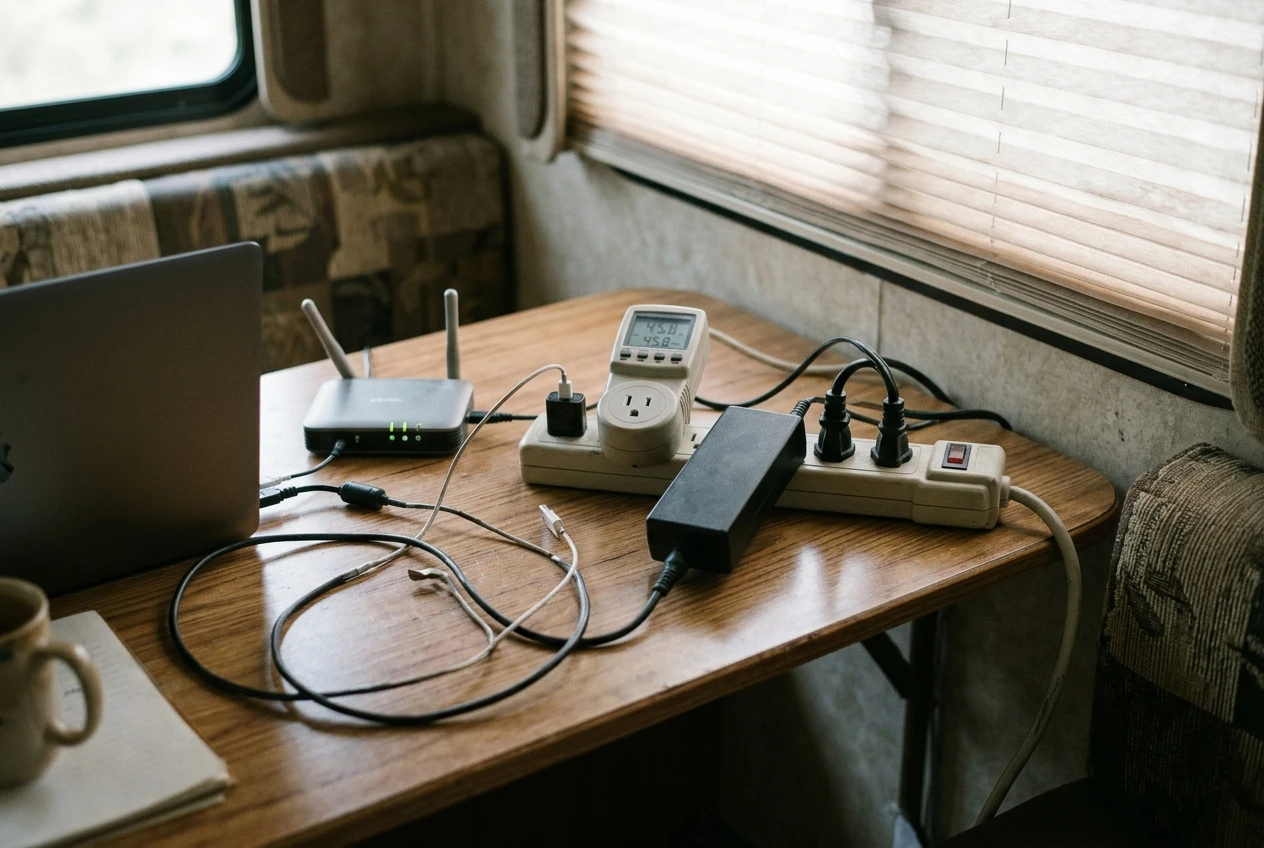
Device Watts (measured or rated) Hours on worst day Watt-hours Laptop 65 9 585 Router and cellular modem 12 24 288 Phone and tablet charging 15 2 30. I’ll explain below.
Two details are easy to miss. Chargers and docks draw power while idle, and anything with a transformer brick can stay warm and draw a few watts all night. Also separate devices that run on 12 V DC directly (many routers, fridges, and fans) from those that need AC through the inverter, because AC loads carry conversion losses that DC loads avoid.
From watts to watt-hours: the daily load number everything else depends on
Every component in the system is sized from one figure: your daily load in watt-hours (Wh). The core formula is:
Wh = watts × hours of use
Add the watt-hours for every AC device to get your AC load. Then account for the inverter, which wastes some energy as heat and also draws power just by being switched on.
DC energy drawn from the battery = (AC load ÷ inverter efficiency) + inverter idle draw over the day
A common planning figure for inverter efficiency is 85 to 90 percent, though the real value varies by model and by how loaded the inverter is. The datasheet lists idle (no-load) draw. A figure of 10 W is plausible for a small unit, and larger units often draw more. At 10 W left on for 24 hours, that is 240 Wh a day spent on nothing. Switching the inverter off when you are not using AC power is one of the cheapest efficiency gains available.
Finally, add your DC loads and the baseline RV loads:
Daily load = DC energy for AC devices + DC-powered devices + baseline RV loads
Use a worst-day version of every input: the longest work hours, the biggest background load (heating or cooling included), and the days when you also charge cameras, drones, or tools. A 9-hour day with a laptop is a different problem from an 11-hour day with a laptop, two monitors, and a project that keeps the processor busy.
Here is a short worked version using the table above, with 800 Wh set aside for baseline RV loads and a 10 W inverter running all day:
- AC load: 585 + 288 + 30 = 903 Wh
- Inverter loss at 88 percent efficiency: 903 ÷ 0.88 ≈ 1,026 Wh
- Inverter idle draw: 10 W × 24 h = 240 Wh
- Baseline RV loads: 800 Wh
- Daily load: 1,026 + 240 + 800 = 2,066 Wh, call it 2,070 Wh
That 2,070 Wh figure feeds the battery, the inverter decision, and the solar array in the sections below.
Sizing the lithium bank for your worst workday, not your average one
A battery bank has two jobs: carry you through the hours when the panels produce little, and absorb the gap on days when production falls short. Size it for the day when both problems arrive together.
Convert battery ratings into watt-hours first:
Battery Wh = amp-hours × nominal voltage
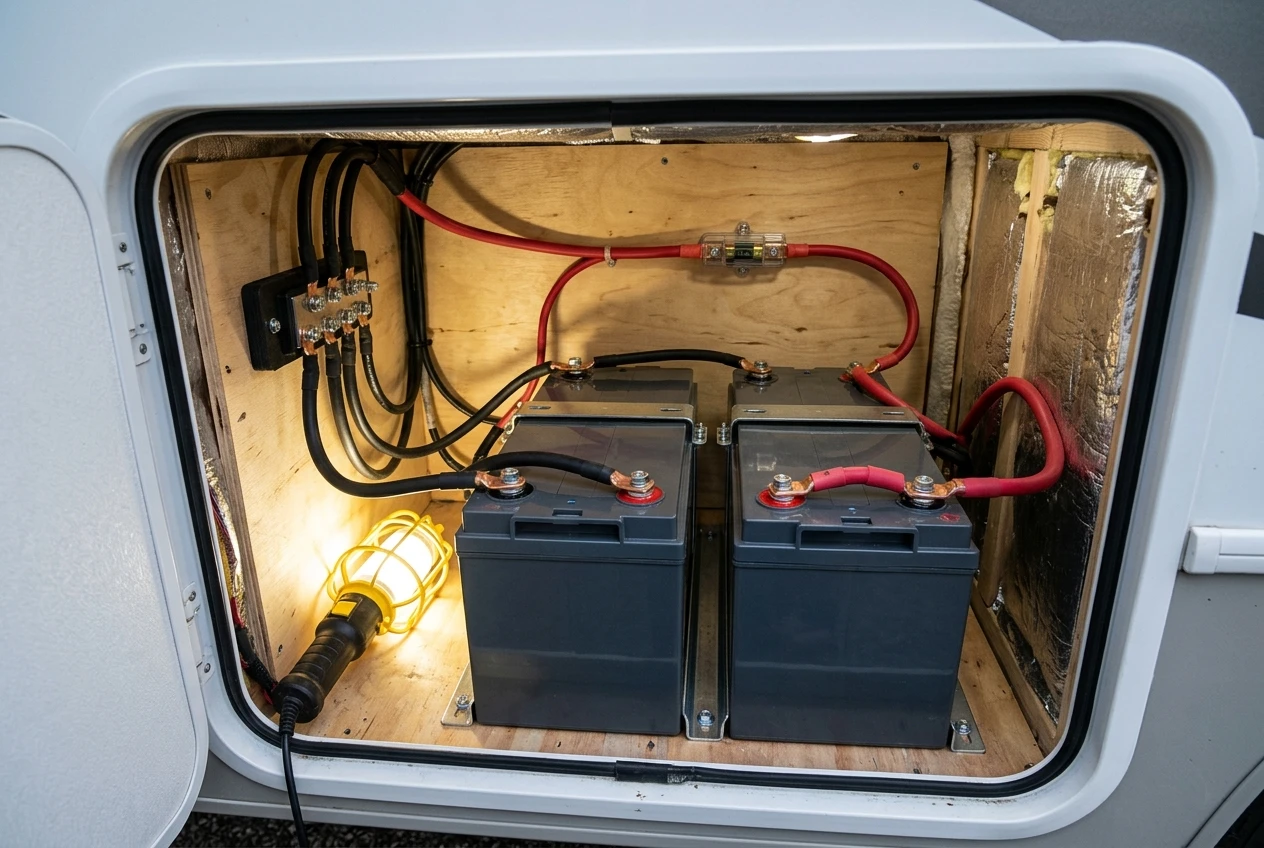
A 12.8 V lithium iron phosphate (LiFePO4) battery rated at 100 Ah holds about 1,280 Wh. Then apply a usable fraction. Lithium iron phosphate batteries are generally rated to tolerate deep discharge, but planning around 80 percent usable capacity leaves a reserve, compensates for battery aging, and keeps the system from running at its absolute limit every day.
Required bank (Wh) = daily load × days of autonomy ÷ usable fraction
Days of autonomy means the number of days you want the battery to carry the full load with zero solar input. For a remote worker who can move, run a generator, or plug in at a campground, one day is a sensible baseline. Two days suit people who work from places where the next outlet is far away or where multi-day storms are normal.
Using the 2,070 Wh daily load above:
- One day of autonomy: 2,070 ÷ 0.80 ≈ 2,590 Wh
- Two days of autonomy: 2,070 × 2 ÷ 0.80 ≈ 5,175 Wh
In 12 V terms, 2,590 Wh is about 200 Ah. That is two 100 Ah batteries wired in parallel, which hold 2,560 Wh, a near match.
Check the cold as well. Many lithium batteries cannot safely be charged below freezing unless they have built-in heating or low-temperature charge protection. Read the manufacturer’s specification for your battery. If you work through winters, a battery without that protection can leave you unable to recharge precisely when the sun is weakest.
Choosing an inverter for surge loads, idle draw, and clean power
The inverter turns battery DC into the AC your laptop, monitors, and desktop expect. Three numbers matter: continuous rating, surge rating, and idle draw.
Continuous rating. Add up the wattage of everything that could run at the same time, using measured or label values. For a laptop, two monitors, a dock, and a router that is perhaps 150 W. Add anything you might run during the workday, such as a microwave, kettle, or space heater. Those heating appliances often draw 1,000 W or more according to their labels, and they set the inverter size more than your office equipment does.
Surge rating. Motors, compressors, and some power supplies draw a burst of current at startup, often several times their running wattage. A laser printer’s fuser heating up is a common example, and a refrigerator compressor or vent fan can contribute too. Look for the inverter’s surge or peak rating and make sure it exceeds your biggest startup load plus whatever else is running. If you are unsure of a device’s surge, size up one step.
Idle draw. A larger inverter generally wastes more energy at idle. If you work on a 150 W load, an oversized 3,000 W inverter spends much of the day running far below its efficient range. Pick the smallest inverter that covers your continuous and surge needs with a reasonable margin.
On power quality, a pure sine wave inverter produces the waveform your equipment was designed for. Modified sine wave inverters can cause buzzing in audio gear, heat in some power supplies, and trouble with certain devices, so for anything beyond a basic phone charger, pure sine is the safer choice for office equipment and studio gear.
Finally, check current at the battery side. Current equals watts divided by volts, so a 3,000 W load on a 12 V system pulls roughly 250 A before losses. That calls for very thick cable and expensive protection. Above about 2,000 W of inverter capacity, a 24 V or 48 V system keeps the current manageable and the cabling practical.
Matching solar panels and charge controllers to your lowest-sun days
Solar sizing starts from the same daily load, divided by what the panels can realistically produce on a poor day.
Array watts = daily load ÷ (peak sun hours × system efficiency)
Peak sun hours are the number of hours per day at which sunlight delivers the equivalent of 1,000 W per square meter. They vary by latitude, season, and weather, and published solar maps list monthly averages for most locations. A site can easily have several times more peak sun hours in summer than in December, so use your lowest-month figure for your intended travel region, then check it against local weather.
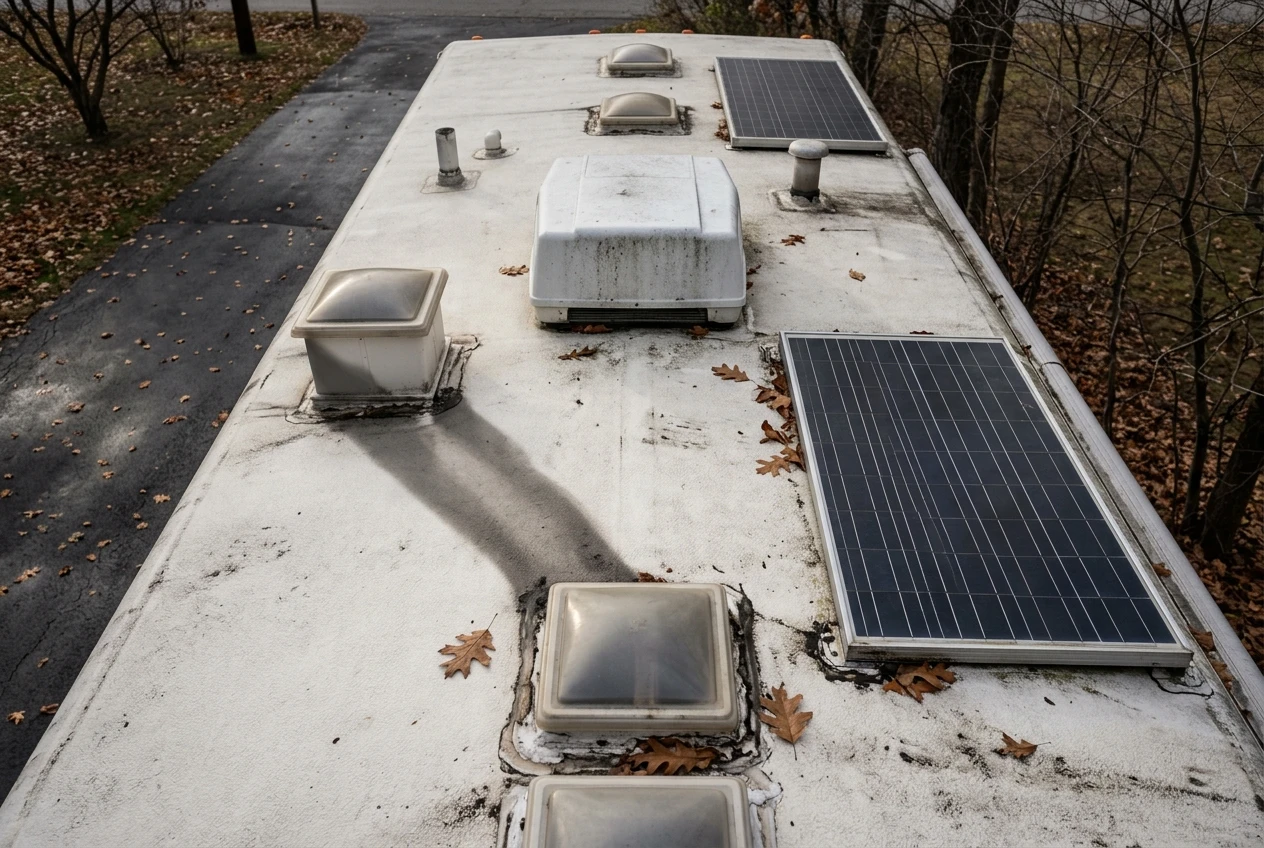
System efficiency covers wiring losses, heat, dust, partial shade, and charge controller losses. A planning value of 0.70 to 0.80 is common for RV roofs, where tilt is flat and shade from vents and air conditioners is almost certain.
Using the 2,070 Wh daily load and an efficiency of 0.75:
- At 4 peak sun hours: 2,070 ÷ (4 × 0.75) = 690 W of panels
- At 3 peak sun hours: 2,070 ÷ (3 × 0.75) = 920 W of panels
- At 2 peak sun hours: 2,070 ÷ (2 × 0.75) = 1,380 W of panels
Most RV roofs cannot hold the largest figure, which is a real design constraint, not a flaw in the method. When the array cannot cover the worst day, the battery bank and backup charging sources close the gap. It is also why working from sunny regions in winter and from shaded areas in summer matters; the guide on seasonal challenges of RV boondocking covers how season, shade, and weather change what you can count on from the roof.
Charge controller sizing. The controller regulates what the panels send to the battery. An MPPT controller is typically more efficient than a PWM one when the panel voltage is higher than the battery voltage, which is the usual case with rooftop arrays. Size the controller from the formula:
Controller amps = array watts ÷ battery voltage
A 920 W array on a 12.8 V battery bank is about 72 A, so you would look at a controller rated above that, with margin. The controller’s maximum input voltage must also exceed the array’s open-circuit voltage in cold weather, when panel voltage rises. Panel wiring in series or parallel changes that voltage, so check the controller’s datasheet before you finalize the layout.
Panel placement matters as much as panel count. A single shaded cell can drop output sharply on a string wired in series, so keep panels clear of vents, antennas, and satellite dishes, and consider the tilt and the direction you park.
Backup charging for deadline days: alternator, generator, and shore power
A sized-for-the-worst-day system still needs a plan for the days that exceed the worst day. Three backup sources cover most situations.
Alternator charging while driving. A DC-to-DC charger moves power from the vehicle’s alternator to the house battery safely, taking into account the different voltage and protecting the starter battery. The energy it delivers is its output amps times the battery voltage times the hours of driving.
A 40 A charger on a 12 V system delivers roughly 500 Wh per hour of driving. Replacing 2,000 Wh would take about four hours at that rate. A travel day can top off the bank before a deadline week, but idling a parked vehicle solely to charge is hard on the engine and burns fuel inefficiently.
Generator. A generator works best paired with a battery charger or inverter-charger that can accept its output. The key figure is the charger’s output, not the generator’s rating. If a charger delivers 50 A at 14 V, that is about 700 W into the battery, and running it for three hours replaces roughly 2,100 Wh.
Matching the charger to the generator avoids running a large generator at a light load for long periods. Quiet hours and noise rules at many campsites also affect whether this option works on a call-heavy day.
Shore power. Plugging in at a campground or hookup site eliminates the sizing problem for the duration. A 30 A, 120 V service supplies up to about 3,600 W and a 50 A service more, though the actual limit depends on the pedestal, breaker, and cable. Check that your converter or inverter-charger can recharge the bank at the rate you want, because a slow charger on an ample supply still leaves the battery partly full.
Plan the order of use. A practical rule is to start a high-demand week with a full bank. Recharge from solar when possible, then alternator, and use the generator last, and keep a plug-in day free before any deadline that cannot slip.
Protecting your internet gear when the battery runs low
Connectivity is the one load that should survive when everything else has been shut down. Without it, a half-charged battery still ends your working day, so treat it as a priority circuit.
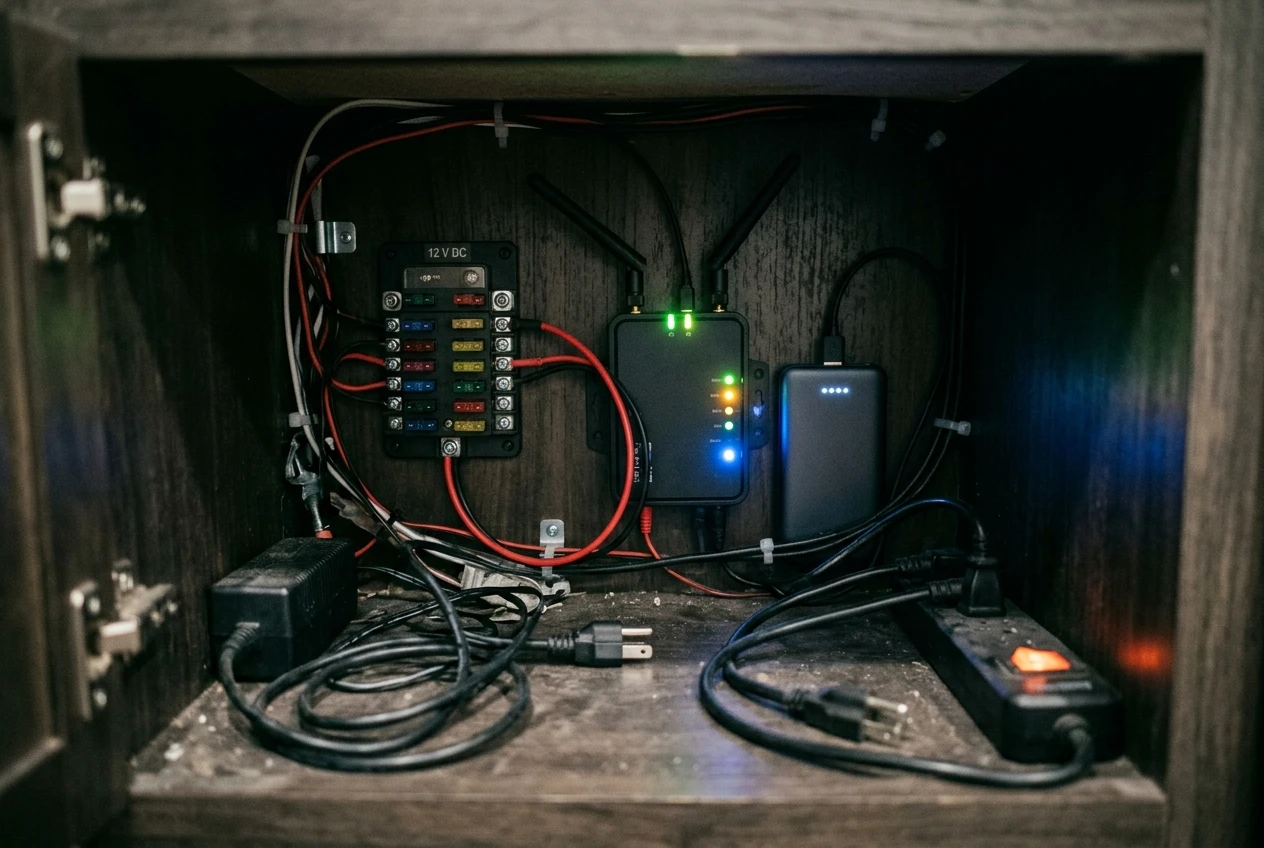
- Power the router and modem directly from DC when possible. Many routers accept 12 V input, which avoids inverter conversion loss and lets them run when the inverter is off. If your router uses an AC adapter, a 12 V replacement or a DC-powered model can reduce the draw and the dependency.
- Set the inverter’s low-voltage cutoff above the battery’s protection limit. This shuts down the AC loads first, giving you a warning and leaving DC circuits running. Many inverters have a configurable setting; check the manual.
- Put non-essential loads on separate switches. Monitors, printers, studio gear, and chargers should be easy to turn off in one move. A power strip with a master switch is a workable low-cost option.
- Keep a small backup power source for the router. A USB-C power bank that can feed a router or hotspot through its own output extends connectivity for a few hours if the main bank hits its cutoff. Check that its output voltage matches the device.
- Watch the state of charge. A battery monitor that reports a percentage and remaining time is more useful than a voltage reading, since lithium voltage stays nearly flat through most of its range.
Switching your laptop to battery saver mode, lowering monitor brightness, and closing background apps cuts the load without changing hardware. For a fuller look at the router, modem, antenna, and booster side of the setup, see the guide on setting up a reliable RV communication system off-grid.
Three worked examples: laptop-only, dual-monitor and high-wattage professional setups
Each example uses the same method: audit, convert to watt-hours, size the bank and solar array, then check the inverter. All three assume 88 percent inverter efficiency, 80 percent usable battery capacity, 0.75 solar system efficiency, and 800 Wh a day for baseline RV loads. The router is treated as an AC load for simplicity. Your own numbers will differ.
Example 1: laptop-only
A laptop using 65 watts for 9 hours needs 585 watt-hours of energy. A router and modem using 12 watts for 24 hours need 288 watt-hours. Charging a phone and tablet at 15 watts for 2 hours uses 30 watt-hours.
Total daily energy use: 903 watt-hours.
- AC load: 903 Wh, which becomes 1,026 Wh at the battery after inverter loss.
- Inverter idle (10 W for 24 h): 240 Wh.
- Baseline RV loads: 800 Wh.
- Daily load: about 2,070 Wh.
- Bank: 2,070 ÷ 0.80 ≈ 2,590 Wh, so two 100 Ah 12.8 V batteries (2,560 Wh).
- Inverter: a 1,000 to 1,500 W pure sine unit covers a laptop and router with room for a kettle or small appliance, as long as the label wattage fits.
- Solar: about 690 W at 4 peak sun hours, 920 W at 3 hours.
Example 2: dual-monitor
Here’s how much energy your work setup uses each day:
- Laptop: 65 watts for 9 hours = 585 watt-hours.
- Two monitors combined: 50 watts for 9 hours = 450 watt-hours.
- Docking station: 10 watts for 9 hours = 90 watt-hours.
- Router and modem: 12 watts for 24 hours = 288 watt-hours.
- Phone and tablet charging: 15 watts for 2 hours = 30 watt-hours.
Total daily energy use: 1,443 watt-hours, or about 1.44 kilowatt-hours (kWh).
- AC load: 1,443 Wh, which becomes about 1,640 Wh at the battery.
- Inverter idle: 240 Wh.
- Baseline RV loads: 800 Wh.
- Daily load: about 2,680 Wh.
- Bank: 2,680 ÷ 0.80 = 3,350 Wh, so three 100 Ah batteries (3,840 Wh), about 300 Ah at 12.8 V.
- Inverter: continuous office load is near 140 W, so a 1,500 W unit leaves room for lunch appliances and keeps surge headroom.
- Solar: about 900 W at 4 peak sun hours, 1,200 W at 3 hours. That is a heavy roof requirement, so plan on a larger bank, a DC-to-DC charger, and a lower-sun backup routine.
Example 3: high-wattage professional setup
This example covers a desktop workstation with two monitors, studio monitors and an audio interface, and an occasional print job.
Here’s how much energy your work setup uses each day:
- Desktop computer: 200 watts for 8 hours = 1,600 watt-hours.
- Two monitors combined: 60 watts for 8 hours = 480 watt-hours.
- Audio interface and studio speakers: 60 watts for 8 hours = 480 watt-hours.
- Laser printer: 600 watts for about 5 minutes = approximately 50 watt-hours.
- Router and modem: 12 watts for 24 hours = 288 watt-hours.
- Phone and tablet charging: 15 watts for 2 hours = 30 watt-hours.
Total daily energy use: approximately 2,928 watt-hours, or 2.93 kilowatt-hours (kWh).
- AC load: 2,928 Wh, which becomes about 3,327 Wh at the battery.
- Inverter idle (25 W for 24 h on a larger unit): 600 Wh.
- Baseline RV loads: 800 Wh.
- Daily load: about 4,730 Wh.
- Bank: 4,730 ÷ 0.80 ≈ 5,910 Wh. In 12 V terms, that is nearly 470 Ah, which is a good reason to build a 24 V or 48 V system.
- Inverter: a 3,000 W pure sine unit gives headroom for printer warm-up surge on top of the desktop and audio gear. At 12 V, that load would pull around 250 A, so a higher system voltage matters here.
- Solar: about 1,580 W at 4 peak sun hours, and 2,100 W at 3 hours. Few roofs fit that, so this setup depends on a bank sized for two days of autonomy, a DC-to-DC charger, a generator-capable charger, or regular shore power.
The idle draw alone in this example, 600 Wh a day, equals more than the printer, router, and phone charging combined. Switching the inverter off overnight, or choosing a unit with a low-power standby mode, recovers a large share of the budget without adding a single panel.
I hope this article helped you understand a little better what power demands exist when you are a remote worker and are working off-grid. Enjoy your full time RV travels!







Recent Comments