
Managing Time Zones While Working Remotely On The Road
Working remotely while out on the road brings up some next-level cool opportunities, but it also introduces a bunch of time zone issues.
If you’ve scrambled to arrange meetings across several cities or keep deadlines on track with teammates all over the world, you know just how easy it is to lose track of time, sometimes in a way that throws your day off. Switching between time zones is a major part of the remote work adventure, especially for folks who travel frequently or relocate often.
Staying on top of your work game while roaming in your RV, country-hopping, or even just switching states calls for a few new habits and the right tools. Plenty of digital nomads find a groove with a mix of smart tech and some creative routines.
Let’s jump in and break down the best ways to keep your calendar straight, your team in the loop, and your projects on track even when you’re switching time zones as often as you switch socks.
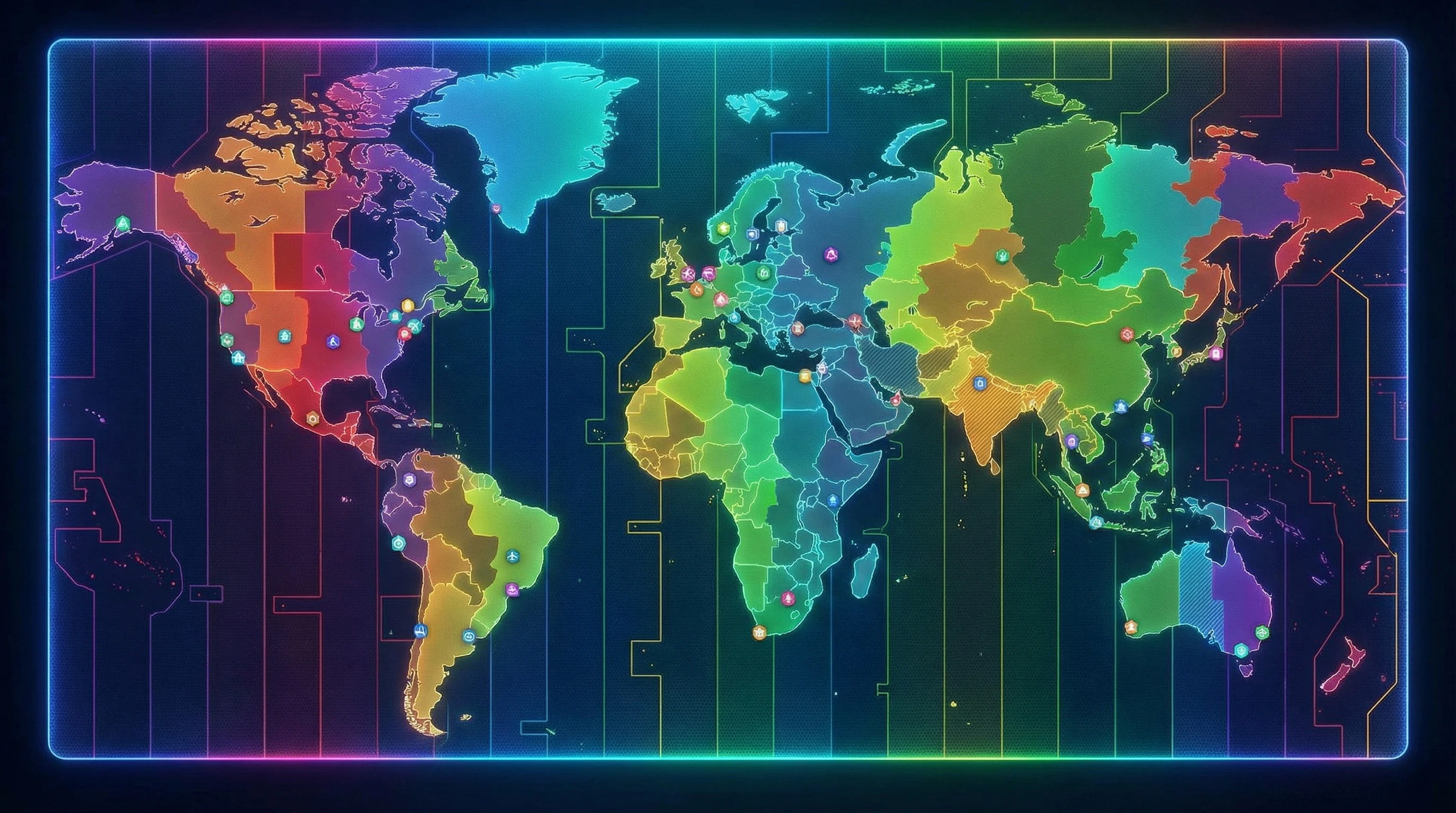
Understanding Time Zones in Remote Work
Time zones can scramble your sense of time when clients and teammates span the globe. Most of us rely on our local clocks, but the first time you step into full-time remote work, especially when you are on the move, city names and fancy abbreviations on your digital calendar start to matter a lot more.
Remote work exploded over the past few years. People contribute from beaches, campers, and bustling coworking nooks in other countries and even continents. This mix means meetings, check-ins, and deadlines now live in not just one time zone, but often two or more. Getting used to that is key if you want to avoid midnight video calls and confusing reschedules.
With dozens of time offsets, some by half hours, and various countries flipping clocks for daylight saving at different times (if they do it at all), the world’s schedule is anything but simple. If this is new territory, jump into the basics of UTC (Coordinated Universal Time), which serves as the standard.
You’ll see UTC pop up on travel itineraries, company info sheets, and international schedules, as it keeps everyone synced no matter where they log in from.
Building Your Time Zone Survival Kit
Before you switch locations or start juggling meetings on the road, building your toolkit makes life easier. Here’s what seasoned travelers rely on to stay organized:
- World Clock Apps: These apps show times in several cities right at your fingertips. It’s handy when coordinating with a faraway team or clients living halfway across the planet.
- Calendar Tools: Apps like Google Calendar let you set your current time zone, add others, and create events that translate for each person. This smooths the way for creating invites that don’t confuse, wherever people are based.
- Time Zone Converters: Tools like timeanddate.com and everytimezone.com make it quick to double-check your math before setting up a global meeting or due date.
- Custom Time Zone Clocks: Small travel clocks, either digital or analog, can keep different time zones visible on your desk or in your vehicle, offering a quick, off-screen reference.
Chatting with fellow workers about their preferences also helps a ton. Some like local time, others use UTC, and a few stick with their company HQ hours. Learn what keeps everyone grounded to avoid mix-ups.
Practical Tips for Keeping Meetings and Projects on Track
Maintaining your schedule requires a bit more than letting your devices auto-sync. It pays to create routines like these:
- Always Confirm the Time Zone: Never assume; double-check every invite before adding it to your calendar.
- Use 24-Hour Format: Ditch the AM/PM confusion for crisp clarity, especially if you work with teams overseas.
- Keep a ‘Home Base’ Time: If your team or company works from a set time zone (like London), reference it in planning docs. It gives everyone a consistent anchor, even if nobody’s in that city.
- Batch Communication: Send group messages and updates while most teammates are awake. Platforms that display local times help you avoid pinging someone at the wrong hour.
- Plan Asynchronous Work: Every meeting doesn’t need to be live. Leverage shared docs, recorded messages, and status updates so tasks move along even when people aren’t online at the same time.
Repeatable routines are your best friend for avoiding time-related slip-ups, making remote work less stressful for everyone involved.

Challenges When Switching Time Zones Frequently
If you’ve ever raced between cities in a single week, you know just how much time zones can throw you off. Signs of trouble include your phone, laptop, and even your own body clock getting out of sync. Here’s what you might run into:
- Meeting Mix-ups: Arriving late or early to calls because you forgot to adjust device clocks can spell trouble, especially with strict clients or tight-knit teams.
- Project Delays: Adapting to new rhythms sometimes slows workflow, causing hiccups soon after you move to a fresh location.
- Disrupted Sleep: Frequent switches mess with sleep patterns, making it harder to be your sharpest at work.
- Calendar Confusion: Apps and gadgets might miss an update unless you set the new time zone yourself. Remember to look over digital calendars for oddities after each arrival.
Building the habit of checking everything before logging on in a new city will spare you a lot of stress. Setting an alert or leaving reminders helps, especially during your first few days in a new spot.
Work-Life Balance and Time Differences
Being available for work around the clock can seriously invade downtime. If you’re not careful, you might find yourself answering emails in the middle of the night, or sacrificing a sunset walk for one last “quick” meeting. Keeping a solid morning and evening routine gives your day some structure, even when local time feels off.
It’s also smart to spell out your availability to your team or clients. Make it known if you’re only checking messages during certain windows based on your current location. This helps everyone set expectations, cutting down on avoidable apologies or stress later.
Handy Tools for Remote Workers on the Move
Your tech setup can make or break your time zone management. Here are reliable apps worth putting to work:
- Google Calendar: A universally popular choice, it updates event times automatically and supports multiple time zones.
- World Time Buddy: Lets you match up several cities, instantly spotting where schedules overlap for smooth meeting planning.
- Slack and Microsoft Teams: These platforms display your local time and support customizable away statuses. They can even remind you to avoid messaging someone at odd hours.
- Timezone.io: A visual dashboard shows where everyone on your team is located, so you don’t have to do mental math when reaching out.
- Sleep and Travel Apps (such as Timeshifter): These help you reprogram your sleep cycle after a jump across zones, ensuring you stay sharp and refreshed.
Using a blend of these lets you feel confident about timing and reduces worry when you’re in a new place, whether every month or every week.
Real-World Tips from Digital Nomads
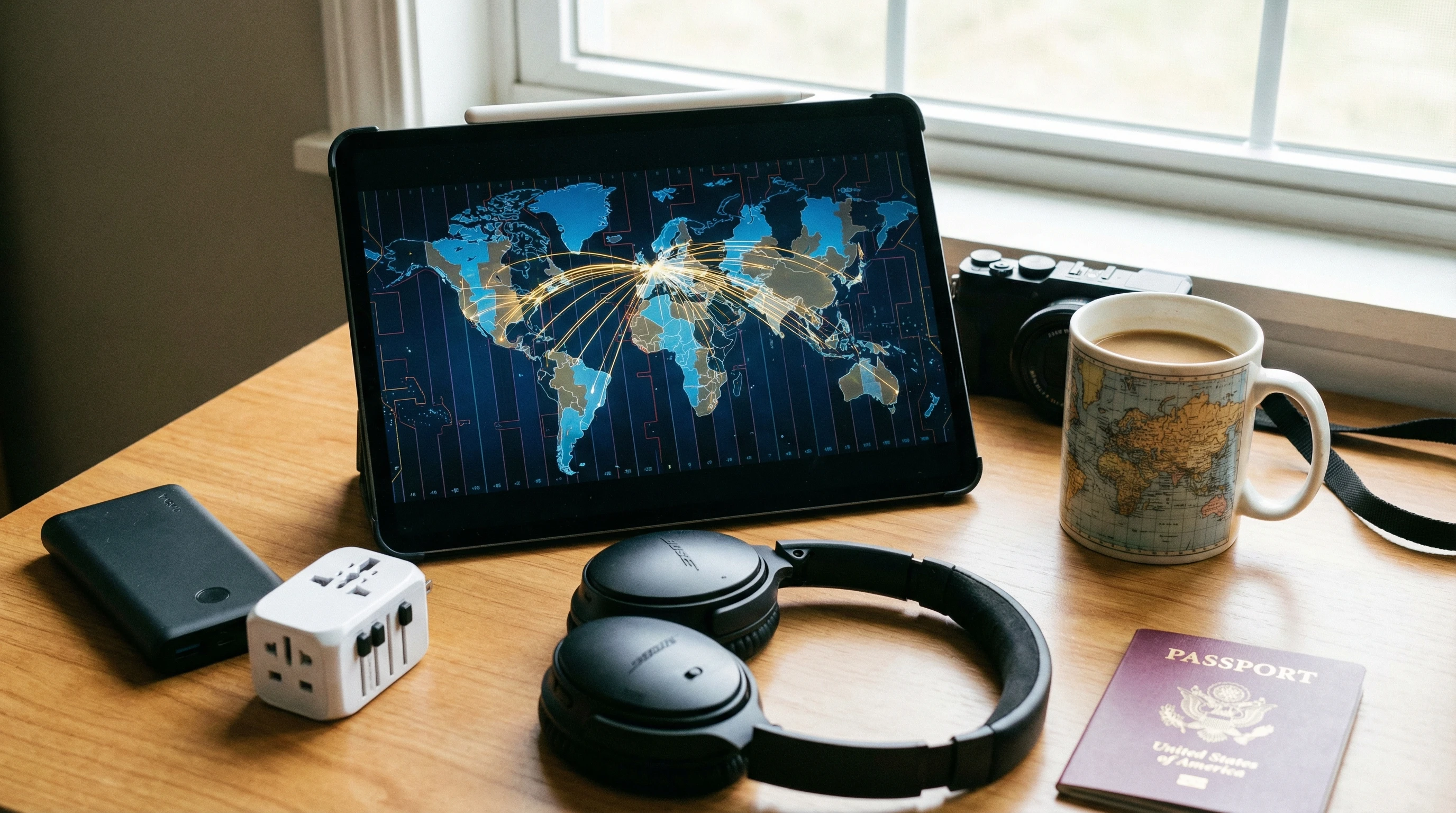
Some tricks are best passed down from folks living the digital nomad lifestyle. Here are gems from real-world travelers and their remote teams:
- Color-code your calendars by project or region. Being able to pick out exactly which time zone an appointment belongs to at a glance saves headaches.
- As soon as you get to a new spot, log into your meeting scheduler and reconfirm times for the coming week. Send a quick note to clear up potential overlaps.
- If you do lots of video calls, set up a reliable mobile workspace at every new stop. Extra style points if you can set up one clock on home time and one on local time for quick reference.
- Don’t trust automatic time zone switching for your gadgets in far-off or low-signal places; double-check by hand to avoid getting tripped up.
- Add in buffer time to your schedule immediately before and after a move. This helps you adapt to new zones and handle unexpected changes with less stress.
Drawing from other travelers and remote teams, plus a little trial and error, can turn time zone management into something you actually enjoy or at least no longer dread.
Frequently Asked Questions
Answers for common remote work time zone problems:
How can I stop missing meetings after changing time zones?
Set all your devices to the local time of your new location as soon as you arrive. Double-check your calendar app settings and schedule reminders in your latest time zone to stay in sync.
What’s the best way to list meeting times for a global team?
Use 24-hour format and clearly spell out the city or zone (i.e., “13:00 New York / 18:00 London”). This avoids confusion for all participants.
Are there any tools to see where my team is and what time it is for them?
Totally! World Time Buddy and Timezone.io give a visual overview of where your teammates are and what time it is at a glance.
Can time zone updates on devices be fully automated?
Most modern gadgets use GPS and Wi-Fi to auto-adjust, but it’s always smart to double-check your settings when entering a new area, just to be sure.
Extra Resources for Digital Nomads and Remote Workers
If you’re doing remote work from the road and want to step up your routine, check out Nomad List for a worldwide community and resource vault, as well as Remote OK for up-to-date job boards and tech solutions for nomads.
Every trip brings its own twists and surprises, but being prepared and flexible (with a bit of tech-savvy) keeps you productive wherever you set up your workspace.

What If Your RV Could Help Pay for the Journey? Could you make money while traveling wherever you like?
Many full-time RVers quietly earn money online: writing, recommending products, and building simple digital assets that generate income while they travel.
You don’t need tech skills.
You don’t need experience.
You need the right roadmap.
👉 Discover the beginner-friendly approach! Take a look at this post on this website.








Recent Comments